LightPDF ✓
Chat with documents instantly in 100+ languages.
From $2.77 / mo
Verdict
A quick read before you dig into the full page.
- Best if
- You are students and need: Converting PDF to Word, PPT, Excel, TXT, PNG, JPG, etc
- Skip if
- No offline capability
- Pick this when
- Supports over 100 languages
Considering DocGPT.io instead? Compare side by side
Overview
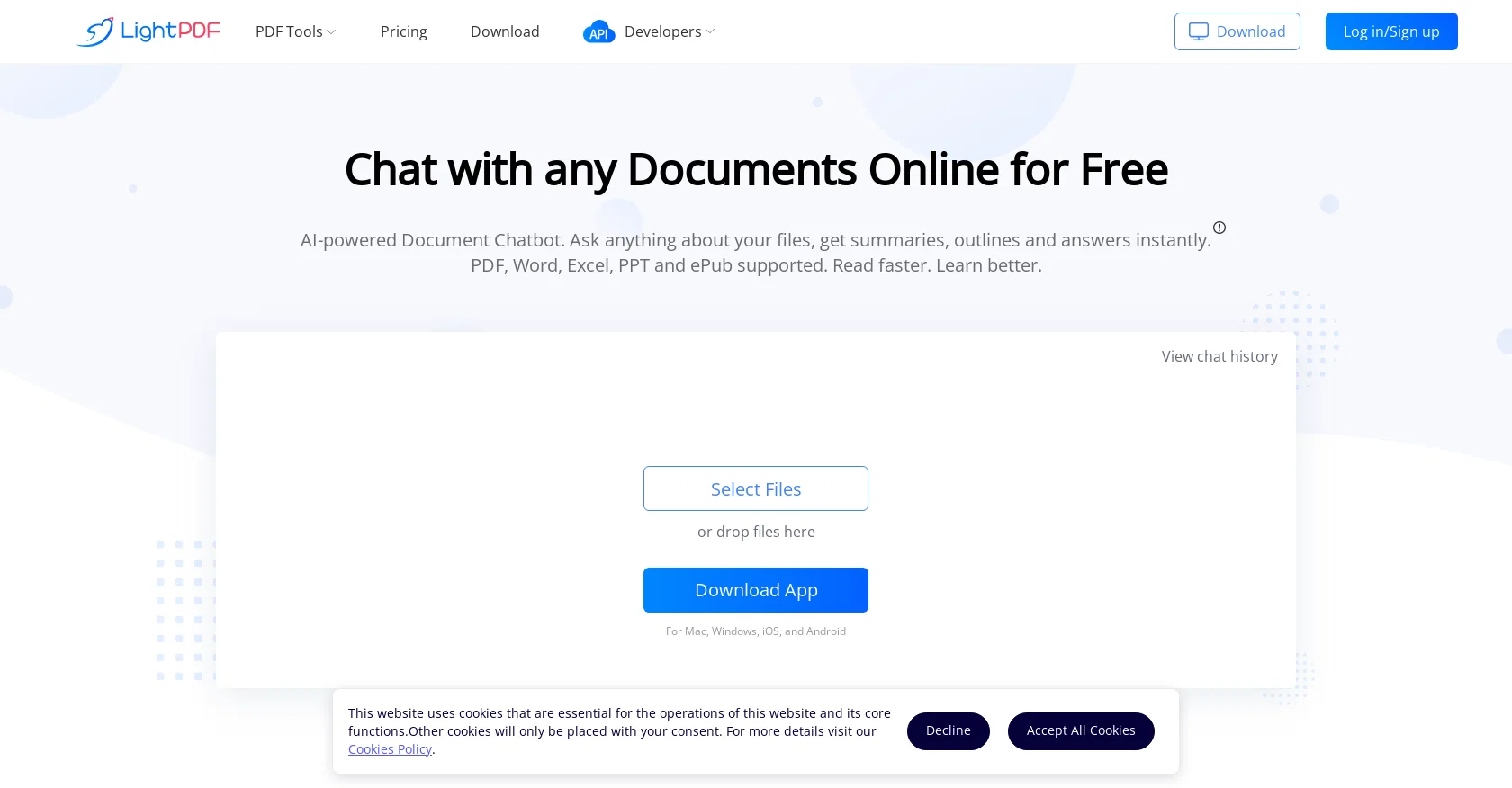
LightPDF AI for Docs is an online tool that utilizes artificial intelligence to summarize and extract insights from uploaded PDF, Word, Excel, and PPT documents.
With multi-platform availability and support for over 100 languages, users can ask specific questions to the application, which will analyze the content and provide clear and concise answers.
The tool is free and has no limits to the number of uploads or chat sessions. Aside from chat functionality, LightPDF AI for Docs also offers a variety of PDF tools, such as converting to and from PDF formats, editing, compressing, and adding watermarks.
The application features a user-friendly interface, generating summaries, tables, conclusions, and outlines while integrating references and navigations seamlessly.
The tool's AI chatbot can assist businesses in market trend analysis, financial reports, and business proposals, and can be a valuable aid for learning and creativity, helping users organize and brainstorm ideas.
LightPDF emphasizes document security and deletes files from their servers after processing, assuring users that submitted documents will not be used for model training or service improvements.Overall, LightPDF AI for Docs enables users to work smarter and more efficiently, helping them access information quickly while reducing repetitive tasks.
It is an accessible tool that can be used on any device with an internet connection.
Best for
Short scenarios where LightPDF tends to shine.
-
Converting PDF to Word, PPT, Excel, TXT, PNG, JPG, etc.
Best for Students
-
Editing PDF documents by adding text, images, and watermarks.
Best for Teachers
-
Summarizing, translating, and analyzing PDF content using AI.
Best for Professionals
-
Protecting PDF files with passwords and signatures.
Best for Researchers
-
Merging and splitting PDF files.
Best for Administrators
-
Removing watermarks from PDFs and images.
Best for Developers
Example outputs 1
Sample generations and before/after results for LightPDF.
Access & connections
Where you can use LightPDF, and what it plugs into.
Platforms
Integrations
Capabilities
What this tool accepts, produces, and is strongest at.
Input
- Tabular
- Text
Output
- Tabular
- Text
Pros & cons
Pros
- Supports over 100 languages
- Multi-platform availability
- No upload or chat limits
- Additional PDF tools
- User-friendly interface
- Generates analyses and summaries
- Integrated navigation and references
- Assists in learning and creativity
Show 18 more
- Documents deleted after processing
- Free to use
- Supports numerous formats
- Can generate tables
- Outputs in various formats
- Supports even scanned documents
- Conversions to and from PDF
- Offers PDF editing tools
- Offers PDF compression
- Offers watermarking function
- Secure document processing
- Integrated with OCR
- Chat history viewable
- Automated extraction of document insights
- Supports ePub documents
- Business and learning aid
- Ideas brainstorming support
- Supports scanned PDFs
Cons
- No offline capability
- Unclear method for question-based analysis
- No explicit model training data
- Files deleted after processing (cannot be reused)
- Need to reupload documents for different sessions
- No explicit real-time collaboration functionality
- No information on processing speed or tool performance
- No explicitly mentioned version control
Show 2 more
- No explicit integration with other platforms
- Cannot process documents larger than certain size
Compare alternatives
Similar tools in the catalog — with a clear reason to open each one.

DocGPT.io ✓
Free TrialOnline assistant for creating and analyzing documents.
Free + from $4.99/mo
Full comparison
docAnalyzer ✓
FreemiumTurn document overload into work worth putting your name on
Why look Freemium alternative
Full comparison
Ask Your PDF ✓
FreemiumChat with your PDFs and extract valuable insights
Why look Freemium alternative
Full comparison
DocsGPT ✓
FreemiumInstant answers from your documents.
Why look Freemium alternative
Full comparison
Humata ✓
FreemiumChat your way through long documents instantly.
Why look Freemium alternative
Full comparisonPeople also view
Tools that often show up alongside LightPDF in collections and comparisons.
docAnalyzer ✓
FreemiumTurn document overload into work worth putting your name on
Humata ✓
FreemiumChat your way through long documents instantly.
DocsGPT ✓
FreemiumInstant answers from your documents.
DocGPT.io ✓
Free TrialOnline assistant for creating and analyzing documents.

ChatPDF ✓
FreemiumChat with any PDF instantly
Ask Your PDF ✓
FreemiumChat with your PDFs and extract valuable insights

Recall ✓
FreemiumSummarize Anything, Forget Nothing!

OpenParser AI ✓
Free TrialAsk questions. Get answers from your documents instantly.
Releases 1
Imported reviews 1
Good to use even for free. Gives answers related directly to the info in the document, along with references to pages where it can be found. Also does well at analyzing graphs and charts
FAQ 12
What is the purpose of LightPDF AI for Docs?
How does LightPDF AI for Docs work?
What document formats does LightPDF AI for Docs support?
Does LightPDF AI for Docs provide chat functionality?
Does LightPDF AI for Docs have platform compatibility?
What languages does LightPDF AI for Docs support?
Are there any limitations to uploading and chatting on LightPDF AI for Docs?
How does LightPDF AI for Docs assure document security?
Can LightPDF AI for Docs assist in market trend analysis?
How can LightPDF AI for Docs aid learning and creativity?
How do you convert from PDF to other formats using LightPDF AI for Docs?
How do you convert to PDF from other formats using LightPDF AI for Docs?
Related tools
Recommended

Scisummary ✓
Free TrialCutting-edge scientific articles summarization.

LearningStudioAI ✓
Free TrialAI-powered authoring tool for effortless online course creation.

TutorAI ✓
FreemiumInstant knowledge on any topic

Scholarcy ✓
FreemiumConvert long articles into summary flashcards.

Eightify
UnknownAI-powered YouTube video summarizer extracting key ideas for quick content assessment.

Hyperis ✓
FreemiumOrganized task prioritization.