
RecCloud ✓
AI Audio & Video Processing Platform
Verdict
A quick read before you dig into the full page.
- Best if
- AI Audio & Video Processing Platform
- Skip if
- Free Tier Restrictions — Free plan offers limited credits (0), 2GB storage, and 1 concurrent task only. Full feature access requires a…
- Pick this when
- All-in-One Platform — Combines transcription, translation, subtitling, TTS, video generation, and editing in a single tool — no need to switch between…
Considering freebeat AI instead? Compare side by side
Overview





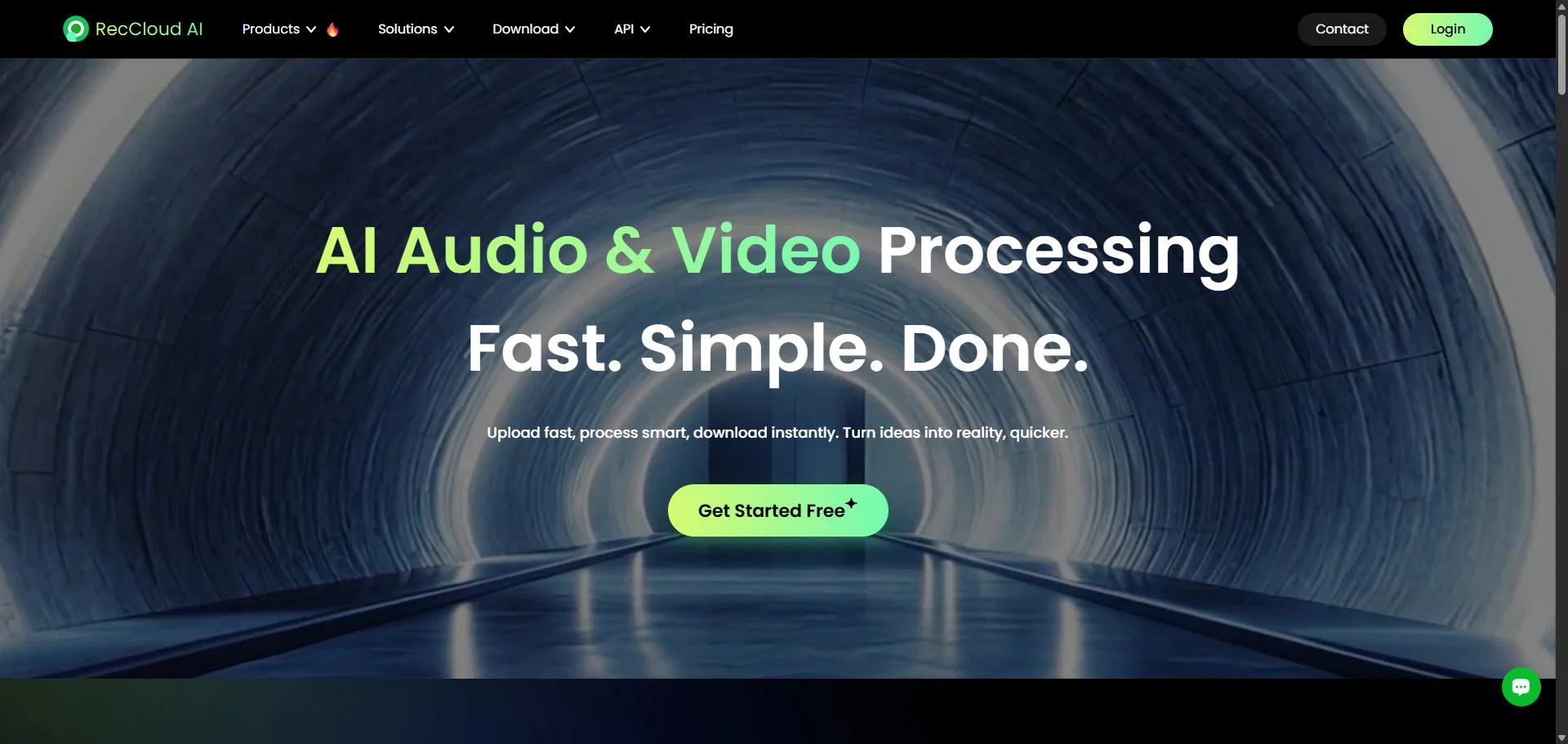
RecCloud is an all-in-one AI-powered multimedia service platform that makes audio and video processing effortless. From AI speech-to-text transcription and auto-subtitle generation to seamless video translation, TTS voiceover, and watermark removal, RecCloud equips creators, businesses, and educators with professional-grade tools — all accessible online without any download required.
With top-tier AI models, cross-platform support, and affordable credit-based pricing, RecCloud transforms the way the world works with multimedia content.
- Ai Video Translation & Dubbing — Translate Videos Into 100+ Languages With Ai-powered Dubbing And Subtitle Sync. Choose Single-voice Or Multi-voice Dubbing For Natural-sounding Results.
- Ai Subtitle Generator — Automatically Detect, Generate, And Translate Subtitles In Minutes. Upload A Video And Get Perfectly Timed Subtitles With Full Editing Control.
- Ai Watermark & Subtitle Remover — Instantly Remove Unwanted Watermarks, Logos, Or Hardcoded Subtitles From Any Video Using Advanced Ai Models (fast & Best Quality Modes).
- Ai Speech-to-text — Convert Spoken Content Into Accurate Text Transcripts With Summaries. Perfect For Meeting Notes, Lectures, Interviews, And Content Repurposing.
- Ai Text-to-speech (tts) — Generate Natural Human-like Voiceovers In 200+ Languages From Plain Text. Includes Single-voice And Multi-voice Modes.
- Ai Video Generation — Turn Text Prompts Into Video Clips Or Transform Static Images Into Dynamic Videos, With Output Up To 1080p Resolution.
- Ai Audio/video Summarizer — Get Instant Ai-powered Summaries Of Youtube / Instagram / Facebook Videos, Local Files, And Cloud Content For Faster Learning And Research.
- Cross-platform Access — Use Reccloud On Web, Ios, Android, And Windows With Full Data Sync. No Download Required For Browser-based Editing.
Access & connections
Where you can use RecCloud, and what it plugs into.
Integrations
Capabilities
What this tool accepts, produces, and is strongest at.
Input
- API
- Tabular
- Image
- Text
- Video
- Audio
Output
- Audio
- Video
- API
- Text
Highlights
- No Signup
Supported features
- No Signup
Pros & cons
Pros
- All-in-One Platform — Combines transcription, translation, subtitling, TTS, video generation, and editing in a single tool — no need to switch between multiple services.
- No Download Required — Fully browser-based with powerful features accessible online, plus native apps for iOS, Android, and Windows.
- Powered by Top-Tier AI Models — RecCloud leverages leading AI engines for industry-leading accuracy in transcription, translation, and voice synthesis.
- Batch Processing (Business Plan) — Process multiple files simultaneously for high-volume workflows in professional settings.
- 100+ Languages Supported — Reach global audiences with comprehensive multilingual support across all AI features.
- Cross-Platform Sync — Seamlessly switch between devices (Web, iOS, Android, Windows) with real-time data synchronization.
Cons
- Credit Expiration — Credits included in membership plans expire when the subscription ends; individually purchased credits expire after 1 year.
- File Download Costs Credits — Each file download deducts 6 credits per GB, adding extra cost for frequent exporters.
- Dubbing Costs Extra Credits — High-quality dubbing (multi-voice, voice cloning) consumes significant credits, which may add up for longer videos.
- Credit-Based Limits — Heavy users may need to purchase additional credits; unused credits expire at the end of the subscription period or after 1 year for individual purchases.
- Free Tier Restrictions — Free plan offers limited credits (0), 2GB storage, and 1 concurrent task only. Full feature access requires a paid plan.
Compare alternatives
Similar tools in the catalog — with a clear reason to open each one.

freebeat AI ✓
FreemiumTurn Music & Ideas into Viral Videos In One Click
Why look Typically cheaper
Full comparison
MagicLight ✓
FreemiumTransform text into captivating videos instantly.
Why look Typically cheaper
Full comparison

HeyGen ✓
FreemiumCreate AI spokesperson videos from text
Why look Typically cheaper
Full comparison

Seedance ✓
FreemiumMulti-shot video generation from text and image.
Why look Typically cheaper
Full comparisonReleases 1
FAQ 12
What is RecCloud?
What features does RecCloud offer?
Can I extract audio from videos with RecCloud?
How does the AI subtitle generation and translation work in RecCloud?
Can I edit videos online with RecCloud?
Does RecCloud have an API for developers?
What storage solutions does RecCloud offer?
Do I need to download anything to use RecCloud?
How does the voice to text conversion work in RecCloud?
Who can benefit from using RecCloud?
Is RecCloud suitable for the education sector?
Can RecCloud be used for game capture and commentary?
Related tools
Recommended

Flexclip ✓
FreemiumCreate stunning videos effortlessly online.

Loom AI ✓
FreemiumRecord smarter video messages with AI-powered efficiency.

Animatable ✓
PaidCreate animated characters and environments in minutes

Vidboard AI ✓
PaidCreate AI presenter-led videos instantly

WOXO ✓
FreemiumConvert text into stunning AI-generated videos.

Eggnog ✓
UnknownCreate AI videos with consistent characters.