

Image editing 2026 Rank: #435
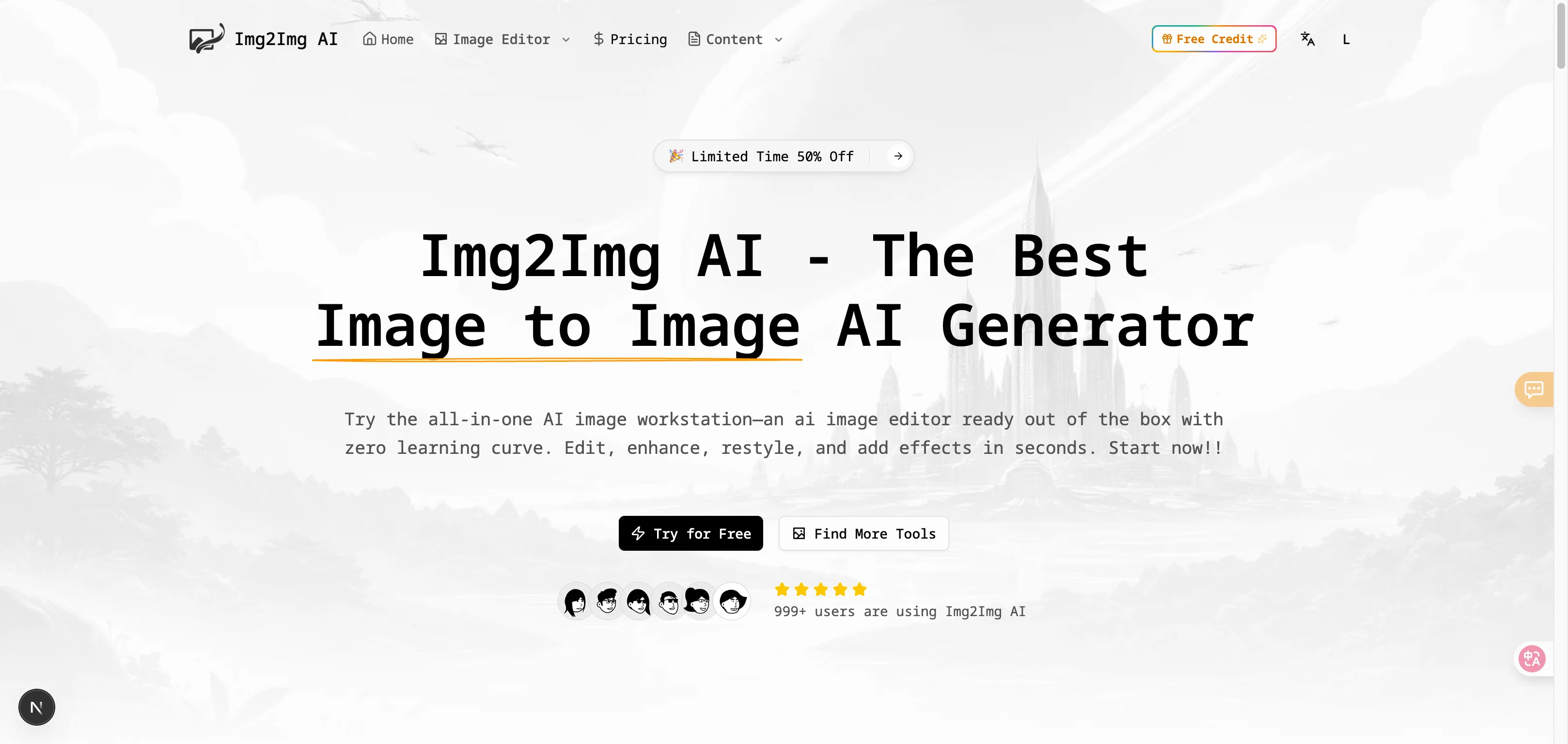
Img2Img AI ✓
Transform any image with AI in seconds.
Free + from $4.99/mo
Verdict
A quick read before you dig into the full page.
- Best if
- Transform any image with AI in seconds
- Skip if
- Possibly expensive credit system
- Pick this when
- Consistency preserving key elements
Considering Viyou AI Image Generator instead? Compare side by side
Overview
What makes Img2Img AI different
- Consistency you can trust: Your original structure, lighting, and key elements stay intact while styles and details change.
- Choice of premium models: One workspace for nano banana pro, Seedream 4/4.5, Flux, and more—pick the quality and credit level you need.
- Out-of-the-box tools: Watermark remover, background remover, photo restoration, image enhancer, smart outpainting, and more.
- 100+ viral AI effects: Social-ready filters and effects with prompt optimization for clean, shareable results.
- Prompt Library + tutorials: Curated prompt packs and quick guides for popular models to help you get great results fast.
- Watermark Remover
- Remove Filter
- Colorize Photo
- Photo Restoration
- Hd Photo Converter
- Change Bg Color
- Ai Face Swap
- Ghibli Style
- Product Retouch
- Portrait Retouch
- Prompt Library
- Ai Photo Effect
- Remove Object
- Add Shadow To Image
Best for
Short scenarios where Img2Img AI tends to shine.
-
Transform any image with AI in seconds.
Example outputs 1
Sample generations and before/after results for Img2Img AI.
Access & connections
Where you can use Img2Img AI.
Platforms
Capabilities
What this tool accepts, produces, and is strongest at.
Input
- Image
- Text
Output
- Video
- Text
- Image
Highlights
- SOTA
- API
Supported features
- API
Models
Text
Image
Audio
Video
Pros & cons
Pros
- Consistency preserving key elements
- Multiple premium models available
- Built-in watermark remover
- In-tool background remover
- Photo restoration feature
- Image enhancer integrated
- Smart outpainting capabilities
- In-built prompt library
Show 38 more
- Tutorials for quick learning
- Ideal for content creation
- Handles image transformations
- Useful for photo analysis
- Digital marketing applications
- Designing tool for creators
- Relevant for advertising needs
- Enables visual art creation
- Streamlines content strategy
- Advanced photo analysis
- Can replace backgrounds
- Refines image edges
- Allows lighting adjustment
- Generates multiple angles
- Adds trending filters
- Creates variants for comparison
- Changes real photos into illustrations
- Retains original pose and framing
- Fixes blurry or damaged photos
- Enhances image clarity
- Prepares assets for print
- Ideal for web graphics
- Useful in content marketing
- Tool for graphic designers
- Balance between preservation and transformation
- Supports text-to-image conversion
- Supports image-to-image modification
- 10+ Elite Models available
- 20+ Ready-to-use tools
- Image Extension capability
- Powerful Object Editing
- Background Processing functionalities
- Subject Editing precision
- Subject Style Transfer feature
- User-friendly and fast
- Prompt optimization
- Supports various image qualities
- Preserves lighting and perspective
Cons
- No mobile application
- Limited models choice
- Requires constant internet connection
- Dependent on quality of base image
- Possibly expensive credit system
- No batch processing
- No offline mode
- Limited tutorial resources
Show 1 more
- No multi-language support
Compare alternatives
Similar tools in the catalog — with a clear reason to open each one.

Viyou AI Image Generator ✓
FreemiumTransform text and images into stunning videos and visuals.
Free + from $39.99/yr
Full comparison
Photoeditor ✓
PaidEnhanced image editing with object and text removal.
from $9.99/mo
Full comparison
Cleanup pictures ✓
FreemiumRemove unwanted elements from photos instantly.
Why look Typically cheaper
Full comparisonPeople also view
Tools that often show up alongside Img2Img AI in collections and comparisons.
Viyou AI Image Generator ✓
FreemiumTransform text and images into stunning videos and visuals.
Photoeditor ✓
PaidEnhanced image editing with object and text removal.

ImgPilot ✓
Free TrialThe AI photo editor you chat with.

Creen AI ✓
Paid40+ AI models for video, image and art. Free, no sign-up.
Cleanup pictures ✓
FreemiumRemove unwanted elements from photos instantly.

MF0.ai ✓
PaidEvery top AI in one chat. Real memory. No subscription.

LineArt ✓
Free TrialTurn one photo into a whole coloring book.

Kyukoma ✓
Free TrialTurn your stories into manga pages with AI.
Releases 1
Imported reviews 3
great,I need it
Excellent prompts can be used to generate images by themselves, is very convenient!
The prompt library is extremely practical.
FAQ 12
What is Img2Img AI?
How does Img2Img AI preserve the original image while allowing for creative transformations?
What are the different models available on Img2Img AI?
Can I describe my ideal outcome using Img2Img AI's prompt feature?
How does the Img2Img AI help marketers, designers, and creators?
How can I remove watermarks on an image using Img2Img AI?
What type of photo restoration services are offered by Img2Img AI?
Can I use Img2Img AI for background processing and image outpainting?
What are AI photo effects and filters available on Img2Img AI?
Does Img2Img AI offer ready-to-use tools for photo editing?
How can I generate multiple variations of an image using Img2Img AI?
What does it mean when Img2Img AI offers 'subject editing for object-level precision'?
Related tools
Recommended
AI Photo Generator ✓
PaidGenerate AI photos from your uploaded pictures.

ImgGen ✓
Free TrialRemix any image's style and composition instantly.

B12 AI Website Builder ✓
FreemiumAI-powered website builder

Thea ✓
FreemiumAI study tools to master material, not just memorize it.

Mindsmith ✓
FreemiumPlatform for building and sharing eLearning content

TheLibrarian.io ✓
Free TrialYour WhatsApp AI assistant for instant productivity.