

Inspix AI | Image to Video ✓
Convert images to videos with AI
from $6
Verdict
A quick read before you dig into the full page.
- Best if
- Convert images to videos with AI
- Skip if
- Limited model selection
- Pick this when
- Supports PNG, JPG, WebP
Considering MojoMake - AI Image to Video Generator instead? Compare side by side
Overview
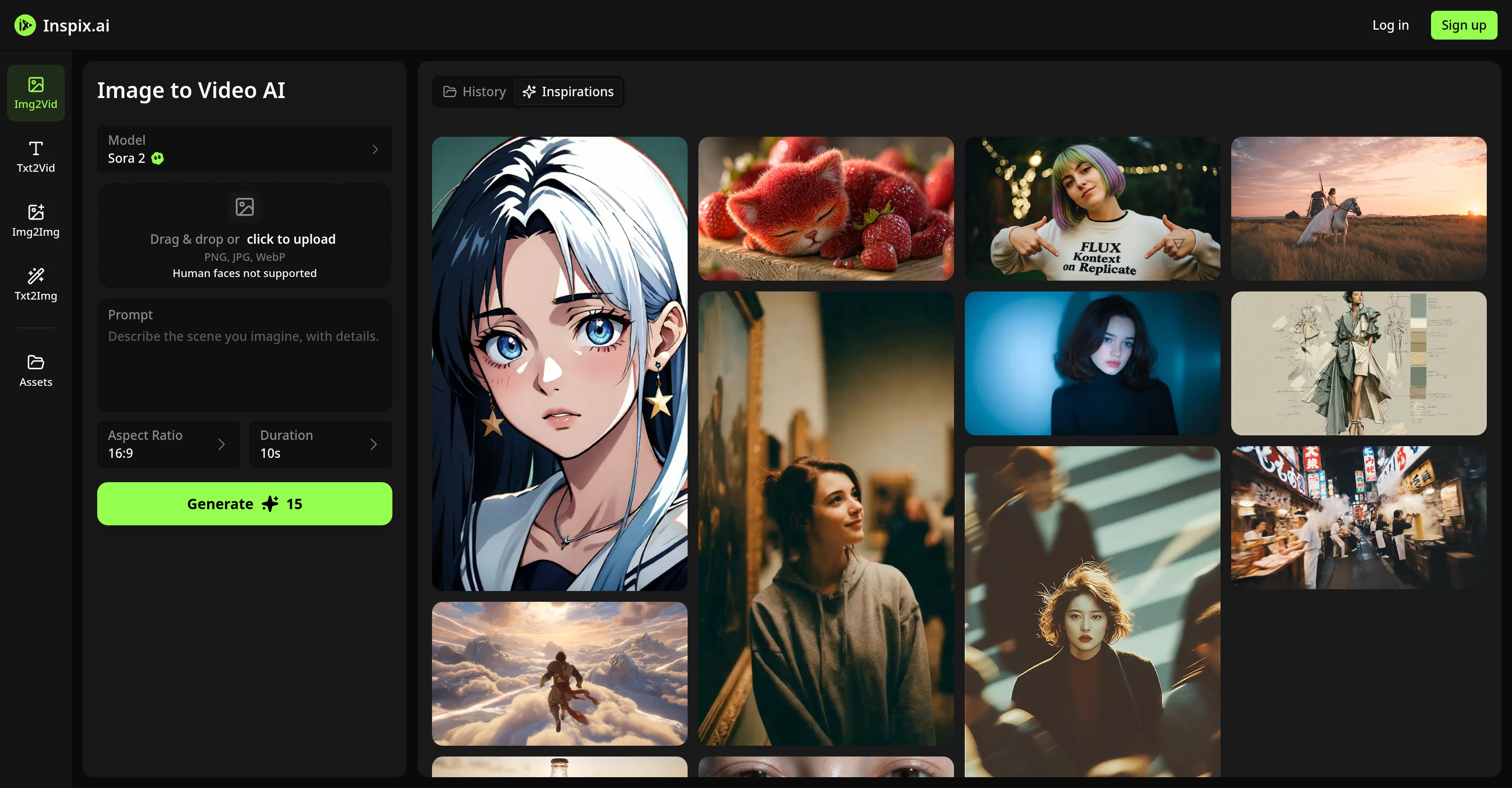
Image to Video AI by Inspix is a sophisticated AI-driven tool that assists in bringing static images to life by transforming them into dynamic and immersive videos.
The application is easy to use, it involves uploading of an image in formats such as PNG, JPG, or WebP along with the written instructions detailing how the image should move and animate.
The AI then generates a video in line with the instructed motion and animation. The tool boasts of various AI models like Sora 2, Veo 3.1, Kling, Hailuo, and others, offering unique animation styles and effects.
The AI also synthesizes natural, fluid motion derived from static images adhering to realistic physics and movement. Camera movements such as dolly, pan, zoom and orbit can be added for a more cinematic feel.
Also, it supports multiple aspect ratios for a broad platform compatibility and generates up to 1080P resolution videos, thus preserving the fine details and superior visual quality.
The tool is designed to cater for precise control over the start and end frames of the animation in some models. Inspix AI goes beyond novelty, offering a versatile and efficient tool for a new dimension in visual content creation.
Access & connections
Where you can use Inspix AI | Image to Video, and what it plugs into.
Platforms
Integrations
Capabilities
What this tool accepts, produces, and is strongest at.
Input
- Image
- Text
Output
- Video
Supported features
- Video Generation
- Image Edit
- Image Generation
- Styling
Pros & cons
Pros
- Supports PNG, JPG, WebP
- Unique animation styles
- Camera movements included
- Supports multiple aspect ratios
- Produces up to 1080P videos
- Fine details preservation
- Control over start/end frames
- Dynamic videos creation
Show 21 more
- Natural fluid motion synthesis
- Realistic physics consistent
- Caters wide platform compatibility
- Easy to use interface
- Adds cinematic feel
- Superior visual quality
- Drag & drop feature
- Human faces detection
- Images to anime conversion
- Versatile tool
- Efficient for content creation
- Models transform images to reality
- Different effects for animation
- Smooth motion generation
- High definition supported
- Precise animation control
- Supports various image sizes
- Allows describing motion
- Simple generation process
- Results are downloadable
- Prompt-based animation control
Cons
- No audio integration
- Limited resolution
- Depends largely on explicit instructions
- No human faces support
- Potential long generation times
- No real-time preview
- Limited model selection
- Not all models support frame control
Show 2 more
- Hasn't mentioned compatibility with third-party integrations
- No multi-image conversion mentioned
Compare alternatives
Similar tools in the catalog — with a clear reason to open each one.

MojoMake - AI Image to Video Generator ✓
FreemiumUse every top AI model and 100+ effects in one account.
Why look Freemium alternative
Full comparison
VidFlux - Photo to Video Generator ✓
PaidTransform photos into cinematic videos with AI.
from $6.75/mo
Full comparison
Grok Imagine ✓
FreemiumUnleash Your Creativity with Grok Imagine
Why look Freemium alternative
Full comparison
VidFlux - Image to Video AI ✓
PaidTransform any image into stunning videos.
from $9/mo
Full comparison
MindVideo ✓
FreemiumCreate stunning videos from text or images.
Why look Freemium alternative
Full comparison
Releases 1
FAQ 12
What image formats are supported by Inspix AI?
How does Inspix AI animate images?
Can I add camera movements to the video generated by Inspix AI?
What AI models does Inspix AI use and what are their unique features?
How do I use Inspix AI to convert images to videos?
What aspect ratios does Inspix AI support?
What is the maximum video resolution that Inspix AI can generate?
Can Inspix AI animate images adhering to realistic physics and movements?
Can I control the start and end frames of the animation with Inspix AI?
How does the Sora 2 model in Inspix AI work?
How does the Veo 3.1 model in Inspix AI work?
What makes Inspix AI different from other image to video AI tools?
Related tools
Recommended

VentureVault ✓
FreeDiscover validated startup ideas with AI-powered market analysis.

PromptFix ✓
FreemiumAI Prompt Optimizer & Analyzer

Van Gogh AI Video Generator ✓
FreemiumGenerate stunning videos from text or images effortlessly.

CodePup AI ✓
Free TrialBuild it. Test it. Launch it. In one shot.

Image Animator AI ✓
Free TrialAnimate still images into dynamic videos with AI.

VideoAny Image to Video ✓
PaidTurn images into AI video with cinematic motion.