

INLINER ✓
Generate images by describing them in a URL.
Free + from $9.99/mo
Verdict
A quick read before you dig into the full page.
- Best if
- Generate images by describing them in a URL
- Skip if
- Limited free trial capabilities
- Pick this when
- Simplifies image generation
Considering Photo AI instead? Compare side by side
Overview




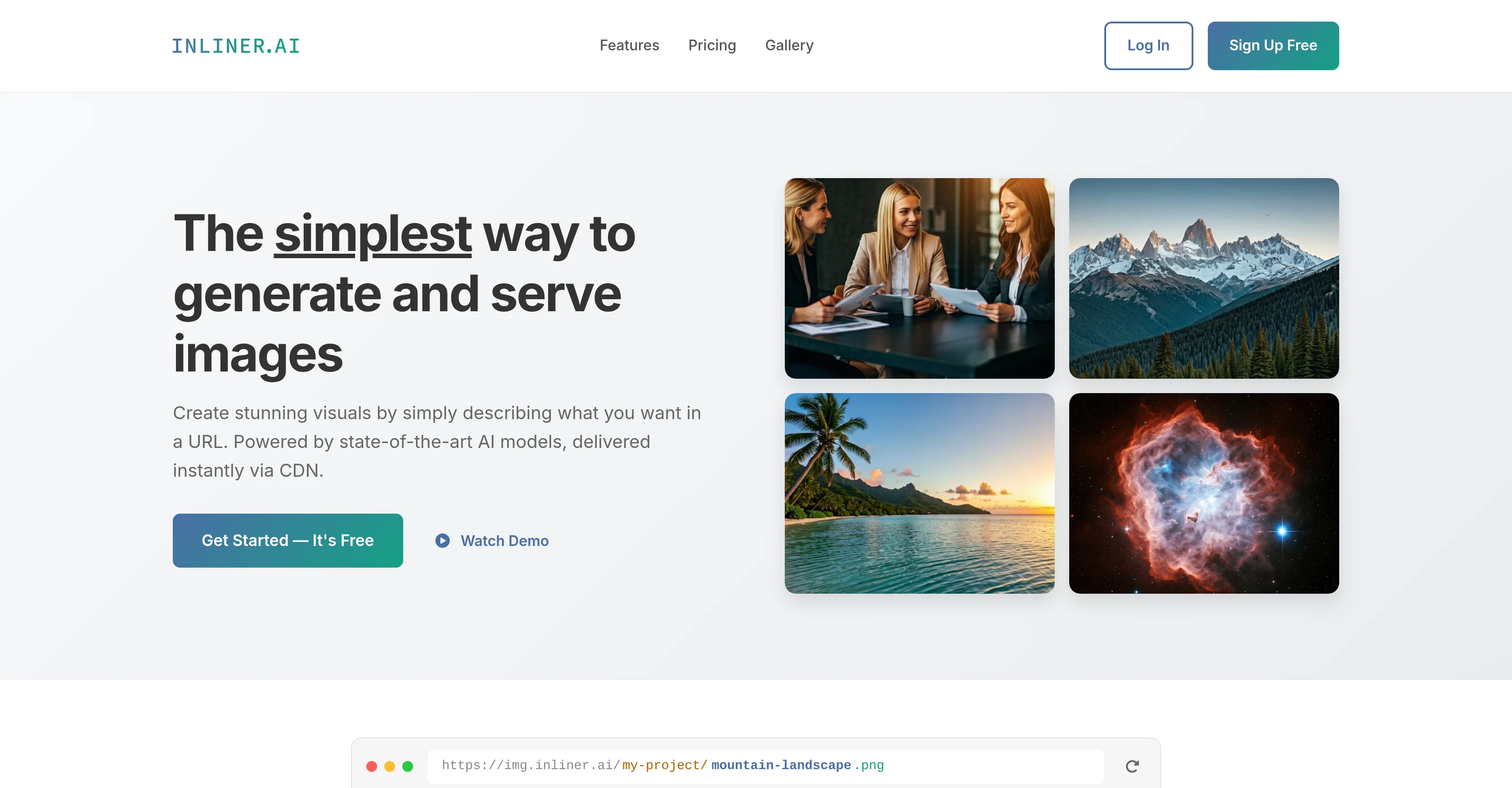
INLINER is an innovative tool designed to simplify the process of generating and serving images. Using advanced AI models, it allows users to create compelling visuals by simply crafting a description for the desired image in a URL.
Generated images are delivered promptly via a Content Delivery Network (CDN) to ensure quick access and seamless integration in various platforms. INLINER utilizes a unique URL-based generation approach where users add their image description to a project URL and the corresponding image is generated instantaneously.
The tool caters to creativity by supporting batch generation, thus allowing transformation of multiple image variations at once and ensuring an intuitive image editing experience.
This feature is particularly beneficial for developers seeking to include dynamic images directly into their websites and applications. Provided with a persistent storage functionality, all images generated are automatically cached and always accessible via the original URL.
Users can also modify their existing images directly through the URL. INLINER extends its function beyond generation even to image editing, allowing alteration of previously created images directly through their URLs.
Integration with the tool can be as straightforward as logging in and using the URL in an HTML tag, making it a suitable tool for a wide array of user backgrounds and purposes.
Notably, INLINER is being utilized across various fields, including web design, social media campaigns, ad developments, CMS integration, and enhancing presentations.
Best for
Short scenarios where INLINER tends to shine.
-
Generate images by describing them in a URL.
Example outputs 1
Sample generations and before/after results for INLINER.
Access & connections
Where you can use INLINER.
Platforms
Capabilities
What this tool accepts, produces, and is strongest at.
Input
- Image
- Text
Output
- Image
Highlights
- SOTA
- Use code TAAFT
- 20% OFF
Pros & cons
Pros
- Simplifies image generation
- URL based generation
- Instant image delivery
- Uses Content Delivery Network
- Supports batch generation
- Allows image editing
- Persistent storage feature
- Dynamic image integration
Show 37 more
- Supports various fields
- Allows direct modifications
- Straightforward logging and integration
- Customizable according to descriptions
- Multiple image variations
- Images accessible via URL
- Unique URL-based approach
- Supports large scale creations
- Inline image modifications
- HTML tag usage for integration
- Supports CMS integration
- Images always cached
- Supports ad development
- Integrated in presentations
- Customizable image parameters
- Customizable image styles
- Supports image hosting
- Mentioned use cases
- Transparent pricing tiers
- Free trial available
- Advanced styles in higher tiers
- Option for professional use
- Enterprise pricing available
- Hosting for unlimited images
- Community support
- Standard support
- Priority support
- Dedicated support
- Delivers images globally
- Serves cached images
- Free from watermarks
- Custom project support
- URLs are permanent
- Rights for commercial usage
- Images served faster after caching
- Batch generation in dashboard
- Interactive demo available
Cons
- Needs constant internet connection
- Limited to URL-based edits
- Difficult to visualize edits
- No offline functionality
- Dependent on CDN speeds
- Limited editing capabilities
- No guarantee of uniqueness
- Batch edits can be time-consuming
Show 2 more
- Limited free trial capabilities
- Capping on hosted images
Compare alternatives
Similar tools in the catalog — with a clear reason to open each one.

Stockimg AI ✓
PaidGenerated images and text for design ease.
Why look Stronger for image work
Full comparison

Midjourney ✓
PaidExpand human imagination through AI-powered visuals.
Why look Typically cheaper
Full comparison
People also view
Tools that often show up alongside INLINER in collections and comparisons.

RenderCut ✓
Free TrialAdd stylish subtitles to short videos instantly.

Creative APIs by Picsart ✓
FreemiumTransforming creativity and automation with AI-powered image, video, and content editing tools

myAIninja ✓
Free TrialAI-powered content creation for social media, 10x faster

Digibate ✓
Free TrialSmart marketing, done for you in minutes

Auro: AI Social Post Assistant ✓
FreemiumAuro: Your AI Social Post Assistant.
Stockimg AI ✓
PaidGenerated images and text for design ease.

Photo AI ✓
PaidCreate beautiful AI photos and videos of real people
Midjourney ✓
PaidExpand human imagination through AI-powered visuals.
Releases 1
In the news
Launch coverage and community mentions for INLINER.
Imported reviews 6
Amazing tool, very easy to use, great url based image generation!
Inliner made it so easy to generate and use images!
Natan approached me when he was first starting Inliner, and at the time I was working as a web developer and social content creator. Most of my clients need stock images that are very specific, but don't have the budget or time for a full photoshoot. Sifting through crummy free stock photo sites, or finding ones that fit but clients couldn't afford have really put a damper on my mood and lifestyle for years, so I was stoked to try out an AI generator that could help out when we needed content for new emails or websites.
I already generated a series of product photos that we had previously created by compositing stock photos together- I gave a prompt of the concept, product image, and ingredients to INLINER the quality has immediately blownnnn the old ones out of the water. Much more dynamic, and in just a few seconds rather than hours and days back and forth with my design team slowly losing their joy in life- my hope is that now they can spend more time creating own concepts rather than busywork like before. For example, grinding away at generating product photos for the 25 types of supplements we were representing, all in the same style, each with 3 types of sizes needed for the web shop, email, and social.
Whether creating a batch of images for your social media plans in the month, or one that needs to be up on your site IMMEDIATELY for a last-minute request from the client- in my case, one about to announce it to an 200 audience at a conference in a matter of hours, Inliner AI is a great option for fast creation, editing, hosting, and posting.
Glad I get to help you with this project Natan- my life and creative processes are so much better for it.
Brilliant service and saves so much time. Editing images through the URL is a huge pro. Highly recommend!
Amazing image generation service!
No more wasting time searching for the right photo — just describe what you need and get a ready-to-use image in seconds. I love how you can edit images directly through the URL — it's fast, simple, and hassle-free. A perfect solution for designers, developers, and anyone working with visuals.
This is amazing I def recommended!!!
FAQ 12
What is INLINER.AI?
How does INLINER.AI generate images?
How do I use INLINER.AI?
What is the URL-based generation approach in INLINER.AI?
How can I alter the images I create on INLINER.AI?
What is the persistent storage functionality on INLINER.AI?
Is INLINER.AI suitable for developing dynamic images for applications?
How can I modify an existing image on INLINER.AI?
In what fields is INLINER.AI being utilized?
What is the batch generation feature on INLINER.AI?
Does INLINER.AI support image editing?
How quickly does INLINER.AI deliver images?
Related tools
Recommended

Napkin ✓
FreemiumBring your ideas to life with a visual copilot

OnSpace.AI - No Code App Builder ✓
FreemiumBuild Apps with AI, No Code

Mindsmith ✓
FreemiumPlatform for building and sharing eLearning content

TurboScribe ✓
Freemium🎯 3 free transcripts every day. 🔥 Unlimited transcription starting at $10/mo.

TheLibrarian.io ✓
Free TrialYour WhatsApp AI assistant for instant productivity.

Suno ✓
FreemiumMake music at the speed of your ideas.