

Charts vv1.2
Napkin ✓
Bring your ideas to life with a visual copilot
Free + from $9/mo
Verdict
A quick read before you dig into the full page.
- Best if
- You are project Managers and need: Creating impactful presentations
- Skip if
- Limited to 60 seconds videos
- Pick this when
- Document editor with visuals
Considering Graphy app instead? Compare side by side
Overview
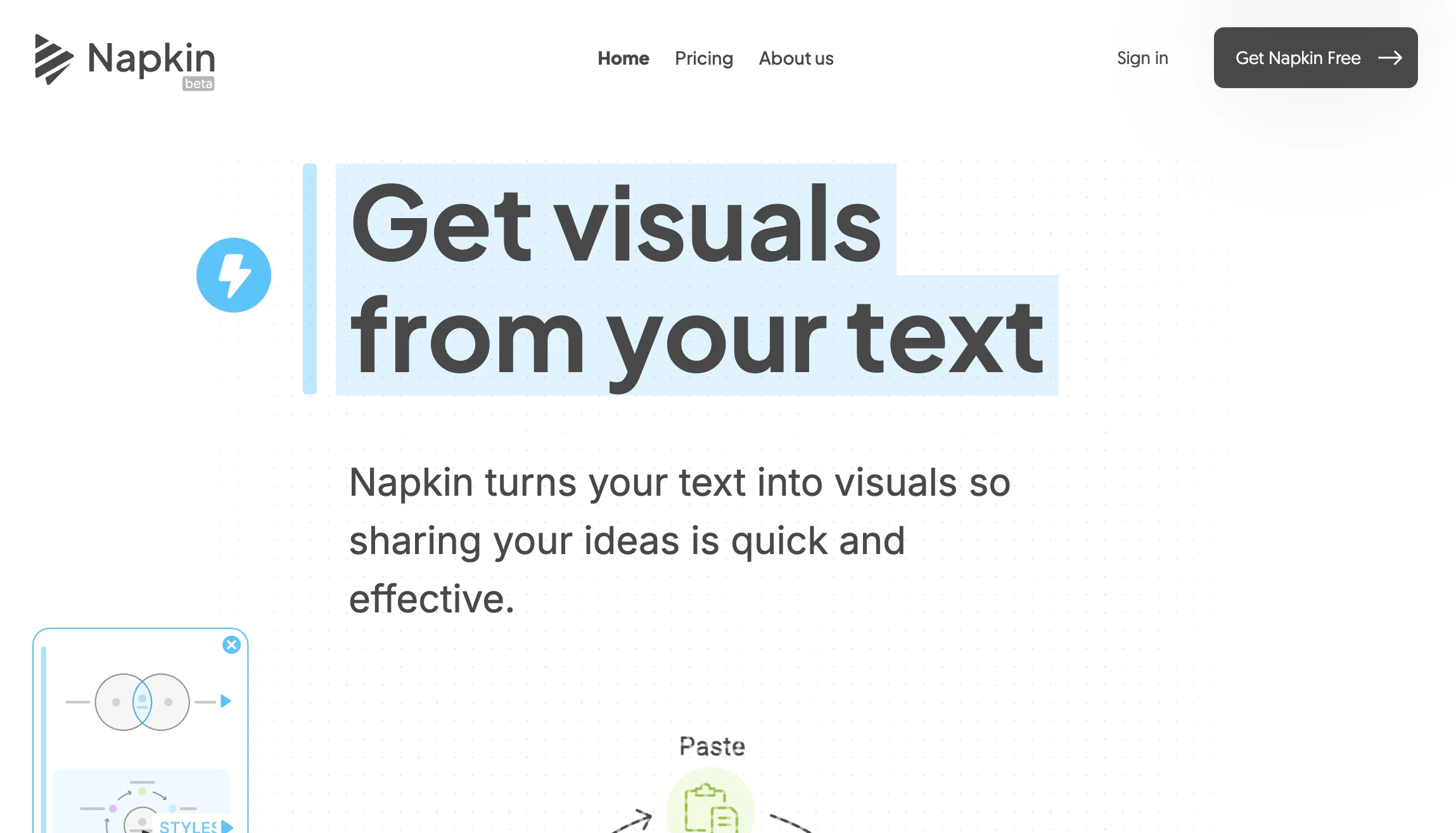
Napkin AI is a doc editor that helps users create engaging documents with visual aids and storytelling elements. Its AI features enable users to add icons, drawings, charts, and diagrams to their content easily, without the need for design skills.
It also provides visual suggestions based on context and facilitates collaboration by allowing easy sharing of created documents. The tool offers a unique feature where users can record short videos inline with their content, enabling easy storytelling and presentation of ideas.
The videos are automatically animated, making them more engaging without the need for further editing. The editing process itself is also simplified, allowing users to remove unnecessary filler words and noises with ease.Napkin AI is marketed as a visual copilot, indicating that it works as a supportive tool for users to bring their ideas to life.
Its user-friendly interface and intuitive features make it accessible to users of all levels of expertise. Overall, Napkin AI is a recommended tool for anyone looking to improve the engagement and visual appeal of their documents, presentation, or storytelling.
Best for
Short scenarios where Napkin tends to shine.
-
Creating impactful presentations
Best for Project Managers
-
Enhancing blog posts with visuals
Best for Professors
-
Engaging social media audiences
Best for Growth Marketing Leaders
-
Writing easy-to-read documentation
Best for School Administrators
Example outputs 1
Sample generations and before/after results for Napkin.
Access & connections
Where you can use Napkin, and what it plugs into.
Platforms
Integrations
Capabilities
What this tool accepts, produces, and is strongest at.
Input
- Text
- Video
Output
- Video
- Text
Supported features
- Visual Creation
- Slides
Pros & cons
Pros
- Document editor with visuals
- Context-based icon suggestions
- Automatic chart creation
- Easy collaboration and sharing
- Inline video recording
- Automated video animation
- Airbrushes unnecessary filler words
- Intuitive user interface
Show 7 more
- No design skills required
- DIY document design
- Expressive drawing tools
- Enhances storytelling in documents
- Editing video as text
- Image to text conversion
- Easy document distribution
Cons
- Limited to 60 seconds videos
- Automated video animations
- Potentially excessive context-based suggestions
- No specific design skills customization
- Unclear video editing capabilities
- Unknown compatibility with other software
- Lacks advanced text editing features
- No mentioned offline functionality
Show 1 more
- Unclear data privacy
Compare alternatives
Similar tools in the catalog — with a clear reason to open each one.

Graphy app ✓
FreemiumMake stunning, interactive charts effortlessly.
Free + from $12/mo
Full comparison
Highcharts ✓
FreemiumCreate charts instantly with natural language.
Free + from $168/yr
Full comparison
ChartGen ✓
FreemiumTransform data into professional charts in seconds.
Why look Higher community rating
Full comparison
People also view
Tools that often show up alongside Napkin in collections and comparisons.

Ideogram ✓
FreemiumAI-powered creativity booster

Gemini ✓
FreemiumGemini: Google's most capable AI model yet

Recall ✓
FreemiumSummarize Anything, Forget Nothing!

Skywork ✓
Free Trial10 tasks in 1 hour, not 10 hours

Scispace ✓
FreemiumPlatform for exploring and publishing research papers.

Powerdrill ✓
FreemiumBridge your data and AI for smarter answers.

Playground AI ✓
FreemiumCreate art and visuals with AI, for free

Notion AI ✓
FreemiumYour all-in-one workspace for notes, docs, and tasks.
Prompts 1
CRM Plan in a Page · Angela Mamay
This prompt is a compact scaffold that Napkin reads to generate a one page flowchart. Each line contains a placeholder in angle brackets and a short example in parentheses. The user only replaces the text inside the angle brackets, the example text remains as a hint. The sections are minimal, Title, Audience, Goal, Company, Region, Team, Motion, Budget, Deadline, Must haves, Nice to haves, Shortlist, Steps with one action per step, Success metrics, Timeline, Risks and fixes, Visual. Napkin uses the Steps to create four left to right blocks, and places the other sections as short supporting notes. The Visual lines set diagram type, layout, and style so the output is consistent. The prompt is single action, it needs no follow up, paste it once, edit the placeholders, and Napkin will render the diagram.
Title: (CRM plan, from needs to rollout) Audience: (Sales leaders and RevOps) Goal: (One page plan for the CRM decision) Company: (Acme Robotics) Region: (United States, Canada) Team: (12 sellers, 2 managers) Motion: (Inbound SDR to AE, renewals by AMs) Budget: (30 to 60 USD per…
Loading full prompt…
Releases 2
Multi-Language Support: Napkin now supports writing, visual generation, and editing in over 40 languages, including German, French, Spanish, Portuguese, Japanese, Chinese, Thai, and Arabic.
Custom Styles: Users can create visuals that match their brand or personal style by setting up custom styles with specific colors and fonts.
Enhanced Export Options: Visuals can be exported in PNG, SVG, or PDF formats, facilitating integration into various platforms.
Real-Time Collaboration: Multiple users can edit a Napkin in real-time, fostering dynamic teamwork.
User-Friendly Interface: Napkin offers an intuitive design, making it accessible for users without advanced design skills.
In the news
Launch coverage and community mentions for Napkin.
Imported reviews 12
The tool is amazing. Helps me to create presentation for my office work and the best part is team is continuously working on making the product better.
This helped me organize all my wedding planning diagrams! Seating charts, vendor timelines, everything visual and clear. Way easier than drawing it myself, super organized tool
Game changer for diagram creation. Converts messy notes into clean flowcharts and system blueprints without fighting the tool. Everything exports cleanly and the automatic layout actually makes sense, which is rare. Would love more control over styling details, but honestly? For speed and clarity it does exactly what I need. Easy 5!
Pretty decent for adding visual aids to slides without design skills. Turns text into diagrams and infographics automatically. The outputs aren't always polished enough for client presentations, but they work well for internal meetings when you need something quick.
Useful and easy
Super easy to use...
Saved alot of time....
Very helpful ....
Nice and easy tool for creating content, presentations
yee it captures ideas fast and the basics work, but the space feels plain and kinda uninspiring. structure is bare-bones, not much to look at, so you end up jotting stuff and bouncing. could be useful, just wish it had richer views and some spark
Super easy to use. made my docs way more engaging without any design work.
really impressed by the advice this tool gave me, it was pretty good to shape way better reports for my team at work. super smart!
FAQ 12
What is Napkin AI?
What are the key features of Napkin AI?
How does Napkin AI support document creation?
Who can use Napkin AI?
What is the unique selling point of Napkin AI?
How can Napkin AI improve the visual appeal of a document?
How does the video feature in Napkin AI work?
How can I add visuals to my document using Napkin AI?
How does Napkin AI facilitate collaboration?
How does Napkin AI's AI capabilities improve user experience?
What design skills do I need to use Napkin AI?
How does Napkin AI's 'Spark' feature work?
Related tools
Recommended

NotebookLM ✓
FreemiumAI-powered note-taking and research assistant

Perplexity ✓
FreemiumAI-powered answers to any question, instantly.

Thea ✓
FreemiumAI study tools to master material, not just memorize it.

Suno ✓
FreemiumMake music at the speed of your ideas.

Gamma ✓
FreemiumAI-powered content creation, minus the hassle.
Ideogram ✓
FreemiumAI-powered creativity booster