

Image editing 2026 Rank: #217
ImgEditor AI ✓
Free AI image editor for everyone.
Verdict
A quick read before you dig into the full page.
- Best if
- Free AI image editor for everyone
- Skip if
- Limited creative photo effects
- Pick this when
- Removes backgrounds precisely
Considering Viyou AI Image Generator instead? Compare side by side
Overview
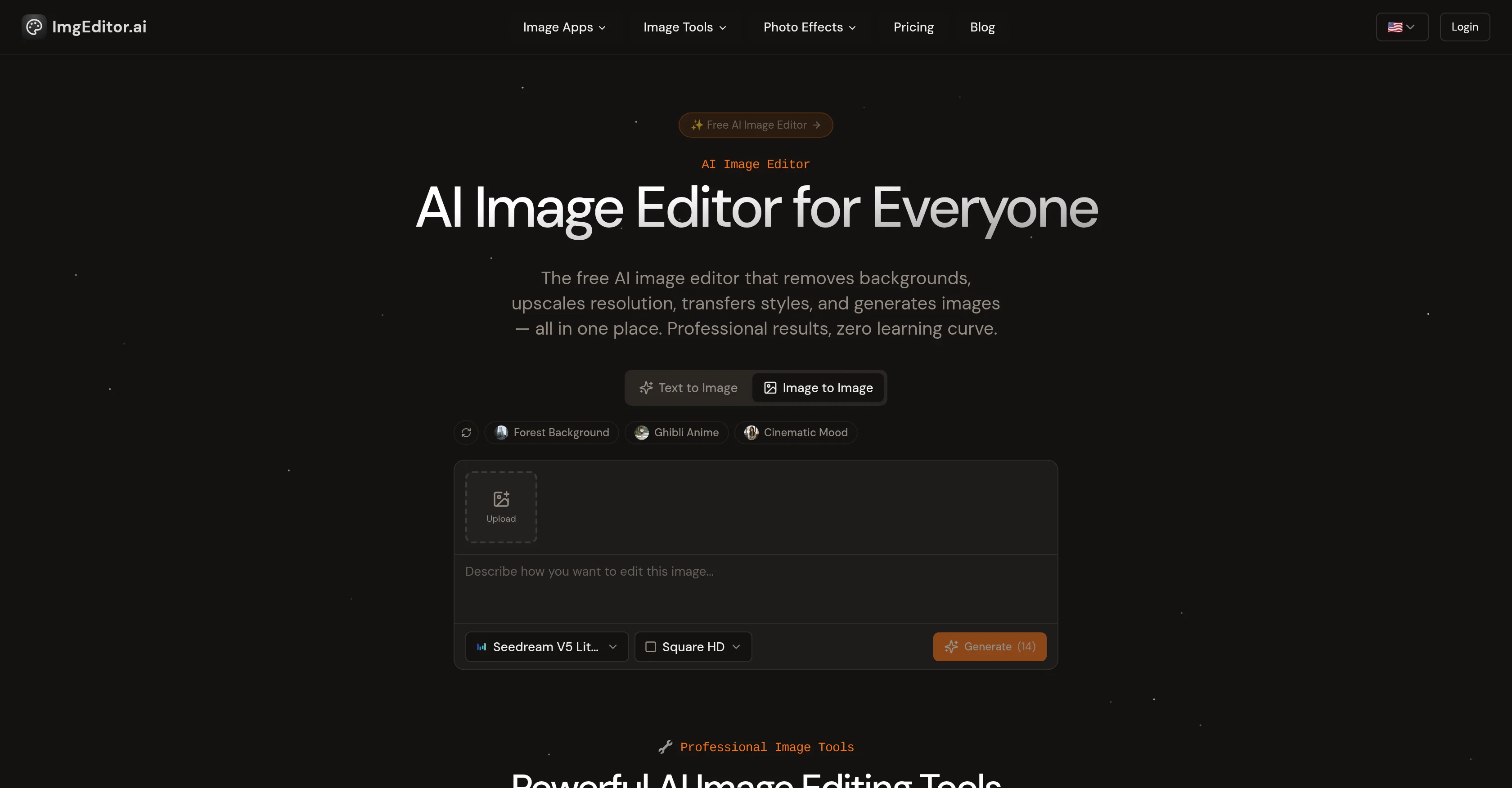
AI Image Editor is an online tool designed for editing and enhancing images using AI technologies. The platform offers a comprehensive suite of tools designed to remove backgrounds, upscale resolution, transfer styles, and even create images.
With a focus on user-friendly functionality, it eliminates the need for extensive user design experience. Key features include background remover, image upscaler, image enhancer, and AI image resizer, all enhancing image quality and detail automatically, without necessitating manual editing skills.
Additionally, it offers creative photo effects, transforming photos using AI filters and enhancing facial details with face effects. Unique to the tool, users can apply a 'Ghibli AI generator' for animated effects or a 'Pixar AI generator' for 3D animations.
AI Image Editor operates on a privacy-first policy, processing images securely and not storing them without the user's permission. This tool aims to deliver professional quality edits with pixel-perfect precision in a short span of time.
The platform is ideal for designers, photographers, content creators, and anyone else who needs professional editing results quickly and efficiently.
Best for
Short scenarios where ImgEditor AI tends to shine.
-
Free AI image editor for everyone.
Example outputs 1
Sample generations and before/after results for ImgEditor AI.
Access & connections
Where you can use ImgEditor AI.
Platforms
Capabilities
What this tool accepts, produces, and is strongest at.
Input
- Image
Output
- Image
Highlights
- SOTA
Supported features
- Image Edit
- Image Generation
- Styling
- Realism
- Visual Creation
Models
Text
Image
Audio
Video
Pros & cons
Pros
- Removes backgrounds precisely
- Enhances image resolution
- Improves image quality automatically
- Resizes and reframes images
- Replaces or modifies backgrounds
- Creates Ghibli animation styles
- Creates Pixar animation styles
- Enhances facial features
Show 35 more
- Removes blur from images
- Generates professional headshots
- Changes hair colors and styles
- Creates baby versions of faces
- Privacy-first image processing
- Non-storage policy for user images
- Delivers rapid, professional results
- User-friendly functionality
- No design experience required
- Secure image processing
- Transfers art styles
- Enhancement with pixel-perfect precision
- Free to use for everyone
- Transforms photos into animations
- Delivers results in seconds
- Creates high-resolution output
- Processes images securely
- Supports JPG, PNG, WebP formats
- Instant background removal
- Automatic image detail improvement
- Artistic style application
- Transform images in 3 steps
- Suitable for designers and photographers
- Creates digital art transformations
- Increases image resolution
- The tool is browser-based
- Collects no credit card information
- Provides real-time previews
- Processes images in less than 30 seconds
- Doesn't require software installation
- Removes unwanted objects from images
- Recognizes subjects and important details
- Preserves important image details
- Requires no manual masking or adjustments
- Produces consistent high-quality results
Cons
- No batch processing
- Online-only platform
- No software download
- No explicit undo feature
- Limited image formats supported
- No integrated sharing features
- Limited creative photo effects
- No explicit manual editing
Show 2 more
- Requires internet connection
- No storage for projects
Compare alternatives
Similar tools in the catalog — with a clear reason to open each one.

Viyou AI Image Generator ✓
FreemiumTransform text and images into stunning videos and visuals.
Free + from $39.99/yr
Full comparison
Img2Img AI ✓
FreemiumTransform any image with AI in seconds.
Why look Typically cheaper
Full comparison
Photoeditor ✓
PaidEnhanced image editing with object and text removal.
from $9.99/mo
Full comparison
Cleanup pictures ✓
FreemiumRemove unwanted elements from photos instantly.
Why look Typically cheaper
Full comparisonPeople also view
Tools that often show up alongside ImgEditor AI in collections and comparisons.
Viyou AI Image Generator ✓
FreemiumTransform text and images into stunning videos and visuals.
Photoeditor ✓
PaidEnhanced image editing with object and text removal.
Img2Img AI ✓
FreemiumTransform any image with AI in seconds.

Creen AI ✓
Paid40+ AI models for video, image and art. Free, no sign-up.
Cleanup pictures ✓
FreemiumRemove unwanted elements from photos instantly.

MF0.ai ✓
PaidEvery top AI in one chat. Real memory. No subscription.

LineArt ✓
Free TrialTurn one photo into a whole coloring book.

Kyukoma ✓
Free TrialTurn your stories into manga pages with AI.
Releases 1
FAQ 12
What is the AI Image Editor?
How does the AI Image Editor work?
What key features does the AI Image Editor provide?
Can I use AI Image Editor with no design experience?
What are the best use cases for the AI Image Editor?
How can I enhance image resolution with AI Image Editor?
Can AI Image Editor remove image backgrounds?
How does the AI-powered cropping tool work in AI Image Editor?
Can I change the image backgrounds with AI Image Editor?
Can AI Image Editor turn photos into animation styles like Studio Ghibli and Pixar?
How does AI Image Editor enhance facial features?
Can AI Image Editor create professional headshots automatically?
Related tools
Recommended

Collate ✓
FreeUnlimited free and private summaries and chat with PDF

Thea ✓
FreemiumAI study tools to master material, not just memorize it.

Claude ✓
FreemiumBuilding reliable, interpretable AI systems

My AI Tarot - Free Tarot Card Readings ✓
FreeInsightful guidance tailored to your life's questions.

Image Editor Online ✓
FreeTransform images with AI prompts instantly online.

Scenes AI ✓
FreemiumTurn any idea into professional video in minutes.