

Animagic ✓
Turn drawings into animations in seconds.
Free + from $1.99/mo
Verdict
A quick read before you dig into the full page.
- Best if
- Turn drawings into animations in seconds
- Skip if
- Limited export options
- Pick this when
- Transform drawings into animations
Considering Anijam instead? Compare side by side
Overview
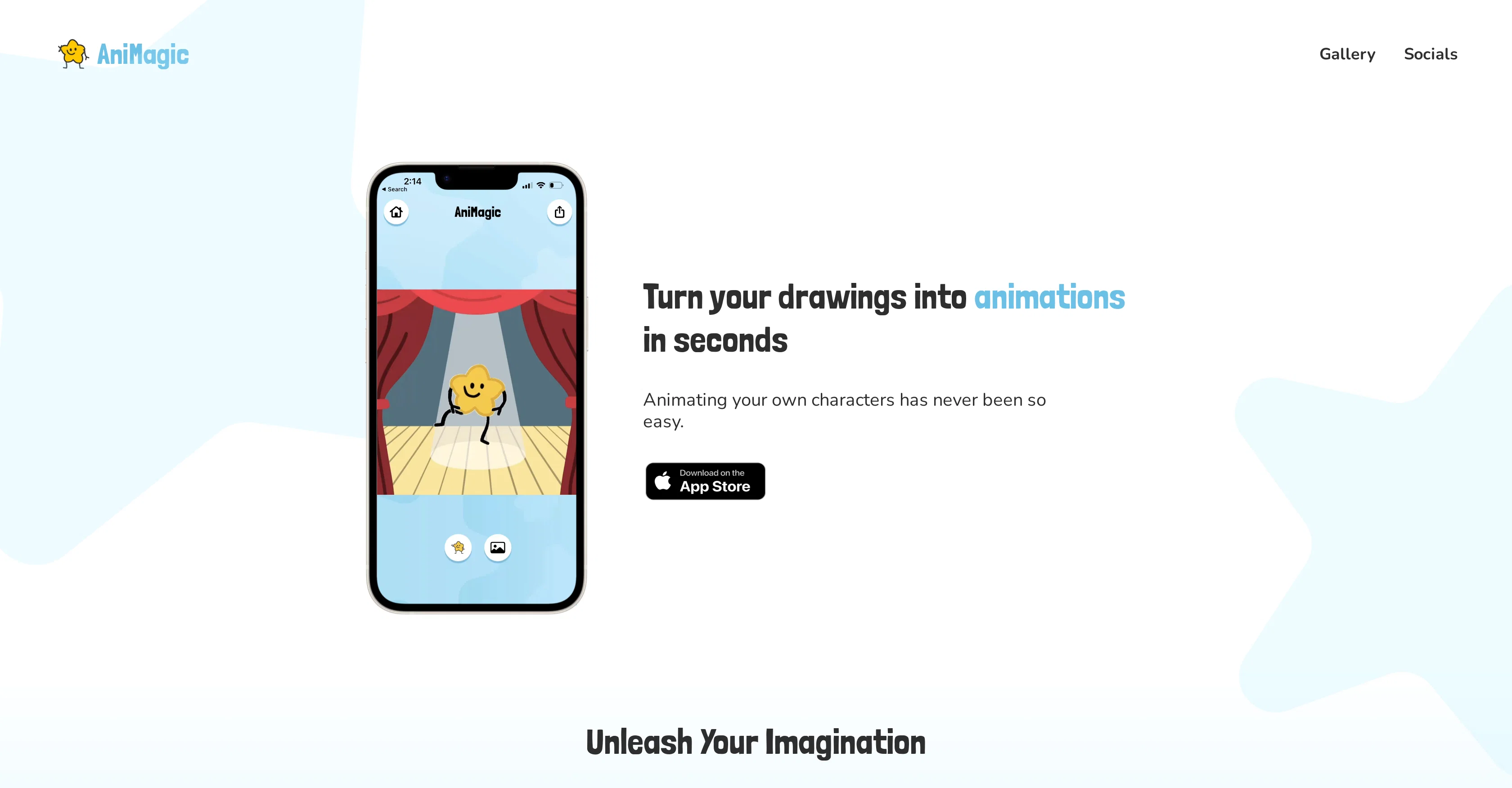
AniMagic is an Artificial Intelligence-based tool designed to transform static drawings into animated characters. This tool allows users to seamlessly animate characters, provided they have a complete outline and two distinct arms and legs.
The process is straightforward. Users take a photo of their character drawing and upload it to the tool. AniMagic automates the process of animating these characters, making it look like they're dancing or engaging in a variety of actions.
Beyond animation, users also have the ability to further customize their creations. This could include adding multiple characters, altering the dance or action moves, or introducing different backgrounds into the animation.
Once completed, users can export their animated masterpiece to save it and share it with others. This easy-to-use tool can ignite creativity, making the animation process accessible to more than just professional animators.
By harnessing AI, AniMagic provides a new and innovative way to bring drawings to life.
Best for
Short scenarios where Animagic tends to shine.
-
Turn drawings into animations in seconds.
Example outputs 1
Sample generations and before/after results for Animagic.
Access & connections
Where you can use Animagic.
Platforms
Capabilities
What this tool accepts, produces, and is strongest at.
Input
- Image
Output
- Video
Pros & cons
Pros
- Transform drawings into animations
- Simple user interface
- Gallery of characters
- Transparency through privacy policy
- Legal compliance with licenses
- User-friendly for beginners and experts
- Fast animation creation
- No extensive animation software knowledge required
Show 13 more
- Animations for various purposes
- Empowers creativity
- Animate characters by photo upload
- Automates character animation
- Customizable animations
- Option to add multiple characters
- Option to alter dance/actions
- Option to change backgrounds
- Export and share feature
- Promotes innovation and creativity
- Makes animation accessible to non-professionals
- Ignites creativity by simplification
- Provided instructions for use
Cons
- Limited to characters with limbs
- Requires complete character outlines
- No advanced animation features
- Restricted customization options
- Lack of version control
- No API integration
- No collaborative features
- Dependent on photo quality
Show 2 more
- Limited export options
- No multi-language support
Compare alternatives
Similar tools in the catalog — with a clear reason to open each one.
People also view
Tools that often show up alongside Animagic in collections and comparisons.
Winter Comics ✓
Free TrialCreate stunning AI animations comics and characters — fast, consistent, and beautifull
Ebsynth
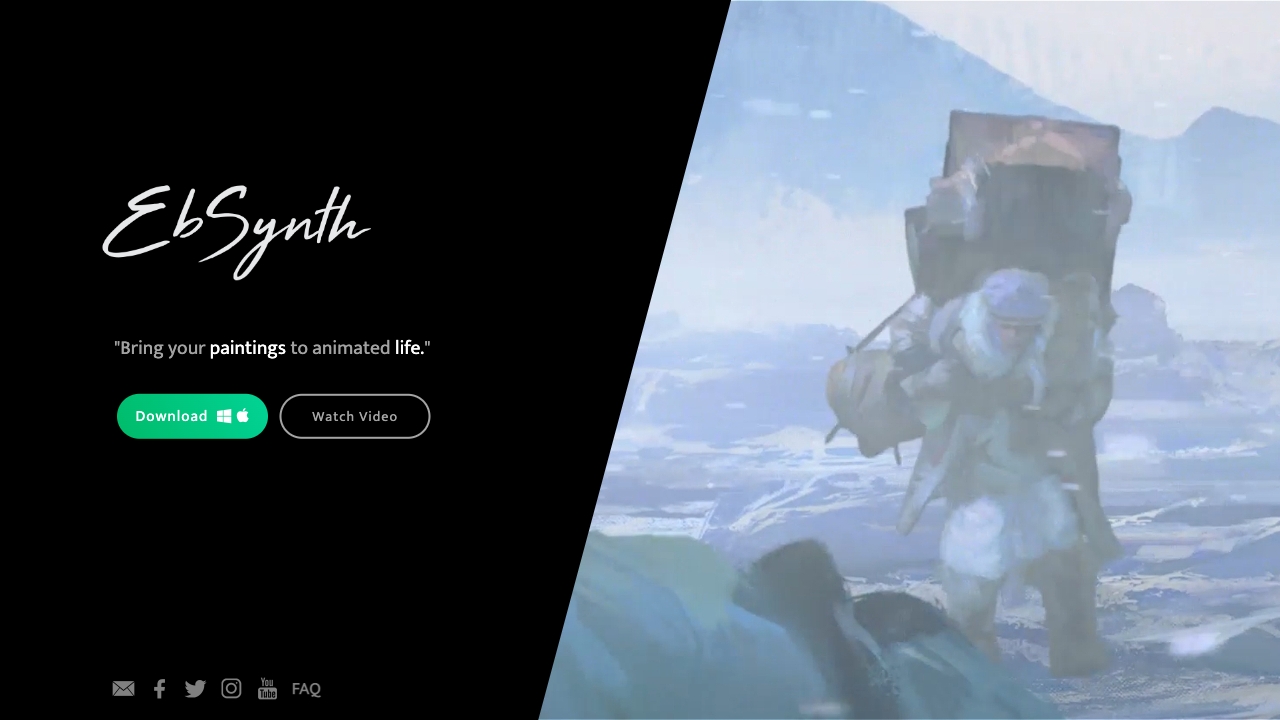
UnknownEbSynth animates footage using styled keyframes, ideal for hand-drawn animations.

DreamFace ✓
FreemiumAnimate photos with AI face editing magic.

MyHeritage Deep Nostalgia ✓
UnknownAnimate faces in old family photos.
Animatable ✓
PaidCreate animated characters and environments in minutes

Anijam ✓
Free TrialAI handles your entire animation pipeline.

Vibe Motion ✓
Free TrialAI motion graphics generator - VibeMotionAI

Spatius ✓
FreemiumReal-time AI avatars at a fraction of the cost.
Releases 1
Imported reviews 1
Animagic works by allowing users to upload a photo of their character drawing. The AI-based tool then automates the process of animating the uploaded characters, as if they were dancing or performing various actions. Besides animation, users can also customize their creations, such as adding multiple characters, altering dancing moves, or changing backgrounds.
FAQ 12
What is Animagic?
How does Animagic work?
What do I need to animate a character using Animagic?
What can I do after I upload my character drawing to Animagic?
Can I use multiple characters in one animation with Animagic?
How can I customize the animations in Animagic?
Can I change the background of my animation in Animagic?
How can I save and share animations I create using Animagic?
What is the extent of automation in Animagic's animation process?
Is Animagic beginner friendly?
Can professional animators find value in using Animagic?
Does Animagic have a range of effects and movements for the animations?
Related tools
Recommended

AnimatedDrawings by Meta ✓
FreeBring children's drawings to life through animation.

LearningStudioAI ✓
Free TrialAI-powered authoring tool for effortless online course creation.

Imagetocaption.ai ✓
Free TrialGenerated captions for social media images

Deepmotion ✓
Freemium3D animations

Scisummary ✓
Free TrialCutting-edge scientific articles summarization.

Stockimg AI ✓
PaidGenerated images and text for design ease.