

HitPaw Edimakor ✓
AI-powered video editing made easy.
Free + from $19.95/mo
Verdict
A quick read before you dig into the full page.
- Best if
- AI-powered video editing made easy
- Skip if
- No collaborative editing
- Pick this when
- Video enhancement feature
Considering CapCut Online Creative Suite instead? Compare side by side
Overview
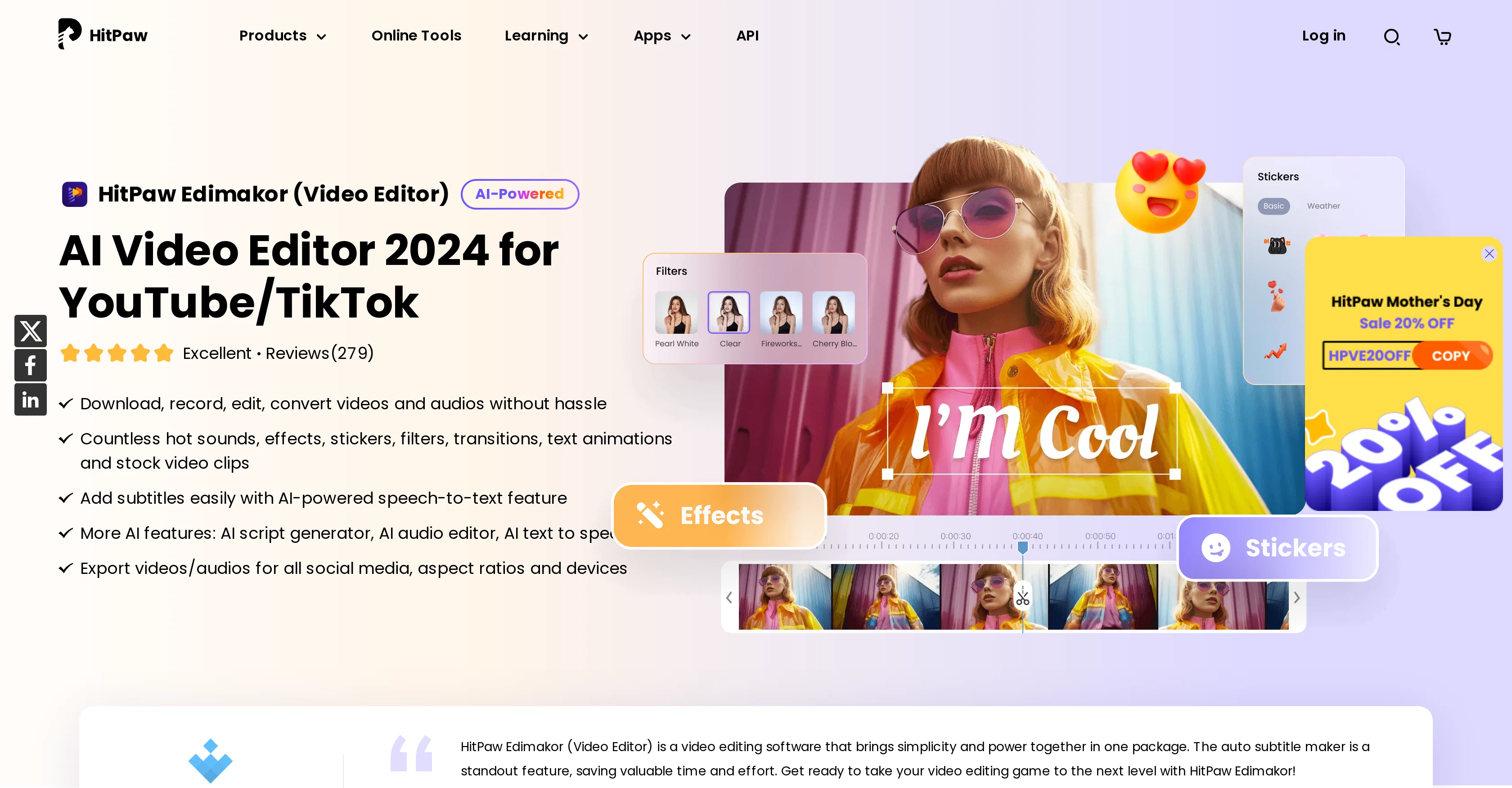
HitPaw Edimakor is an advanced AI video editor designed to assist users in editing videos in an intuitive and innovative way. The tool provides an array of features, including video enhancement, object removal, watermark removal, and video conversion.
It also offers an AI Avatar tool, which can create unique avatars in videos. The core function of Edimakor is to provide users with an easy way to create professional-quality videos.
Beyond video editing, the platform offers a plethora of other tools, such as Photo AI and Audio AI which enable additional functionalities like image conversion, photo object removal, watermark removal on photos, and audio enhancement.
The AI Music Generator is another feature that allows users to create custom music for their projects. Also, the AI vocal remover and audio enhancer enhance the overall audio experience.
The tool is continually updated to incorporate new AI functionalities like the AI script generator, AI subtitle generator, and AI cutout. It can be a valuable tool for those in need of a comprehensive multimedia editing solution, offering everything from video, photo, to audio editing capabilities, all in one place.
Access & connections
Where you can use HitPaw Edimakor.
Platforms
Capabilities
What this tool accepts, produces, and is strongest at.
Input
- API
- Video
Output
- Video
- API
- Text
Pros & cons
Pros
- Video enhancement feature
- Object removal in videos
- Watermark removal in videos
- Video conversion feature
- Continual updates adding new functionalities
- Video, photo, and audio editing
- Intuitive user experience
- Comprehensive multimedia editing
Show 30 more
- Photo object removal
- Watermark removal on photos
- Audio enhancer
- text to speech functionality
- Speech to Text functionality
- Video cutting feature
- Text overlays on videos
- Video coloring feature
- Speed control of videos
- Media library access
- Sticker application
- Filter application on videos
- Effects application
- Audio editor
- Video rotation feature
- Freeze frame feature
- Video stabilization
- Video cropping for social media
- Screen recording feature
- Voice changer feature
- Animations inclusion
- Image enhancer
- Automated subtitle maker
- Robust audio library
- Flexible text modes
- Video transitions feature
- Video filter application
- Video sticker application
- Export for all social media
- Mirror effect feature
Cons
- No collaborative editing
- No VR editing
- No versioning
- No 360-degree video editing
- No multi-cam editing
- No direct social media sharing
- No storyboard mode
- No cloud storage support
Show 2 more
- No direct screencasting
- No Android or iOS Apps
Compare alternatives
Similar tools in the catalog — with a clear reason to open each one.

CapCut Online Creative Suite ✓
FreemiumUnleash creativity with CapCut's all-in-one online suite
Free + from $28.5/mo
Full comparison
ClipFinder ✓
FreemiumTurn hours of streams and VODs into viral clips automatically.
Why look Typically cheaper
Full comparison
Gling - AI Video Editing Software for YouTube ✓
FreemiumAI-powered video editing for YouTube creators.
Why look Typically cheaper
Full comparison
Captions ✓
PaidAI-powered creative studio for studio-grade videos.
Why look Typically cheaper
Full comparison

Releases 1
Imported reviews 2
It not free it's asking to pay money
impossible to check, the website is unaccessible: antivirus warning interrupts conection
FAQ 12
What are the main features of HitPaw Edimakor?
How does the AI Avatar tool in HitPaw Edimakor work?
Can HitPaw Edimakor also edit photos and audio?
What is the AI Music Generator in HitPaw Edimakor?
How frequently is HitPaw Edimakor updated for new features?
Can I use HitPaw Edimakor for object removal in videos?
Does HitPaw Edimakor offer subtitle generation?
What does the AI cutout feature do in HitPaw Edimakor?
How can I enhance audio using HitPaw Edimakor?
Does HitPaw Edimakor support video conversion?
What does the AI script generator in HitPaw Edimakor do?
Does the platform provide watermark removal for both videos and photos?
Related tools
Recommended

CreateAiCourse ✓
PaidSimplify course creation with the best AI Course Creator.

Smartrazor ✓
FreemiumAI-powered YouTube editing in half the time.

Mindsmith ✓
FreemiumPlatform for building and sharing eLearning content

IllumiChat ✓
FreemiumFrom Ticket Backlog to Instant Answers Powered by AI

Limecube ✓
FreemiumTransforming the way websites are created with AI.

B12 AI Website Builder ✓
FreemiumAI-powered website builder
More from this creator

Hitpaw watermark remover ✓
FreemiumRemove watermarks from photos instantly and for free.

Object removing by HitPaw ✓
FreemiumEffortlessly remove objects from photos online.

Background remover by Hitpaw ✓
FreemiumRemove image backgrounds instantly online.

HitPaw QR codes ✓
FreemiumCreate stylish AI-powered QR code art effortlessly

HitPaw VikPea ✓
FreemiumAI-powered video quality enhancer for stunning clarity

HitPaw FotorPea Photo Enhancer ✓
Free TrialAI-powered photo editing for flawless images