

HitPaw FotorPea Photo Enhancer ✓
AI-powered photo editing for flawless images
Trial; then from $24.99/mo
Verdict
A quick read before you dig into the full page.
- Best if
- AI-powered photo editing for flawless images
- Skip if
- Limited to Windows OS
- Pick this when
- All-in-one photo editing
Considering Photo AI instead? Compare side by side
Overview
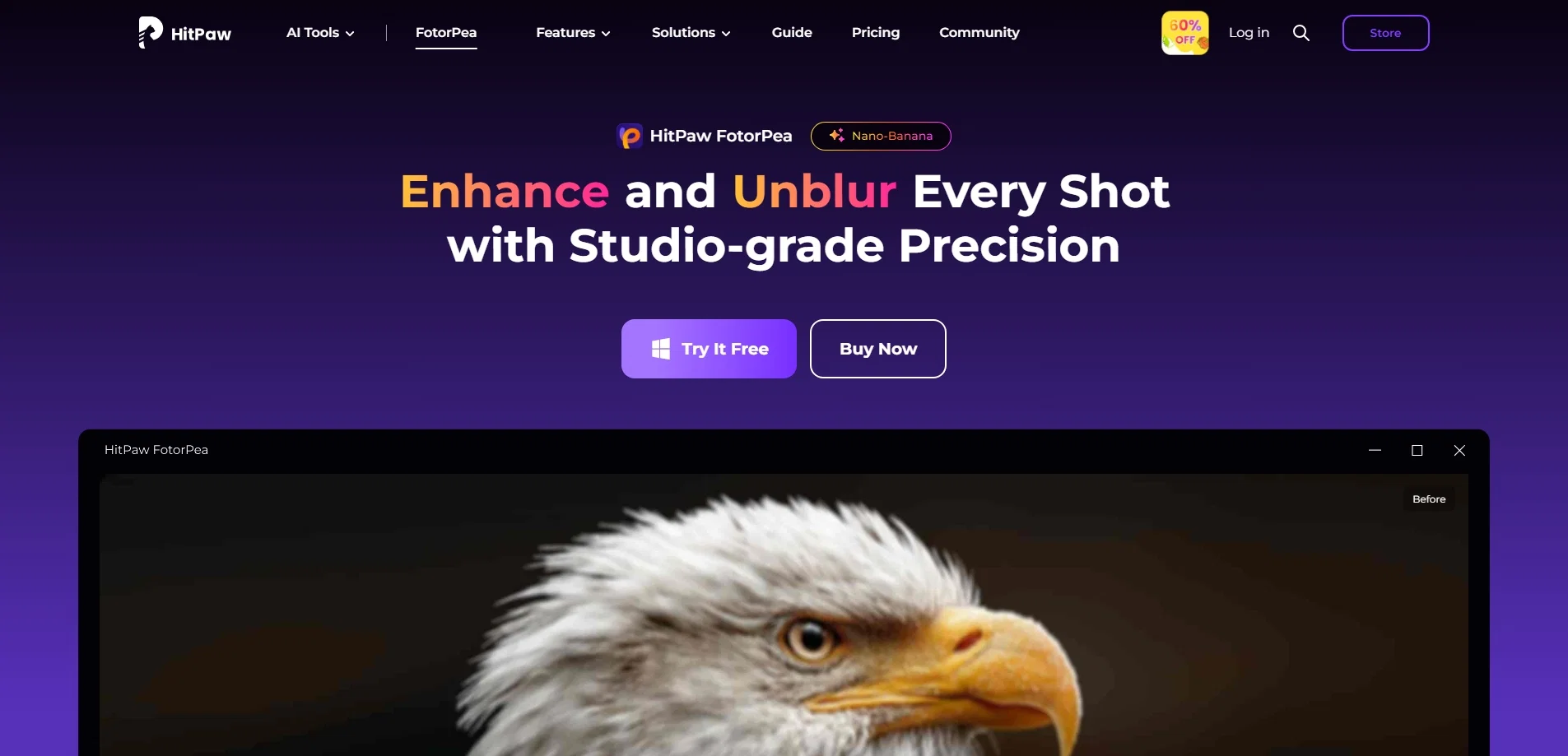
HitPaw FotorPea is a tool intended for handling various photo-editing tasks. This all-in-one solution offers features of an image enhancer, object remover, background remover, and provides a photo generation capability.
As an image enhancer, it aims to improve the quality of images with features that allow users to adjust different aspects of their photos to make them more stunning.
The photo generation feature generates images based on the specified parameters. The object remover feature provides flexibility to users by allowing them to remove unwanted objects from images, enhancing the aesthetics of the photo.
The tool also includes a background remover, which assists in segregating the subject of a photo from its background, and thus helps to put focus on the subject or to change the background entirely.
These features together aim to offer a thorough and user-friendly photo editing solution that can cater to a wide range of users' needs.
Access & connections
Where you can use HitPaw FotorPea Photo Enhancer, and what it plugs into.
Platforms
Integrations
Capabilities
What this tool accepts, produces, and is strongest at.
Input
- Image
Output
- Image
Highlights
- SOTA
Models
Text
Image
Audio
Video
Pros & cons
Pros
- All-in-one photo editing
- Image enhancer feature
- Object remover feature
- Background remover feature
- Photo generation capability
- Adjusts different image aspects
- User-friendly interface
- Improves image quality
Show 33 more
- Focuses on image subject
- Allows background change
- Easily handles photo-editing tasks
- Offers flexibility in editing
- Automatically removes unwanted objects
- Generates images from parameters
- Transforms text into artwork
- Upscales image resolution
- Reduces image noise
- Accurate facial features enhancement
- Colorizes and repairs photos
- Removes photo background seamlessly
- Generates creative images from text
- One-click object removal
- Replaces background with solid color
- Automatic background color change
- Facilitates individual color design
- Custom background selection
- Batch editing capability
- Auto-processing feature
- Fast speeding editing
- Secure to use
- Offers color correction
- Optimizes image lighting
- Sharpening feature for clarity
- Anime upscaler
- Background cleanup
- Automatic image color balancing
- User-customed photo export
- Easy preview and editing
- Restores damaged historical photos
- Impressive skin retouching
- Photo attraction features
Cons
- Limited to Windows OS
- No macOS version available
- No API mentioned
- No batch photo processing
- No mobile app available
- No free version mentioned
- No photo generation parameters control
- Doesn't support offline work
Show 2 more
- No multi-language support
- No mention of cloud-storage integration
Compare alternatives
Similar tools in the catalog — with a clear reason to open each one.

Photo AI ✓
PaidCreate beautiful AI photos and videos of real people
Why look Typically cheaper
Full comparison
Stockimg AI ✓
PaidGenerated images and text for design ease.
Why look Typically cheaper
Full comparison
BestPhotoAI ✓
FreemiumCreate amazing AI photos instantly
Why look Typically cheaper
Full comparison
Midjourney ✓
PaidExpand human imagination through AI-powered visuals.
Why look Typically cheaper
Full comparison
CreativePixel ✓
FreemiumOut-create Your Competition in Minutes
Why look Typically cheaper
Full comparisonReleases 1
Imported reviews 1
HitPaw Photo AI is amazing!
FAQ 12
What is HitPaw FotorPea?
What photo-editing tasks can HitPaw FotorPea handle?
How does HitPaw FotorPea enhance images?
What does the photo generation feature in HitPaw FotorPea do?
How does the object remover feature work in HitPaw FotorPea?
What does the background remover feature in HitPaw FotorPea do?
Is HitPaw FotorPea user-friendly?
How does HitPaw FotorPea improve image quality?
Can I adjust different aspects of a photo using HitPaw FotorPea?
Can I remove unwanted objects from images using HitPaw FotorPea?
How can I segregate the subject from the background in a photo using HitPaw FotorPea?
Can I generate images based on specified parameters with HitPaw FotorPea?
Related tools
Recommended

CapCut Online Creative Suite ✓
FreemiumUnleash creativity with CapCut's all-in-one online suite

Supercreator ✓
FreemiumCreate short videos 10x faster with AI

VenturusAI ✓
FreemiumBusiness idea analysis and reporting.

Stunning ✓
PaidBuild AI-powered websites in seconds

Reface ✓
FreemiumSwap faces in videos, GIFs and memes with a selfie.

DeepMake ✓
FreemiumCreate stunning VFX with AI in just a few clicks.
More from this creator

Hitpaw watermark remover ✓
FreemiumRemove watermarks from photos instantly and for free.

Object removing by HitPaw ✓
FreemiumEffortlessly remove objects from photos online.

Background remover by Hitpaw ✓
FreemiumRemove image backgrounds instantly online.

HitPaw QR codes ✓
FreemiumCreate stylish AI-powered QR code art effortlessly

HitPaw VikPea ✓
FreemiumAI-powered video quality enhancer for stunning clarity

HitPaw Voice Changer ✓
Free TrialTransform your voice in real-time with AI effects.