
Images 2026 Rank: #565
Himedia AI Image Generator ✓
Generate any AI Images and Videos - No creative limits
Verdict
A quick read before you dig into the full page.
- Best if
- Generate any AI Images and Videos - No creative limits
- Skip if
- You need a free plan with no credit card
- Pick this when
- Paid · from $10.00/mo
Considering Photo AI instead? Compare side by side
Overview
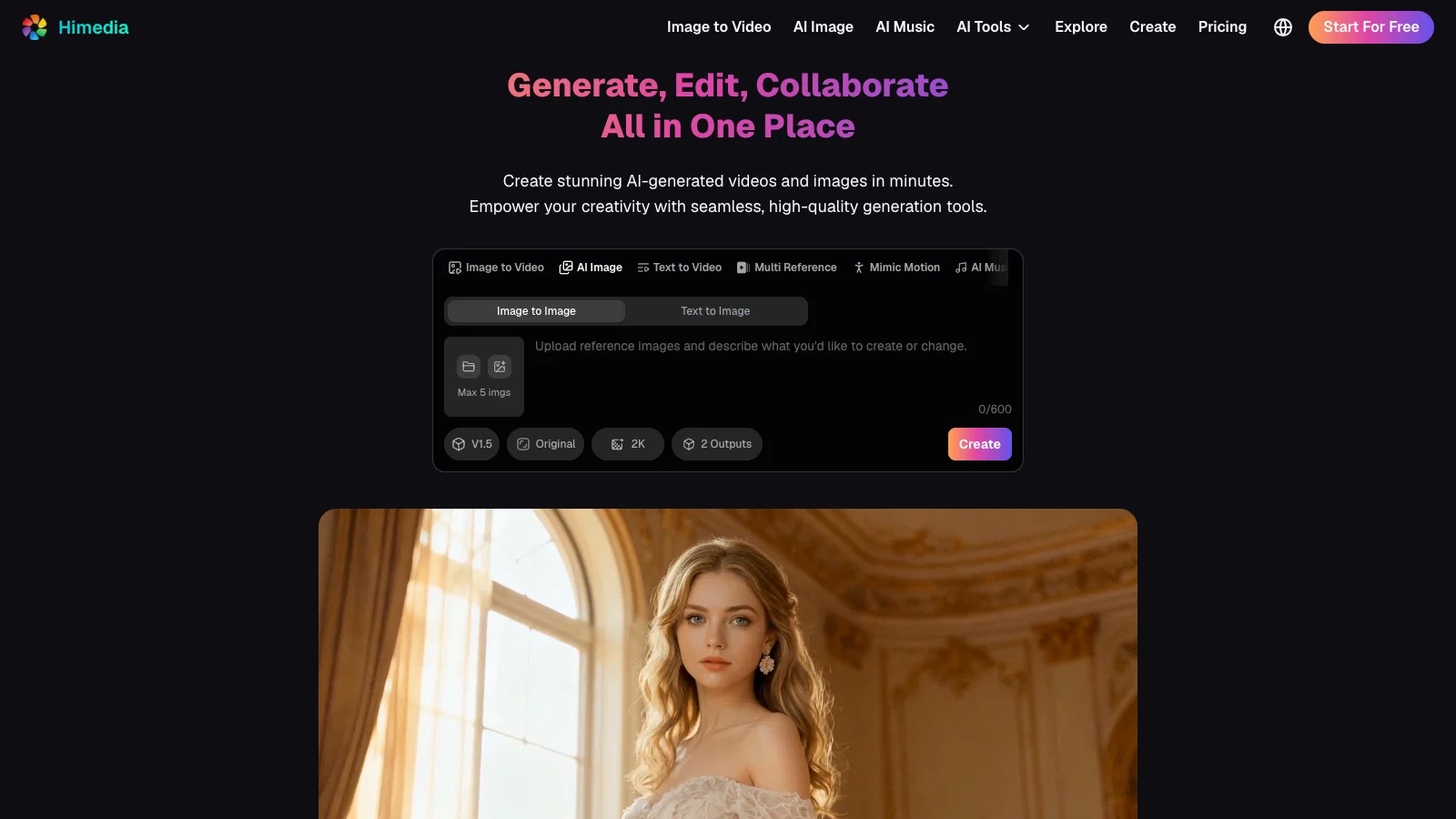
The tool offers a wide range of styles like comic, photorealistic, cyberpunk, oil painting, landscape, and anime for different scenarios to cater to various needs and aesthetics.
Users can generate product visuals, social media content, illustrations, marketing and advertising material, diagrams, infographics, logos, fashion designs, and technical visualizations.
Among its key features are text to image transformation, image to image redesign, and reference image generation, all contributing to a seamless creative process.
The editing functionalities include watermark removal, photo restoration, HD enhancement, object manipulation, and style transfer.
The AI-powered enhancement technology adds vibrancy to old or black-and-white images. Additionally, it allows for detailed medical illustrations, architectural renderings, and engineering visualizations for professionals and academic purposes.
AI reads and analyzes text prompts describing the desired image, then generates visual representation, allowing for adjustments and modifications before finalizing and sharing the image.
- 100% Free To Try - Create 4k Images And Videos From Text Or Images With Full Creative Freedom
- Seedance 2.5 (realistic Human Generation), Gpt Image 2.0, Veo 3.1, Kling 3.0, Seedream 5.0, Nano Banana 2, Wan
- Native Audio & Lip-sync, High-resolution: 4k+
- Consistent Character And Scene, Multi-camera Control
- Generate High-quality Images With Ai That Fully Understands Your Prompts.
- Transform Simple Text Prompts Into High-quality Illustrations, Characters, Environments, And Concept Art—instantly
- Redesign, Restyle, Or Improve Existing Images With Ai. Create Alternate Styles, Character Variations, And Detailed Upgrades Effortlessly
Best for
Short scenarios where Himedia AI Image Generator tends to shine.
-
Generate any AI Images and Videos - No creative limits
Example outputs 1
Sample generations and before/after results for Himedia AI Image Generator.
Access & connections
Where you can use Himedia AI Image Generator, and what it plugs into.
Platforms
Integrations
Capabilities
What this tool accepts, produces, and is strongest at.
Input
- Image
- Text
- Video
- Audio
Output
- Audio
- Video
- Text
- Image
Highlights
- SOTA
Supported features
- Image Edit
- Image Generation
- Video Edit
- Video Generation
- Music Generation
- Lip Sync
- Video Avatars
Models
Text
Image
Audio
Video
Compare alternatives
Similar tools in the catalog — with a clear reason to open each one.

Stockimg AI ✓
PaidGenerated images and text for design ease.
Why look Stronger for image work
Full comparison
BestPhotoAI ✓
FreemiumCreate amazing AI photos instantly
Why look Freemium alternative
Full comparison
Midjourney ✓
PaidExpand human imagination through AI-powered visuals.
Why look Typically cheaper
Full comparison
CreativePixel ✓
FreemiumOut-create Your Competition in Minutes
Why look Freemium alternative
Full comparisonPeople also view
Tools that often show up alongside Himedia AI Image Generator in collections and comparisons.
Stockimg AI ✓
PaidGenerated images and text for design ease.

Photo AI ✓
PaidCreate beautiful AI photos and videos of real people
Midjourney ✓
PaidExpand human imagination through AI-powered visuals.
CreativePixel ✓
FreemiumOut-create Your Competition in Minutes
BestPhotoAI ✓
FreemiumCreate amazing AI photos instantly

Nathan Tailors AI Suit Generator ✓
FreeDescribe your dream suit. We draw it, then build it.

LineArt ✓
Free TrialTurn one photo into a whole coloring book.

Line Drawing Converter ✓
Free TrialConvert photos into clean line drawings online.
Releases 1
Imported reviews 6
One of the biggest strengths is consistency. When generating multiple images or turning images into videos, characters and visual details stay remarkably stable, making it much easier to create complete projects instead of isolated images.
The interface is refreshingly simple. Everything is easy to find, generations start quickly, and I can go from idea to finished result in just a few clicks. It has one of the smoothest workflows I've used.
The video generation is surprisingly smooth. Motion looks natural, transitions are clean, and the final clips maintain a consistent visual style from beginning to end. It saves me a lot of editing time.
The image quality is consistently impressive. Sharp details, realistic lighting, and beautiful colors make the outputs look polished without requiring endless retries. Every generation feels production-ready.
What I like most is the creative freedom. It doesn't feel overly restrictive, so I can experiment with different styles and ideas without constantly running into unnecessary limitations. The balance between safety and flexibility feels just right.
I've tested quite a few AI image generators, and this one stands out for how accurately it follows detailed prompts. Even complex instructions with specific lighting, composition, and camera angles come out surprisingly close to what I imagined.
FAQ 12
What social media platforms is Himedia AI Image Generator and Editor suitable for?
What styles can I create with Himedia AI Image Generator and Editor?
Can I generate product visuals with Himedia AI Image Generator and Editor?
Does Himedia AI Image Generator and Editor support text to image transformation?
Can I use Himedia AI Image Generator and Editor for image to image redesign?
What is the reference image generation feature in Himedia AI Image Generator and Editor?
Can I remove watermarks with Himedia AI Image Generator and Editor?
Does Himedia AI Image Generator and Editor offer photo restoration?
Can I enhance images to HD quality using Himedia AI Image Generator and Editor?
Does Himedia AI Image Generator and Editor offer object manipulation?
What is style transfer in Himedia AI Image Generator and Editor?
Can I generate medical illustrations with Himedia AI Image Generator and Editor?
Related tools
Recommended

Himedia AI Video Generator ✓
Free TrialCreate any AI Videos, Images and Music - No creative limits

ChatGPT ✓
FreemiumAsk anything, create anything, and move from idea to action.

Notis ✓
Free TrialThe first WhatsApp assistant that runs on your ChatGPT and Claude subscriptions
Questie AI - Game Companion & Roleplay Character Chat ✓
Free TrialCreate custom AI gaming companions with voice chat and live screenshare.

Kineo ✓
FreemiumLaunch a faceless Shorts channel — same host every episode.

LumiMusic ✓
Free TrialCreate any music you can imagine.