

Images vv1.2.3
HeadSnap ✓
Transform your photos into AI-generated avatars.
from $2
Verdict
A quick read before you dig into the full page.
- Best if
- You are professionals and need: Creating professional headshots for LinkedIn profiles
- Skip if
- No image to video support
- Pick this when
- Professional headshots generation
Considering Photo AI instead? Compare side by side
Overview
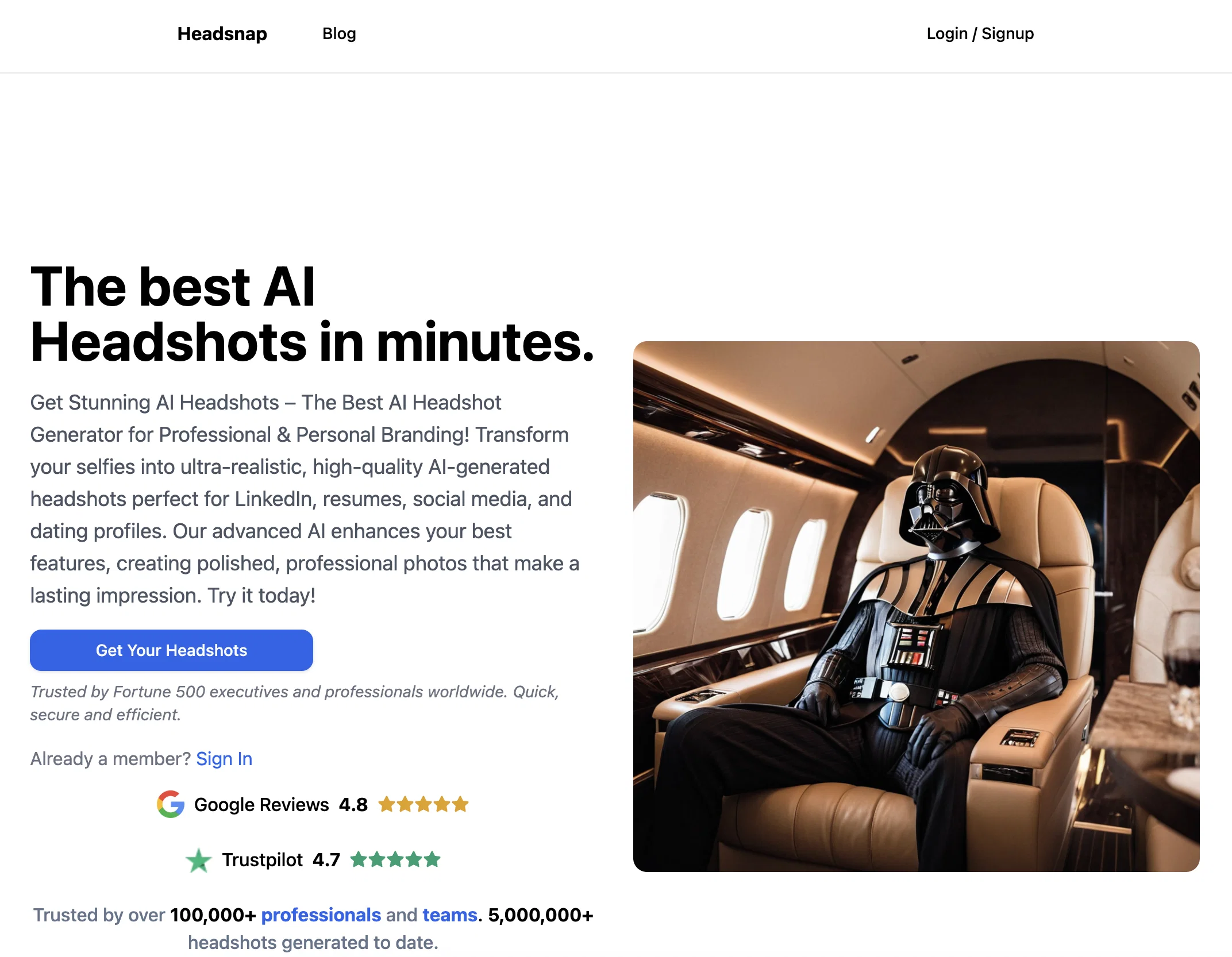
HeadSnap is an AI-powered tool that enables users to generate professional headshots of themselves in various styles. Users can transform their photos into avatars, creating a unique and distinct visual representation.
With HeadSnap, users have the option to choose between three styles: professional, Victorian, and anime. The tool guarantees fast, efficient, and reliable results, allowing users to upload at least one clear photo of themselves and generate headshots in the desired style.While the exact numbers are not mentioned, the tool is praised by its clients for its fantastic features, highlighting its usability and appeal.
It is accessible through a web application, where users are required to enable JavaScript to run the tool effectively. In terms of branding, HeadSnap is powered by BitHeap.tech, a technology company that emphasizes innovation and expertise in the AI domain.In summary, HeadSnap offers users the opportunity to create AI-generated headshots that stand out.
It presents a diverse range of styles, from professional to Victorian to anime, ensuring users can express their individuality and preferences. The tool's focus on delivering fast, efficient, and reliable results resonates with users, as exemplified by their positive feedback.
Best for
Short scenarios where HeadSnap tends to shine.
-
Creating professional headshots for LinkedIn profiles
Best for Professionals
-
Generating attractive photos for dating profiles
Best for Executives
-
Producing headshots for resumes and job applications
Best for Job seekers
-
Creating unique avatars for social media
Best for Social media users
Example outputs 1
Sample generations and before/after results for HeadSnap.
Access & connections
Where you can use HeadSnap, and what it plugs into.
Platforms
Integrations
Capabilities
What this tool accepts, produces, and is strongest at.
Input
- Image
Output
- Image
Pros & cons
Pros
- Professional headshots generation
- Multiple style options
- Transforms photos into avatars
- Fast and efficient
- Web application
- JavaScript enabled
- Branding opportunities
- User-friendly
Show 9 more
- Offers Victorian style
- Offers Anime style
- Powered by BitHeap.tech
- Positive user feedback
- Can upload multiple photos
- Picture quality guarantee
- Personalized avatars
- Unique visual representation
- Express individuality and preferences
Cons
- No image to video support
- Web application only
- No API mentioned
- No mobile application
- Dependent on single photo
Compare alternatives
Similar tools in the catalog — with a clear reason to open each one.

Stockimg AI ✓
PaidGenerated images and text for design ease.
Why look Stronger for image work
Full comparison
BestPhotoAI ✓
FreemiumCreate amazing AI photos instantly
Why look Freemium alternative
Full comparison
CreativePixel ✓
FreemiumOut-create Your Competition in Minutes
Why look Freemium alternative
Full comparisonPeople also view
Tools that often show up alongside HeadSnap in collections and comparisons.
Stockimg AI ✓
PaidGenerated images and text for design ease.

Photo AI ✓
PaidCreate beautiful AI photos and videos of real people

Midjourney ✓
PaidExpand human imagination through AI-powered visuals.
CreativePixel ✓
FreemiumOut-create Your Competition in Minutes
BestPhotoAI ✓
FreemiumCreate amazing AI photos instantly

Nathan Tailors AI Suit Generator ✓
FreeDescribe your dream suit. We draw it, then build it.

LineArt ✓
Free TrialTurn one photo into a whole coloring book.

Line Drawing Converter ✓
Free TrialConvert photos into clean line drawings online.
Releases 2
Bug Fixes: Addressed various issues to improve app stability and performance.
Imported reviews 12
I tried HeadSnap to refresh my online vibe and it’s impressive. the professional style is chef’s kiss for LinkedIn. Super fast, no weird glitches.
Works perfectly. The result reflects a professional photo shoot, and it keeps to your individual characteristics. I used it for my Linkedin profile, and I can only recommend.
The app is amazing, it doesnt change your natural features, simply applies perfect lighting, underlining you most favourable characteristics. Can 100% recommend it.
Just like always - Bitheap makes it of top-notch quality, easy to use and affordable. Got my corporate photos done, super happy with the results.
Great experience - high quality and very realistic pictures. I am already using them on Linkedin, and updated my resume.
Very good value for the price!
I was totally impressed! High quality
I love it a lot! I generated photos for Linkedin and tinder. Great service!
Loved it! I got Super realistic photos that I use now on my LinkedIn account
Great quality for such a low price
I was really impressed by how realistic the photos were 🚀
The best professional AI headshots I've ever seen!
The best service for headshots
FAQ 12
What is HeadSnap?
How does HeadSnap use AI to generate headshots?
What are the different styles I can choose in HeadSnap?
How can I upload a photo to HeadSnap?
What is the process of generating a headshot on HeadSnap?
Can I use HeadSnap on any web browser?
Why do I need to enable JavaScript to use HeadSnap?
How is HeadSnap related to BitHeap.tech?
How can HeadSnap help me with my personal branding?
What are the system requirements to use HeadSnap?
Can I generate an anime style avatar with HeadSnap?
How fast can HeadSnap generate a headshot?
Related tools
Recommended

Recall ✓
FreemiumSummarize Anything, Forget Nothing!

Kin - Personal AI Advisors ✓
FreePrivacy-first & designed your for mind, and life at work

Gamma ✓
FreemiumAI-powered content creation, minus the hassle.

Artguru ✓
FreemiumCreate unique AI avatars in trendy styles
Instant Portrait ✓
FreeAI-generated portrait paintings from selfies

LearningStudioAI ✓
Free TrialAI-powered authoring tool for effortless online course creation.