
Instant Portrait ✓
AI-generated portrait paintings from selfies
Verdict
A quick read before you dig into the full page.
- Best if
- You are individuals seeking free profile pictures and need: Creating profile pictures
- Skip if
- No sign-in could limit personalization
- Pick this when
- Available on multiple platforms
Considering Real Fake Photos instead? Compare side by side
Overview
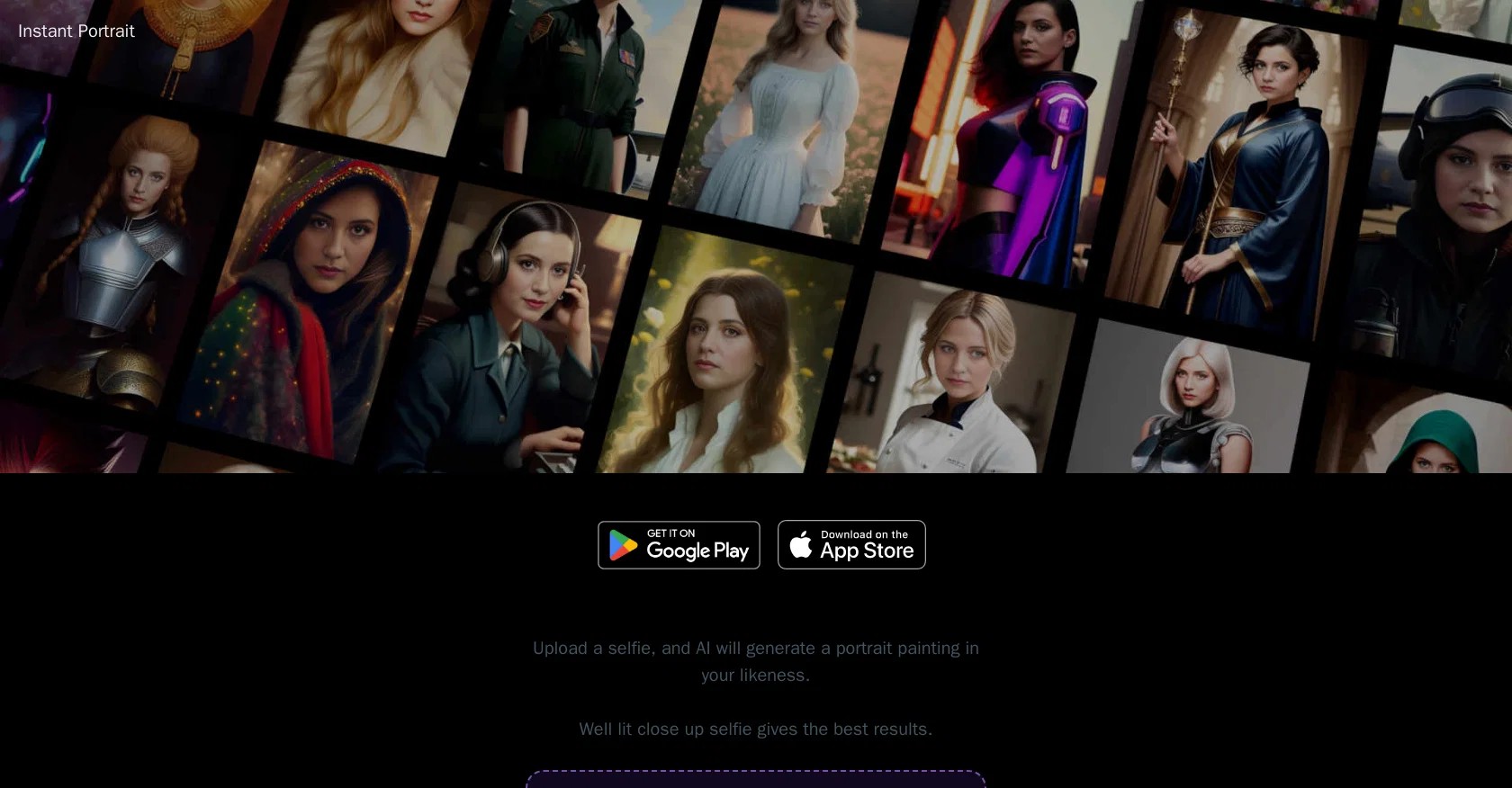
Instant Portrait is an AI-driven app that enables users to create a portrait painting of themselves. It is available for download on both Google Play and the App Store.
To get the best results, users are encouraged to upload a well-lit, close-up selfie and choose the theme they prefer. New themes are added weekly, and the app is free and requires no sign-in.
Additionally, users have access to a contact page and a privacy page.
Best for
Short scenarios where Instant Portrait tends to shine.
-
Creating profile pictures
Best for Individuals seeking free profile pictures
-
Generating avatars for online use
Best for Users needing quick avatars
-
Experimenting with different portrait styles
Best for People wanting to experiment with AI portraits
Example outputs 1
Sample generations and before/after results for Instant Portrait.
Access & connections
Where you can use Instant Portrait.
Capabilities
What this tool accepts, produces, and is strongest at.
Input
- Image
Output
- Image
Pros & cons
Pros
- Available on multiple platforms
- Theme selection available
- New themes added weekly
- No sign-in required
- Free to use
- Contact page access
- Privacy page
- Generates portrait from selfie
Show 11 more
- Instructions for best results
- Continuous updates
- User-friendly interface
- Drag & drop selfies
- Encourages well-lit photos
- Highly customizable
- Focused on privacy
- Instant results
- Accessible worldwide
- Links to app downloads
- Accepts multiple image formats
Cons
- Requires well-lit close up selfies
- Limited to portrait avatars
- Results dependent on theme
- No sign-in could limit personalization
- New themes only weekly
- No clear customization options
- No API for integration
- No multi-platform (web/desktop) availability
Show 2 more
- Only outputs in portrait form
- No editing features post-creation
Compare alternatives
Similar tools in the catalog — with a clear reason to open each one.
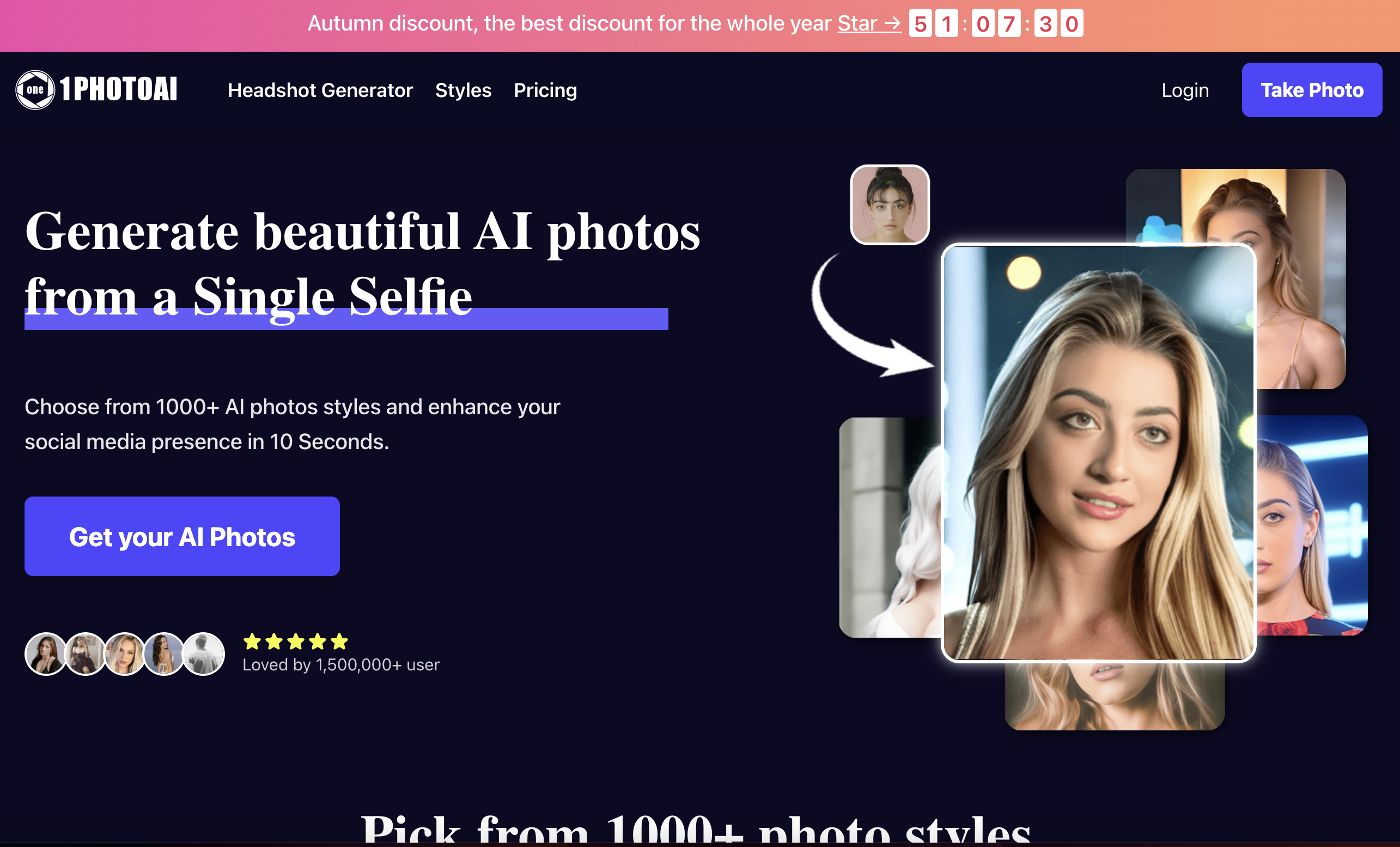
1photoai
PaidAI photo generator for professional headshots, avatars, and image enhancement.
Why look Stronger for image work
Full comparisonPeople also view
Tools that often show up alongside Instant Portrait in collections and comparisons.

Real Fake Photos ✓
PaidTurn your selfies into professional headshots

ProfilePicture.ai ✓
PaidGenerate perfect AI profile pictures that capture you.

daisy | Labubufy ✓
FreeTurn anyone into a Labubu in seconds! 🎁

Artguru ✓
FreemiumCreate unique AI avatars in trendy styles
1photoai
PaidAI photo generator for professional headshots, avatars, and image enhancement.
SpatialReal ✓
FreemiumReal-time photorealistic digital humans with sub-300ms latency

SellerTwin ✓
FreemiumBehind every lost sale is a conversation you never had.

SayAgain - AI Avatars of Loved Ones ✓
PaidBuilt from their letters, emails, and journals.
Releases 1
Imported reviews 3
I don't really care
its pretty butt
It is really amazing and cool!
Highly recommended.
FAQ 12
What is Instant Portrait?
How can I download Instant Portrait?
Is Instant Portrait available on Google Play?
Can I find Instant Portrait on the App Store?
How do I use Instant Portrait?
What kind of photo should I upload for the best results on Instant Portrait?
What are the themes in Instant Portrait?
How often are new themes added to Instant Portrait?
Is Instant Portrait free to use?
Do I need to sign up to use Instant Portrait?
How can I contact the team behind Instant Portrait?
Where can I find the privacy policy for Instant Portrait?
Related tools
Recommended

Business Idea Generator AI ✓
FreeGenerate innovative business ideas with AI

Aragon ✓
PaidGet professional AI headshots in minutes.

Stunning ✓
PaidBuild AI-powered websites in seconds

VenturusAI ✓
FreemiumBusiness idea analysis and reporting.

Findsight ✓
FreeCompare non-fiction ideas from multiple sources.

LearningStudioAI ✓
Free TrialAI-powered authoring tool for effortless online course creation.