

Transcription vv2.0 2026 Rank: #1922
Harker ✓
Type faster with your voice
Verdict
A quick read before you dig into the full page.
- Best if
- Type faster with your voice
- Skip if
- If your mac is slow, you cannot have transcriptions that are both accurate AND fast
- Pick this when
- Supports 90 languages
Considering Voicetype AI instead? Compare side by side
Overview

Why Harker beats other speech-to-text tools:
Completely offline - your voice never leaves your Mac (unlike cloud-based tools)
Works everywhere - any text field, any app, instant activation with one keyboard shortcut
AI-optimized - speak complex prompts instead of typing them out
Invisible until needed - minimal interface that stays hidden in the background
Lightning fast - no lag, no internet required, always ready
Perfect for:
Speaking long prompts to ChatGPT, Claude, Cursor, and other AI tools
Rapid email composition and responses
Note-taking and documentation
Any situation where your thoughts move faster than your fingers
Key features: Supports 90+ languages, minimal resource usage, private by design, seamless auto-paste functionality. Currently available for Mac with Windows support coming soon.
- Privacy Focused
- Multilingual Support (50+ Languages)
- Desktop App
- Offline Speech-to-text
- Speech-to-text
- Keyboard Shortcuts
- Instant Activation
- Macos Native
- Minimal Ui
Best for
Short scenarios where Harker tends to shine.
-
Type faster with your voice
Example outputs 1
Sample generations and before/after results for Harker.
Access & connections
Where you can use Harker.
Capabilities
What this tool accepts, produces, and is strongest at.
Input
- Audio
Output
- Text
Highlights
- Local
- No Signup
Supported features
- Runs Locally
- No Signup
- STT
- Transcription
Pros & cons
Pros
- Supports 90 languages
- Minimalist and stylish design
- Offline operation
- Hosts data locally
- Universal keyboard shortcut activation
- Automatic transcription into apps
- Lightweight software
- Non-obtrusive
Show 16 more
- Cross-platform support planned
- Fast typing
- Streamlined workflow
- Works with any text fields
- Privacy-focused
- Stays hidden until activated
- Instant activation
- Suitable for fast thinkers
- MacOS supported
- Windows support planned
- Embed transcription model
- Smart Auto-Paste function
- Minimal resource usage
- Offline voice-to-text conversion
- Invisible until needed
- Prompts speak instead of typing
Cons
- If your mac is slow, you cannot have transcriptions that are both accurate AND fast
- Performance are dependent on the user machine
- Incompatible with Intel-based Macs
- Windows version not released
- Only supports 90 languages
Compare alternatives
Similar tools in the catalog — with a clear reason to open each one.

Voicetype AI ✓
Free TrialWrite 9x Faster with AI Speech to Text on all Apps
Why look Better for writing
Full comparison
Transcript LOL ✓
FreemiumUnlimited transcripts, summaries, 99.8% accuracy, speaker recognition, superfast
Why look Offers a public API
Full comparison
TurboScribe ✓
Freemium🎯 3 free transcripts every day. 🔥 Unlimited transcription starting at $10/mo.
Free + from $10/mo
Full comparison
RambleFix ✓
Paid⚡ Write by thinking aloud - emails, notes, articles, in your style.
Why look Better for writing
Full comparison
Paraspeech ✓
Free TrialPrivate dictation, cloud optional
Why look More privacy-focused
Full comparisonPeople also view
Tools that often show up alongside Harker in collections and comparisons.

Whacka ✓
Free TrialTurn ideas into real apps from your phone.

Video maker by AI Generator Hub ✓
Free TrialCreate stunning AI videos, images, and music effortlessly.

Vibeknow ✓
Free TrialTurn complex knowledge into clear video.

Shotra ✓
Free TrialMulti-model AI video generator for turning images and prompts into short videos.

SellShots ✓
Free TrialTurn one photo into high-converting product images

Pixwit AI ✓
FreemiumCreate cinematic AI videos from text or images.

Lets Enhance AI Image to Video ✓
FreemiumTurn any photo into realistic video.

Kimg AI Image Maker ✓
Free TrialTransform any photo with AI precision.
Releases 2
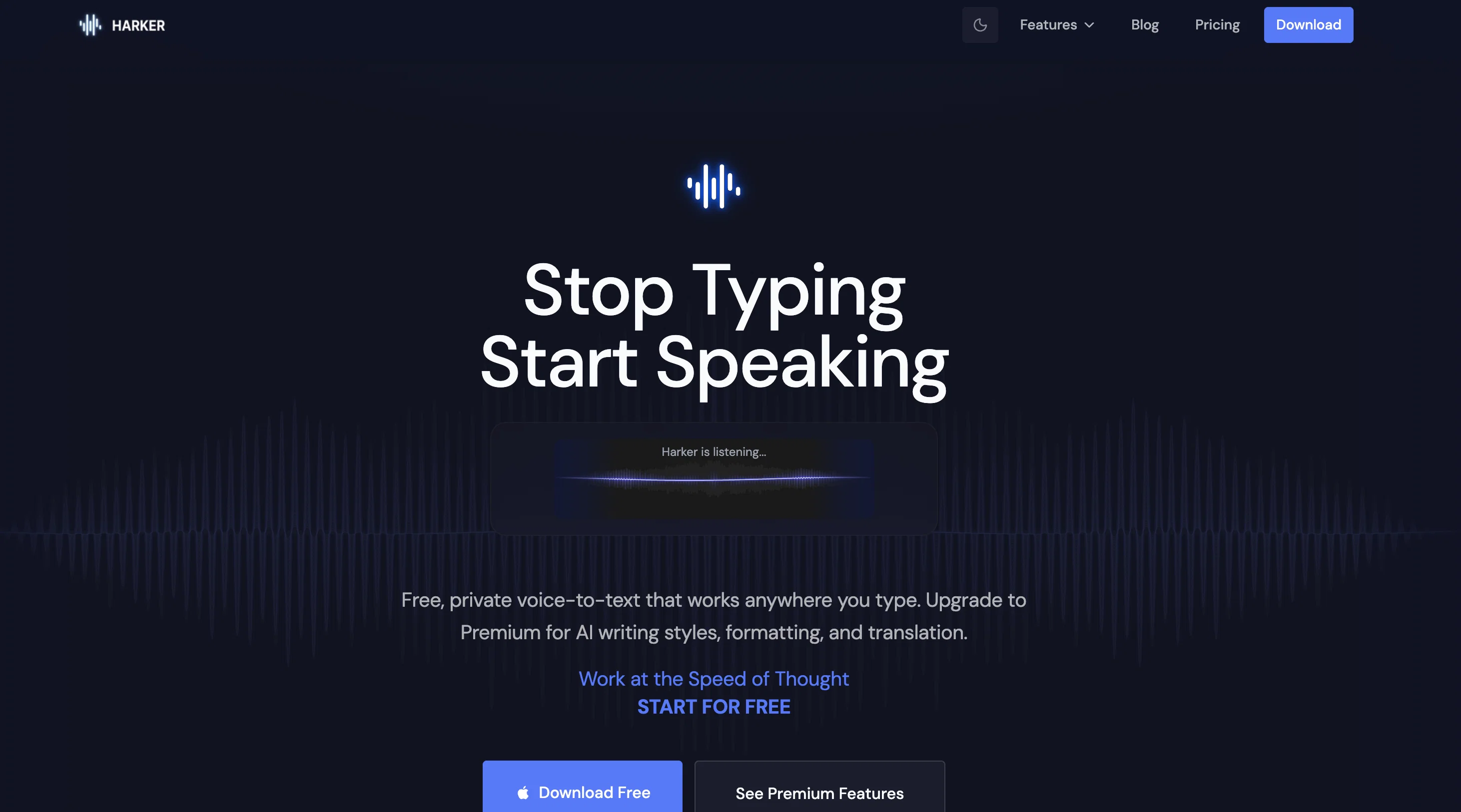
Harker turns your voice into text without sending a byte to the cloud.
Hold a shortcut, speak, text appears where your cursor is.
The transcription engine runs 100% locally on your Mac. No internet required, your voice leaves your machine.
The core is free. Forever. No trial, no feature gates.
Premium ($5.75/month) adds an optional cloud AI layer: fix, rewrite, summarize, translate, or transform what you just said into an email, a bug report, a Slack message, a Linear issue. Opt-in every time. Your default stays private.
Imported reviews 1
Wow, this little widget is a game changer. It saves me a lot of time in writing emails, comments and work notes. Thank you, it's really useful, I was looking for it!
FAQ 12
What is Harker?
How does the speech-to-text functionality of Harker work?
Does Harker work offline?
Can Harker be used across all applications?
How does Harker ensure data privacy?
Is Harker only compatible with macOS?
When will Harker support other platforms like Windows?
What languages does Harker support?
What makes Harker suitable for Conversational AI?
How does Harker streamline my workflow?
Why is Harker described as lightweight?
How does Harker interpret user prompts?
Related tools
Recommended

ChatGPT ✓
FreemiumAsk anything, create anything, and move from idea to action.

Automateed ✓
Free TrialCreate eBooks effortlessly with Automateed, the AI-powered writing tool.

CodeRabbit ✓
Free TrialEnhanced code review for improved workflow and quality.

remio: Your Personal ChatGPT ✓
FreemiumGet Tailored Answer with Your Personal ChatGPT

Younet ✓
Free TrialAI Agent Orchestration and Automation. Build your agentic business.

Cursor ✓
FreemiumAI-powered IDE for faster coding