

GPTTeams ✓
Centralize AI models to boost productivity and streamline workflows.
Free + from $15/mo
Verdict
A quick read before you dig into the full page.
- Best if
- Centralize AI models to boost productivity and streamline workflows
- Skip if
- No provision to credit lifetime plan while upgrading
- Pick this when
- Offers real-time collaboration
Considering SectorFlow instead? Compare side by side
Overview
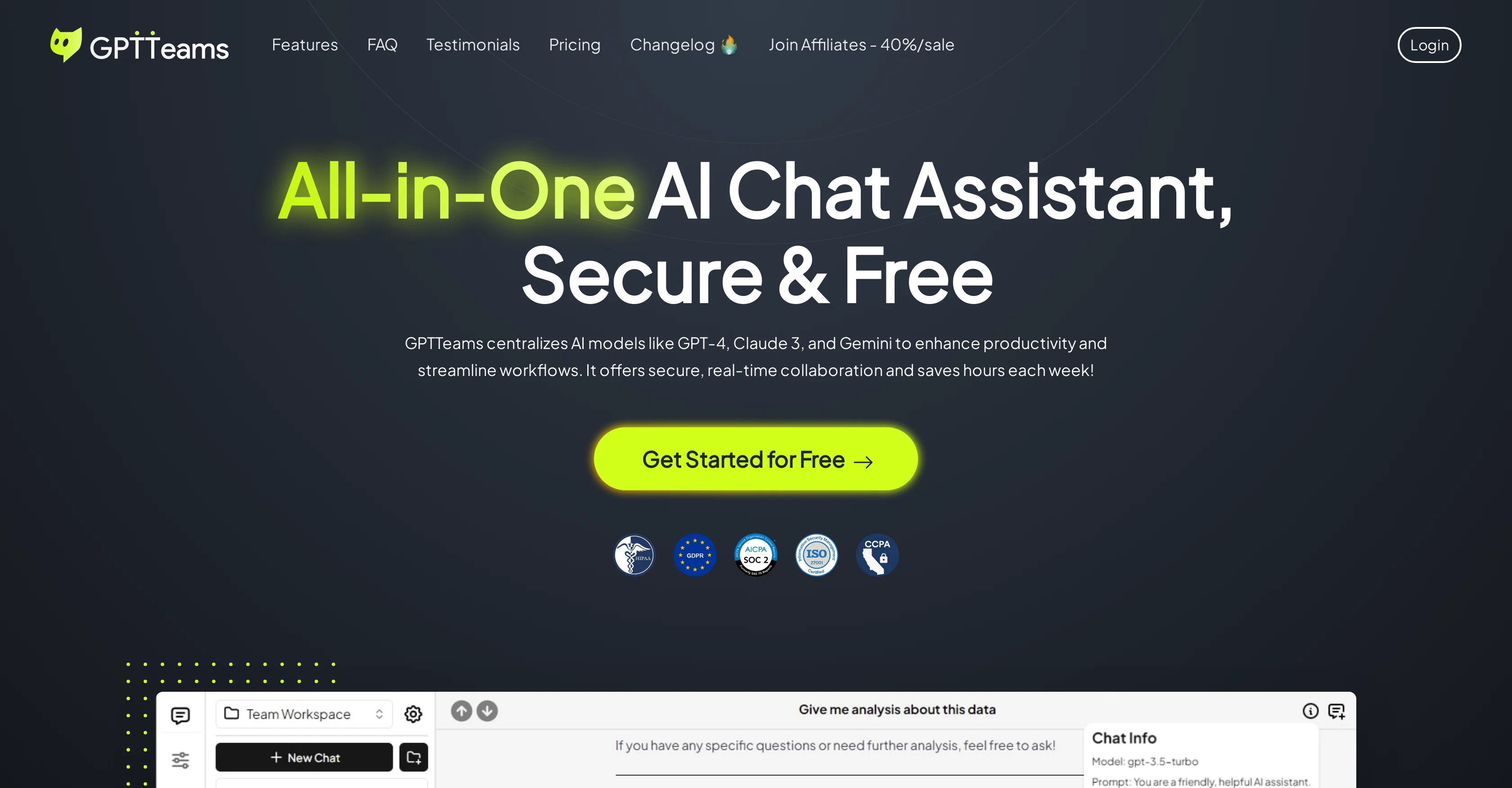
GPTTeams is an integrated AI assistant that centrally houses advanced AI models including GPT-4, Claude 3, and other open source Language Learning Models.
This tool is designated to optimize productivity by providing a broad spectrum of functionalities. These include real-time collaboration, chat creation with any AI model, role-based access control, and enhanced chat management among other features.
The application enables the integration of AI's understanding of preferences and characteristics for tailored responses. It also encompasses a feature to train documents with OpenAI embeddings for quick information extraction, putting forth a secure and reliable platform for data handling.
Users can build customized ChatGPT assistant bots using their own specific training data allowing for unique interaction experiences. It additionally provides for the optimization of workflow with saved presets and prompts.
With this tool, users can manage workspace parameters like temperature, context length and more. It provides a light and dark UI for customization along with productivity-enhancing shortcuts and hotkeys.
GPTTeams also offers options for folder organization that makes access and management of chats, prompts, bots, tools, and presets more streamlines. The tool has been endorsed by users from different professional backgrounds like marketing, content creation, and business owing to its streamlined design and useful features.
Best for
Short scenarios where GPTTeams tends to shine.
-
Centralize AI models to boost productivity and streamline workflows.
Example outputs 1
Sample generations and before/after results for GPTTeams.
Access & connections
Where you can use GPTTeams.
Platforms
Capabilities
What this tool accepts, produces, and is strongest at.
Input
- API
- Tabular
- Text
Output
- API
- Text
- Image
Pros & cons
Pros
- Offers real-time collaboration
- Role-based access control
- Enhanced chat management
- Secure data handling
- Allows customized assistant bots
- Workflow optimization with presets
- Editable workspace parameters
- Light and dark UI
Show 14 more
- Available shortcuts and hotkeys
- Folder-based organization
- Supports multiple professional backgrounds
- Transparent token information
- Seamless team sharing
- Users' preferences integration
- UI customization options
- Supports multiple language learning models
- Document training for quick information extraction
- Friendly user interface
- Secure and reliable platform
- Up-to-date user accessibility
- Open-source models integration
- Customer-endorsements
Cons
- Requires external API keys
- Free plan limited to one user
- Fast development may lead to bugs
- API key handling unclear
- No provision to credit lifetime plan while upgrading
- Weak permissions for Contributors
Compare alternatives
Similar tools in the catalog — with a clear reason to open each one.

Slackbot by Slack ✓
FreemiumYour personal AI agent in Slack's workflow.
Why look Typically cheaper
Full comparison
Max: AI Coworker in Slack ✓
Free TrialYour AI coworker in Slack.
Why look Higher community rating
Full comparison
Complete.dev ✓
FreemiumYour team and AI agents in one workspace.
Free + from $20/mo
Full comparisonPeople also view
Tools that often show up alongside GPTTeams in collections and comparisons.

SectorFlow ✓
FreemiumElevate Your Team's Productivity with AI
Complete.dev ✓
FreemiumYour team and AI agents in one workspace.

Brio ✓
UnknownSovereign AI, hosted in Europe, outside the Cloud Act.
Slackbot by Slack ✓
FreemiumYour personal AI agent in Slack's workflow.
Max: AI Coworker in Slack ✓
Free TrialYour AI coworker in Slack.

Indigo ✓
PaidAI-powered assistant for your team's desktop

YappJam ✓
FreemiumMultiplayer vibe coding

Wery ✓
FreemiumTell AI experts your goal. Watch them deliver.
Releases 1
FAQ 12
How does GPTTeams enable real-time collaboration?
What is the role-based access control feature in GPTTeams
How does GPTTeams allow for customization of ChatGPT assistant bots?
What workspace parameters can be managed with GPTTeams?
What interface customization does GPTTeams offer?
How does GPTTeams facilitate folder organization?
How is GPTTeams used in various professional backgrounds like marketing and content creation?
What types of AI models are integrated in GPTTeams?
How does GPTTeams train documents for quick information extraction?
How does GPTTeams enhance chat management?
What features in GPTTeams optimize user workflow?
What are saved presets in GPTTeams and how do they work?
Related tools
Recommended

Beeyond AI ✓
Free TrialBeeyond AI: Unlock 50+ AI tools under one subscription

remio: Your Personal ChatGPT ✓
FreemiumGet Tailored Answer with Your Personal ChatGPT

Thunderbit ✓
FreemiumScrape leads & other data in just 2-clicks.

editGPT ✓
FreemiumProofreading and editing content with ease.

Lutia ✓
FreemiumYour generative AI toolkit without costly subscriptions.

AIPal ✓
FreeSeamlessly integrates AI into daily tasks, boosting productivity and creativity.