

Team productivity 2026 Rank: #1669
Complete.dev ✓
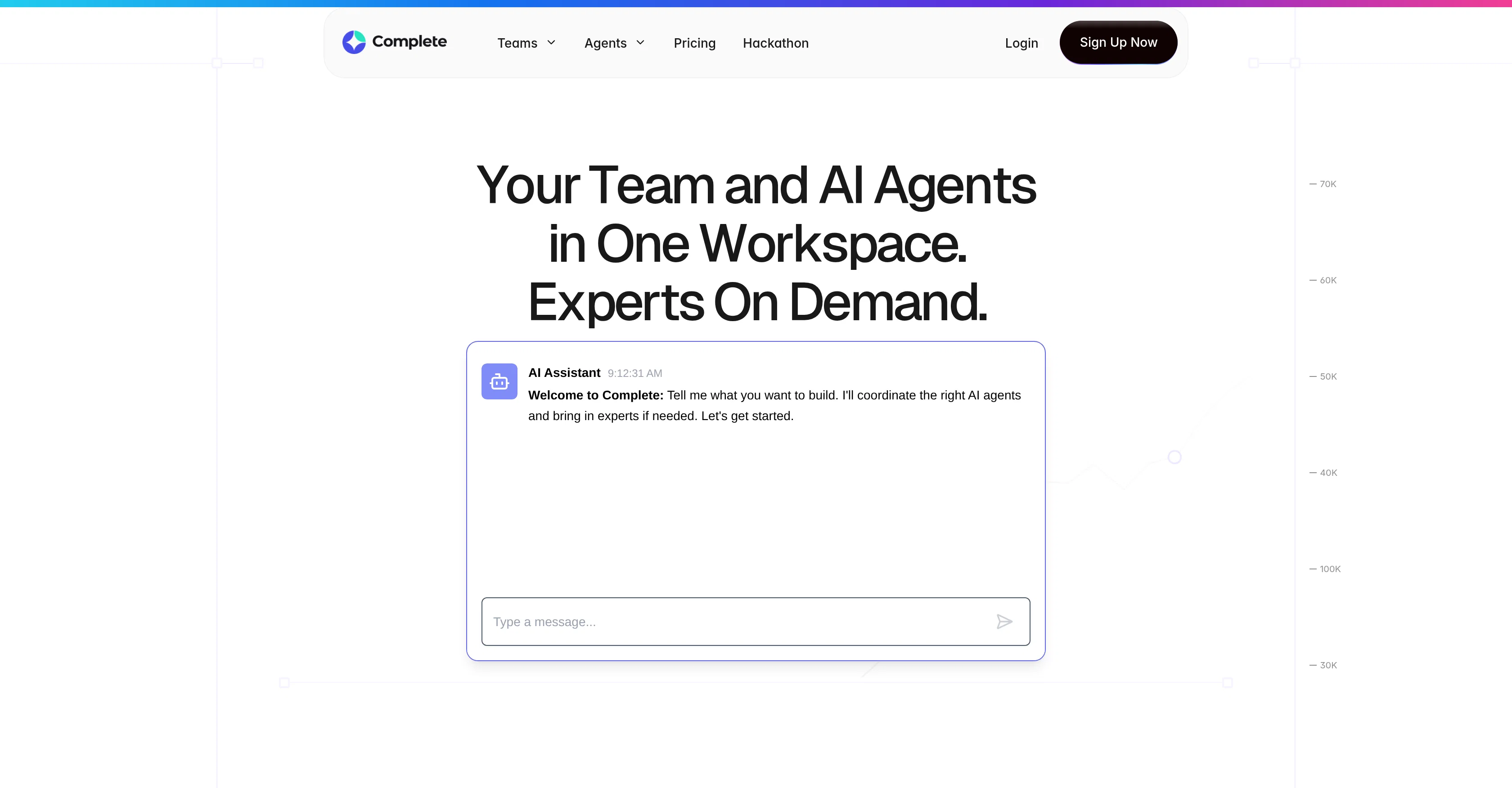
Your team and AI agents in one workspace.
Free + from $20/mo
Verdict
A quick read before you dig into the full page.
- Best if
- Your team and AI agents in one workspace
- Skip if
- Complex for beginners
- Pick this when
- Unified collaborative workspace
Considering SectorFlow instead? Compare side by side
Overview
Complete is a collaborative AI workspace designed to facilitate efficient team interaction with AI agents. The platform allows AI and human team members to operate together in a single execution thread, preserving the context of conversations, tasks, and outputs in one central location.
Complete uses several AI models concurrently to optimize coding, testing, and reasoning tasks. It also offers an assortment of key tools specifically tailored to meet the needs of various professionals, including product managers, project managers, and developers.
Product managers can rely on AI agents to generate and finish PRDs, release notes, and executive summaries, while project managers can use these agents to track execution, draft updates and handle task progression.
Developers, on the other hand, can deploy agents to debug, document and test code within their workflows. The integrated environment provided by Complete not only saves time but also improves coordination and transparency among team members.
The platform also ensures safe and compliant AI use by offering governance tools that control context, memory, and rules. By enabling teams to execute tasks more efficiently with the aid of AI agents, Complete helps streamline productivity and fosters a more collaborative work culture.
The platform caters to organizations of different sizes by offering customizable plans.
Access & connections
Where you can use Complete.dev.
Platforms
Capabilities
What this tool accepts, produces, and is strongest at.
Input
- Tabular
- Text
Output
- Tabular
- Text
Highlights
- Agents
Supported features
- Agents
- Automation
- Code Assistant
- Team Collaboration
- Integrations
Pros & cons
Pros
- Unified collaborative workspace
- No loss of context
- Workflow streamlining tools
- Role-specific development tools
- Seamless tool integrations
- Execution threads feature
- File management capability
- Customizable subscription plans
Show 23 more
- Enhances team transparency
- Conducive to productivity
- Facilitates task tracking
- Enables systematic debugging
- Automates document generation
- Tests code efficiency
- Advanced task execution
- Release notes generation
- Executive summaries automation
- Boosts workplace efficiency
- Single execution thread
- Optimizes coding tasks
- Optimizes testing tasks
- Project execution tracking
- Automated task progression
- Advanced file management
- IDE Integrations capability
- Real-time team collaboration
- Automates PRDs generation
- Surfaces execution blockers
- Advanced Data Management
- Effortless file access
- Planning based on organization size
Cons
- Limited usage on free plan
- 90-day history only on free plan
- Lacks transparency on what 'limited usage capacity' is
- Custom SLAs only for Enterprise plan
- Complex for beginners
- Possible loss of human touch
- Only community support for free and starter plans
Compare alternatives
Similar tools in the catalog — with a clear reason to open each one.


GPTTeams ✓
FreemiumCentralize AI models to boost productivity and streamline workflows.
Why look Typically cheaper
Full comparison
Slackbot by Slack ✓
FreemiumYour personal AI agent in Slack's workflow.
Why look Typically cheaper
Full comparison
Max: AI Coworker in Slack ✓
Free TrialYour AI coworker in Slack.
Why look Higher community rating
Full comparison

Releases 1
FAQ 12
What is Complete?
How does Complete integrate AI agents with teams?
What tasks can Complete help perform?
Can Complete generate project documents and test code?
How does the context retention work in Complete?
What is the advantage of having unified communication in Complete?
What specific role-based tools does Complete offer?
How does Complete streamline workflows?
Can Complete integrate other tools into its system?
What are some of the features Complete offers?
What is meant by 'execution threads' in Complete?
How does Complete's file management work?
Related tools
Recommended

BidHelm ✓
Free TrialYour Complete AI Marketing Department. Fully Autonomous.

Thea ✓
FreemiumAI study tools to master material, not just memorize it.

Saufter ✓
Free TrialEmail Behavioral Campaigns - AI Drafted, Designed, Delivered - Approve in 2mins

Cognitive Bias Labs ✓
FreeAI-powered platform that diagnoses your cognitive biases.

Pippit AI ✓
FreemiumOne-click AI videos from product links.

APIMart ✓
UnknownOne API for 500+ AI models at 70% less cost.