
Team productivity 2026 Rank: #2079
Slackbot by Slack ✓
Your personal AI agent in Slack's workflow.
Verdict
A quick read before you dig into the full page.
- Best if
- Your personal AI agent in Slack's workflow
- Skip if
- Limited offline functionalities
- Pick this when
- Integrated in Slack
Considering SectorFlow instead? Compare side by side
Overview
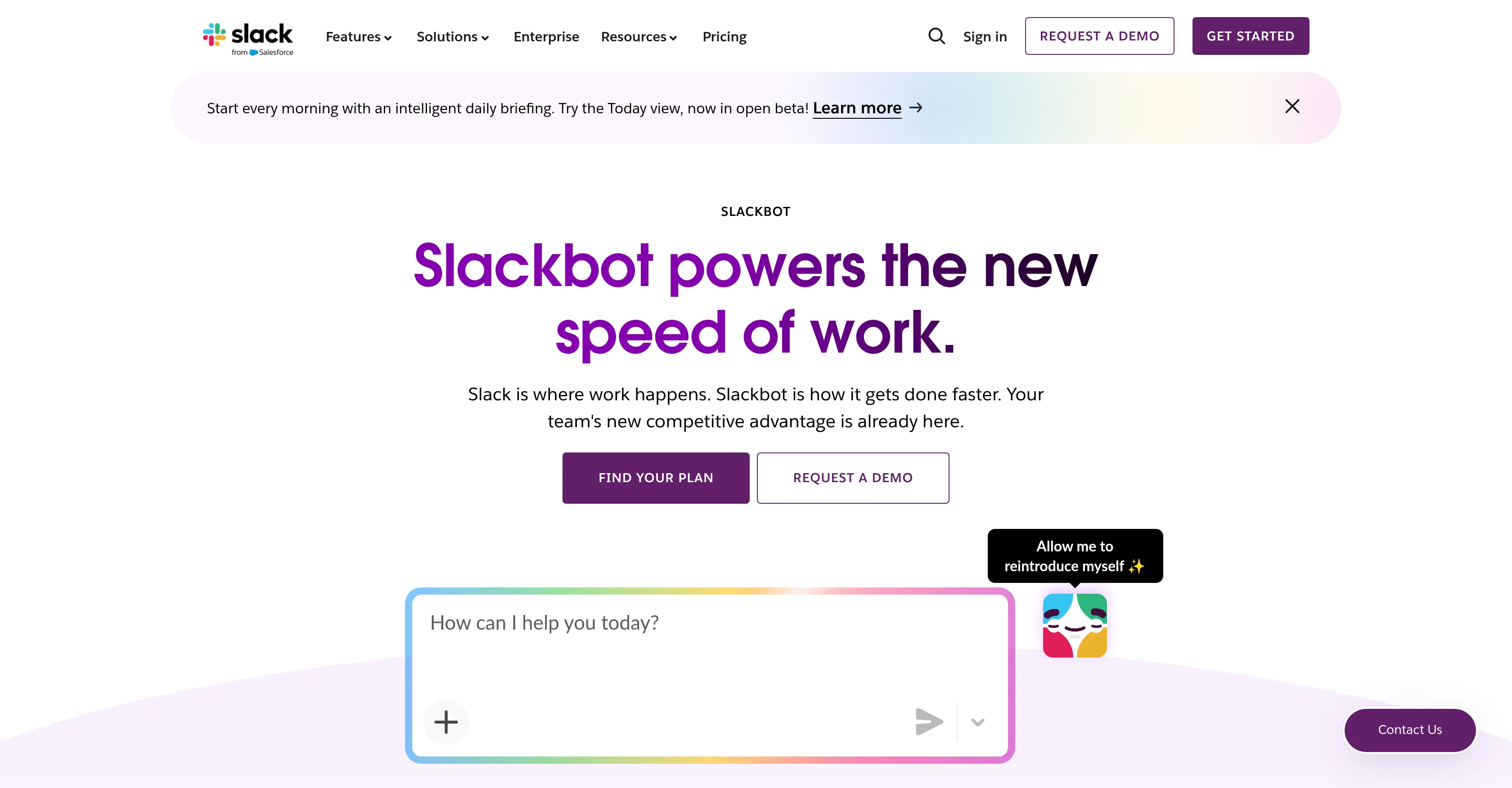
Slackbot is a personal AI agent integrated in Slack, a workspace tool that enhances productivity and collaboration among team members. Its capabilities exceed the basic function of answering questions; it also takes actionable steps towards solving tasks.
With a full context of your conversations, files, decisions, and linked data, Slackbot carries a comprehensive understanding of how your business operates.
This knowledge provides a foundation from which the AI agent can assist you more adeptly in your daily tasks. It can prepare you for meetings by summarizing channel activity, scheduling meeting times, and providing automatic suggestions on suitable meeting slots.
It can also analyze documents, build briefs, and find answers to questions across messages, channels, files, and connected apps. Slackbot is designed to work in harmony with every app and specialized AI agent connected to Slack, making it unnecessary for users to distinguish which tool completes which job.
You simply tell Slackbot what needs to be done, and it discerns the optimal path and completes the task. This significant feature of Slackbot empowers teams to work at a higher speed, fostering more efficiency in the workflow.
Best for
Short scenarios where Slackbot by Slack tends to shine.
-
Your personal AI agent in Slack's workflow.
Example outputs 1
Sample generations and before/after results for Slackbot by Slack.
Access & connections
Where you can use Slackbot by Slack, and what it plugs into.
Platforms
Integrations
Capabilities
What this tool accepts, produces, and is strongest at.
Input
- Tabular
- Text
Output
- Tabular
- Text
Highlights
- Agents
Supported features
- Agents
- Team Collaboration
- Memory
- Meeting Intelligence
- Docs
- Search
- Integrations
- Automation
Pros & cons
Pros
- Integrated in Slack
- Enhances productivity
- Enhances collaboration
- Full context understanding
- Automatic meeting suggestions
- Analyzes documents
- Connects with various apps
- Eliminates tool distinction
Show 23 more
- Increases team efficiency
- Summarizes channel activity
- Information retrieval across platforms
- Performs tasks, doesn't just respond
- Informed by linked data
- Drafts briefs
- Context-rich meeting preparation
- Automates scheduling
- Harmonizes various agents and apps
- Reduces tool-switching
- Solves IT issues
- Creates CRM accounts
- Logs CRM calls and notes
- Automates documentation
- Harmonic work routing
- Real-time intelligent search
- Combines internal and public data
- Extensible desktop interaction
- Enterprise-grade security
- User permissions control
- Voice-controlled on the move
- Information privacy assurance
- Trainable for user-specific tasks
Cons
- Requires Slack platform
- Lack of clear attributions
- Dependent on user inputs
- Potential privacy issues
- Interactions not universally visible
- Limited offline functionalities
- Adapting to personal tone uncertain
- Cross apps/actions limitations
Show 2 more
- Vague error corrections
- Unidimensional use-case
Compare alternatives
Similar tools in the catalog.

GPTTeams ✓
FreemiumCentralize AI models to boost productivity and streamline workflows.
Free + from $15/mo
Full comparison
Max: AI Coworker in Slack ✓
Free TrialYour AI coworker in Slack.
Free + from $99.00/mo
Full comparison
Complete.dev ✓
FreemiumYour team and AI agents in one workspace.
Free + from $20/mo
Full comparisonPeople also view
Tools that often show up alongside Slackbot by Slack in collections and comparisons.

SectorFlow ✓
FreemiumElevate Your Team's Productivity with AI
Complete.dev ✓
FreemiumYour team and AI agents in one workspace.

Brio ✓
UnknownSovereign AI, hosted in Europe, outside the Cloud Act.
Max: AI Coworker in Slack ✓
Free TrialYour AI coworker in Slack.

Indigo ✓
PaidAI-powered assistant for your team's desktop
GPTTeams ✓
FreemiumCentralize AI models to boost productivity and streamline workflows.

YappJam ✓
FreemiumMultiplayer vibe coding

Wery ✓
FreemiumTell AI experts your goal. Watch them deliver.
Releases 1
FAQ 12
What is Slackbot?
How does Slackbot assist with task management in Slack?
What type of data can Slackbot analyze?
How does Slackbot prepare for meetings?
Can Slackbot work with all my apps connected to Slack?
What is the key feature of Slackbot that enhances team productivity?
How does Slackbot understand my business operations?
How secure is Slackbot?
Can Slackbot schedule meetings?
How does Slackbot summarize channel activity?
Can Slackbot retrieve answers across messages, channels, files, and connected apps?
Can Slackbot work on my smartphone?
Related tools
Recommended

Serno ✓
FreemiumCustom AI experts that map what one AI can't

Denovo ✓
FreemiumTurn your idea into a real business in minutes.

Choosaro ✓
FreemiumCompare options and decide faster with AI.

Guideless ✓
FreemiumTurn any browser workflow into a polished, AI-narrated video guide in minutes.

HaloMate ✓
FreemiumThe Premier AI Workspace for Professionals.

IdeaProof – AI Startup Business Idea Validator ✓
FreemiumTest any startup idea in 120 seconds with AI