

GitGuardian ✓
Detect secrets in code, repos, and tools.
Verdict
A quick read before you dig into the full page.
- Best if
- Detect secrets in code, repos, and tools
- Skip if
- Limited user access control
- Pick this when
- Secures SDLC
Considering ZeroPath instead? Compare side by side
Overview
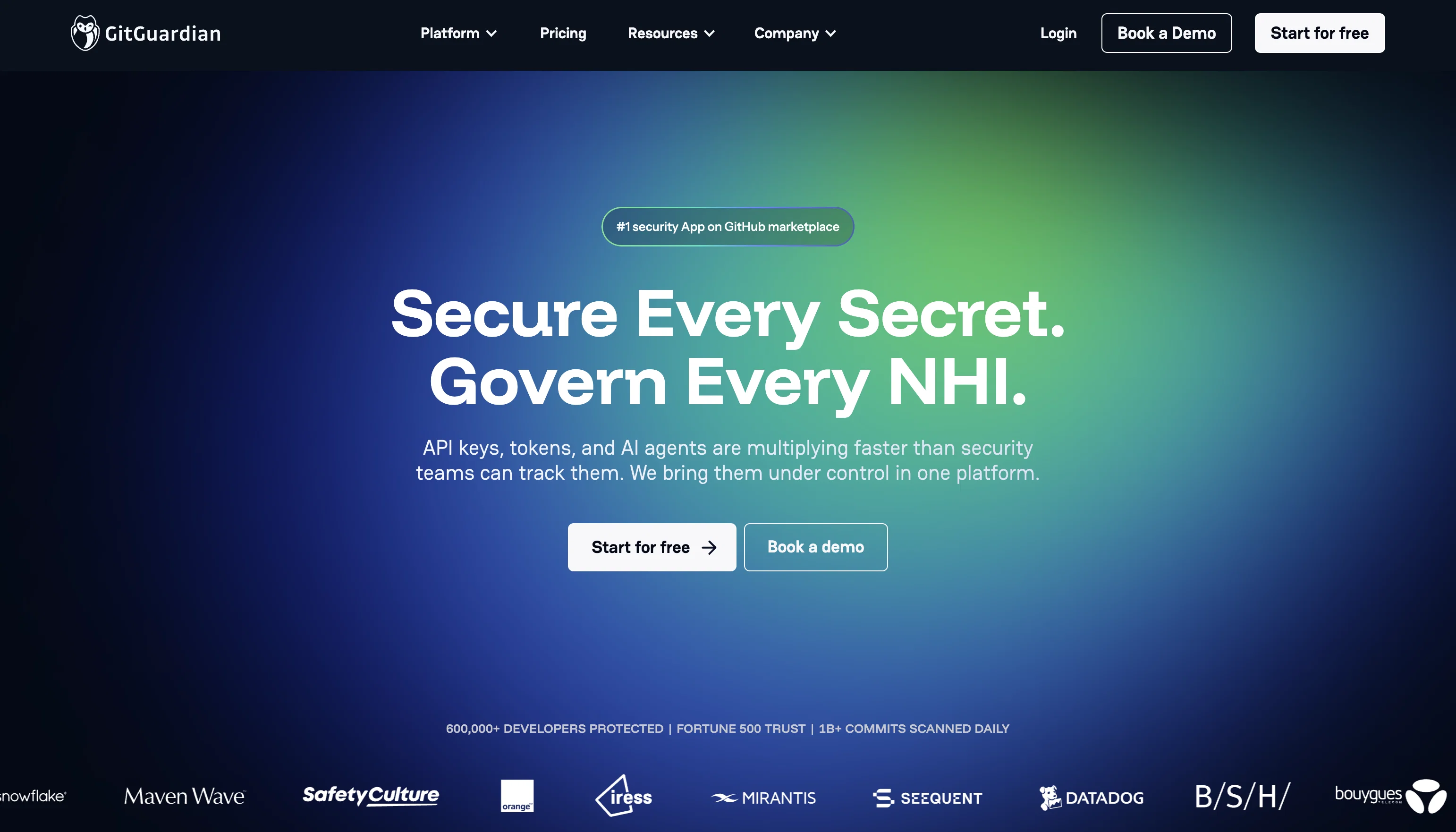
GitGuardian is a securing tool designed to monitor, detect, and manage secrets in software development life cycle (SDLC) and Non-Human Identities (NHIs).
Serving as a governance tool for NHIs, it helps control and provide visibility of your NHIs capabilities. The tool is aimed at preserving security in code, repositories, and other tools by looking for secrets in their infrastructure.
It provides internal and public secrets monitoring, allowing organizations to find, fix and prevent hardcoded secrets, and protect their external attack surface on platforms like GitHub.
GitGuardian also offers Non-Human Identity governance, giving users full control and comprehensive visibility. Underlining its functionalities is the GitGuardian CLI, optimized for integration and its connection with various detectors.
GitGuardian enables secure workflows with instant alerts for proactive security, preventing machine identities leaks via an effortless setup, smooth integration, and prompt alerts.
Developers can make use of the ggshield command line tool for comprehensive secrets detection prior to code deployment. By syncing client-side scanning with monitoring, it bridges the gap between security and development teams, streamlining workflows and managing exceptions, auto ignore lists, and approvals.
Ensuring continuous improvement, ggshield keeps a comprehensive incident history and learns from it to prevent alerts from recurring. It is available as a Software as a Service (SaaS) or self-hosted system.
Access & connections
Where you can use GitGuardian, and what it plugs into.
Platforms
Capabilities
What this tool accepts, produces, and is strongest at.
Input
- API
- Code
Output
- Code
- API
Pros & cons
Pros
- Secures SDLC
- NHI Governance
- Detects secrets in infrastructure
- Internal secrets monitoring
- Public secrets monitoring
- Hardcoded secrets prevention
- GitHub external attack protection
- CLI Integration
Show 41 more
- Streamlines development and security
- Exception management
- Auto ignore list
- Approvals system
- Continuous improvement via ggshield
- SaaS capability
- Self-hosted system option
- Incident management and learning
- Instant security alerts
- Machine identities leak prevention
- Provides comprehensive visibility
- Integration with various detectors
- Instant security alerts
- Facilitates secure workflows
- ggshield for secrets detection
- Client-side scanning and monitoring
- Comprehensive incident history
- Bridges security and development teams
- Flexible deployment options
- Centralized inventory of secrets
- Offers actionable analytics
- Automated remediation workflows
- Accelerates incident investigation
- Prioritized remediation
- Granular access control
- Automated playbooks for efficiency
- Custom remediation guidelines
- Early SDLC security implementation
- Git hooks support
- Integrates with 20+ tools
- Minimizes alert fatigue
- GGshield command line tool
- Secures repos and code tools
- Supports shared responsibility model
- Non-Human identities management
- Reduces Mean Time To Remediate (MTTR)
- Prevents hardcoded secrets
- Protects machine identities
- Secures code before deployment
- Closes gap between security and developers
- Connects with dev, security, and identity infrastructure
Cons
- Integration complexity
- No direct code-fix suggestions
- Only offers CLI interface
- Potential alert fatigue
- Limited scalability
- Depends on external services
- Less effective for small projects
- Poor customization options
Show 2 more
- Limited platform compatibility
- Limited user access control
Compare alternatives
Similar tools in the catalog — with a clear reason to open each one.

ZeroPath ✓
FreemiumAI-native SAST finding 2x more vulnerabilities with fewer false positives.
Why look Higher community rating
Full comparison
DryRun Security ✓
UnknownSecurity context as you code, without being a security expert.
No pricing
Full comparison

Endor Labs ✓
UnknownAI-powered application security that prioritizes real risks.
No pricing
Full comparison
Winfunc ✓
UnknownFind, triage, and patch security vulnerabilities in hours.
Why look Offers a public API
Full comparisonReleases 1
FAQ 12
What is GitGuardian?
How does GitGuardian detect secrets in code, repos, and tools?
How does GitGuardian help in managing Non-Human Identities (NHIs)?
What is GitGuardian's CLI and how is it used?
How does GitGuardian help in preventing hardcoded secrets?
How can developers use ggshield for secrets detection?
How does GitGuardian offer GitHub protection?
What is the function of GitGuardian's CLI integration?
How does GitGuardian enable proactive security?
How can I integrate GitGuardian into my workflows?
Does GitGuardian offer public secrets monitoring?
Can GitGuardian be used for internal secrets monitoring?
Related tools
Recommended

MailSweeper ✓
PaidReclaim your inbox with AI-powered email cleanup.

Invent | AI Customer Support Agents for any channel ✓
Free TrialYour AI business agent platform, on any channel

Voibe ✓
Free TrialType 3x faster with private offline dictation.

TheLibrarian.io ✓
Free TrialYour WhatsApp AI assistant for instant productivity.

Oddsmyth ✓
FreemiumYour AI co-manager for fantasy baseball.

devlo ✓
Free TrialAI Software Platform