

Dictation vv2.23 2026 Rank: #2600
Voibe ✓
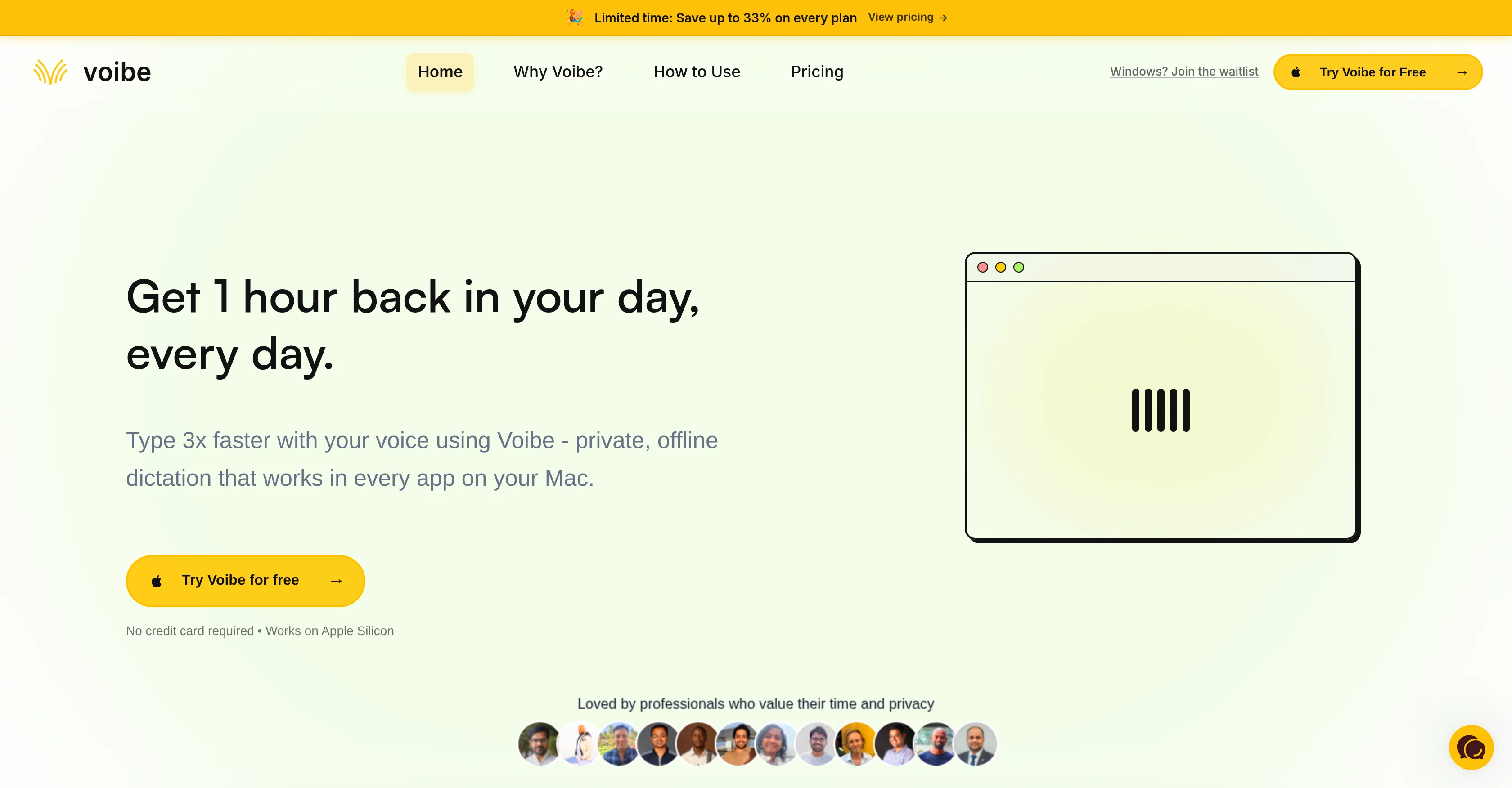
Type 3x faster with private offline dictation.
Verdict
A quick read before you dig into the full page.
- Best if
- Type 3x faster with private offline dictation
- Skip if
- Only compatible with macOS
- Pick this when
- Offline operation
Considering Wispr Flow instead? Compare side by side
Overview
Voibe is a private offline dictation app for Mac that allows users to type three times faster using voice to text. Voibe does not require an internet connection and all data processing is done locally on the device, ensuring maximum privacy as no voice data is sent to the cloud.
The app runs in the background, allowing the user to use their voice to input text into any Mac application. The dictation process is simple; users hold down a hotkey while speaking at their natural pace and release the key when they're done to have the spoken words appear in their text editor.
Voibe prioritizes speed, privacy, and flow making it a suitable tool for busy professionals who work heavily with text. The tool can be particularly useful in areas like content writing, email messaging, usage with other AI tools, and coding & development.
Voibe is designed to deliver server-grade accuracy with zero latency and can function without internet, making it a reliable tool. It also operates sustainably by running entirely on-device, reducing the environmental impact typically associated with cloud-based services.
Best for
Short scenarios where Voibe tends to shine.
-
Type 3x faster with private offline dictation.
Example outputs 1
Sample generations and before/after results for Voibe.
Access & connections
Where you can use Voibe.
Platforms
Capabilities
What this tool accepts, produces, and is strongest at.
Input
- Audio
Output
- Text
Highlights
- No Signup
- Local
- Use code TAAFT
- 50% OFF
Supported features
- No Signup
- Runs Locally
- Autocomplete
Pros & cons
Pros
- Offline operation
- MacOS specific
- Full operation across Mac apps
- Hotkey activation
- Instant voice to text transcription
- Quantized model use
- Runs on Apple Silicon
- Optimized for better performance
Show 28 more
- Enhanced data privacy
- Instant deletion of audio data
- Three times typing speed
- Doesn't require internet
- Background operation
- Speed, privacy prioritization
- Server-grade accuracy
- No latency
- Environmental sustainability
- Writes in various apps
- Dictates at natural speech pace
- Supports professional workflows
- Optimized for text-heavy workflows
- Works in any text editor
- Designed for technical terms
- No data sent to cloud
- Zero Data Retention
- No necessary network connectivity
- Safe for sensitive work
- Automatic transcription
- Zero data center energy waste
- No third-party data retention
- No downtime during outages
- Compatible with developer tools
- Changeable hotkey
- Suitable for regulated industry professionals
- No audio data storage
- Affordable pricing plans
Cons
- Only compatible with macOS
- Optimized for Apple Silicon only
- Doesn't support Intel Macs
- Requires holding hotkey
- No online version
- Lack of integration with Windows
- No mobile version
- May have potential battery implications
Show 2 more
- Inability to change hotkey settings
- Requires macOS 13 (Ventura) or later
Compare alternatives
Similar tools in the catalog — with a clear reason to open each one.

Wispr Flow ✓
FreemiumSpeak naturally, write perfectly, 4x faster.
Why look Better for writing
Full comparisonPeople also view
Tools that often show up alongside Voibe in collections and comparisons.

Yakki ✓
Free TrialWrite at the speed of your thoughts

EchoWrite ✓
FreemiumDon't type text anymore, just speak
Wispr Flow ✓
FreemiumSpeak naturally, write perfectly, 4x faster.

VoiceAppear ✓
See siteSpeak instead of type: three times faster.

Spokenly ✓
FreemiumSeamless speech-to-text in every app.

Aqua Voice ✓
FreemiumVoice-driven text editing for effortless document creation.

TalkToType ✓
FreemiumTalk to type in any app on Windows or Mac. Transcribe meetings

Parlo ✓
Free TrialVoice dictation, meetings, and Mac control, all on-device.
Releases 2
Spoken Punctuation
Say punctuation and symbols by name and Voibe types them as you dictate, instantly and on your Mac. On by default, and you can turn it off anytime in Settings.
Spoken Punctuation & Symbols
Say a mark or symbol by name and Voibe types it instead of the words. Say "comma" for a comma or "open paren" for an opening bracket, plus @, math signs, currency, and even full email addresses. It happens the instant you speak, entirely on your Mac.
Structure By Voice
Use "new line", "new paragraph", "bullet point", or "numbered list" to lay out paragraphs and lists while you dictate.
Cleaner Transcripts
Custom dictionary words are recalled accurately without leaking into your text.
Stability & Setup Fixes
More Reliable Model Downloads
Models now download with an integrity check, so a wrong or corrupted download no longer breaks transcription. If a download does fail, you can reach us directly with a new Contact Support option.
Audio Handling While Dictating
Improved how Voibe manages other audio playing on your Mac while you dictate.
Live Dictation
Watch your words appear as you speak, and edit them before they land.
Live Dictation
A new third dictation mode. Your words appear on screen as you speak, so you can read along and make edits before the text lands in your app. Like every mode, it transcribes entirely on your Mac.
Cancel a Dictation Instantly
Press Escape to discard the current dictation before it's inserted.
Improved
Simpler Default Hotkeys
Hands-Free now starts with Fn+Space, and a quick double-tap of Fn works too. You can also assign function keys like F1 and F2, and choose your own key combination for Push-to-Talk.
Refreshed App Icon
A cleaner look for the Dock and menu bar icons.
FAQ 12
What is the key functionality of Voibe?
How does Voibe ensure data privacy?
Is internet connectivity required to use Voibe?
How fast does Voibe convert voice to text?
What platforms does Voibe support?
Can Voibe be used in any mac application?
How does Voibe operate on a technical level?
Does Voibe store any user voice data?
What is the relevance of the Apple Silicon chip in Voibe's operation?
Who is the target audience for Voibe?
How can Voibe improve productivity in writing and content creation?
In what ways does Voibe contribute to environmental sustainability?
Related tools
Recommended

Future AGI ✓
FreemiumAI Agents hallucinate. Catch it. Fix it fast.

MagicSlides.app AI PPT Maker ✓
FreemiumCreate Stunning PPTs in Seconds with the AI PPT Maker

GetLogit ✓
FreemiumArtificial intelligence, available for everyone.

ChatGPT ✓
FreemiumAsk anything, create anything, and move from idea to action.

Automateed ✓
Free TrialCreate eBooks effortlessly with Automateed, the AI-powered writing tool.

Notis ✓
Free TrialThe first WhatsApp assistant that runs on your ChatGPT and Claude subscriptions