

PowerPoint presentations 2026 Rank: #805
FlashSlides ✓
Create stunning presentations in seconds with AI.
Trial; then from $9.99/mo
Verdict
A quick read before you dig into the full page.
- Best if
- Create stunning presentations in seconds with AI
- Skip if
- Limited file formats (PPT, PDF)
- Pick this when
- Generates slides on any topic
Considering PPT.AI instead? Compare side by side
Overview
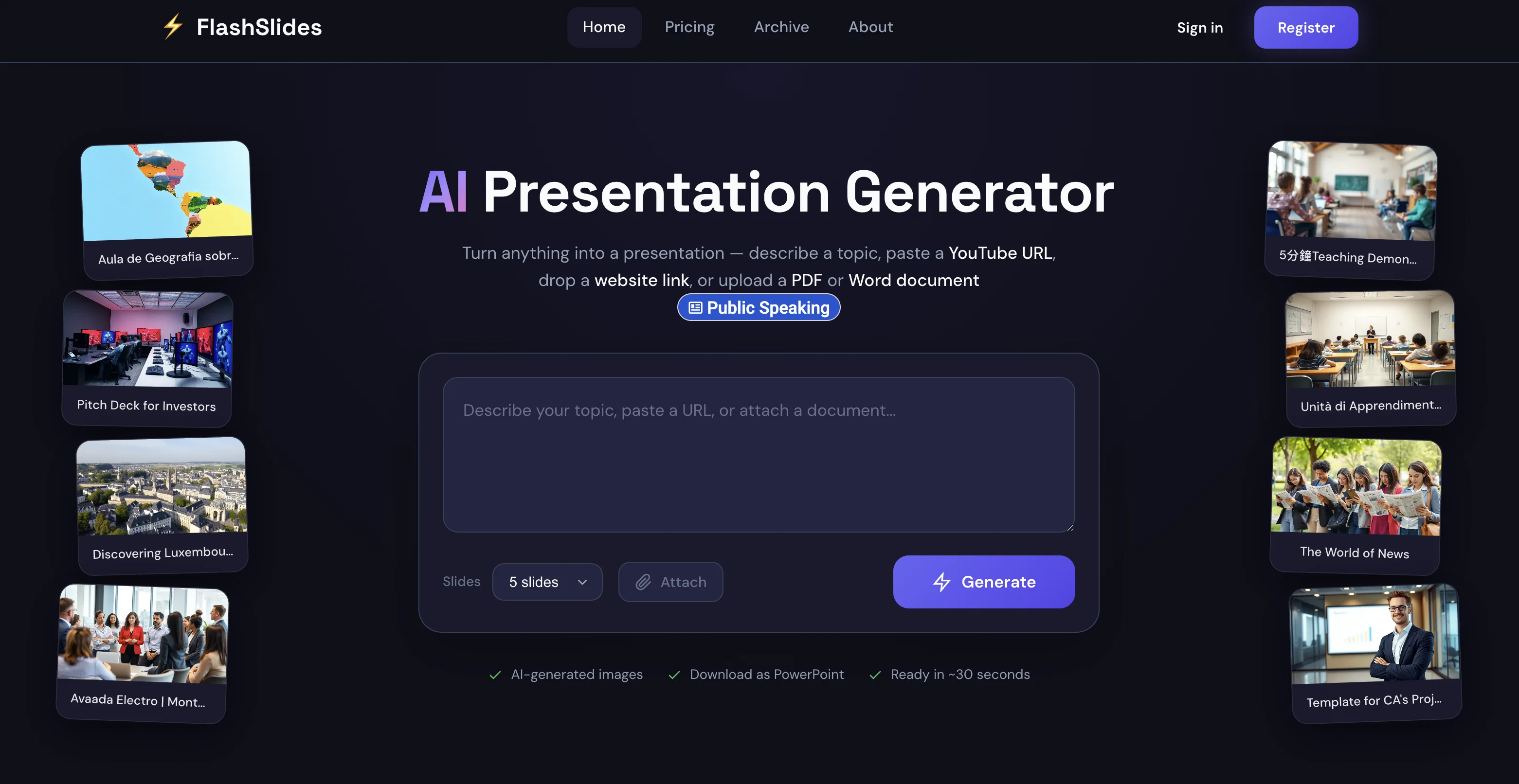
FlashSlides is an AI-powered tool designed to automate the process of creating professional-grade slideshows. Built with the capabilities to cater to a range of users, from students and educators to business professionals and startup founders, it provides a simplified way to generate presentations.
Users input a specific topic, and the AI then generates a comprehensive presentation, consisting of slides with relevant written content and custom, AI-constructed images.
FlashSlides further extends its utility by allowing users to download their presentations in different formats, including PowerPoint and PDF, and also provides a sharing option via a unique URL.
An additional feature includes audience privacy control, where presentations can be set to either public or private according to user preference. Plus, the tool's versatility doesn't end after slide generation; users retain full control over their content and are able to freely edit their downloaded presentation in programs like Microsoft PowerPoint or Google Slides.
Access & connections
Where you can use FlashSlides.
Platforms
Capabilities
What this tool accepts, produces, and is strongest at.
Input
- Text
Output
- Text
- Image
Supported features
- Slides
- Text Generation
- Image Generation
Pros & cons
Pros
- Generates slides on any topic
- Includes relevant content and images
- Auto-complete presentation creation feature
- Saves time in content creation
- Download as PowerPoint or PDF
- Provides unique URL for sharing
- Free daily presentation generation
- Private setting option for presentations
Show 11 more
- Compatible with other software for editing
- Serves varied users: students, professionals
- Ability to control audience privacy
- Multiple file formats for download
- Quick generation (~30 seconds)
- Viewable history of generated presentations
- Ideal for multiple professional scenarios
- User-friendly process: 3 simple steps
- Continuous positive user feedback
- Public presentations can appear in archive
- Option to purchase additional generations
Cons
- Limited free daily presentations
- Presentations public by default
- Requires purchasing for more generations
- Generates images, not videos
- Limited file formats (PPT, PDF)
- URL sharing only
- Language compatibility not specified
- Privacy concerns with public archive
Show 2 more
- Requires sign-in/login to use
- No built-in editing function
Compare alternatives
Similar tools in the catalog — with a clear reason to open each one.

PPT.AI ✓
Free TrialTransform ideas into stunning presentations instantly
Why look Typically cheaper
Full comparison
AI PPT Maker ✓
FreemiumAI turns your ideas into PowerPoint presentations instantly.
Why look Typically cheaper
Full comparison
Slideteam - Presentation Maker ✓
FreemiumGenerate professional presentations in seconds with AI
Free + from $43.57/mo
Full comparison
workppt ✓
Free TrialCreate unlimited presentations with AI in seconds.
Why look Typically cheaper
Full comparison

AI Presentations App ✓
FreemiumTurn text into PowerPoint slides instantly.
Why look Typically cheaper
Full comparisonReleases 1
FAQ 12
What is FlashSlides?
How does FlashSlides create presentations?
Is FlashSlides completely free?
Are there any charges for additional presentations in FlashSlides?
Can I edit presentations generated by FlashSlides?
How can I share my presentations made with FlashSlides?
Can I download the presentations created by FlashSlides as a PDF or PowerPoint file?
How does the AI image generation process work in FlashSlides?
Can FlashSlides generate presentations on any topic?
Is there a limit to the daily number of presentations I can generate with FlashSlides?
Can I make my presentations in FlashSlides private?
Are the presentations created by FlashSlides public by default?
Related tools
Recommended

Automateed ✓
Free TrialCreate eBooks effortlessly with Automateed, the AI-powered writing tool.

X-Pilot AI ✓
FreemiumTurn Documents into Accurate Video Course Series

AI Motion Transfer by The Influencer AI ✓
PaidTransfer motion from videos to photos with AI.

Riverside - YouTube Transcript Generator ✓
Free TrialConvert YouTube videos to text with 99% accuracy.

PhotoUpscaler ✓
UnknownTurn low-resolution images into high-quality photos instantly.

LearningStudioAI ✓
Free TrialAI-powered authoring tool for effortless online course creation.