

PhotoUpscaler ✓
Turn low-resolution images into high-quality photos instantly.
Verdict
A quick read before you dig into the full page.
- Best if
- Turn low-resolution images into high-quality photos instantly
- Skip if
- 100 attempts limit
- Pick this when
- High resolution upscaling
Considering Deep Image instead? Compare side by side
Overview
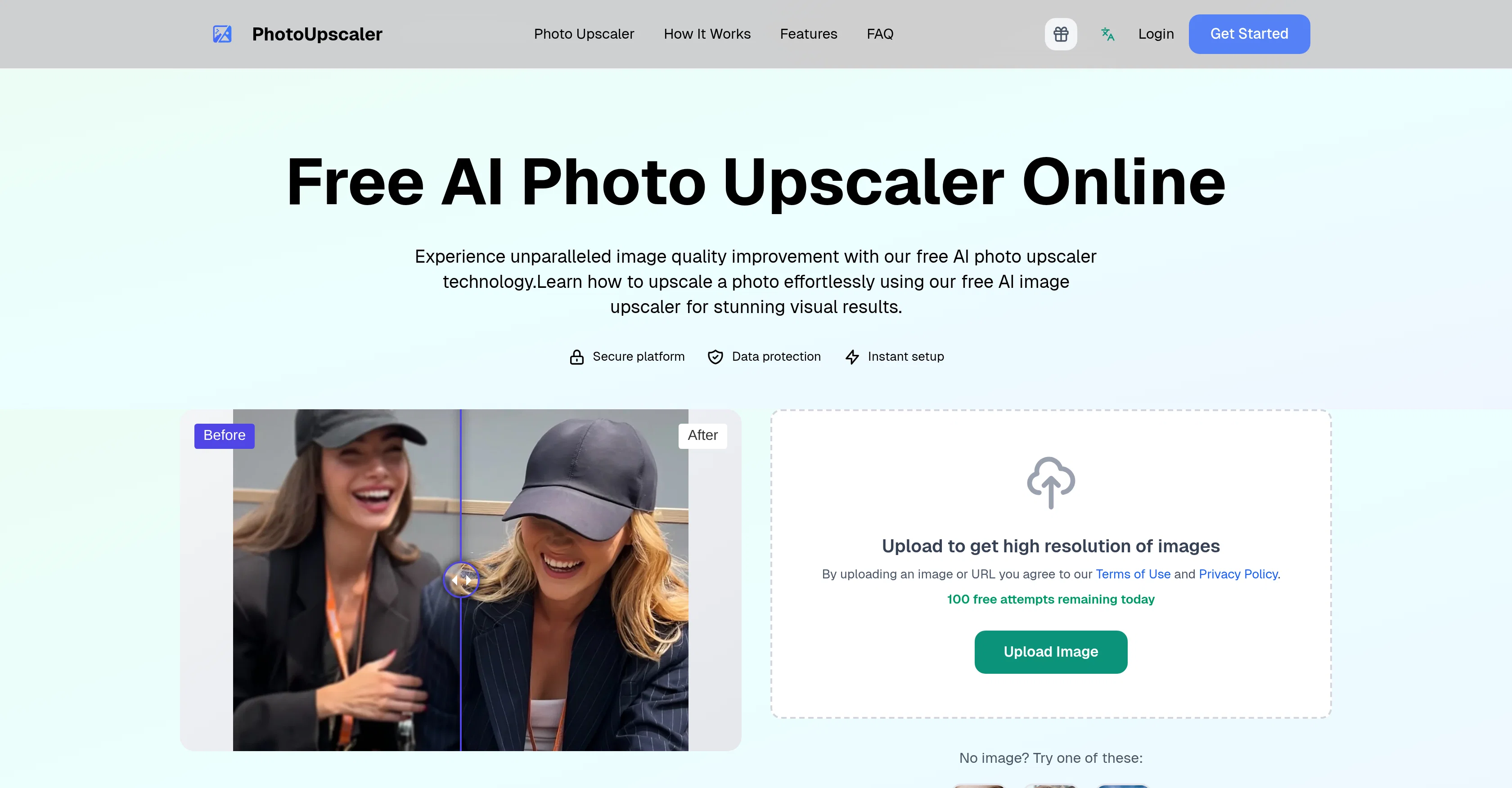
PhotoUpscaler is an AI-powered tool designed for enhancing image quality and upscaling their resolution. It transforms low-resolution photos into high-resolution images, maintaining photo details and quality without any discernible loss.
Users can upload images or use image URLs for this purpose, adhering to PhotoUpscaler's Terms of Use and Privacy Policy. This tool's primary functionality is making blurry images clearer and more visually appealing, achieved through the usage of advanced AI technology.
Apart from individual users, PhotoUpscaler can be a beneficial tool for professionals such as photographers, graphic designers, or content creators who frequently work with images and require high-quality outputs.
Additionally, PhotoUpscaler assures user trust owing to its commendable feature set and user-friendly platform.
Access & connections
Where you can use PhotoUpscaler.
Platforms
Capabilities
What this tool accepts, produces, and is strongest at.
Input
- Image
Output
- Image
Supported features
- Image Edit
- Upscaling
Pros & cons
Pros
- High resolution upscaling
- Maintains photo details
- Lossless quality enhancement
- Supports image uploads
- Accepts image URLs
- Clears blurry images
- Beneficial for professionals
- User-friendly platform
Show 11 more
- Privacy secure
- Visual improvement benefits
- Instant photo enhancing
- Supports low-to-high resolution
- Blur correction feature
- Ideal for digital art
- Terms of use clarity
- Efficient for content creators
- Beneficial for graphic design
- Photography enhancement tool
- Practical for image quality improvement
Cons
- No batch processing functionality
- No API for integration
- Limited to image upscaling
- No user customization features
- 100 attempts limit
- No failsafe for abuse
- No offline version
- No support for vector images
Show 2 more
- No mobile app
- Lacks advanced editing features
Compare alternatives
Similar tools in the catalog — with a clear reason to open each one.

Deep Image ✓
Free TrialEnhance photos with advanced editing features.
Free + from $9/mo
Full comparison
Upscayl ✓
Free TrialEnhance images with free, open-source AI upscaling.
Why look More privacy-focused
Full comparison
AI Upscaler ✓
FreemiumSmarter AI 4K Upscaler for Images & Videos
Why look Higher community rating
Full comparison
SciFig ✓
FreemiumTurn text into publication-ready scientific figures.
Free + from $12/mo
Full comparison

Neurohelper AI ✓
PaidEvery leading AI model. One workspace.
Why look Better for writing
Full comparisonReleases 1
Imported reviews 1
get an error every time. No tech support available.
FAQ 10
What is PhotoUpscaler?
How does PhotoUpscaler work?
Does PhotoUpscaler work with URLs of images?
Who can benefit from using PhotoUpscaler?
How does PhotoUpscaler enhance image quality?
How does PhotoUpscaler deal with privacy and data security?
Can PhotoUpscaler correct the blur in images?
Is there a significant loss of image details when using PhotoUpscaler?
Is PhotoUpscaler suitable for professional photographers and graphic designers?
What kind of AI technology does PhotoUpscaler use?
Related tools
Recommended
PhotoRestore.ai ✓
Free TrialRestore your old photos in seconds.

Automateed ✓
Free TrialCreate eBooks effortlessly with Automateed, the AI-powered writing tool.

DeepSeek ✓
FreeUnravel the mystery of AGI with curiosity

AI Image to Image.io ✓
FreemiumTransform images with simple text commands.

X-Pilot AI ✓
FreemiumTurn Documents into Accurate Video Course Series

ImageUpscaling.net ✓
FreeUpscale images by 400% with AI, for free.