
Image to video 2026 Rank: #2306
Flaq AI | Image to Video ✓
Animate any image with AI in seconds.
Verdict
A quick read before you dig into the full page.
- Best if
- Animate any image with AI in seconds
- Skip if
- Complex settings configuration
- Pick this when
- Multi-model animation
Considering MojoMake - AI Image to Video Generator instead? Compare side by side
Overview
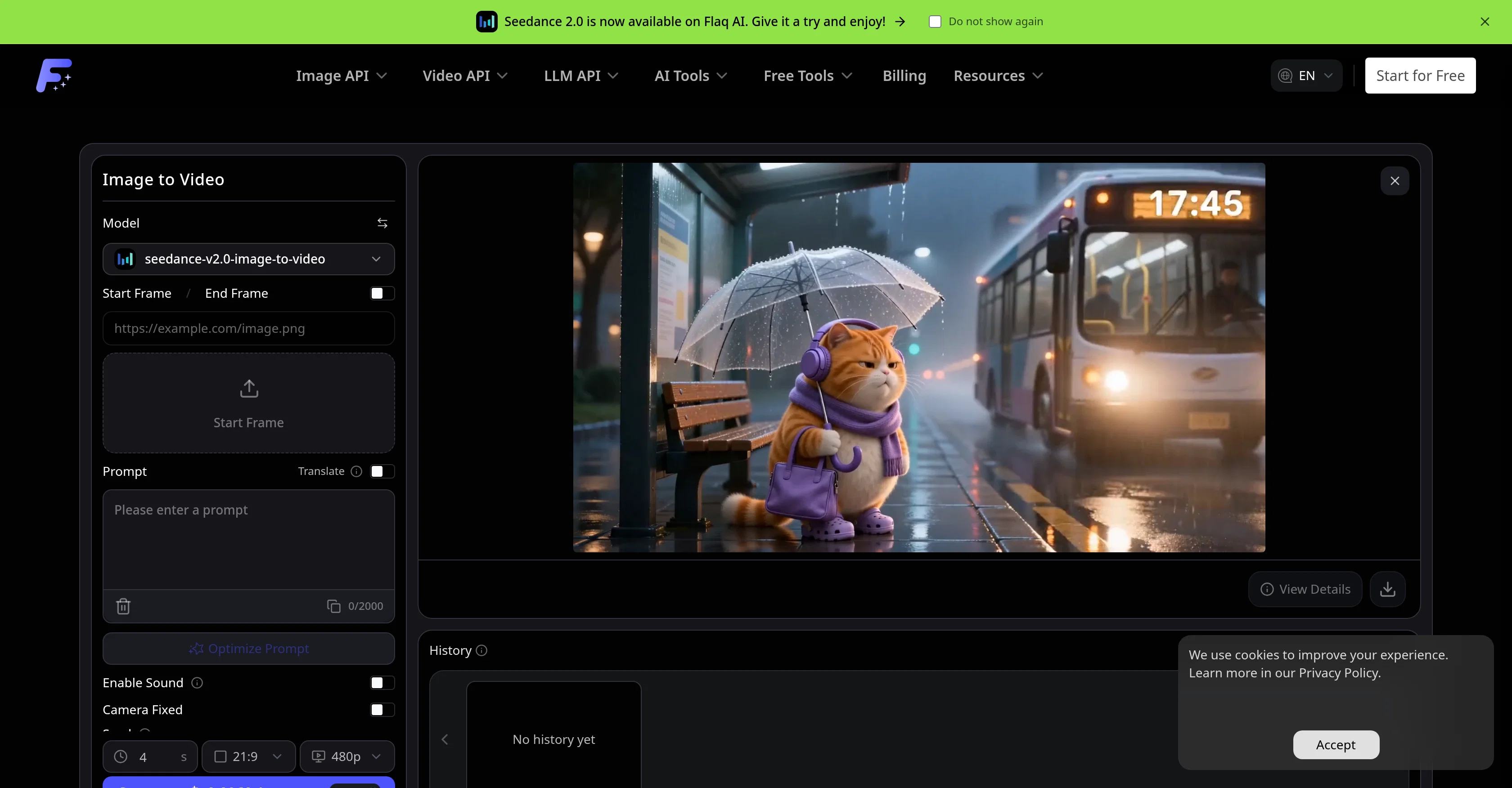
Flaq AI Image to Video Generator is a tool that animates photos and reference images into short AI videos. Users can seamlessly animate different types of imagery, from product pictures and portraits to character images, design visuals, and scene references.
Users describe the desired motion, choose a supported image-to-video model, and generate smooth video clips. Functions include prompt-guided action, camera movement, visual consistency, optional audio, and end-frame control all within an online workflow.
Users can also compare motion style, realism, speed, quality, audio support, and pricing among different image-to-video models. The tool accommodates flexible video settings where users can adjust options such as duration, aspect ratio, resolution, sound, end frame, seed, camera lock, and negative prompt per the selected model's specifications.
The Flaq AI Image to Video Generator is a great tool for social media video creation, product and e-commerce videos, portrait and character animation, and design and concept previews.
This tool provides a streamlined process for animating still images into dynamic cinematic videos while preserving the main subject, composition, and visual identity.
Further, the tool offers predictive cost estimates, multi-model animation, and stable API workflows. The process includes uploading a reference image, detailing the motion prompt, choosing a model, generating the clip, previewing the result, and refining the prompt or settings for an improved version if necessary.
The Flaq AI Image to Video Generator is a comprehensive tool for all image-to-video animation needs.
Access & connections
Where you can use Flaq AI | Image to Video.
Platforms
Capabilities
What this tool accepts, produces, and is strongest at.
Input
- API
- Image
- Text
Output
- Audio
- Video
- API
Supported features
- Video Generation
- Video Edit
Pros & cons
Pros
- Multi-model animation
- Flexible video settings
- Predictive cost estimation
- Stable API workflows
- Animation of uploaded images
- Reference image animation
- Optional audio support
- User-guided animation prompts
Show 12 more
- Camera movement control
- End-frame control
- Animation adjustments control
- Supports multiple image-to-video models
- Product visualization
- Portrait and character animation
- E-Commerce video creation
- Social media video creation
- Design & concept previews
- Visual consistency preservation
- Online workflow
- Dynamic cinematic videos
Cons
- Limited model selection
- Highly dependent on prompts
- Complex settings configuration
- Not suitable for long videos
- Optional audio support
- Fixed camera movement
- Possible loss of visual identity
- Potential cost unpredictability
Show 1 more
- Incomplete history functionality
Compare alternatives
Similar tools in the catalog — with a clear reason to open each one.

MojoMake - AI Image to Video Generator ✓
FreemiumUse every top AI model and 100+ effects in one account.
Why look Freemium alternative
Full comparison
VidFlux - Photo to Video Generator ✓
PaidTransform photos into cinematic videos with AI.
Why look Typically cheaper
Full comparison
Grok Imagine ✓
FreemiumUnleash Your Creativity with Grok Imagine
Why look Freemium alternative
Full comparison
VidFlux - Image to Video AI ✓
PaidTransform any image into stunning videos.
from $9/mo
Full comparison
MindVideo ✓
FreemiumCreate stunning videos from text or images.
Why look Freemium alternative
Full comparison
Releases 1
FAQ 12
What is the Flaq AI Image to Video Generator?
How does the Flaq AI Image to Video Generator animate static images?
What are some typical use-cases for the Flaq AI Image to Video Generator?
Can the Flaq AI Image to Video Generator support audio in the videos?
What animation adjustments does the Flaq AI Image to Video Generator allow?
How does the Flaq AI Image to Video Generator ensure flexibility in motion style and quality?
Can I adjust the duration and other settings of the video in the Flaq AI Image to Video Generator?
Does Flaq AI Image to Video Generator provide cost estimation before creating a video?
What is the role of prompts in the animation process with Flaq AI Image to Video Generator?
Can I control camera movement in the Flaq AI Image to Video Generator?
Does the Flaq AI Image to Video Generator maintain visual consistency during the animation process?
What are the steps to animate an image using Flaq AI Image to Video Generator?
Related tools
Recommended

MagicLight ✓
FreemiumTransform text into captivating videos instantly.

Fabricate ✓
FreemiumFabricate builds entire web apps from a single prompt - free!

HappySeeds ✓
FreemiumTurn ideas into AI-powered apps instantly.

MiDash AI ✓
FreemiumInvest naturally with conversational AI.

Anna ✓
FreemiumYour AI partner that remembers everything and grows with you.

Sellinger AI ✓
Free TrialFully autonomous LinkedIn outreach that builds real conversations and books calls