

UX design 2026 Rank: #405
Figr AI ✓
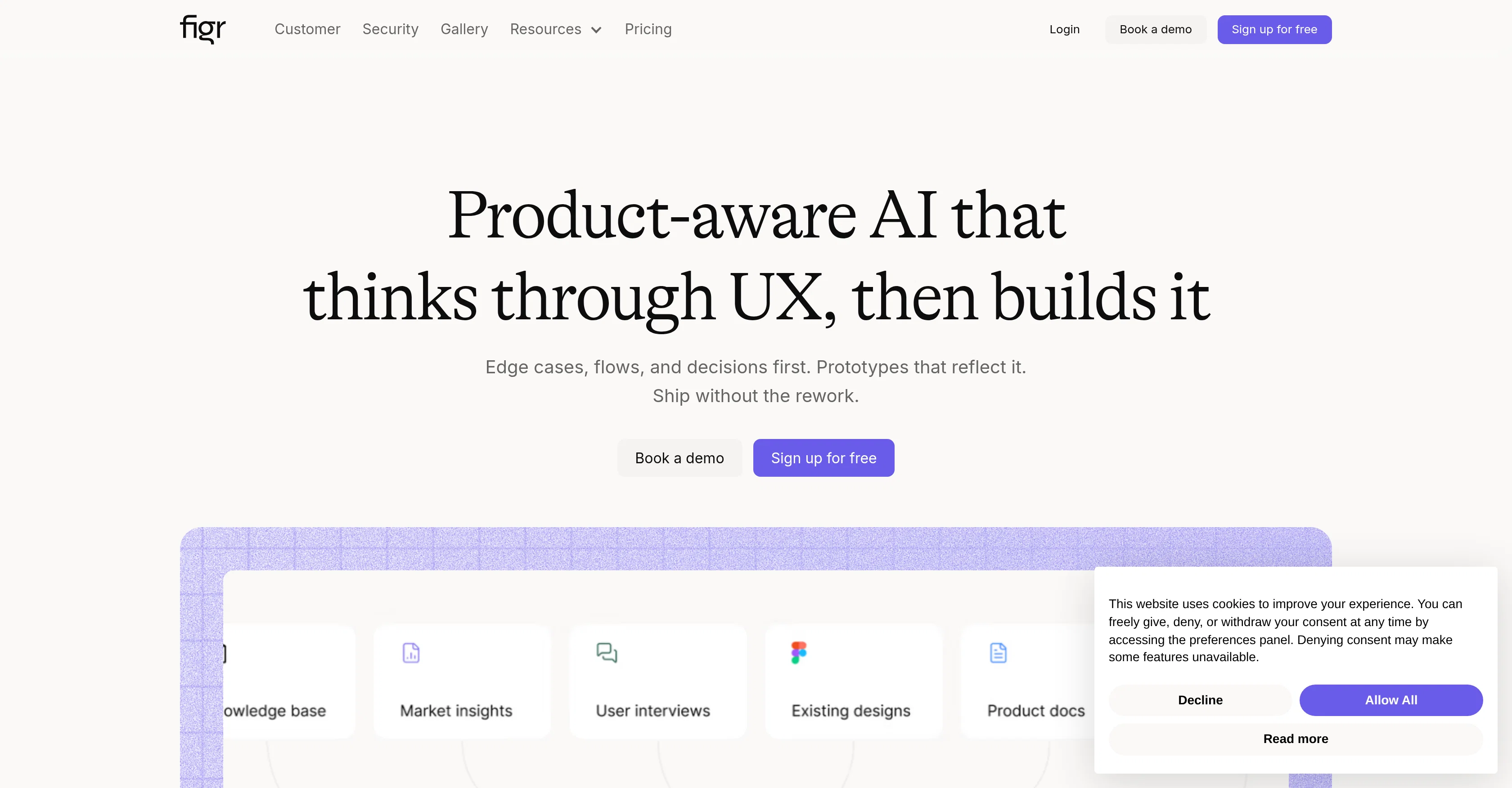
Product-aware AI that thinks through UX, then builds it
Verdict
A quick read before you dig into the full page.
- Best if
- Product-aware AI that thinks through UX, then builds it
- Skip if
- Limited A/B testing capabilities
- Pick this when
- Integrates with Chrome
Considering UXMagic AI instead? Compare side by side
Overview



Figr is an artificial intelligence tool specifically aimed at aiding product teams in the design process. It can deeply comprehend the context of a product, taking into account factors like industry benchmarks, user feedback, and design systems to create production-ready UX.
Figr eliminates the need for guesswork and endless revisions, streamlining the workflow and helping teams ship products faster. This tool is adept at thinking through user experience, constructing it from the ground up.
Figr is also equipped to handle edge cases, flows, and decisions before constructing prototypes that properly reflect these elements. This process reduces the chance of rework significantly.
Further, this product-aware AI learns to deliver even more accurate and helpful results as it gathers more product context over time. For product managers, it drafts PRDs and specs, maps user flows and journeys, and provides feedback grounded in real UX patterns.
For product designers, it explores A/B variations, enforces design system tokens, and checks for accessibility in its designs. Figr is trusted by hundreds of teams that highly value user experience.
- Context Aware Product Designing
- Chrome Extension For Live Web App Parsing
- Persistent Product Memory Across Sessions
- 200,000+ Screen Ux Pattern Training
- High-fidelity Prototypes Matching Your Design System
- Ux Review And Accessibility Audit For Product Teams
- User Flow And Journey Mapping
- Screen Recording As Context Input
Best for
Short scenarios where Figr AI tends to shine.
-
Product-aware AI that thinks through UX, then builds it
Example outputs 1
Sample generations and before/after results for Figr AI.
Access & connections
Where you can use Figr AI, and what it plugs into.
Platforms
Capabilities
What this tool accepts, produces, and is strongest at.
Input
- API
- Code
- Tabular
- Image
- Text
- Video
- Audio
Output
- Code
- Tabular
- Text
- Image
Highlights
- Agents
- MCP
Supported features
- Agents
- MCP
Pros & cons
Pros
- Integrates with Chrome
- Imports Figma designs
- Ingests screen recordings
- Analyzes competitor screenshots
- Connects with Notion, Confluence
- Builds persistent knowledge base
- Thinks before designing
- Identifies missed edge cases
Show 40 more
- Runs UX reviews
- Generates A/B variations
- Maps user flows
- Generates PRDs
- 200,000+ screen patterns database
- Creates high-fidelity prototypes
- No generic templates
- Stakeholder validation, not debugging
- Designs compound over time
- Product thinking before execution
- Integrates design system tokens
- Enforces accessibility checks
- Drafts PRDs, specs
- Eliminates guesswork
- Reduces revisions
- Handles edge cases
- Streamlines workflows
- Ships products faster
- Prototypes reflect real product
- Reduces rework likelihood
- Industry, user feedback context
- One-click Figma export
- Test scenarios before handoff
- Reads your analytics data
- Tackles component states
- UX review before delivery
- Product PRD construct
- Design from screen recordings
- Creates UX from context
- High-fidelity starting point
- Generates QA design cases
- Assists elderly-friendly UX
- Source freshness tags
- Reusable design system tokens
- Reviews industry benchmarks
- Information mapping for prototypes
- Converts design to specifications
- Built-in accessibility checks
- Identifies conversion drop-off points
- Creates rich documentation
Cons
- Requires Chrome extension
- Heavy reliance on third-party apps
- No information on on-prem availability
- May not support all design tools
- Non-universal design language use
- Lacks mobile app version
- No specific user roles
- Limited A/B testing capabilities
Show 2 more
- May not cover platform-specific UX
- No multi-language support
Compare alternatives
Similar tools in the catalog — with a clear reason to open each one.

UXMagic AI ✓
FreemiumGenerate Figma-ready UI designs with AI instantly.
Free + from $17.5/mo
Full comparison
Frontitude ✓
FreemiumAI writing assistant for design teams in Figma
Why look Typically cheaper
Full comparisonPeople also view
Tools that often show up alongside Figr AI in collections and comparisons.
UXMagic AI ✓
FreemiumGenerate Figma-ready UI designs with AI instantly.

WEVO ✓
UnknownEffortless UX Research for Teams

Userology ✓
UnknownAI-powered user research in 30 minutes

TheLoops ✓
PaidAI-powered CX platform for seamless customer support
Frontitude ✓
FreemiumAI writing assistant for design teams in Figma

Discova AI ✓
UnknownAI-powered UX insights engine

Home Design AI ✓
Free TrialRedesign any room or home with a single photo.

Fiuto ✓
FreemiumAI-powered user research for everyone.
Releases 1
Imported reviews 9
Loved the product ally
It ingests your product context first, then generates. That order matters a lot.
The context layer is the whole thing. Most tools skip it entirely.
Cuts the back and forth between PM and designer by a lot.
okay this is wild, the prototypes actually look like our app, not some generic wireframe slop
Also, brainstorms with me before moving ahead.
Great tool! Loved that it asked questions before designing.
Saved me a lot of time.
Just tried it. the chrome extension thing is clever
FAQ 12
What is Figr?
How does Figr's product-aware framework work?
How is Figr helpful for product teams?
What is the benefit of Figr's 'Product-Aware AI'?
Can Figr help in reducing the number of revisions in UX Design?
How does Figr streamline the design team's workflows?
How quickly can I create a design using Figr?
What role does Figr play in UX decision making?
What functionality does Figr have for prototyping?
How does Figr handle edge case detection?
Does Figr provide any design insights?
How does Figr support the enforcement of design system tokens?
Related tools
Recommended

freebeat AI ✓
FreemiumTurn Music & Ideas into Viral Videos In One Click

Articos ✓
PaidRun synthetic user interviews and validate messaging, landing pages, and product ideas

Clever AI Humanizer ✓
FreeMake AI text undetectable and human-like.

ZenCall ✓
Free TrialAI Answers Your Calls

Napkin ✓
FreemiumBring your ideas to life with a visual copilot

Free AI Chatbot & Image Generator ✓
FreeFree AI chat and image creation, no signup required