

Discova AI ✓
AI-powered UX insights engine
Verdict
A quick read before you dig into the full page.
- Best if
- AI-powered UX insights engine
- Skip if
- Limited testing parameters
- Pick this when
- Transforms workflow
Considering UXMagic AI instead? Compare side by side
Overview
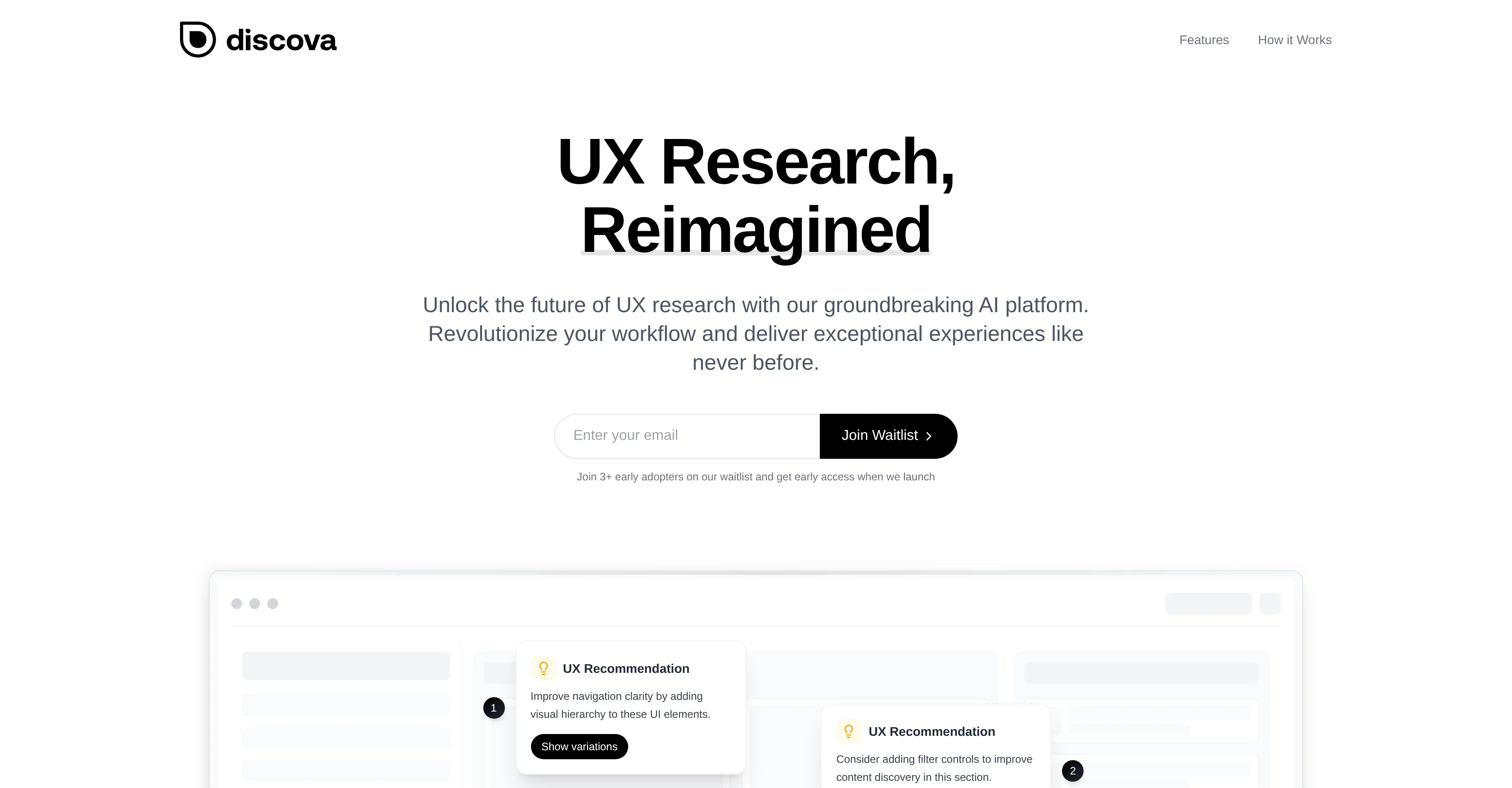
Discova.ai is an AI-driven UX research tool innovatively designed to transform your workflow and help you deliver exceptional user experiences. This tool provides comprehensive solutions for visual analysis, research synthesis, design variations, usability analytics, A/B testing ideas, and persona creation.
The AI technology is designed with the ability to reveal insights that might be missed by conventional methods. It instantly translates raw research data into valuable insights without the necessity for countless hours of manual labor.
One of its standout features is its AI-powered design assistance that helps you explore infinite creative possibilities and iterate designs at an unmatched speed.
Discova.ai provides deeper understanding of user behavior through intuitive visual analytics, giving light to patterns and opportunities. It also suggests effective testing strategies for significant improvements and helps create a richer, more accurate user persona with AI-enhanced insights.
The process is user-friendly: you begin by connecting your designs to the system, and the AI then works behind the scenes to uncover insights. It then offers a chance to explore the AI-generated insights and creative solutions leading to a transformed workflow.
Access & connections
Where you can use Discova AI.
Platforms
Capabilities
What this tool accepts, produces, and is strongest at.
Input
- Image
Output
- Text
Pros & cons
Pros
- Transforms workflow
- UX research synthesis
- Provides design variations
- Usability analytics
- A/B testing suggestions
- Assists in persona creation
- Detects missed conventional insights
- Automatic data translation
Show 19 more
- Unmatched design iteration speed
- Deeper user behavior understanding
- Intuitive visual analytics
- Reveals patterns and opportunities
- Effective testing strategies
- Enhanced user persona accuracy
- User-friendly process
- Ease of design connection
- Easy exploration of insights
- Workflow transformation
- Advanced visual analysis
- Eliminates manual analysis
- Limitless creative possibilities
- Sophisticated A/B analysis
- Richer user profiles
- Improves navigation clarity
- Facilitates content discovery
- Recommends UI improvements
- Unlocks testing strategies
Cons
- Tool isn't open-source
- No integration with other systems
- No offline mode options
- Lack direct customization options
- No mention of data security
- Limited testing parameters
- No multi-language support
- Requires manual design connection
Show 2 more
- No detailed feature documentation
- No multi-user collaboration options
Compare alternatives
Similar tools in the catalog — with a clear reason to open each one.

UXMagic AI ✓
FreemiumGenerate Figma-ready UI designs with AI instantly.
Free + from $17.5/mo
Full comparison
Figr AI ✓
FreemiumProduct-aware AI that thinks through UX, then builds it
Why look Higher community rating
Full comparison


Frontitude ✓
FreemiumAI writing assistant for design teams in Figma
Why look Better for writing
Full comparison
Releases 1
FAQ 12
What is Discova.ai?
How can Discova.ai transform my workflow?
What are the core features of Discova.ai?
How does the AI-powered UX insights engine of Discova.ai work?
How does Discova.ai utilize AI technology?
Can Discova.ai help with A/B Testing?
How does Discova.ai assist in persona creation?
Can Discova.ai analyze user behavior?
How does Discova.ai facilitate design variations?
How does the AI of Discova.ai work behind the scenes?
Can Discova.ai translate raw research data into valuable insights?
What kind of visual analytics does Discova.ai provide?
Related tools
Recommended

remio: Your Personal ChatGPT ✓
FreemiumGet Tailored Answer with Your Personal ChatGPT

Scottie — Read Less, Know More ✓
Free TrialRead the news 30x faster

BlogSEO ✓
Free TrialRank #1 on Google & ChatGPT on Autopilot

Guideless ✓
FreemiumTurn any browser workflow into a polished, AI-narrated video guide in minutes.

Banani ✓
Free TrialGenerate UI designs from text with AI.

ChatGPT ✓
FreemiumAsk anything, create anything, and move from idea to action.