

Dreamega AI | Image Effects ✓
Transform photos with AI-powered effects and filters.
from $9.99/mo
Verdict
A quick read before you dig into the full page.
- Best if
- Transform photos with AI-powered effects and filters
- Skip if
- Limited image adjustment tools
- Pick this when
- Texts into images/videos
Considering Viyou AI Image Generator instead? Compare side by side
Overview
Dreamega AI | Image Effects is a platform providing AI-powered functions for image and photo transformations. The comprehensive suite of tools includes converting texts into images or videos, creating music from text descriptions, generating new images based on reference images, upscaling images, removing backgrounds or watermarks, and other AI-driven transformations.
With a wide array of filters and styles available, users can instantly create visuals like anime, 3D effects, cartoons, vintage filters, and professional portrait enhancements.
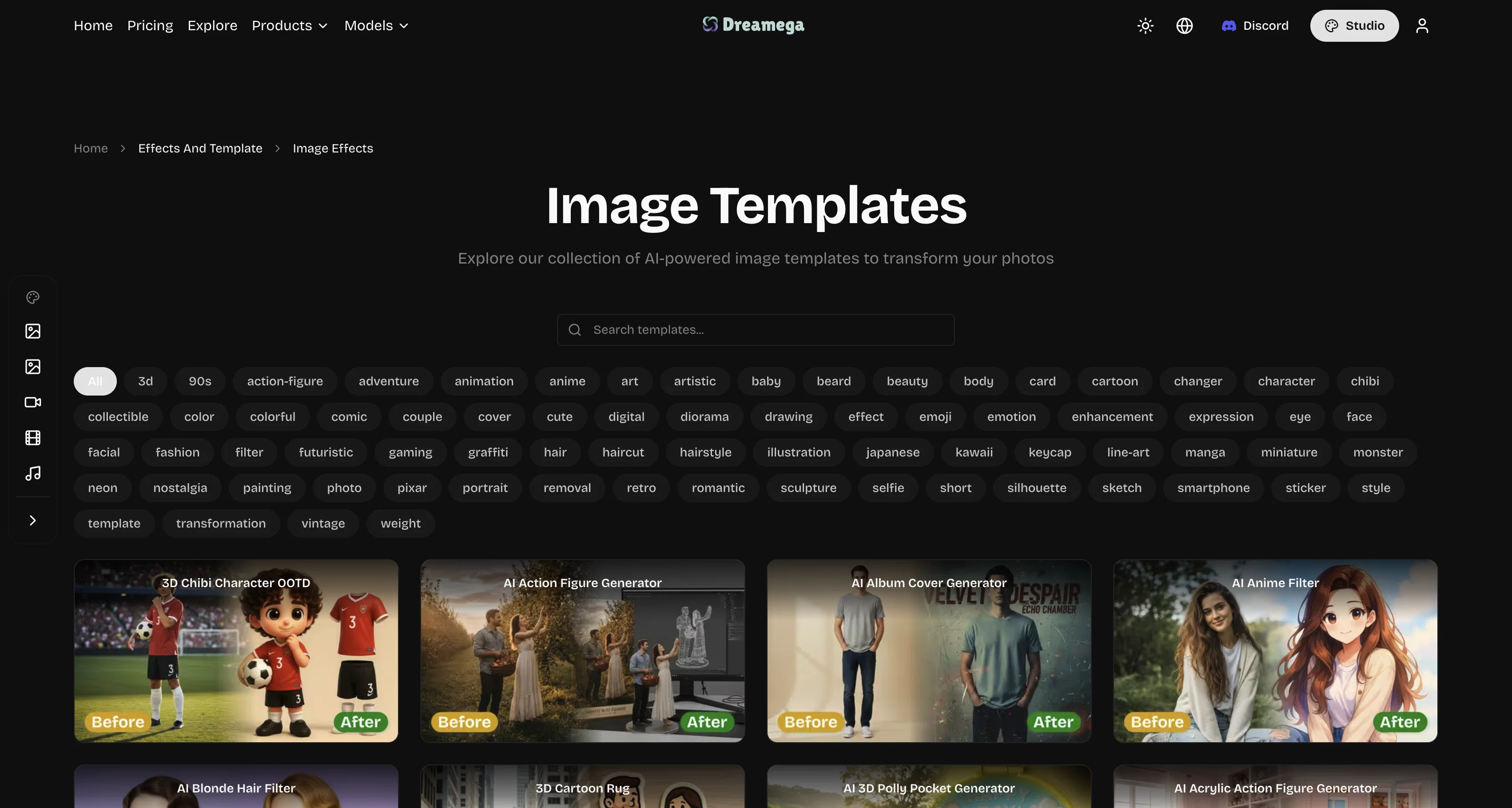
The application can cater to different creative needs, enabling a complete transformation of regular photos into unique digital pieces. The gallery boasts a range of distinct templates and effects, each allowing the creation of a unique piece from a user's photos such as action figures, album covers, hair changers, and a variety of character and image transformations.
Notably, the platform also houses features to convert images into dynamic videos or text-driven music, a rare combination in the world of AI-powered image editors.
In addition, Dreamega provides support multiple languages, enhancing global accessibility and usability. This product can serve a broad audience, from professional digital artists to anyone looking to effortlessly add creative touches to their images, videos, or text.
Access & connections
Where you can use Dreamega AI | Image Effects.
Platforms
Capabilities
What this tool accepts, produces, and is strongest at.
Input
- Image
- Text
Output
- Audio
- Video
- Text
- Image
Highlights
- SOTA
Supported features
- 3D Generation
- Arhitecture & Interior design
- Background Removal
- Denoise
- Image Edit
- Image Generation
- Image to prompt
- Image Understanding
- Music Generation
- Outpainting
Show 5 more
- Styling
- Translation
- Upscaling
- Video Edit
- Video Generation
Models
Text
Image
Audio
Video
Pros & cons
Pros
- Texts into images/videos
- Music from text descriptions
- New images from reference
- Upscaling images
- Removing backgrounds
- Removing watermarks
- Instant visual creation
- Anime, 3D effects, cartoon
Show 27 more
- Vintage filters
- Professional portrait enhancements
- Action figure creation
- Album cover creation
- Convert images to videos
- Convert images to text-driven music
- Supports multiple languages
- Image editing
- Creative transformations of photos
- Distinct templates and effects
- Hair changer feature
- Character image transformations
- Global usability
- Image to video conversion
- Text to music function
- Image watermark removal
- Text to video feature
- Video watermark remover
- Image to image transformation
- Background remover
- Image upscaler
- 3D effects
- Album cover generator
- Hairstyle changer
- Graffiti monster effect
- Cartoon monster world
- Pokemon generator
Cons
- Lacks photo retouching capabilities
- No collaborative features
- No version control
- Limited language support
- No mobile application
- Missing batch editing
- No digital asset management
- No in-tool sharing options
Show 2 more
- Limited image adjustment tools
- No format conversion
Compare alternatives
Similar tools in the catalog — with a clear reason to open each one.

Viyou AI Image Generator ✓
FreemiumTransform text and images into stunning videos and visuals.
Why look Freemium alternative
Full comparison
Img2Img AI ✓
FreemiumTransform any image with AI in seconds.
Why look Freemium alternative
Full comparison

Photoeditor ✓
PaidEnhanced image editing with object and text removal.
from $9.99/mo
Full comparison
Cleanup pictures ✓
FreemiumRemove unwanted elements from photos instantly.
Why look Freemium alternative
Full comparisonReleases 1
Imported reviews 1
Here's the rundown. If you thought image editing like Photoshop or Affinity Photo, you were wrong. It's 100% insert a photo and put a filter over it or change it into another AI image.
Signing up for an account gets you 4 credits. Enough for one image to image generation.
Instead, you should go to aistudio.google.com. This Dreamega site is just using google to generate their stuff anyways. You can do this yourself without paying per generation, the only difference is you need to type the prompt yourself.
Is it worth paying some overblown monthly subscription on Dreamega for something you can do yourself or something you'll probably only do once?
FAQ 12
What are the features of Dreamega AI?
How many languages does Dreamega AI support?
Can I convert text into images or videos with Dreamega AI?
Does Dreamega AI offer different filters and styles?
Can Dreamega AI remove backgrounds or watermarks from images?
Can Dreamega AI upscale images?
What are AI-driven transformations in Dreamega AI?
Does Dreamega AI allow to create music from text descriptions?
How can I access the action figure creation feature on Dreamega AI?
Can I create album covers using Dreamega AI?
Can the Dreamega AI turn photos into unique digital pieces?
Are there available templates in Dreamega AI?
Related tools
Recommended

Claude ✓
FreemiumBuilding reliable, interpretable AI systems

Veo ✓
PaidGenerate high-quality, cinematic videos with AI.

Image Editor Online ✓
FreeTransform images with AI prompts instantly online.

ChatGPT ✓
FreemiumAsk anything, create anything, and move from idea to action.

Recall ✓
FreemiumSummarize Anything, Forget Nothing!

Suno ✓
FreemiumMake music at the speed of your ideas.