

Dojoclip ✓
AI-powered video editing and subtitling in minutes.
Free + from $20/mo
Verdict
A quick read before you dig into the full page.
- Best if
- You are video editors and need: Edit viral videos
- Skip if
- Complex comprehension requirements
- Pick this when
- Online accessibility
Considering CapCut Online Creative Suite instead? Compare side by side
Overview
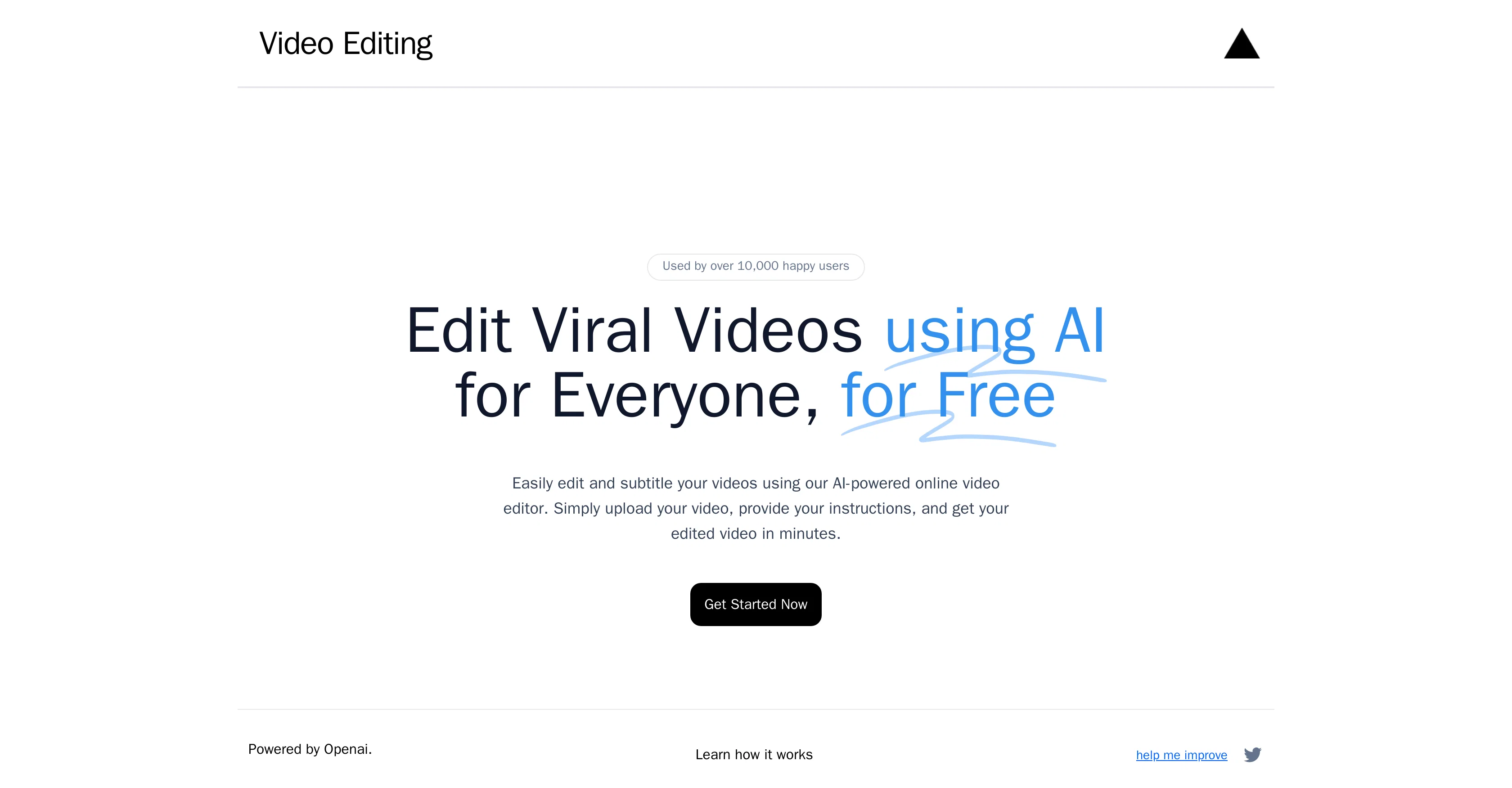
The AI Video Editor is an online tool powered by OpenAI that allows users to edit and subtitle their videos utilising artificial intelligence capabilities.
This platform can be used by anyone and is accessible free of charge. The primary function of the AI Video Editor is to simplify the video editing process by automating many of the complex tasks involved.
Users simply upload their desired videos onto the platform, give instructions on the edits or changes they want to be made, and within a short time, receive their edited videos.
This tool could be particularly useful for creating viral videos intended for social media or other marketing platforms, as it may allow users to quickly turn around videos with professional-level editing.
It is imperative to note that comprehension of how the AI implements user-provided instructions is essential for optimum utilization of this tool. This information can be accessed from the AI Video Editor's website.
The AI Video Editor's relevance and popularity is highlighted by its significant user base.
Best for
Short scenarios where Dojoclip tends to shine.
-
Edit viral videos
Best for Video editors
-
Trim videos quickly
Best for Content creators
-
Extract audio from videos
Best for Social media managers
-
Compress videos for sharing
Best for Marketing professionals
-
Convert videos to different formats
Best for Anyone needing quick video edits
-
Create GIFs from videos
Best for Video editors
Example outputs 1
Sample generations and before/after results for Dojoclip.
Access & connections
Where you can use Dojoclip, and what it plugs into.
Platforms
Integrations
Capabilities
What this tool accepts, produces, and is strongest at.
Input
- Video
Output
- Video
Pros & cons
Pros
- Online accessibility
- Free of charge
- Automates complex tasks
- Quick turn-around time
- Facilitates viral video creation
- Potential for professional editing
- User-friendly
- Time efficient
Show 7 more
- Automated subtitling capabilities
- Large user base
- Instruction-based editing
- Relevant tool for marketers
- Social media content creation
- Provides learning resources
- No software installation
Cons
- Limited instructional nuances
- Complex comprehension requirements
- Lack of real-time editing
- Dependent on internet connection
- Unspecified video formats compatibility
- No prerendering preview option
- Exclusive online accessibility
- Potential information privacy concern
Show 2 more
- Lack of advanced editing features
- No mention of multilanguage subtitling
Compare alternatives
Similar tools in the catalog — with a clear reason to open each one.

CapCut Online Creative Suite ✓
FreemiumUnleash creativity with CapCut's all-in-one online suite
Free + from $28.5/mo
Full comparison
ClipFinder ✓
FreemiumTurn hours of streams and VODs into viral clips automatically.
Why look Typically cheaper
Full comparison
Gling - AI Video Editing Software for YouTube ✓
FreemiumAI-powered video editing for YouTube creators.
Why look Typically cheaper
Full comparison
Captions ✓
PaidAI-powered creative studio for studio-grade videos.
Why look Typically cheaper
Full comparisonPeople also view
Tools that often show up alongside Dojoclip in collections and comparisons.

Wondershare Filmora ✓
PaidEdit smarter, faster and easier with Filmora’s powerful AI video tools.

Video to Video AI ✓
PaidTransform videos using simple text commands.
Gling - AI Video Editing Software for YouTube ✓
FreemiumAI-powered video editing for YouTube creators.
ClipFinder ✓
FreemiumTurn hours of streams and VODs into viral clips automatically.
Captions ✓
PaidAI-powered creative studio for studio-grade videos.
CapCut Online Creative Suite ✓
FreemiumUnleash creativity with CapCut's all-in-one online suite

MF0.ai ✓
PaidEvery top AI in one chat. Real memory. No subscription.

DraftReel ✓
Free TrialOne click. Complete short-form video package.
Releases 1
Imported reviews 2
This app is dog water.
I recommand this product, because it is accurate and fast, and most importantly, it is free. I hope they keep it like this.
FAQ 12
What is Dojoclip?
How does Dojoclip utilise artificial intelligence?
Is Dojoclip free to use?
How does Dojoclip simplify the video editing process?
Can anyone use Dojoclip?
What are the steps in editing a video using Dojoclip?
How long does it take to get an edited video from Dojoclip?
Can Dojoclip be used to create videos for social media?
What is the importance of understanding how Dojoclip implements user-provided instructions?
Where can I find information on how Dojoclip implements user instructions?
What makes Dojoclip popular among users?
What kinds of tasks can Dojoclip automate in video editing?
Related tools
Recommended

Clipfly AI Video Generator ✓
FreemiumCreate AI-generated videos from text prompts effortlessly.

Free AI Video Upscaler ✓
FreeUpscale videos or images with AI for free, right in your browser

Scrip AI ✓
Free10X faster & free AI content creation for 100+ use cases

Free Text-To-Speech ✓
FreeText transformed into customizable spoken output.

AnimatedDrawings by Meta ✓
FreeBring children's drawings to life through animation.

SongGenerator.io ✓
FreemiumTransform text into AI-generated music instantly.