

DocHub ✓
Edit, sign, and share PDFs online.
Free + from $11/mo
Verdict
A quick read before you dig into the full page.
- Best if
- Edit, sign, and share PDFs online
- Skip if
- Limited document storage capability
- Pick this when
- Real-time PDF sync
Considering PDFgen instead? Compare side by side
Overview
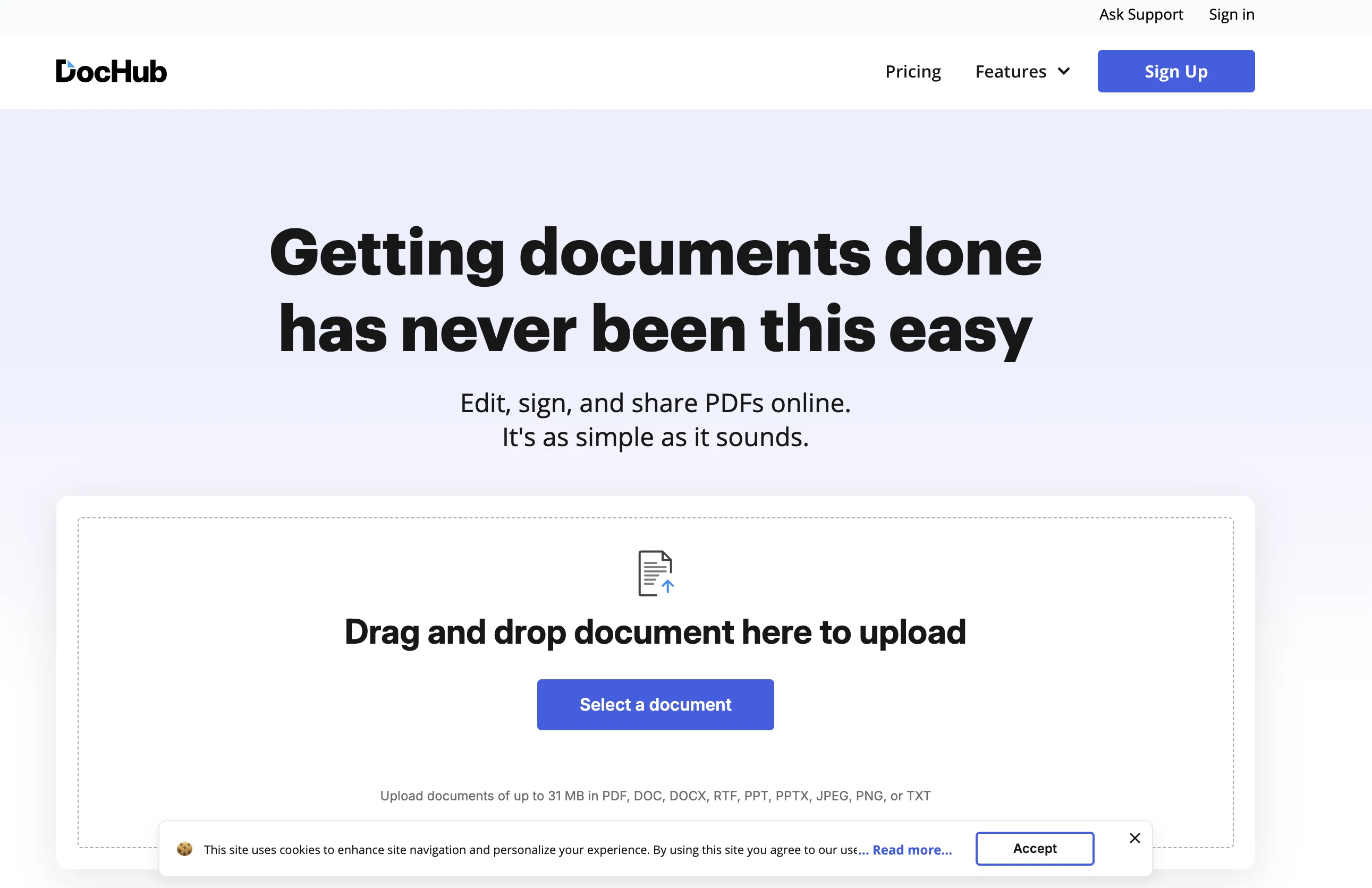
DocHub is an online tool that allows users to manage their PDF documents. It enables individuals and organizations to edit and annotate PDFs, sign and send them, and create reusable templates and forms.
Key features include real-time sync, roles and permissions for seamless collaboration, and fillable forms for convenient data collection. DocHub provides multiple signing workflows; users can sign documents digitally by typing, drawing their signature, or uploading an image of their signature.
They can also request signatures from others in any order. Additionally, documents can be shared via multiple methods, including email, fax, and creating a personal DocHub URL, ensuring efficient distribution of documents.
Advanced security measures are in place, including password protection, access control, two-factor authentication, encrypted storage, and detailed audit trails to ensure document security.
DocHub also offers custom branding for businesses or academic organizations and provides collaboration tools within the organization. The platform also integrates smoothly with Google Workspace, enabling users to manage PDFs without leaving their favorite Google Apps.
All these features combine to make DocHub a versatile tool for handling PDF documents online.
Access & connections
Where you can use DocHub, and what it plugs into.
Platforms
Integrations
Capabilities
What this tool accepts, produces, and is strongest at.
Input
- Tabular
- Image
- Text
Output
- Tabular
- Text
- Image
Pros & cons
Pros
- Real-time PDF sync
- Advanced collaboration tools
- Creating reusable templates
- Adding digital signatures
- Request signatures feature
- Various document sharing methods
- Personal DocHub URL
- Advanced security features
Show 30 more
- Password protection
- Access control implemented
- Two-factor authentication
- Encrypted data storage
- Detailed audit trails
- Custom branding feature
- Google Workspace Integration
- Online PDF editing
- Document annotations
- Streamlined data collection
- Role-based permission system
- Workflow management
- Supports remote work
- Fillable PDF forms
- Multiple signers workflow
- Direct document comments
- Public document sharing
- Fax doc sharing
- Business/educational organization creation
- Creates modifiable PDF fields
- Partnership with Google
- Integrated with popular web applications
- PDF Editing and annotation tools
- Industry-leading security and compliance
- Integrates with Google Apps
- GDPR, HIPAA, PCI DSS Compliance
- Strong User Reviews
- Free access to Premium features
- Offers among others DOC, DOCX, XLS support
- Instant status notifications
Cons
- No offline accessibility
- Limited file format support
- No phone customer support
- Doesn't integrate with non-Google platforms
- Limited workflow customization options
- Cannot edit multiple documents simultaneously
- No native mobile application
- Limited document storage capability
Show 1 more
- Potentially slow loading times
Compare alternatives
Similar tools in the catalog — with a clear reason to open each one.
PDFgen ✓
FreemiumGenerate PDFs from a prompt, template, HTML, or Markdown via API
Why look Offers a public API
Full comparison
PDF Generator by pdf.net ✓
FreemiumGenerate professional PDFs with AI in seconds.
Free + from $24.95/mo
Full comparison
PDFtoMD Converter ✓
FreemiumTurn any PDF into clean Markdown instantly.
Free + from $15.9/mo
Full comparison
Releases 1
Imported reviews 1
gets the job done!
FAQ 12
What is DocHub?
What specific features does DocHub offer for editing PDFs online?
How does the digital signing process work on DocHub?
Can DocHub create fillable forms for data collection?
What security measures does DocHub have in place?
Can I add my own branding with DocHub?
Does DocHub integrate with Google Workspace?
How does DocHub's real-time sync feature work?
Can multiple users collaborate on the same document in DocHub?
What is DocHub's signature request feature?
What are DocHub's document sharing options?
What options does DocHub provide for creating a digital signature?
Related tools
Recommended

Viesus enhancing PDFs and images ✓
Free TrialEnhancing and Upscaling for images and PDFs

PDF to Video AI ✓
FreeTurn PDFs into professional explainer videos in minutes.

PDF To Brainrot AI ✓
FreemiumTransform PDFs into addictive TikTok-style videos.

PDF Guru - AI PDF Summarizer ✓
FreemiumSummarize PDFs quickly with AI-powered insights.

MyMap AI PDF Summarizer ✓
Free TrialTransform lengthy PDFs into concise visual summaries with AI.

Tenorshare AI PDF ✓
FreemiumAI-powered PDF chat and summarization tool.