

PDFs 2026 Rank: #2087
PDF Generator by pdf.net ✓
Generate professional PDFs with AI in seconds.
Verdict
A quick read before you dig into the full page.
- Best if
- Generate professional PDFs with AI in seconds
- Skip if
- Limited customization options
- Pick this when
- Creates professional documents
Considering PDFgen instead? Compare side by side
Overview
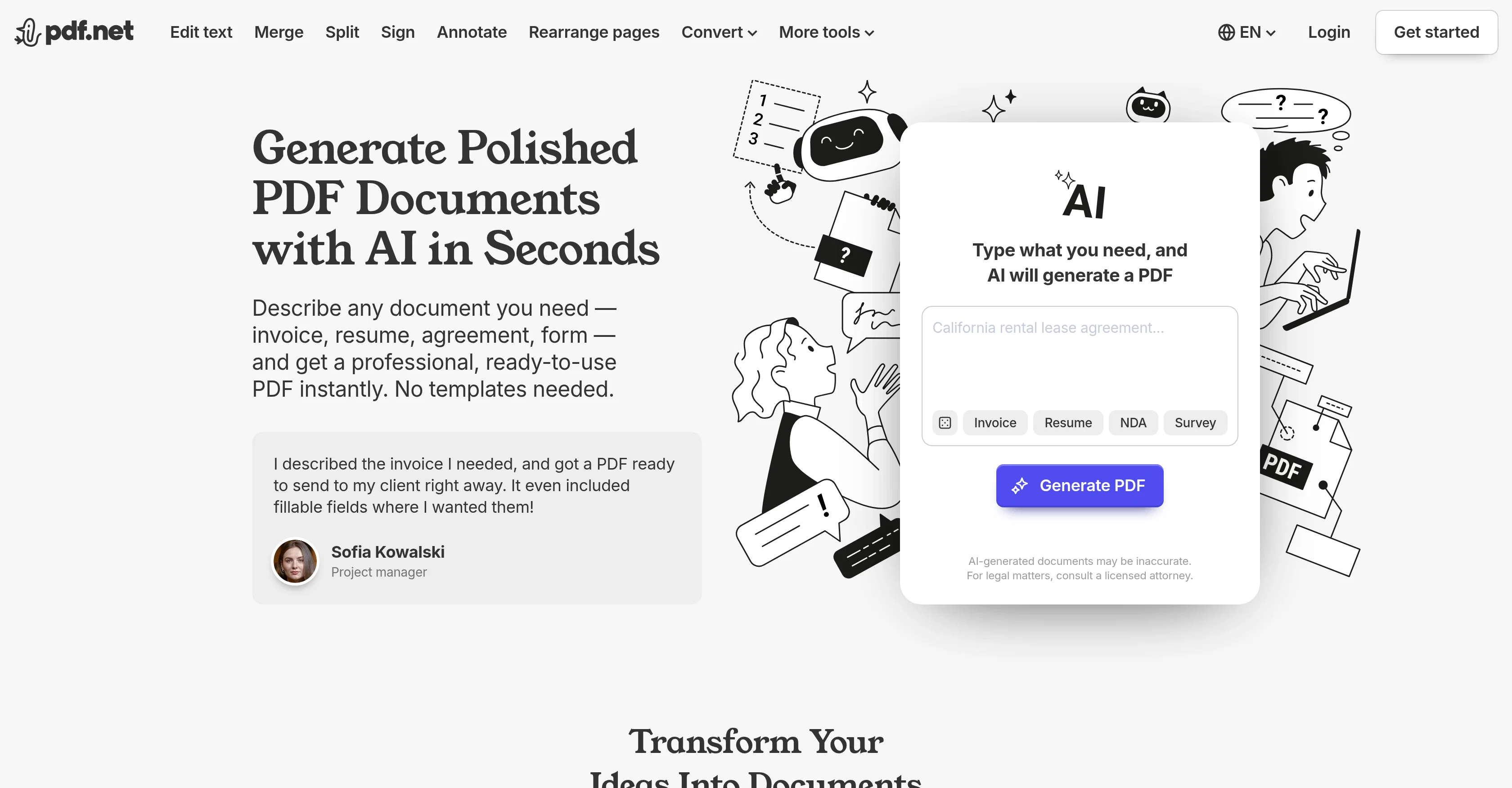
AI PDF Generator is an online tool that allows users to create a variety of professional documents such as invoices, resumes, agreements, surveys, and study notes in PDF format, without needing any specific templates.
The user just needs to provide a description or title of the document desired and the AI technology will instantly generate a ready-to-use PDF. This tool significantly reduces the time and effort typically required to design and create documents.
Beyond generating PDFs, the tool also avails a robust set of features including capabilities to merge, split, sign, annotate, and rearrange pages, convert document types, and add or edit text, among others.
It maintains a high level of encryption to ensure user data is safe and does not store data long-term for privacy. Specific user groups such as students, teachers, researchers, businesses, and creative individuals may find this AI PDF Generator particularly beneficial for their diverse needs.
However, it is cautioned that AI-generated documents may be inaccurate and are not suitable for legal matters without professional legal consultation.
Access & connections
Where you can use PDF Generator by pdf.net.
Platforms
Capabilities
What this tool accepts, produces, and is strongest at.
Input
- Text
Output
- Text
Supported features
- Docs
- Text Generation
- Writing
Pros & cons
Pros
- Creates professional documents
- Generates PDF without templates
- Offers document merging, splitting
- Allows document signing, annotating
- Facilitates page rearrangement
- Capable of file conversion
- High-level data encryption
- Doesn't store user data
Show 35 more
- Generates study notes
- Variety of user suitability
- Admits potential inaccuracies
- Comprehensive PDF editor
- Streamlines document creation
- Reduces effort in designing
- Text editing capability
- Useful for diverse needs
- No long-term data storage
- Split PDF into multiple files
- Convert text files to PDF
- Can create scrapbooks, planners
- Assists in creating e-books
- PDF compression feature
- Allows adding images to PDFs
- Option to add page numbers
- Password protect PDF feature
- Rotation and reorganization of pages
- PDF to CSV conversion
- PDF file size reduction
- Enables Bates numbering
- Convert PDF to editable DOC/DOCX
- Maintains original file resolution
- Intuitive, user-friendly interface
- Cross-platform compatibility
- Combine multiple PDFs
- Maintain formatting across devices
- Supports various document types
- Creates documents from user description
- Robust editing and customization
- Encourages creativity
- Adjustable difficulty for tests
- Annotation and markup tools
- Suitable for legal documents
- Direct PDF generation
Cons
- No offline usage
- Subscription required for downloads
- Potential inaccuracies in generated documents
- No suitability for legal matters
- Dependency on user prompt clarity
- No features for audio conversion
- No support for other languages
- No mobile application
Show 1 more
- Limited customization options
Compare alternatives
Similar tools in the catalog — with a clear reason to open each one.
PDFgen ✓
FreemiumGenerate PDFs from a prompt, template, HTML, or Markdown via API
Why look Offers a public API
Full comparison
PDFtoMD Converter ✓
FreemiumTurn any PDF into clean Markdown instantly.
Why look Typically cheaper
Full comparison

Releases 1
FAQ 12
How does the AI PDF Generator create documents?
Can the AI PDF Generator create a resume for me?
What does the AI PDF Generator do with user data?
How does the AI PDF Generator ensure data protection?
Is the AI PDF Generator suitable for academic use?
Can the AI PDF Generator create study notes for me?
Can the AI PDF Generator merge and split files?
Does the AI PDF Generator require templates to generate documents?
What kind of documents can the AI PDF Generator create?
Can I sign documents with the AI PDF Generator?
Can the AI PDF Generator convert files?
Does the AI PDF Generator rearrange pages?
Related tools
Recommended

AI Infographic Generator - CartoMind ✓
FreemiumTurn notes into perfect infographics from 500+ designs.

Vireel AI Image to Image Generator ✓
Free TrialTransform images with AI-powered creative editing tools.

AI Image Combiner ✓
FreemiumCombine two images into one stunning composition.

Lacuna ✓
FreemiumCreate songs from text in seconds.

GoAISong ✓
Free TrialAI songs from ideas, lyrics, or your audio — PDF license included.

Staple ✓
Free TrialAI recipes calibrated to your skill level.