

Deepshot ✓
AI dialogue generation for effortless video creation.
Trial; then from $5/mo
Verdict
A quick read before you dig into the full page.
- Best if
- You are content creators and need: Video translations to break language barriers
- Skip if
- No watermark removal options
- Pick this when
- Customizable video dialogue
Considering CapCut Online Creative Suite instead? Compare side by side
Overview
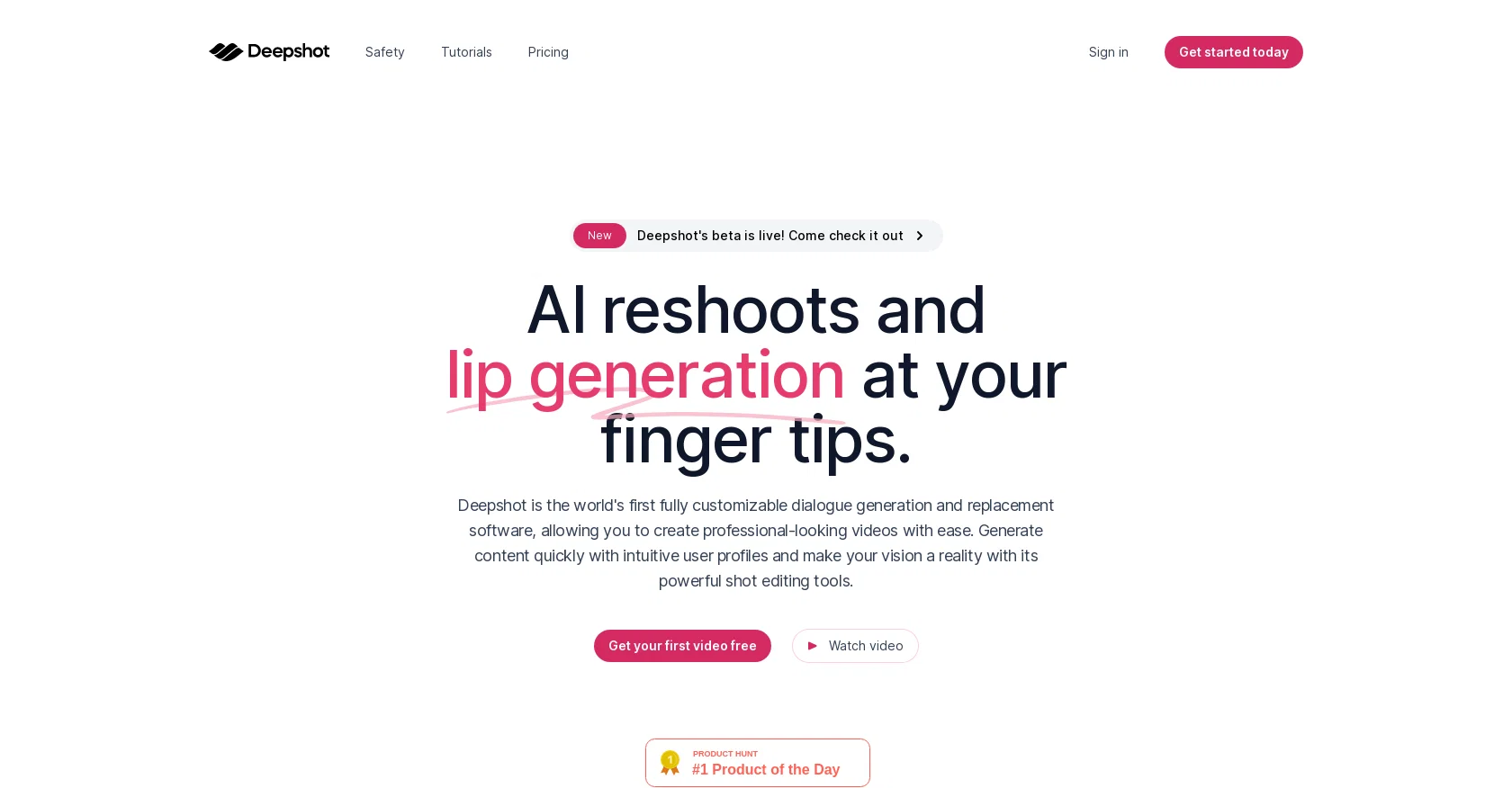
Deepshot is an AI-based tool that offers fully customizable dialogue generation and replacement software for creating professional-looking videos with ease.
The tool allows users to generate perfectly synchronized audio and video for any imaginable scene using intuitive user profiles combined with powerful shot editing tools.
The tool is designed to revolutionize video reshooting using its suite of AI-powered features. One impressive feature of Deepshot is its cost-effectiveness, as it is capable of breathing fresh life into old projects without requiring videographers to leave the comfort of their homes.
Additionally, Deepshot has a translation feature that allows users to plug their scripts and reach audiences in different languages. The tool has a simple workflow that requires users to upload their source footage, compose the script, and generate their masterpiece by pressing the "generate" button.
The tool can also be used to create captivating scenes and conversations that flow like real-life without the hassle of costly video production. Ultimately, Deepshot offers users complete freedom to create something unique and unforgettable that will leave an everlasting impression on viewers.
Best for
Short scenarios where Deepshot tends to shine.
-
Video translations to break language barriers
Best for Content creators
-
Correcting mistakes in existing video or podcast content
Best for Video editors
-
Creating new videos from old content
Best for Marketing professionals
-
A/B testing video hooks
Best for E-learning developers
-
Onboarding and training material updates
Best for Businesses with international audiences
-
Networking and outreach videos
Best for Trainers
Example outputs 1
Sample generations and before/after results for Deepshot.
Access & connections
Where you can use Deepshot.
Platforms
Capabilities
What this tool accepts, produces, and is strongest at.
Input
- Text
- Video
Output
- Audio
- Video
Pros & cons
Pros
- Customizable video dialogue
- Synchronized audio and video
- Revolutionizes video reshooting
- Cost-effective video editing
- Translation feature for scripts
- Simple workflow
- Creates life-like scenes
- Allows home-based editing
Show 14 more
- Impressive shot editing tools
- Quick content generation
- Freshens up old projects
- Audience immersive experience
- Complete creative freedom
- Scenario creation from text
- Requires no reshoots
- Suitable for global audiences
- Source footage upload feature
- Script composing tool
- One-button generation
- No need for perfection
- Ideal for professional-looking videos
- Quick reshooting
Cons
- Lacks professional editing features
- No collaboration options
- No offline version
- Limited format support
- Requires internet connection
- No SDK available
- Reliant on source footage
- No multiple user profiles
Show 2 more
- Doesn't support 4K videos
- No watermark removal options
Compare alternatives
Similar tools in the catalog — with a clear reason to open each one.

CapCut Online Creative Suite ✓
FreemiumUnleash creativity with CapCut's all-in-one online suite
Free + from $28.5/mo
Full comparison
ClipFinder ✓
FreemiumTurn hours of streams and VODs into viral clips automatically.
Why look Offers a public API
Full comparison
Gling - AI Video Editing Software for YouTube ✓
FreemiumAI-powered video editing for YouTube creators.
Free + from $10/mo
Full comparison
Captions ✓
PaidAI-powered creative studio for studio-grade videos.
Why look Offers a public API
Full comparison
Video to Video AI ✓
PaidTransform videos using simple text commands.
from $29.99/mo
Full comparison
Wondershare Filmora ✓
PaidEdit smarter, faster and easier with Filmora’s powerful AI video tools.
Why look Higher community rating
Full comparisonPeople also view
Tools that often show up alongside Deepshot in collections and comparisons.
Wondershare Filmora ✓
PaidEdit smarter, faster and easier with Filmora’s powerful AI video tools.
Video to Video AI ✓
PaidTransform videos using simple text commands.
Gling - AI Video Editing Software for YouTube ✓
FreemiumAI-powered video editing for YouTube creators.
ClipFinder ✓
FreemiumTurn hours of streams and VODs into viral clips automatically.
Captions ✓
PaidAI-powered creative studio for studio-grade videos.
CapCut Online Creative Suite ✓
FreemiumUnleash creativity with CapCut's all-in-one online suite

MF0.ai ✓
PaidEvery top AI in one chat. Real memory. No subscription.

DraftReel ✓
Free TrialOne click. Complete short-form video package.
Releases 1
FAQ 12
What is Deepshot?
How does Deepshot facilitate video dialogue creation?
In what ways can Deepshot edit my videos?
What are the key features of Deepshot?
How cost-effective is Deepshot for video editing and re-shooting?
Can Deepshot help in translation of scripts?
What is the process to use Deepshot for generating videos?
Can Deepshot help in creating realistic scenes and conversations?
What does it mean that Deepshot provides 'fully customizable dialogue generation'?
Is Deepshot suited for professional videography?
Can I use Deepshot to revamp old projects?
Is Deepshot user-friendly for beginners?
Related tools
Recommended

Fineshare ✓
FreemiumAn online all-in-one AI voice generator for everyone

Picsart ✓
FreemiumGenerate images, video, and audio across 150+ AI models from one account.

Vidio ✓
FreemiumTransform videos effortlessly with AI-powered editing.

GhostCut ✓
PaidAI-powered video translation and subtitle removal.

Topaz Video AI ✓
PaidCinematic superpowers: Ultra smooth, sharp, and steady.

Kapwing Video Editor ✓
FreemiumCreate videos effortlessly with AI-powered editing