

Image to video 2026 Rank: #2408
Crevid AI ✓
Turn photos into animated videos with AI.
from $15/mo
Verdict
A quick read before you dig into the full page.
- Best if
- Turn photos into animated videos with AI
- Skip if
- Watermark removal requires credits
- Pick this when
- Turns photos into videos
Considering MojoMake - AI Image to Video Generator instead? Compare side by side
Overview
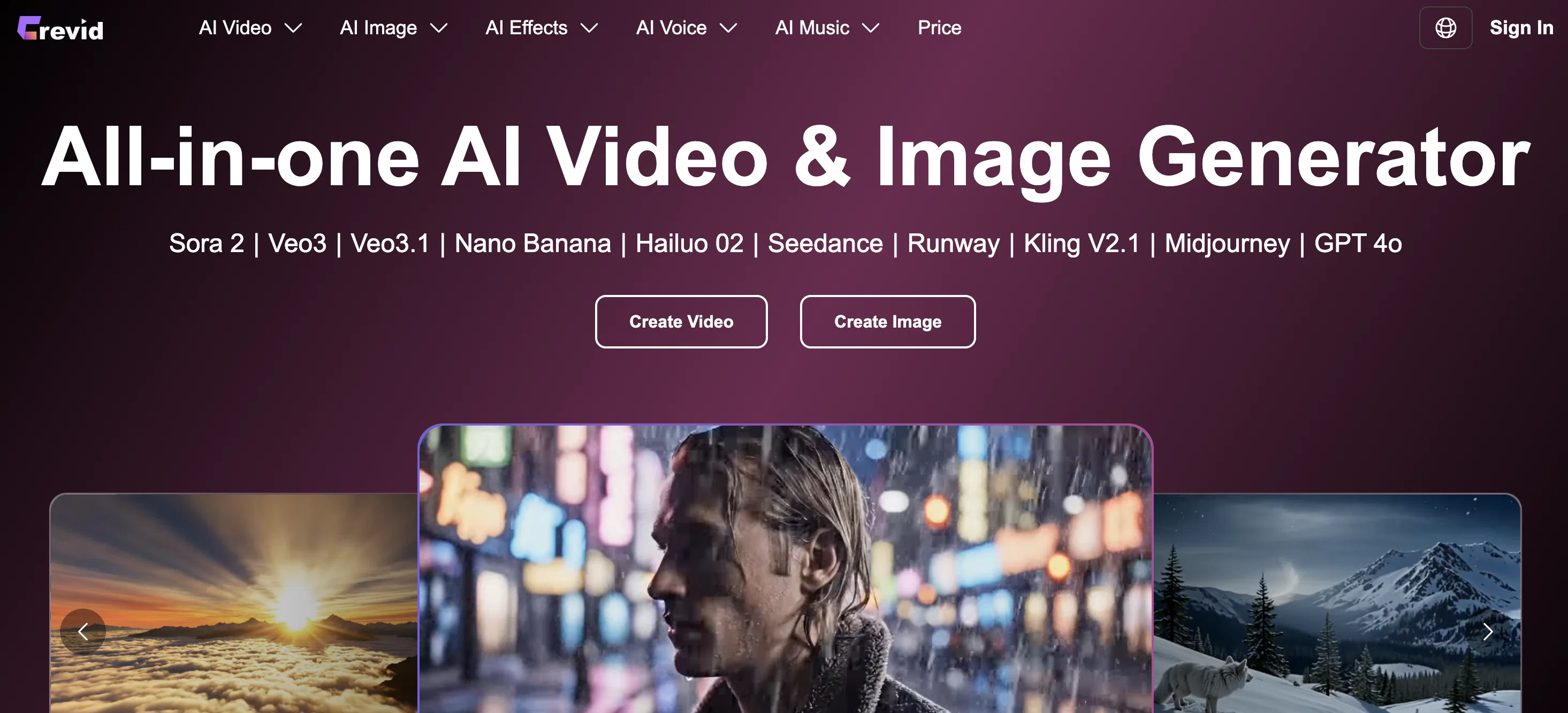
Crevid's Image to Video AI Generator is a technology tool that transforms photos into animated videos online, catering for an enhanced user experience in social content creation.
Users can upload a single image, define the movements they envision, and then the AI application turns the picture into a dynamic visual spectacle. The tool's capability includes generating camera moves, transitions, and applying cinematic motion to static images.
The AI comprehends not only motion but the visual tone and atmosphere of the image. It is designed to adapt the appropriate pace of the video, the camera motion, and added effects, based on the image style.
This tool also integrates smart audio, which in turn enhances the quality of the videos with background sound or music and AI-generated narration. These audio elements are synchronised with the motion and mood of the video to deliver a complete viewing experience.
The versatility of this tool makes it suitable for animation and visual storytelling with applications in various fields such as marketing, wedding photography, and product visuals.
Whether you are looking to create dramatic zooms, soft pans, or subtle cinematic motions, this tool has been designed to handle these requirements.
Access & connections
Where you can use Crevid AI.
Platforms
Capabilities
What this tool accepts, produces, and is strongest at.
Input
- Image
- Text
Output
- Video
Supported features
- Video Generation
- Image Generation
- Image Edit
- Styling
- Music Generation
- Sound Creation
- TTS
- Voice Cloning
Pros & cons
Pros
- Turns photos into videos
- Generates camera moves
- Applies cinematic motion
- Understands visual tone
- Adapts video pace
- Smart audio integration
- Background music provision
- Animate single image
Show 31 more
- Simulates realistic motion
- Ideal for visual storytelling
- Marketing application
- Suitable for wedding photography
- Enhanced product visuals
- Creates dramatic zooms
- Executes soft pans
- Multitude of cinematic motions
- Enhances user experience
- Versatile tool
- Synchronized sound and motion
- Video mood enhancement
- Desired motion specification
- Effects added based on image style
- Suitable for various fields
- Portrait and landscape video ratios
- Removal of watermark option
- Pro mode for higher quality
- Different video lengths
- Automatic video generation
- Natural motion animation
- Professional-quality visuals
- Style-aware scene animation
- Turns static slides into dynamics
- Applicable for social media makers
- Promotional videos for products
- Animate wedding and portrait photos
- Saves countless hours in post-production
- Allows artistic intent visualization
- Transforms artistic ideas into editorial ads
- Controls visual style and motion
Cons
- Single image limitation
- Image size restricted
- No video feed support
- Limited pre-set effects
- Potential asynchrony issues
- No local application
- Only online processing
- Watermark removal requires credits
Show 2 more
- No offline mode
- No multi-language support
Compare alternatives
Similar tools in the catalog — with a clear reason to open each one.

MojoMake - AI Image to Video Generator ✓
FreemiumUse every top AI model and 100+ effects in one account.
Why look Freemium alternative
Full comparison
VidFlux - Photo to Video Generator ✓
PaidTransform photos into cinematic videos with AI.
Why look Typically cheaper
Full comparison
Grok Imagine ✓
FreemiumUnleash Your Creativity with Grok Imagine
Why look Freemium alternative
Full comparison
VidFlux - Image to Video AI ✓
PaidTransform any image into stunning videos.
Why look Typically cheaper
Full comparison
MindVideo ✓
FreemiumCreate stunning videos from text or images.
Why look Freemium alternative
Full comparison
Releases 1
FAQ 12
What is the Crevid AI Image to Video Generator?
How does Crevid's AI turn photos into videos?
Can Crevid's AI generate motion from a single image upload?
In what ways can I utilize Crevid's image to video feature for marketing?
How does the smart audio enhancement work in Crevid's AI generator?
Does Crevid's AI comprehend the visual tone and atmosphere of an image?
Can I create dramatic zooms, soft pans and cinematic motions with Crevid's AI?
How does Crevid's AI adapt the pace of the video from a static image?
Can Crevid's AI synchronize audio elements with the motion and mood of the video?
What types of images produce the best results with Crevid's AI?
Does Crevid's AI add effects based on the image style?
Is there a maximum size limit for images I can upload to Crevid's AI generator?
Related tools
Recommended

Veo ✓
PaidGenerate high-quality, cinematic videos with AI.

PrompTessor ✓
FreemiumAI Prompt Workspace for Better AI Results

Higgsfield AI ✓
Free TrialAI Video Generator & Image Generator

Masonry ✓
FreemiumOne prompt, every AI model: compare image and video generation across all

VoooAI ✓
FreemiumGenerate a Multimedia workflow with one sentence.Support OpenClaw

Nano Banana ✓
FreemiumAI-powered image editing, faster than ever with Nano Banana.