

Magic Vizion ✓
Intelligently visualize anything on the web
Verdict
A quick read before you dig into the full page.
- Best if
- Intelligently visualize anything on the web
- Skip if
- Visual customization may be limited
- Pick this when
- Transforms web content into visuals
Considering StatPecker instead? Compare side by side
Overview
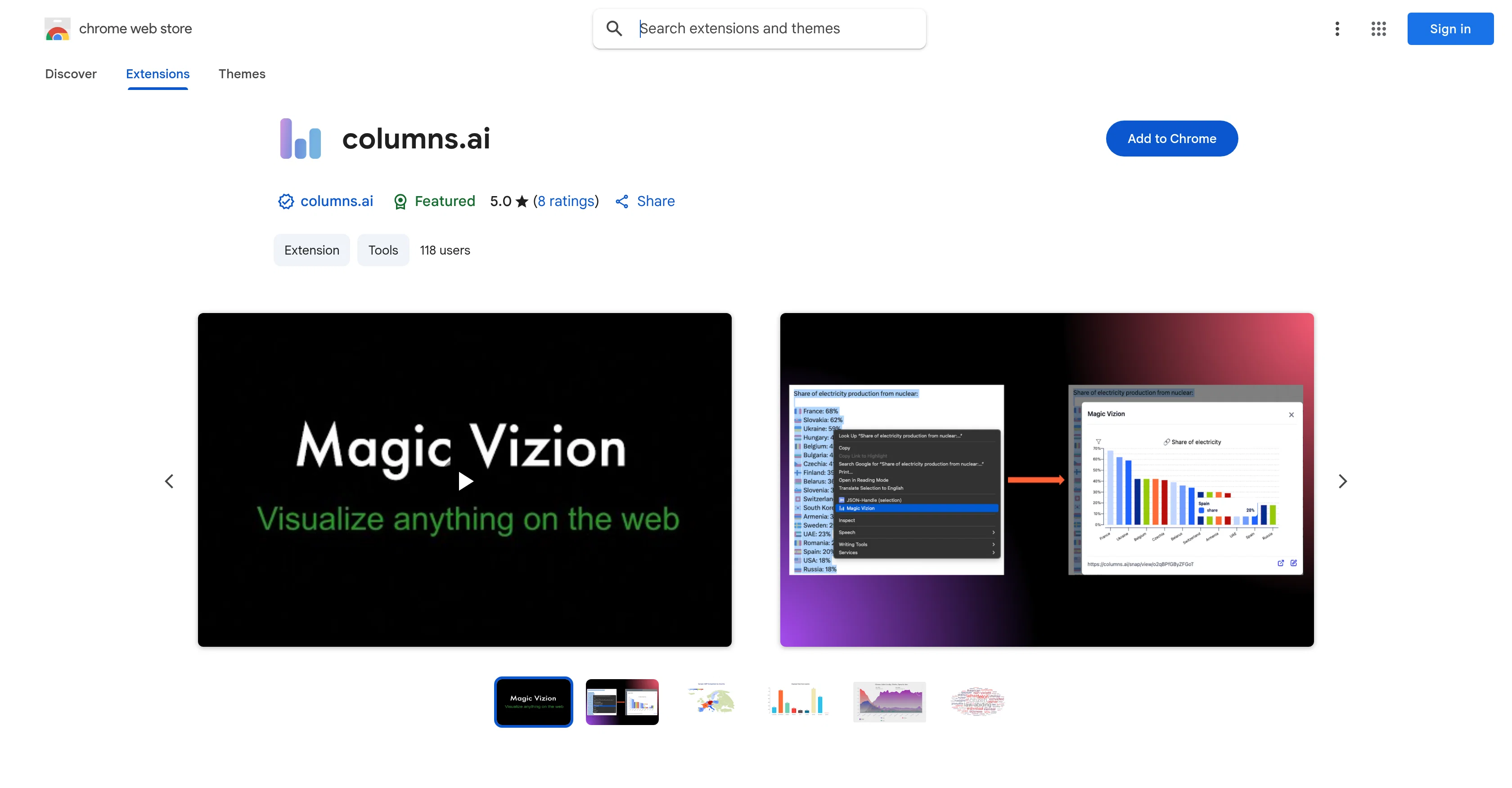
Columns.ai is an intelligent tool used to create instant and interactive data visualizations, primarily used as a Chrome extension. The tool processes any selected web content, such as text, tables, or paragraphs, and transforms it into a clear, dynamic visual representation.
The visual can be opened in a new tab for customizing, saving, or sharing. Implementation of this tool is simple and requires the user to install the extension on Chrome.
The next step is highlighting any web page parts of interest. After highlighting, the user ensures the extension generates a visualization by right-clicking and selecting the 'Magic Vizion' option.
This visual analysis tool is beneficial for researchers, analysts, students, or anyone interested in turning information into insightful visual data. Any concerns, questions, or feedback can be directed to the support team through their email.
The interactions between the consumers and the tool are governed by a privacy policy detailing data usage and collection.
Access & connections
Where you can use Magic Vizion, and what it plugs into.
Platforms
Capabilities
What this tool accepts, produces, and is strongest at.
Input
- Text
Output
- Tabular
- API
- Image
Pros & cons
Pros
- Transforms web content into visuals
- Interactive data visualization
- Simple Chrome extension
- 'Magic Vizion' feature
- Customizable generated visuals
- Shareable visualizations
- Useful for researchers/analysts/students
- Operates in Chrome environment
Show 17 more
- Interactive with web content
- Privacy policy transparency
- Support via email
- Clear information representation
- Web content processing
- Instant visualization creation
- Can save produced visualizations
- Fast visual transformation
- Visualization opens in new tab
- Good for data insight generation
- High user interactivity
- Developer with good record
- Compliant with Chrome practices
- Highly rated by users
- Continuous updates
- Lightweight size
- Support hub provided
Cons
- Google Chrome exclusive
- No mention of offline use
- Limited to web content
- Requires manual content selection
- No API for integration
- Visual customization may be limited
- No clearly stated export formats
Compare alternatives
Similar tools in the catalog — with a clear reason to open each one.

StatPecker ✓
FreemiumSmart insights for business, stunning visuals for creators.
Why look Higher community rating
Full comparison
Narraviz.ai ✓
UnknownTurn raw data into instant visual insights.
Why look Higher community rating
Full comparison



Releases 1
FAQ 12
What is columns.ai and how does it work?
How do I install columns.ai to my Chrome browser?
What is the 'Magic Vizion' feature in columns.ai?
How does columns.ai convert web content into a data visualization?
Can I customize the visualizations created by columns.ai?
Is it possible to save or share the visualizations produced by columns.ai?
Who can benefit from using columns.ai?
Does columns.ai operate on other browsers or only on Google Chrome?
Does columns.ai interact directly with web content?
What kind of data can columns.ai visualize?
How can I activate the 'Magic Vizion' feature in columns.ai?
How does columns.ai help in understanding complex web data?
Related tools
Recommended

PrompTessor ✓
FreemiumAI Prompt Workspace for Better AI Results

Lovarank ✓
Free TrialAI agent that grows your organic traffic automatically.

Notis ✓
Free TrialThe first WhatsApp assistant that runs on your ChatGPT and Claude subscriptions

freebeat AI ✓
FreemiumTurn Music & Ideas into Viral Videos In One Click

remio: Your Personal ChatGPT ✓
FreemiumGet Tailored Answer with Your Personal ChatGPT

Smart Clerk ✓
FreemiumAI-powered bookkeeping from bank statements and online banking