

VibeChart ✓
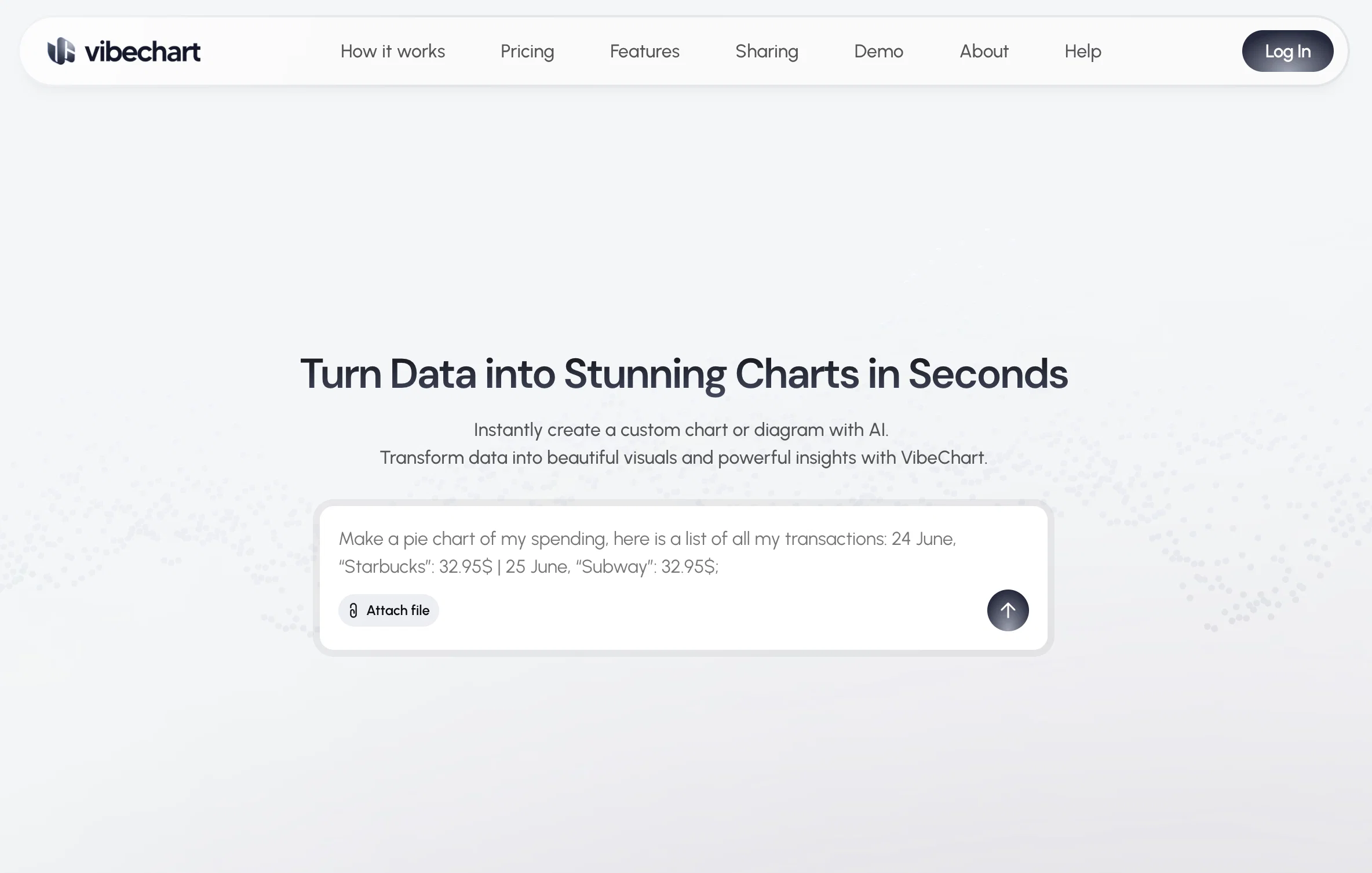
Turn Data into Stunning Charts in Seconds
Trial; then from $20/mo
Verdict
A quick read before you dig into the full page.
- Best if
- Turn Data into Stunning Charts in Seconds
- Skip if
- Possible learning curve for 'Text-to-Chart'
- Pick this when
- Text-to-Chart interface
Considering StatPecker instead? Compare side by side
Overview
VibeChart is an AI-enabled tool that is designed to turn data into visually appealing and insightful charts or diagrams instantly. Its key feature includes a unique 'Text-to-Chart' interface that allows users to create and customize over 40 types of charts using plain language and natural data queries.
This offers speed, flexibility, and precision to the users while generating these visuals. The tool is equipped with a built-in data engineer to clean, transform, and extract insights from messy data using smart, instructable tools.
VibeChart provides high-speed, reliable chart generation through an API, promising high uptime and quick response times. The charts created can be easily shared across multiple platforms as the tool offers the flexibility to export the chart as an image, link, or embedded code.
This makes it accommodating for various business and research needs, across different domains like data analytics, product management, surveys, consulting, accounting, investments, and quality assurance, among others.
VibeChart helps to eliminate time-consuming manual charting, enabling users to visualize their data smarter and faster.
Best for
Short scenarios where VibeChart tends to shine.
-
Turn Data into Stunning Charts in Seconds
Example outputs 1
Sample generations and before/after results for VibeChart.
Access & connections
Where you can use VibeChart.
Platforms
Capabilities
What this tool accepts, produces, and is strongest at.
Input
- API
- Tabular
Output
- API
- Image
Pros & cons
Pros
- Text-to-Chart interface
- 40+ types of charts
- Natural data query handling
- Customizable chart parameters
- Built-in data engineering
- Automated data cleaning
- Data transformation capabilities
- High-speed chart generation
Show 16 more
- API integration with uptime
- Cross-platform chart sharing
- Export as image or link
- Embeddable codes for charts
- Useful for various domains
- Eliminates manual charting
- Fast data visualization
- High precision in visuals
- Supports multiple data inputs
- Shareable on social media
- Works with productivity tools
- Charts adaptable for presentations
- Sub-2-second response time
- Smart, instructable tools
- Overcomes messy data challenges
- Promotes smarter data visualization
Cons
- Limited chart customization
- No offline functionality
- No mobile version
- Overreliance on plain language
- Limited data formats supported
- No multi-lingual support
- No raw data export
- Possible learning curve for 'Text-to-Chart'
Show 2 more
- Limited platforms for export
- No explicit data security measures
Compare alternatives
Similar tools in the catalog — with a clear reason to open each one.

StatPecker ✓
FreemiumSmart insights for business, stunning visuals for creators.
Why look Higher community rating
Full comparison
Narraviz.ai ✓
UnknownTurn raw data into instant visual insights.
Why look Higher community rating
Full comparison
ChartGPT ✓
FreeMake Better Decisions with Data-Driven Charts, Clear Explanations, and Insightful Analysis
Why look Fully free option
Full comparison

vizGPT ✓
Free TrialTurn complex data into clear insights with AI.
Why look Typically cheaper
Full comparison
PowerBI AI Lens ✓
FreemiumSupercharge Power BI dashboards with AI-driven insights
Why look Typically cheaper
Full comparisonPeople also view
Tools that often show up alongside VibeChart in collections and comparisons.
StatPecker ✓
FreemiumSmart insights for business, stunning visuals for creators.

Breadcrumb ✓
FreemiumAutomate data work and reporting with AI Agents. No data|coding skills required.

Eliza - Your AI Data Copilot ✓
FreemiumAsk data questions, get instant insights, SQL, and charts — all powered

Programming Helper ✓
UnknownGenerate code from text descriptions instantly.

ANDRE ✓
FreemiumPersonal Synthetic Data Analyst – Available 24/7
vizGPT ✓
Free TrialTurn complex data into clear insights with AI.
PowerBI AI Lens ✓
FreemiumSupercharge Power BI dashboards with AI-driven insights
Narraviz.ai ✓
UnknownTurn raw data into instant visual insights.
Releases 1
Imported reviews 2
It is a smooth way to go from messy data to clean visuals. Minor nit: big, unstructured files still benefit from a quick tidy or a more specific prompt but the overall flow feels strong. It's really great for data lovers
I was just trying to get a quick graph showing population evolution over the last 30 years, didn’t have the dataset ready, so I was hoping the tool could auto-fill something reasonable. But it literally gave me three values. Three?? For 30 years?? What kind of trend can I possibly see with that? If the tool offers to research the data, it should at least offer a full timeline. And when I pasted the data I found, it created a literally bar chart???
FAQ 12
What is VibeChart?
What is the unique 'Text-to-Chart' feature of VibeChart?
How many types of charts can I create with VibeChart?
Does VibeChart offer data cleaning options?
What is the speed of chart generation in VibeChart?
How reliable is the API of VibeChart?
Can I share charts created on VibeChart?
What are the export options available in VibeChart?
Is VibeChart suitable for data analytics?
Can VibeChart be utilized in quality assurance?
How does VibeChart assist in eliminating manual charting?
What are the features of VibeChart's built-in data engineer?
Related tools
Recommended

remio: Your Personal ChatGPT ✓
FreemiumGet Tailored Answer with Your Personal ChatGPT

Unwatermark AI ✓
FreemiumRemove watermarks from photos and videos instantly.

TheySaid ✓
FreemiumConversational AI surveys, interviews, user tests, polls

Explee ✓
FreemiumFind 3X more B2B leads with full web data and AI enrichment

Xavier AI ✓
FreemiumGenerate strategic consulting decks in under 1 minute.

SetGo.ai ✓
FreemiumDon't think. Just train.