

Data visualization 2026 Rank: #193
ChartGPT ✓
Make Better Decisions with Data-Driven Charts, Clear Explanations, and Insightful Analysis
Verdict
A quick read before you dig into the full page.
- Best if
- You are traders and need: Identifying potential entry and exit points in stock trading
- Skip if
- Limited to English language
- Pick this when
- Conversational abilities
Considering StatPecker instead? Compare side by side
Overview
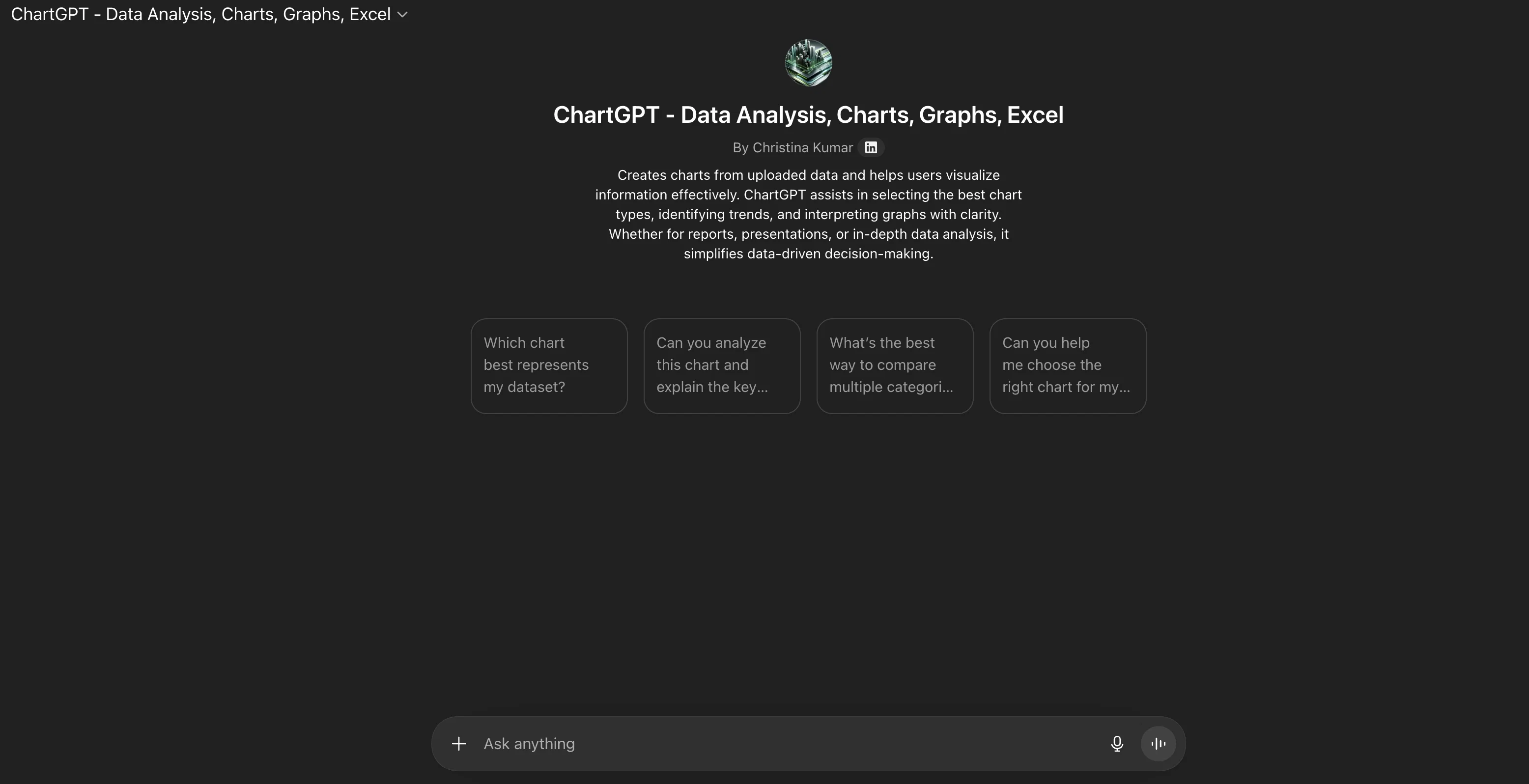
ChartGPT is an AI-powered tool which serves both as a chatbot and a data analysis tool focusing on charts, graphs and Excel-related functions. Its primary function is to facilitate dialogue with users to help them explore ideas, solve problems and accelerate their learning process.
By leveraging its advanced AI technology, ChartGPT provides unique responses that are tailored to individual's needs. In order to use some of its functions, users would need to log in so as to obtain answers based on previous chats.
Its capabilities also extend into creating images and uploading files to further enhance interaction and productivity.
Best for
Short scenarios where ChartGPT tends to shine.
-
Identifying potential entry and exit points in stock trading.
Best for Traders
-
Detecting bullish trends in cryptocurrency markets.
Best for Investors
-
Managing risk by identifying support and resistance levels in commodity trading.
Best for Financial Analysts
-
Analyzing currency trends for informed forex trading.
Best for Traders
Example outputs 1
Sample generations and before/after results for ChartGPT.
Access & connections
Where you can use ChartGPT, and what it plugs into.
Platforms
Capabilities
What this tool accepts, produces, and is strongest at.
Input
- Text
Output
- Text
Supported features
- Spreadsheets
- Visual Creation
- Assistant
- Image Generation
- Memory
Pros & cons
Pros
- Conversational abilities
- Data analysis functionality
- Content creation
- Problem-solving capabilities
- Innovative thinking
- Constructive learning experience
- Personalized dialogues
- Personalized responses
Show 19 more
- Retrieve answers from previous conversations
- Image creation feature
- File management capabilities
- Health related inquiries
- Deep research utility
- Supports professional applications
- Login required for some features
- Thorough terms and conditions
- Strong privacy policies
- Dialogue facilitation
- Exploration of ideas
- Learning acceleration
- Responses tailored to individual needs
- Enhances interaction and productivity
- Charts, graphs, and Excel functions
- Search chats feature
- Voice interaction
- Free sign-up for usage
- Comprehensive explanations
Cons
- Limits on the free plan
- Requires login for functions
- Data privacy concerns
- Limited to English language
- No multi-user collaboration
Compare alternatives
Similar tools in the catalog — with a clear reason to open each one.

StatPecker ✓
FreemiumSmart insights for business, stunning visuals for creators.
Why look Higher community rating
Full comparison
Narraviz.ai ✓
UnknownTurn raw data into instant visual insights.
Why look Higher community rating
Full comparison
vizGPT ✓
Free TrialTurn complex data into clear insights with AI.
Free + from $10/mo
Full comparison
PowerBI AI Lens ✓
FreemiumSupercharge Power BI dashboards with AI-driven insights
Why look Higher community rating
Full comparisonPeople also view
Tools that often show up alongside ChartGPT in collections and comparisons.
vizGPT ✓
Free TrialTurn complex data into clear insights with AI.

VibeChart ✓
Free TrialTurn Data into Stunning Charts in Seconds
StatPecker ✓
FreemiumSmart insights for business, stunning visuals for creators.
PowerBI AI Lens ✓
FreemiumSupercharge Power BI dashboards with AI-driven insights
Narraviz.ai ✓
UnknownTurn raw data into instant visual insights.

LIDA ✓
FreeGenerate visualizations from data using AI

InfographicAI ✓
Free TrialCreate stunning infographics instantly with AI.

GoAI: Personal AI Investment Assistant ✓
FreemiumYour Personal AI Investment Analyst — See the opportunities others don't.
Releases 1
FAQ 12
What is ChatGPT?
What are some of ChatGPT's capabilities?
Can ChatGPT be used for data analysis?
What makes ChatGPT's methodology for content creation unique?
Can ChatGPT assist with problem-solving?
How does ChatGPT encourage innovative thinking?
In what way does ChatGPT engage its users?
Can I have personalized interactions with ChatGPT?
Is file management and image creation possible with ChatGPT?
Can ChatGPT aid in deep research and health topics?
How versatile is ChatGPT?
Can ChatGPT be used for professional applications?
Related tools
Recommended

Thea ✓
FreemiumAI study tools to master material, not just memorize it.

Automateed ✓
Free TrialCreate eBooks effortlessly with Automateed, the AI-powered writing tool.

CodeRabbit ✓
Free TrialEnhanced code review for improved workflow and quality.

DeepSeek ✓
FreeUnravel the mystery of AGI with curiosity

AppDeploy ✓
FreeDeploy real apps directly from ChatGPT or Claude

illumi ✓
FreemiumAI visual workspace that takes you from thinking to delivery