

StatPecker ✓
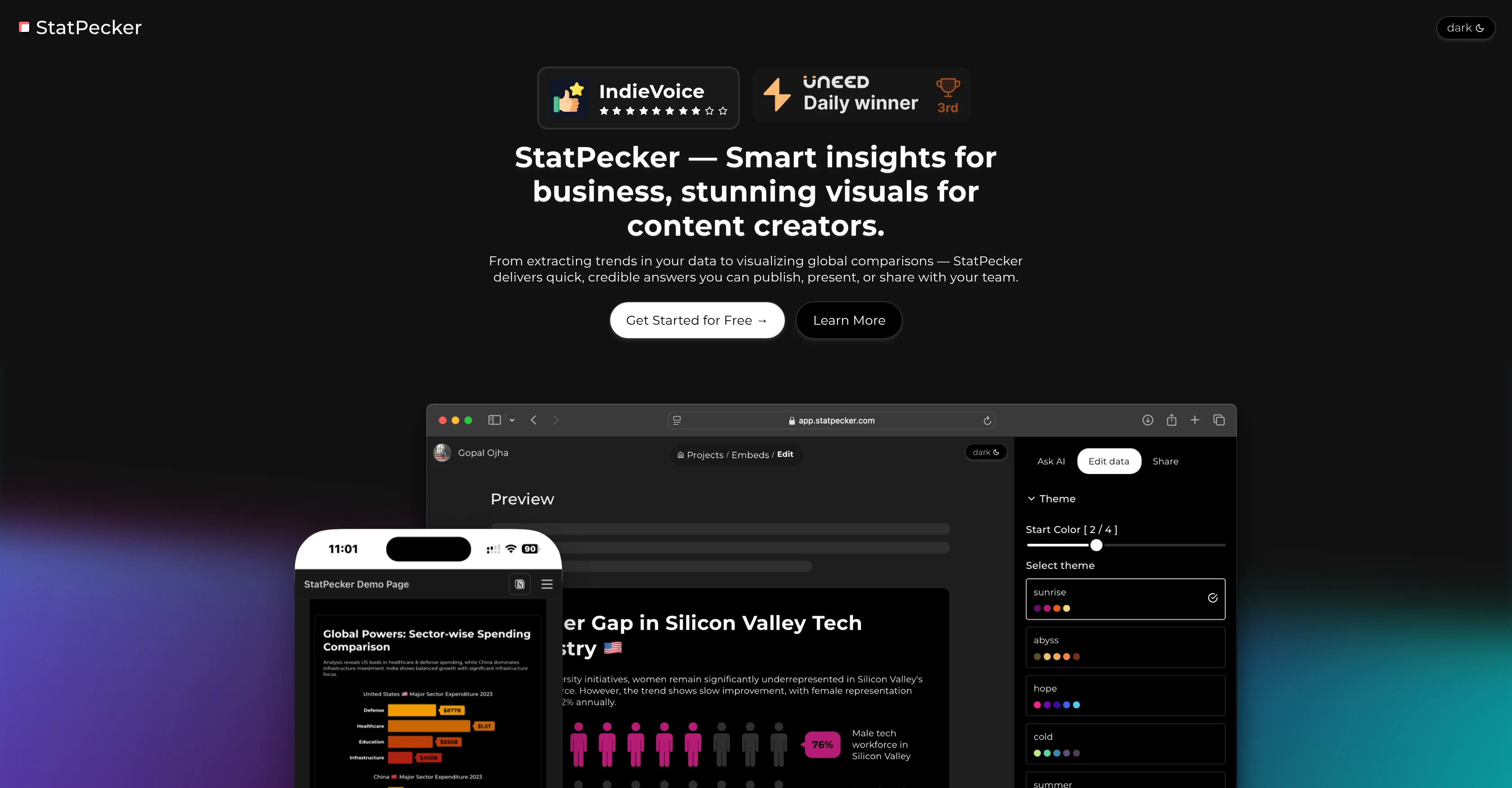
Smart insights for business, stunning visuals for creators.
Free + from $180
Verdict
A quick read before you dig into the full page.
- Best if
- Smart insights for business, stunning visuals for creators
- Skip if
- Limited visualization options
- Pick this when
- Instant insights from queries
Considering Narraviz.ai instead? Compare side by side
Overview
1. Upload a CSV (if needed)
2. Type your question clearly
3. See clean, reliable answers
4. Export visuals as images
5. Embed or share as needed
Best for
Short scenarios where StatPecker tends to shine.
-
Smart insights for business, stunning visuals for creators.
Example outputs 1
Sample generations and before/after results for StatPecker.
Access & connections
Where you can use StatPecker, and what it plugs into.
Platforms
Integrations
Capabilities
What this tool accepts, produces, and is strongest at.
Input
- Tabular
Output
- Image
Highlights
- MCP
- No Signup
Supported features
- MCP
- No Signup
Pros & cons
Pros
- Instant insights from queries
- Analyzes CSV files
- Publishes and embeds visuals
- Integrated with blogs, websites
- Exports infographics as images
- Data storytelling
- Easy-to-use interface
- Business intelligence capabilities
Show 8 more
- Data exporting
- Data uploading
- Presentation tools
- Reporting tools
- Data interpretation
- Data integration
- Seamless visual integrations
- Transforms data to narratives
Cons
- Only analyzes CSV files
- No real-time analytics
- Limited data source integration
- No API access
- Requires internet connection
- Not built for mobile platforms
- Limited visualization options
- No multi-user collaboration
Show 2 more
- No offline mode
- Unable to handle large datasets
Compare alternatives
Similar tools in the catalog — with a clear reason to open each one.


VibeChart ✓
Free TrialTurn Data into Stunning Charts in Seconds
Why look Typically cheaper
Full comparison
ChartGPT ✓
FreeMake Better Decisions with Data-Driven Charts, Clear Explanations, and Insightful Analysis
Why look Fully free option
Full comparison

vizGPT ✓
Free TrialTurn complex data into clear insights with AI.
Why look Typically cheaper
Full comparison
PowerBI AI Lens ✓
FreemiumSupercharge Power BI dashboards with AI-driven insights
Why look Typically cheaper
Full comparisonPeople also view
Tools that often show up alongside StatPecker in collections and comparisons.
VibeChart ✓
Free TrialTurn Data into Stunning Charts in Seconds

WP Now ✓
FreeOne click, every headline: Real-time global news at your fingertips.

TTSMaker ✓
FreemiumConvert text to natural speech in 100+ languages.

Microsoft Copilot ✓
UnknownYour AI companion to inform, entertain, and inspire.

MeeBoss ✓
FreeChat directly with hiring managers. Get hired faster.

Ideogram ✓
FreemiumAI-powered creativity booster

DeepL ✓
FreemiumThe world's most accurate translator

Cleanup pictures ✓
FreemiumRemove unwanted elements from photos instantly.
Releases 1
Imported reviews 9
This is what AI should be about it's easy, to use very easy to use no annoying email check, No annoying, Text code check, I would pay for this in a heartbeat as it worked within seconds, if only others on this site could provide some easy trials, I bet your sales would boost 10X so easy to use keep up the good work and when you start charging I will pay in a second thanks
Pretty neat for content folks, waiting for new features and what it would be able to do
Bug fixes are quick by the team. Useful tool. As promised, waiting for my wish-list features to be launched.
Decent product, but a lot of things need to be ironed out. Like the project navigation is not very intuitive.
Quite impressed with the team. Without intimidation, they fixed an error and informed me on mail.
I tried to embed one infographics on my notion page, and it worked flawlessly. Great design, I must say. As one of the commentator has mentioned, need more templates. Also, can you increase the upload size of the CSV?
I felt there is need of more ready made templates. But, it does what it claims. I chose one question suggested by the AI agent, and it created the infographics in few seconds. It's cool. Saving it for future reference.
Pretty impressive. I asked "Most used apps by Gen z", and it quickly returned me a visual, along with the sources. I do see a lot potential for this app. Keep up 👍
Well executed tool, something I can keep handy when writing blogs. I'm curious about the future plans, because at present it's pretty basic.
FAQ 12
What is StatPecker?
How does StatPecker use AI to provide instant insights?
What types of files can I upload to StatPecker?
How does StatPecker analyze CSV files?
Can I publish and embed visuals created with StatPecker?
How can StatPecker be integrated into my website or blog?
Can StatPecker visuals be downloaded?
In what formats can StatPecker visuals be exported?
What is the advantage of using StatPecker for data storytelling?
How does StatPecker transform data into easy-to-understand narratives?
How does StatPecker use AI for data visualization?
Does StatPecker offer any Business Intelligence solutions?
Related tools
Recommended

TheLibrarian.io ✓
Free TrialYour WhatsApp AI assistant for instant productivity.

Humanize AI Text by Akazila ✓
Free TrialTransform AI-Generated text into content that feels like it's written by human

Thea ✓
FreemiumAI study tools to master material, not just memorize it.

DeepSeek ✓
FreeUnravel the mystery of AGI with curiosity

remio: Your Personal ChatGPT ✓
FreemiumGet Tailored Answer with Your Personal ChatGPT

PixPal - Free AI Chat with Image Editor & Video Gener... ✓
FreeAI chat with images – Create, edit, innovate for free!