

Clip Studio ✓
Create viral short-form videos with AI
Trial; then from $14/mo
Verdict
A quick read before you dig into the full page.
- Best if
- Create viral short-form videos with AI
- Skip if
- Limited template selection
- Pick this when
- Customizable templates
Considering Bytecap instead? Compare side by side
Overview
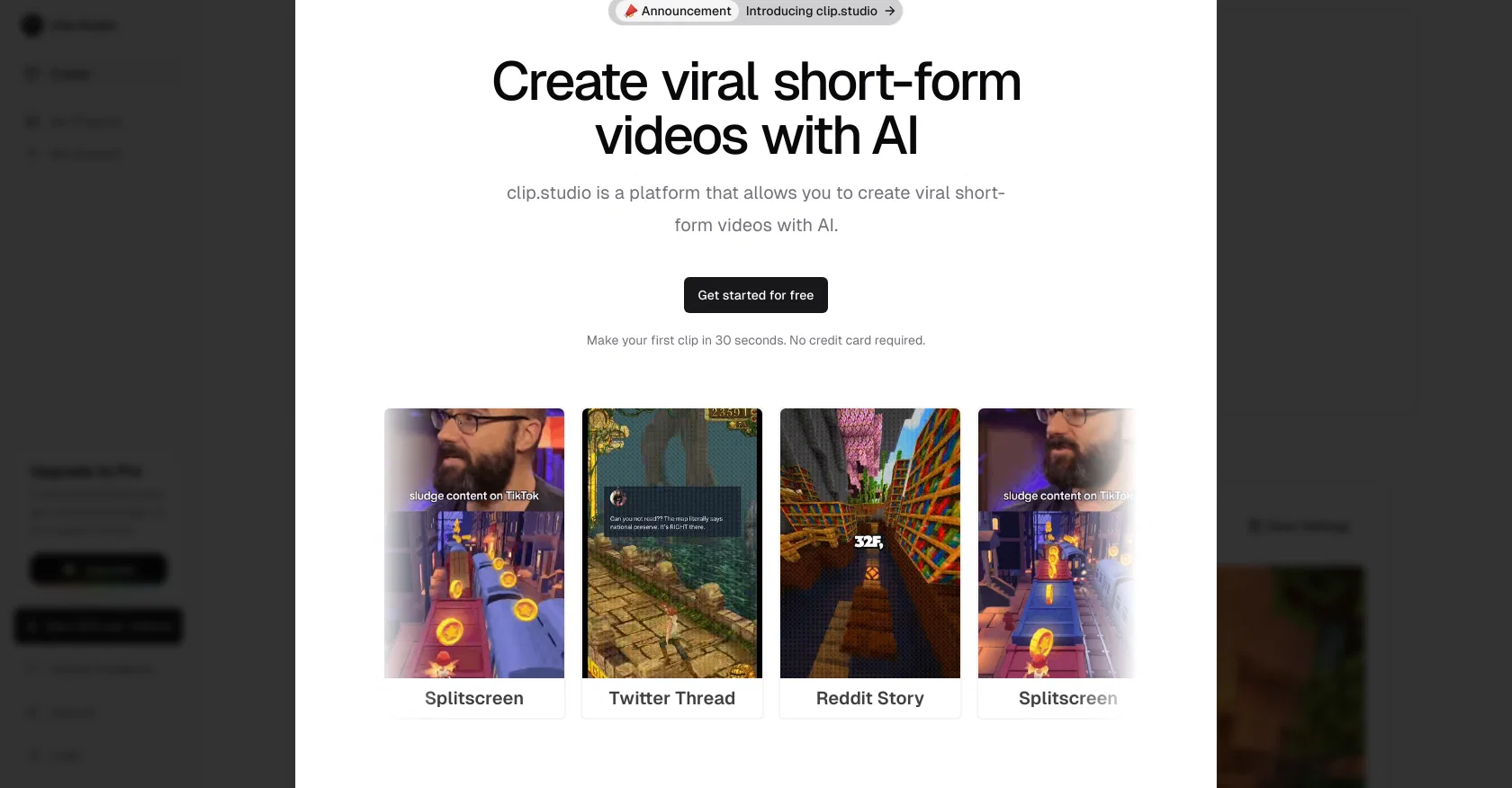
Clip Studio is an AI-powered tool designed to assist users in creating engaging short-form videos for platforms like TikTok, YouTube, and Instagram. It provides a selection of templates such as Splitscreen and Reddit Story which users can customize according to their needs.
With a simple user interface, users can extract data from a Reddit post URL including the subreddit, account name, title, text, likes, and comments. One of Clip Studio's main features is its AI narrators that come in various voice types across multiple languages, ages and characters, enabling the creation of a personalized voiceover for the video.
Users can also adjust the voice volume for further control. In addition, the platform offers a range of background music, ranging from electronic dance tracks to orchestral pieces, to enhance the mood and feel of the video content.Moreover, Clip Studio users have the option to select a background from a library of choices and choose a suitable caption style to complement the video.
To cater to different social media platforms, the tool provides different aspect ratios such as 9:16 for TikToks, 16:9 for YouTube, and 1:1 for LinkedIn and Instagram.
The final video can be previewed, downloaded, or exported directly to popular social media platforms, streamlining the content creation process.
Best for
Short scenarios where Clip Studio tends to shine.
-
Create viral short-form videos with AI
Example outputs 1
Sample generations and before/after results for Clip Studio.
Access & connections
Where you can use Clip Studio, and what it plugs into.
Platforms
Capabilities
What this tool accepts, produces, and is strongest at.
Supported features
- Clipping
Pros & cons
Pros
- Customizable templates
- Reddit post data extraction
- Voice volume adjustability
- Wide range of music
- Selectable video backgrounds
- Different captions styles
- Flexible aspect ratios
- Video preview feature
Show 16 more
- Direct social media export
- User-friendly interface
- Multi-language narrators
- Various voice ages and characters
- Orchestral music choices
- Electronic dance tracks
- Video download option
- TikTok aspect ratio (9:16)
- YouTube aspect ratio (16:9)
- LinkedIn and Instagram aspect ratio (1:1)
- Library of background choices
- Voiceover creation
- Social media content creation
- Templated for different video types
- Short-form video creation
- Splitscreen and Reddit story templates
Cons
- Limited to short videos
- Reddit focused features
- Limited aspect ratio options
- Music selection may be limiting
- Limited range of narrators
- Limited caption styles
- No live preview
- No direct export to LinkedIn
Show 2 more
- Limited template selection
- No built-in analytics tools
Compare alternatives
Similar tools in the catalog — with a clear reason to open each one.

Opus Clip ✓
FreemiumAI-powered livestream studio for explosive growth
Free + from $14.5/mo
Full comparison
HiClip AI ✓
Free TrialDrop 1 Video, Get 10 Hooked Clips.
Why look Typically cheaper
Full comparisonPeople also view
Tools that often show up alongside Clip Studio in collections and comparisons.

Shortmake ✓
PaidFast viral video generation and editing.

Postless ✓
PaidAI-generated UGC videos on autopilot for viral marketing.
Opus Clip ✓
FreemiumAI-powered livestream studio for explosive growth
HiClip AI ✓
Free TrialDrop 1 Video, Get 10 Hooked Clips.

Bytecap ✓
FreemiumEdit and publish clips 10x faster with AI

AI Video Cut ✓
Free TrialTransform long videos into viral shorts with AI.

HayNo AI Music Video Generator ✓
Free TrialUpload a song, describe the vibe, get a music video.

Froging AI ✓
FreemiumCreate images and videos with leading AI models in one workspace.
Releases 1
Imported reviews 2
no free option to try
Fantastic website, but because it is still very new, there isn't much variety or creative freedom.
FAQ 12
What is Clip Studio?
What are the main features of Clip Studio?
How does the AI narrators feature in Clip Studio work?
Can I customize the voiceover in Clip Studio?
How do I extract data from a Reddit post using Clip Studio?
Can I choose a background for my video in Clip Studio?
What types of background music are available in Clip Studio?
What social media platforms is Clip Studio's content compatible with?
Can I preview a video before posting it with Clip Studio?
How do I adjust the aspect ratio in Clip Studio?
In which languages can I create voiceovers in Clip Studio?
How do I export my video to social media platforms using Clip Studio?
Related tools
Recommended

Vadoo AI ✓
PaidGenerate videos from prompts and scripts.

Similarvideo ✓
Free TrialCreate marketing videos 10x faster with AI.

AI Video API ✓
FreemiumCreate AI videos effortlessly and affordably

Automateed ✓
Free TrialCreate eBooks effortlessly with Automateed, the AI-powered writing tool.

KeywordSearch ✓
FreemiumDiscover and target YouTube audiences.

Clipfly AI Video Generator ✓
FreemiumCreate AI-generated videos from text prompts effortlessly.