
Videos 2026 Rank: #825
Froging AI ✓
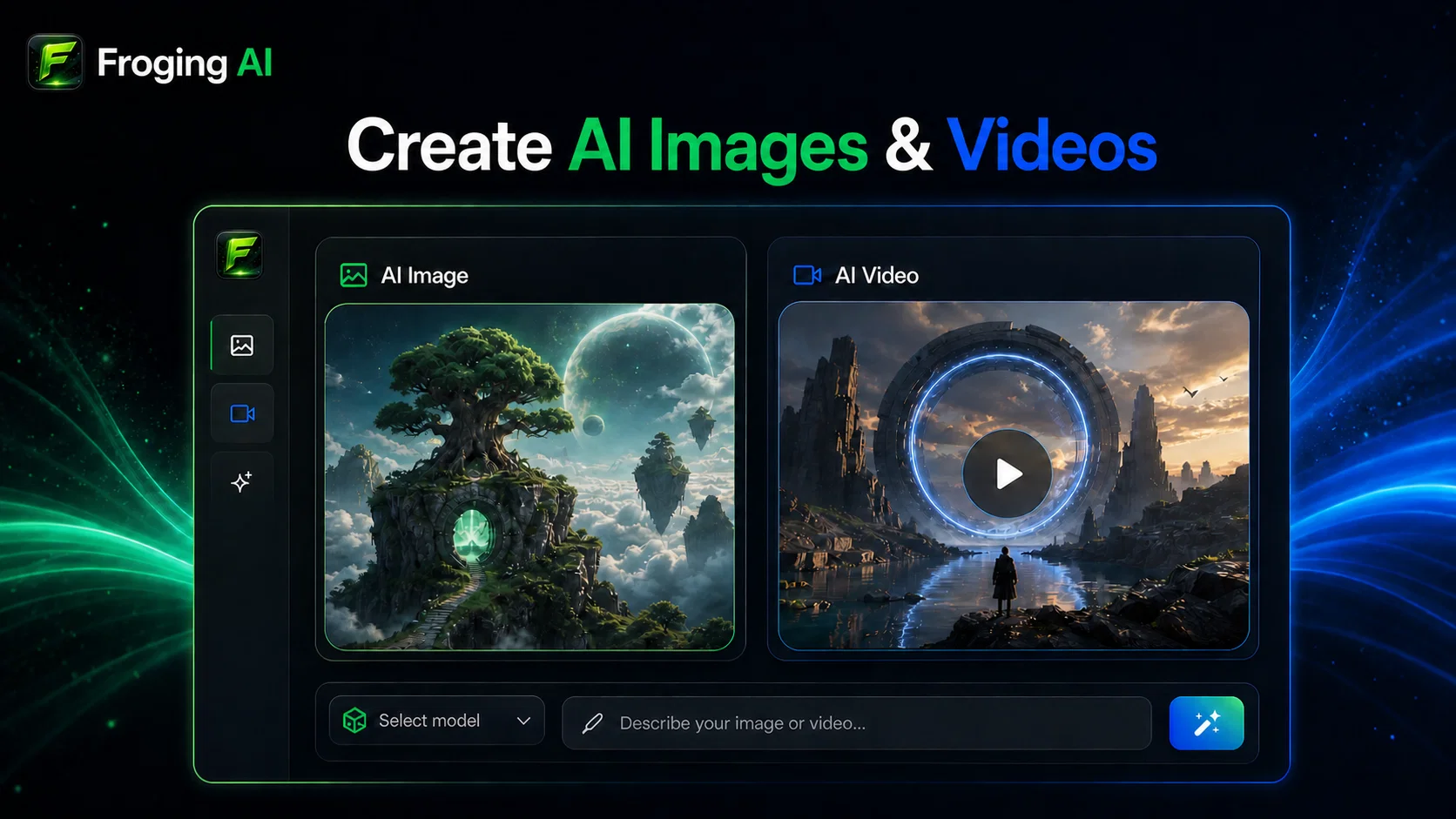
Create images and videos with leading AI models in one workspace.
Verdict
A quick read before you dig into the full page.
- Best if
- Create images and videos with leading AI models in one workspace
- Skip if
- Credit costs vary by model and settings
- Pick this when
- Creates AI images and videos in one workspace
Considering freebeat AI instead? Compare side by side
Overview
Choose from image models such as Nano Banana 2, GPT Image 2, Grok Imagine, and Seedream 5, plus video models including Veo 3.1, Kling 3.0, Seedance 2.0, MiniMax H3, and Wan 2.7. Control aspect ratio, resolution, duration, and supported audio options without switching between separate tools.
Froging AI is built for social visuals, product creatives, ads, explainers, storyboards, and creative experimentation. New users receive free credits after signing in. Paid plans include premium models, higher credit allowances, no-watermark downloads, and commercial-use-friendly output. Monthly, annual, and one-time credit options are available.
- Text-to-image Generation
- Image-to-image Generation And Editing
- Text-to-video Generation
- Image-to-video Animation
- Multiple Image And Video Models
- Up To 4k Image Generation
- Up To 4k Video Output On Supported Models
- Native And Optional Video Audio
- Multiple Aspect Ratios
- Adjustable Video Duration And Resolution
- No-watermark Downloads On Paid Plans
- Generation History
- One-time Credit Packs
Access & connections
Where you can use Froging AI.
Platforms
Capabilities
What this tool accepts, produces, and is strongest at.
Input
- Image
- Text
Output
- Video
- Image
Highlights
- SOTA
Models
Text
Image
Audio
Video
Pros & cons
Pros
- Creates AI images and videos in one workspace
- Generates images from text prompts
- Edits and transforms existing images
- Generates videos from text prompts
- Animates still images into videos
- Provides multiple leading AI models
- Lets users switch models in one interface
- Supports multiple image aspect ratios
Show 12 more
- Supports multiple video aspect ratios
- Generates images at up to 4K resolution
- Generates videos at up to 4K on supported models
- Offers multiple video duration options
- Generates native or optional video audio
- Shows generation cost before creating
- Provides no-watermark downloads on paid plans
- Offers commercial-use-friendly output
- Gives new users free credits after signing in
- Provides monthly and annual subscriptions
- Offers one-time credit packs without recurring charges
- Keeps generated images and videos in history
Cons
- Free credits are limited
- Sign-in is required before generating
- Premium models require paid access
- High-resolution options may require paid access
- Credit costs vary by model and settings
- Generation time varies by selected model
- No timeline-based video editor
Compare alternatives
Similar tools in the catalog — with a clear reason to open each one.

freebeat AI ✓
FreemiumTurn Music & Ideas into Viral Videos In One Click
Why look Typically cheaper
Full comparison
MagicLight ✓
FreemiumTransform text into captivating videos instantly.
Why look Typically cheaper
Full comparison

HeyGen ✓
FreemiumCreate AI spokesperson videos from text
Why look Typically cheaper
Full comparison

Seedance ✓
FreemiumMulti-shot video generation from text and image.
Why look Typically cheaper
Full comparisonReleases 1
FAQ 12
What is Froging AI?
How does Froging AI generate videos from text and image prompts?
Which AI models does Froging AI use to create videos?
How does Froging AI simulate real-world physics in the videos it generates?
Can I turn still images into videos using Froging AI?
What customization options does Froging AI offer for the final video output?
Can I conduct A/B tests with Froging AI?
What are the different uses of Froging AI?
How can Froging AI be used for social media content creation?
Is Froging AI suitable for creating product demos and marketing campaigns?
Can educators use Froging AI for creating educational content?
What is the quality of the videos generated by Froging AI?
Related tools
Recommended

GetLogit ✓
FreemiumArtificial intelligence, available for everyone.

ChatGPT ✓
FreemiumAsk anything, create anything, and move from idea to action.

Pounce ✓
Free TrialGet real followers and engagement in minutes.

VidFlux - Photo to Video Generator ✓
PaidTransform photos into cinematic videos with AI.

VidFlux - Image to Video AI ✓
PaidTransform any image into stunning videos.

AirMusic ✓
Free TrialAI music generator and music video creator in one platform.