

Music videos 2026 Rank: #1605
HayNo AI Music Video Generator ✓
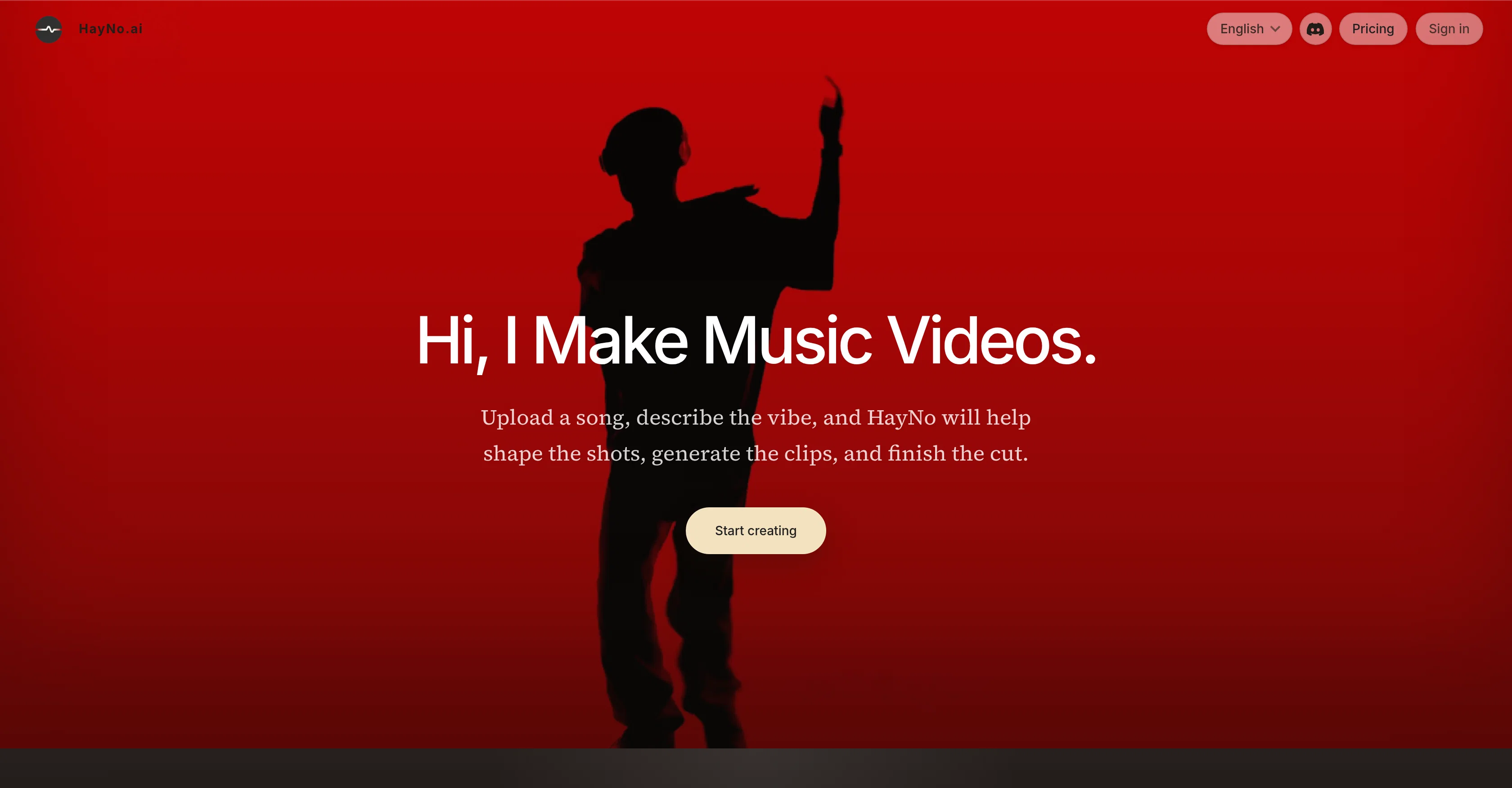
Upload a song, describe the vibe, get a music video.
Verdict
A quick read before you dig into the full page.
- Best if
- Upload a song, describe the vibe, get a music video
- Skip if
- Requires manual visual guidance
- Pick this when
- Music-oriented video generation
Considering BeatViz AI Music Video Generator instead? Compare side by side
Overview
Upload your track, describe your vision, and let HayNo AI handle the rest.
✨ How it works
Upload your music and describe the mood, style, or storyboard.
AI automatically generates shots, first-frame images, and video clips.
Review, edit, and export your finished music video.
🎬 Designed for musicians, creators, labels, studios, and content teams, HayNo AI helps transform songs into professional-looking videos without the need for a full production crew.
🔥 Key Features
AI-powered storyboard generation
Consistent characters and visual styles with customizable first frames
Automatic shot planning and video creation
Integrations with leading AI tools including Google, OpenAI, Kling, and PixVerse
Easy editing, exporting, and sharing
Whether you're releasing your next single, creating content for social media, or exploring new AI-powered creative workflows, HayNo AI makes music video production faster, simpler, and more accessible than ever.
🚀 Create your next music video with HayNo AI and bring your music to life in minutes.
Access & connections
Where you can use HayNo AI Music Video Generator.
Platforms
Capabilities
What this tool accepts, produces, and is strongest at.
Input
- Image
- Text
- Audio
Output
- Video
Supported features
- Video Generation
- Video Edit
- Music Generation
Pros & cons
Pros
- Music-oriented video generation
- Single creative workspace
- Storyboard generation
- Functional for different user roles
- Upload and provide visual brief
- Turn music into video clips
- Maintains visual consistency
- Organizes generated sequence
Show 21 more
- Interactive timeline editor
- Mitigates need for production teams
- Machine learning model usage
- First frames generation
- Integrates multiple tools
- Shareable final product
- Supports various languages
- Guided 3-step process
- Mood interpretation for videos
- Character composition consistency
- Option to trim clips
- Music informs video structure
- Maintain shot history
- Allows for prompt revisions
- Export in preferred formats
- Produces release assets
- Generates promotional materials
- Fast turnarounds on projects
- Natural pacing of videos
- Can regenerate frame/clip
- Allows multiple model choices
Cons
- Requires manual visual guidance
- Inflexible, single workspace
- No mobile version
- Lack of collaborative functions
- May misinterpret visual briefs
- No in-built library resources
- Dependent on other integrations
- High reliance on first-frames
Show 1 more
- No real-time editing features
Compare alternatives
Similar tools in the catalog — with a clear reason to open each one.

BeatViz AI Music Video Generator ✓
FreemiumTransform your music into stunning visual experiences with AI
Why look Typically cheaper
Full comparison
Music Video Generator ✓
PaidTurn your song into a cinematic, lyrics-driven music video
Why look Typically cheaper
Full comparison
BeatMV ✓
Free TrialTurn any song into scroll-stopping videos in minutes with AI-directed scripts and
Why look Typically cheaper
Full comparison
1MoreShot ✓
FreemiumTransform tracks into professional music videos instantly.
Why look Typically cheaper
Full comparison
Plazmapunk ✓
FreemiumTurn Your Music into Stunning AI-Generated Videos in Minutes
Why look Typically cheaper
Full comparison
AirMusic - AI Music Video Generator ✓
PaidTurn any song into viral music videos.
Why look Typically cheaper
Full comparisonReleases 1
FAQ 12
What is the HayNo AI Music Video Generator?
How does HayNo create a music video?
Can I have control over the visuals generated by HayNo AI?
Who is the HayNo AI Music Video Generator suitable for?
Do I need any pre-requisites or knowledge to start using HayNo AI?
How does the audio track influence the video generated by HayNo AI?
Can I review and make adjustments to the video generated by HayNo AI?
How does the storyboard feature work in HayNo?
What is the role of the timeline editor in HayNo's process?
Can I make video clips using HayNo?
In what formats can I export the video created by HayNo?
Can HayNo turn a complete song into a video?
Related tools
Recommended

freebeat AI ✓
FreemiumTurn Music & Ideas into Viral Videos In One Click

Meloflow AI ✓
FreemiumAI Music Generator & AI Song Maker for Creators

D-ID ✓
FreemiumCreate AI-generated videos with ease

Thea ✓
FreemiumAI study tools to master material, not just memorize it.

Suno ✓
FreemiumMake music at the speed of your ideas.

Jeffrey Célavie ✓
PaidPredictions based on birth charts. AI Astrology. The first one ever created