

Faceless videos vv1.0
Vadoo AI ✓
Generate videos from prompts and scripts.
from $9.99/mo
Verdict
A quick read before you dig into the full page.
- Best if
- You are video creators and need: Accessing video generation tools after logging in
- Skip if
- Expensive for high usage
- Pick this when
- Creation of faceless videos
Considering Blipix instead? Compare side by side
Overview




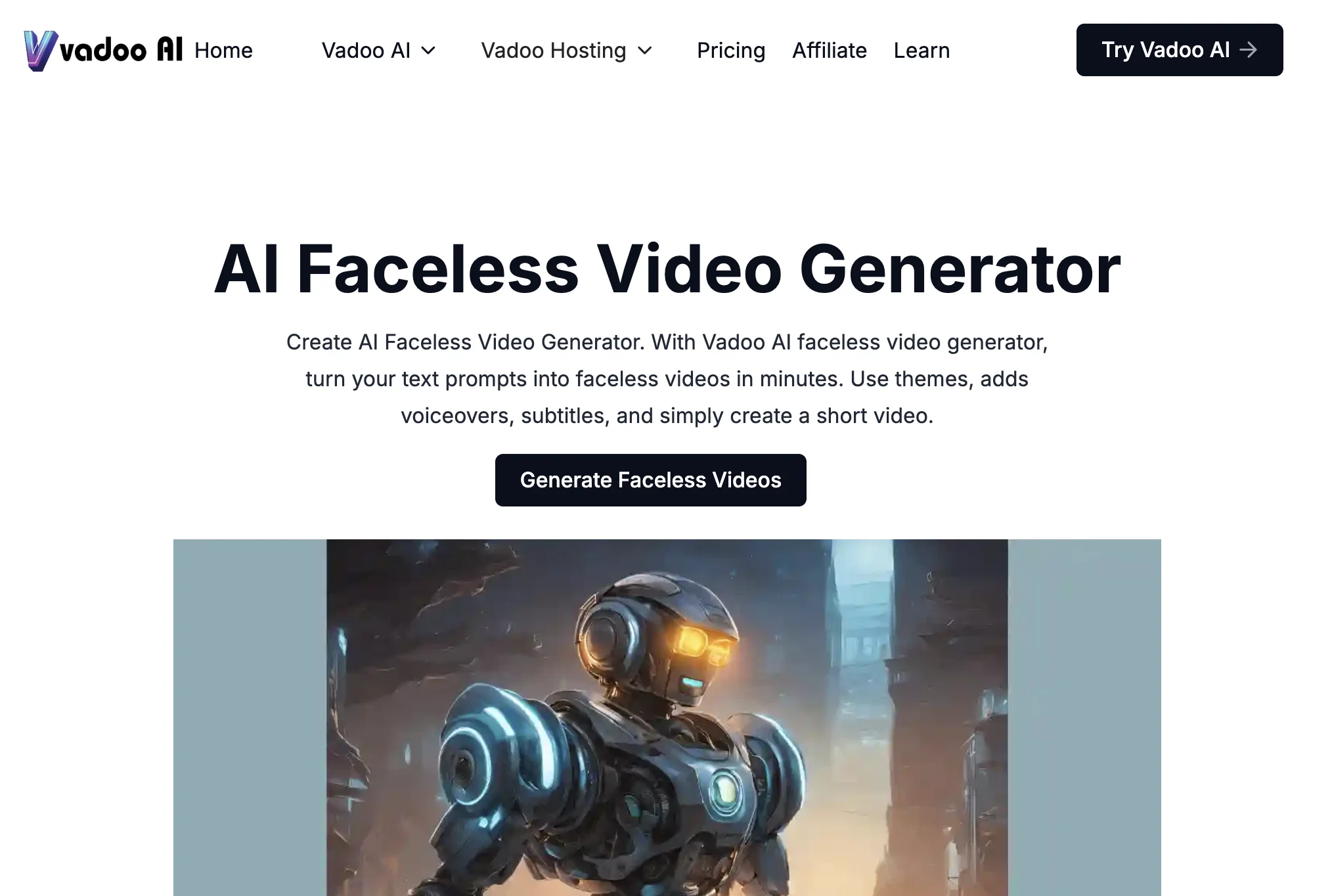
The platform offers powerful editing tools for personalizing videos to suit individual preferences. It supports multi-language captioning in over 50 languages, enabling creators to expand their reach globally. For added impact, users can incorporate AI-generated B-roll footage to enhance the visual storytelling experience.
A standout feature of Vadoo AI is its customizable text overlays, which allow users to emphasize key points and make their content more engaging and effective. The platform also includes an SEO optimization feature to enhance video visibility and a virality score to help users gauge the potential reach of their videos.
Additional tools include AI script generation, lip sync capabilities, and seamless long-to-short video conversion, enabling users to repurpose content effortlessly. Vadoo AI also supports auto-posting, allowing creators to publish videos directly to platforms like YouTube, TikTok, and Instagram with minimal effort.
Designed for versatility, Vadoo AI generates unique, engaging videos tailored for various platforms, ensuring content resonates with its intended audience. With its intuitive and streamlined workflow, Vadoo AI empowers creators to produce impactful videos effortlessly and efficient
Best for
Short scenarios where Vadoo AI tends to shine.
-
Accessing video generation tools after logging in.
Best for Video creators
Example outputs 1
Sample generations and before/after results for Vadoo AI.
Access & connections
Where you can use Vadoo AI, and what it plugs into.
Platforms
Capabilities
What this tool accepts, produces, and is strongest at.
Input
- API
- Image
- Text
- Audio
Output
- Audio
- Video
- API
- Image
Supported features
- Viral baseball trend
Pros & cons
Pros
- Creation of faceless videos
- Conversion of text prompts to videos
- Selectable themes for videos
- Add voiceovers in videos
- Set desired background music
- Include subtitles to videos
- Generates high-quality videos
- Editing tools for video refinement
Show 37 more
- Multi-language captioning
- Supports over 50 languages
- Option to add B-roll footage
- Customizable text overlays
- In-platform background music collection
- Voiceover functionality for audio personalization
- Generates unique videos
- Video personalization for audience preferences
- Effective for social media platforms
- Straightforward creation process
- Intuitive design
- Video hosting feature
- Screen recorder
- Add creator-style captions
- High-quality and relevant visuals
- Turns text into engaging scripts
- No software download needed
- Works across popular browsers
- Accessible from any device
- User-friendly interface
- Easy content creation
- Offers starter, pro and advanced plans
- Ability to invite collaborators
- Option to upload own fonts
- Integrated with Facebook, Twitter, Youtube, Webflow
- Offers a text to video feature
- Supports export for YouTube, Instagram or TikTok
- Makes videos searchable with subtitles
- Supports instantaneous creation of videos
- Offers a music collection for different video tones
- Ability to add creator style captions
- Detailed analytics for each video
- Integrated podcast hosting
- Ability to re-edit and refine videos
- Provides video security
- Automatic transition inclusion
- Screen recording capabilities
Cons
- Limited video length
- Expensive for high usage
- No free version
- Limited storage
- Limited customization options
- Doesn't support all fonts
- No video security features
- No collaborative features
Show 1 more
- Limited video templates
Compare alternatives
Similar tools in the catalog — with a clear reason to open each one.

AutoReels ✓
PaidCreate captivating faceless videos in minutes with AI.
Why look Higher community rating
Full comparison
VideoPal AI ✓
FreemiumCreate viral faceless videos with AI
Why look Freemium alternative
Full comparisonPeople also view
Tools that often show up alongside Vadoo AI in collections and comparisons.

Vsub ✓
PaidCreate faceless videos in seconds with AI
VideoPal AI ✓
FreemiumCreate viral faceless videos with AI

Renderfire ✓
PaidAutomate faceless videos for YouTube and TikTok.

Blipix ✓
PaidCreate viral faceless videos in one click.

AutoShorts.ai ✓
Free TrialAutomate Faceless Videos with a Single Click
AutoReels ✓
PaidCreate captivating faceless videos in minutes with AI.

TubeTube ✓
Free TrialTurn lyrics or a story into a finished, fully edited video

GoFaceless ✓
Free TrialTurn any idea into a finished faceless video.
Releases 2
Text-to-Video Conversion: Transform text prompts into faceless videos using AI-generated visuals, animations, and voiceovers.
Customization Options: Select from various themes, styles, and templates; add captions, B-roll footage, and background music to enhance videos.
Multi-Language Support: Generate subtitles in over 50 languages to cater to a global audience.
Automated Posting: Schedule and post videos directly to platforms like YouTube Shorts and TikTok.
Flexible Pricing Plans: Offers Free, Starter, Pro, and Advance plans to suit different user needs.
Imported reviews 12
Good app keep going
THIS APP IS AWEOMSE IM A HUGE FAN
Good app keep going
okayyy this is actually sooo cute, love how smooth it feels, def saving a few to share
I only recently started using this, but I have to say I'm very impressed. Setup is easy, it automates creation and upload. The videos themselves are high quality, with a well-written script. Well worth the investment.
EXPEXTACULAR!!!
WONDERFUL! AWESOME! All-in-one platform for everything you can image ;-)
Those is a great app to add
What I love most about Vadoo is its ability to turn written content into engaging videos. You can input text, and it’ll automatically generate a video with AI voiceovers, images, and scripts — perfect for short-form platforms like TikTok.
It also includes a blog-to-video option, which lets you convert a blog post into a video by simply pasting the URL. Plus, there’s an audio-to-video feature that transforms any audio or podcast into a shareable video.
Vadoo can create scripts too, though I usually prefer to write my own using another AI tool.
I initially purchased it for TikTok, but I’ve discovered it’s versatile enough to support all kinds of content creation and marketing.
I was searching for an AI video creator but struggled to find one that was both user-friendly and straightforward. Many options had complicated quirks and confusing credit systems, which made the decision even harder.
Then I discovered Vadoo AI and decided to give it a try. What used to take me 30 minutes to create a 60-second video on YouTube has now been reduced to less than 5 minutes. While I’m still testing the platform, the videos I’ve created so far are gaining views and likes. However, I believe there’s room for improvement to make it even more effective.
My Wishlist:
Add Cover Photos: The ability to upload custom cover photos would enhance organic engagement significantly.
Scheduling Feature: A tool to schedule video uploads for specific times and dates would streamline the posting process.
Multi-Channel Integration: Support for connecting multiple YouTube channels for seamless management.
Social Media Connectivity: Integration with Instagram (IG) and Facebook (FB) for wider reach.
AI Features: Improved AI capabilities for generating longer YouTube descriptions, better tags, and hashtags to drive engagement.
Crossposting: A feature to crosspost videos across different platforms effortlessly.
I hope the developers continue refining this product because it’s already proving to be a game-changer in creating short-form content efficiently.
Vadoo AI has exceeded my expectations on every level. The platform is intuitive, reliable, and incredibly efficient. From script to video, the entire process is seamless and user-friendly — even for those with minimal video editing experience.
What truly stands out is the video quality and speed of generation. It saves hours of work while delivering professional-grade results. Whether you’re a content creator, marketer, or business owner looking to scale your video production, Vadoo AI is a game changer.
I highly recommend it to anyone who wants to create impactful video content without the usual hassle. A truly impressive tool worth every bit of praise.
I have just recently purchased and started using Vadoo AI. It has a lot of tools built in and helps to keep my assets I have created organized. I purchased for the use case of creating videos for social platform ads quickly and while I could have used other tools for this same purpose, Vadoo saves me a lot of time having everything in one place. I do wish that they would have been more clear about the fact that I would need my own APIs for some of their tools from other 3rd parties.
FAQ 12
How does Vadoo AI create faceless videos from a text prompt?
What kind of video editing tools does Vadoo AI provide?
Can I add my own voiceovers to videos generated with Vadoo AI?
How to set the background music for my faceless video on Vadoo AI?
Does Vadoo AI allow the inclusion of subtitles in my videos?
Which languages are supported for captioning in Vadoo AI?
What is B-roll footage and how can I add it to my videos in Vadoo AI?
What are text overlays in Vadoo AI Faceless Video Generator and how can I customize them?
Can I choose different themes for my videos on Vadoo AI?
Which social media platforms support videos generated from Vadoo AI?
How does the Vadoo AI tool ensure the videos are engaging and effective?
Is there in-platform music available in Vadoo AI or do I have to add my own background music?
Related tools
Recommended

Automateed ✓
Free TrialCreate eBooks effortlessly with Automateed, the AI-powered writing tool.

VenturusAI ✓
FreemiumBusiness idea analysis and reporting.

PrometAI ✓
FreemiumTurn ideas into viable reality with AI business plan generator.

D-ID ✓
FreemiumCreate AI-generated videos with ease

Prismix ✓
Free TrialYour AI Social Media Manager

Video Studio AI ✓
FreemiumGenerate AI videos from text or images instantly
More from this creator

RiteBot ✓
PaidFree ChatGPT frontend with prompt library and chat history

AutoGPT ✓
Free TrialRun AutoGPT in your browser for free

Embed AI ✓
PaidCreate ChatGPT-powered chatbots with your data

Youtube Summary Generator ✓
FreemiumCreate AI chatbots powered by ChatGPT

Muapi ✓
PaidAI-powered image and video generation API platform.