

ChartGen ✓
Transform data into professional charts in seconds.
Free + from $40 / month
Verdict
A quick read before you dig into the full page.
- Best if
- Transform data into professional charts in seconds
- Skip if
- Not designed for complex SQL database management
- Pick this when
- Zero Learning Curve, No Technical Skills Required
Considering Napkin instead? Compare side by side
Overview



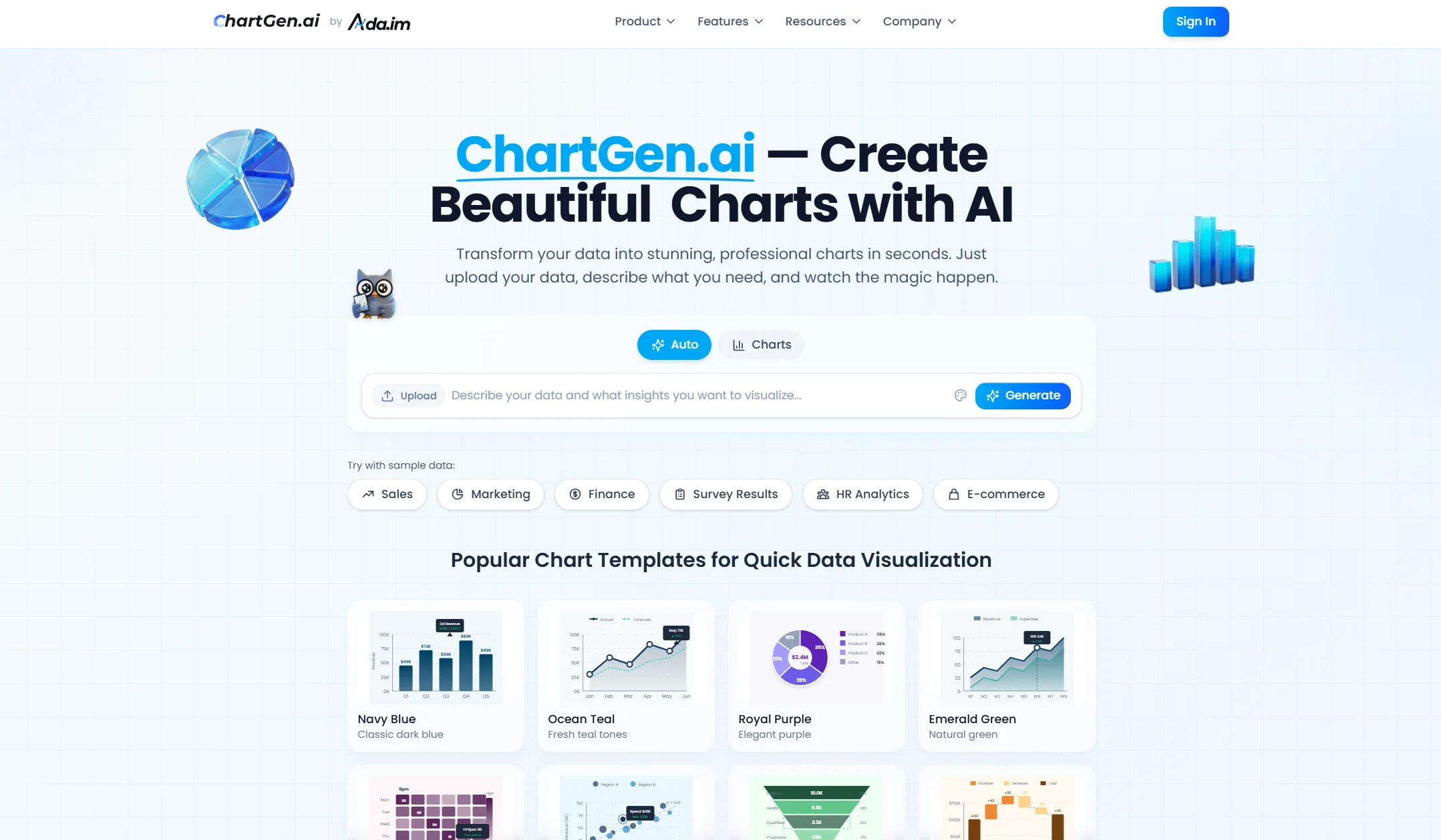
First, charts are created in three simple steps: data is uploaded, visualization goals are described in plain language, and AI generates professional, McKinsey-style charts with insights in seconds.
Second, a full suite of nine professional chart types is supported. From basic bar charts and line graphs to advanced heatmaps and combo charts, diverse visualization needs are covered with consistently high-quality results.
Finally, powerful AI-driven capabilities ensure ease of use. By combining intuitive design with advanced artificial intelligence, ChartGen.ai enables the creation of professional charts without any design or coding skills.
Access & connections
Where you can use ChartGen, and what it plugs into.
Platforms
Integrations
Capabilities
What this tool accepts, produces, and is strongest at.
Input
- Tabular
Output
- Image
Highlights
- API
Supported features
- API
Pros & cons
Pros
- Zero Learning Curve, No Technical Skills Required
- Flexible Customization with AI Efficiency
- Built-in Data Insights, Not Just Charts
- Lightweight Entry with Scalable Growth
- Enterprise-Grade Security and Data Protection
- AI That Understands Both Data and Intent
- Automatic column type detection
- Zero learning curve
Show 3 more
- No requirement for credit card
- Custom colors for charts
- Plain English chart description
Cons
- Advanced team collaboration features are limited
- No Python/R code export (No-code focus)
- Focuses on visualization over raw data cleaning
- Not designed for complex SQL database management
- Web-based only (No offline desktop version)
Compare alternatives
Similar tools in the catalog — with a clear reason to open each one.

Napkin ✓
FreemiumBring your ideas to life with a visual copilot
Why look Typically cheaper
Full comparison
Graphy app ✓
FreemiumMake stunning, interactive charts effortlessly.
Why look Typically cheaper
Full comparison
Highcharts ✓
FreemiumCreate charts instantly with natural language.
Free + from $168/yr
Full comparison
Graph Maker ✓
FreemiumCreate any chart instantly with AI
Why look Typically cheaper
Full comparisonReleases 1
Imported reviews 4
Great tool. It's quick and simple to use. Also made a video on it: https://youtu.be/R7f5TiSvg4A
OMG it creates charts so fast, it's amazing!
looks awesome - congrats!
“This completely changed how I create charts.”
I usually spend way too much time figuring out which chart to use and then polishing it for presentations. With ChartGen.ai, I just uploaded my Excel file, described what I wanted in plain English, and got a clean, professional chart in seconds. The McKinsey-style output looks presentation-ready without any tweaking, and the auto-generated insights are surprisingly useful. No coding, no design work—just fast, high-quality results. Easily one of the most practical AI tools I’ve used for data visualization.
FAQ 12
What is ChartGen.ai?
What types of charts can ChartGen.ai generate?
What file formats does ChartGen.ai support for data upload?
Can I paste data directly into ChartGen.ai?
What are the available export sizes for charts in ChartGen.ai?
What color themes are available in ChartGen.ai?
Does ChartGen.ai offer a free tier?
What are the limitations of the free tier in ChartGen.ai?
Does ChartGen.ai support one-click PNG download?
How does ChartGen.ai use AI technology?
Is ChartGen.ai optimal for social media infographics?
Is ChartGen.ai useful for academic research?
Related tools
Recommended

Flowova AI ✓
FreemiumTurn text, images & docs into professional flowcharts in seconds

B12 AI Website Builder ✓
FreemiumAI-powered website builder

ChatGPT ✓
FreemiumAsk anything, create anything, and move from idea to action.

Mindsmith ✓
FreemiumPlatform for building and sharing eLearning content

TheLibrarian.io ✓
Free TrialYour WhatsApp AI assistant for instant productivity.

Notis ✓
Free TrialThe first WhatsApp assistant that runs on your ChatGPT and Claude subscriptions