

Graph Maker ✓
Create any chart instantly with AI
Free + from $15/mo
Verdict
A quick read before you dig into the full page.
- Best if
- Create any chart instantly with AI
- Skip if
- Limited to NLP queries
- Pick this when
- Supports various data formats
Considering Napkin instead? Compare side by side
Overview
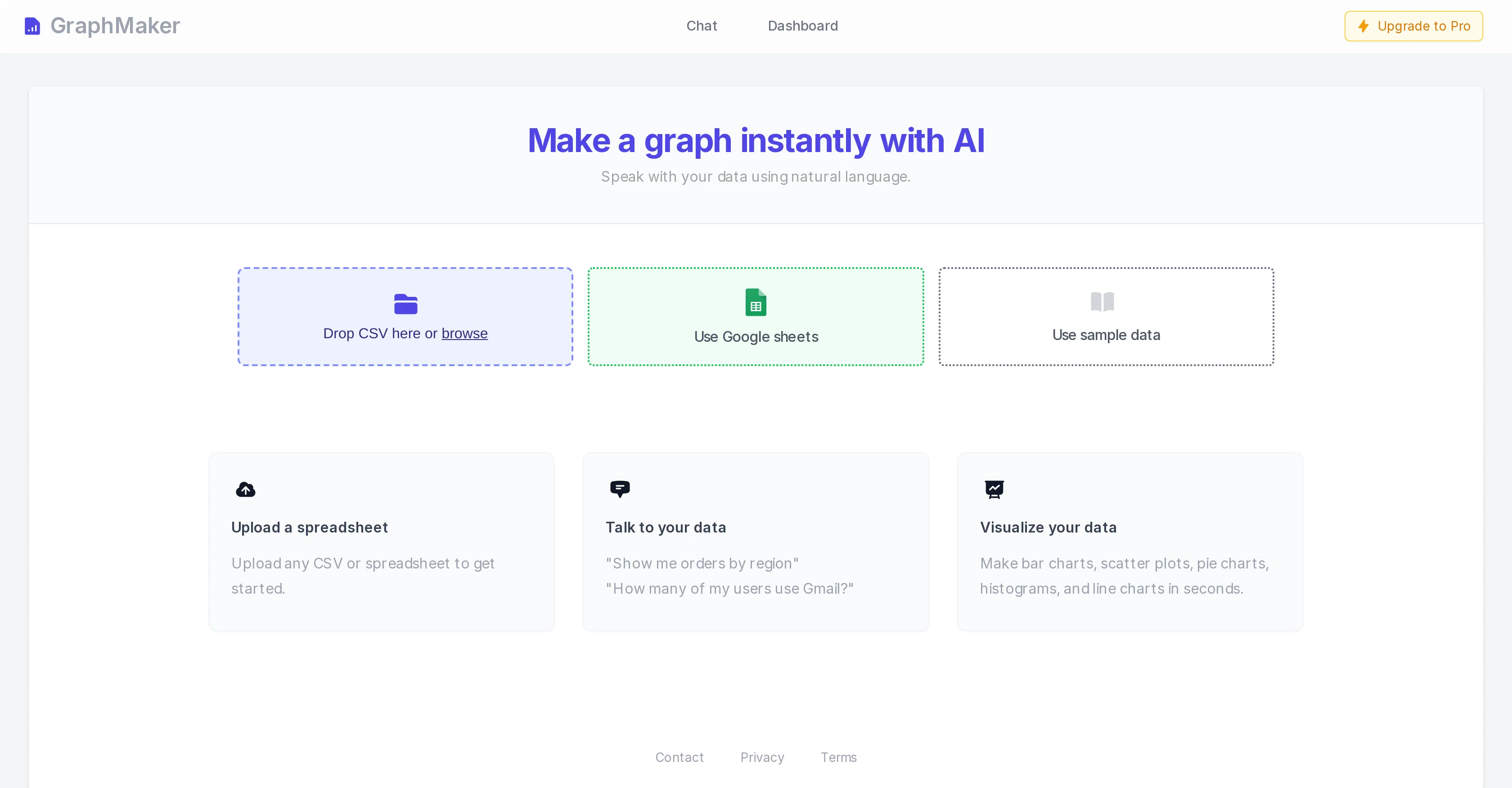
Graph Maker is an AI-powered tool designed to enable users to create professional charts swiftly and effortlessly. The tool accepts data in various formats including CSV file uploads, Google Sheets, or spreadsheet uploads.
Specifically, Graph Maker offers feature to make custom bar charts, scatter plots, pie charts, histograms, and line charts. Apart from its ability to create a variety of charts, Graph Maker's unique selling point is its integration of natural language processing technology.
Users can use natural language to query their data, for instance asking it to show orders by region or the number of users using a specific service. This offers a more intuitive and user-friendly process of data analysis.Despite its powerful functionality, Graph Maker places a strong emphasis on data privacy.
No user data is stored by the system, and details about this and security practices can be found on the tool's website. This commitment to data security ensures users can create their visualizations without concerns about the safety of their imported data.
Access & connections
Where you can use Graph Maker, and what it plugs into.
Platforms
Integrations
Capabilities
What this tool accepts, produces, and is strongest at.
Input
- Text
- Tabular
Output
- Image
Pros & cons
Pros
- Supports various data formats
- CSV file uploads
- Integration with Google Sheets
- Supports spreadsheet uploads
- Custom bar chart creation
- Scatter plot creation
- Custom pie chart creation
- Histogram creation
Show 15 more
- Line chart creation
- Natural language processing
- Data querying through language
- User-friendly data analysis
- Strong data privacy
- No user data stored
- Transparent data security
- Quick chart creation
- Professional chart outcomes
- Visual data analysis
- Intuitive tool interface
- Flexible chart customization
- Provides sample data
- Speak to data feature
- Chart creation in seconds
Cons
- Limited chart types
- Limited to CSV/spreadsheet formats
- No real-time data integration
- No data storage capability
- No API for application integration
- Limited to NLP queries
- No mobile app
- No multilingual support
Show 2 more
- No data editing features
- Lacks off-line functionality
Compare alternatives
Similar tools in the catalog — with a clear reason to open each one.

Napkin ✓
FreemiumBring your ideas to life with a visual copilot
Why look Typically cheaper
Full comparison
Graphy app ✓
FreemiumMake stunning, interactive charts effortlessly.
Why look Typically cheaper
Full comparison
Highcharts ✓
FreemiumCreate charts instantly with natural language.
Why look Higher community rating
Full comparison
ChartGen ✓
FreemiumTransform data into professional charts in seconds.
Why look Offers a public API
Full comparisonReleases 1
Imported reviews 1
Great tool for getting some initial information about your data, especially in the beginning phase when your main goal is to explore your data
FAQ 12
What is Graph Maker?
How does Graph Maker use AI?
What chart types can I create with Graph Maker?
How do I upload data into Graph Maker?
Can Graph Maker accept data in CSV format?
What other data formats can Graph Maker accept?
How does the natural language processing in Graph Maker work?
Can I use natural language to query data in Graph Maker?
Does Graph Maker store any of my data?
How does Graph Maker ensure the security of my data?
What kind of data privacy measures does Graph Maker take?
Can I create scatter plots using Graph Maker?
Related tools
Recommended

Marblism ✓
FreemiumAI Employees who Work for Your Business

BookAIWriter.com ✓
PaidRevolutionize Your Writing with AI

Lido Document Processing ✓
FreemiumAutomate PDF data extraction with AI

Displayr AI ✓
FreemiumVisualize and analyze data seamlessly with Displayr.

Flowpoint ✓
FreemiumWebsite Analytics Reports with AI Agents

Mentor: Get things done ✓
FreemiumAchieve your goals and get things done with Mentor and AI