

Pictory ✓
Create engaging videos from text in minutes
Trial; then from $19/mo
Verdict
A quick read before you dig into the full page.
- Best if
- You are marketing Agencies and need: Automating video content creation for marketing agencies
- Skip if
- May not be suitable for complex narrative videos
- Pick this when
- No software downloads required
Considering ElevenLabs instead? Compare side by side
Overview
Pictory is an AI-powered tool designed to facilitate easy and efficient video creation and editing. It allows users of all skill ranges to create professional-quality videos using text, with no need for software downloads or technical skills.
The service targets various professions, including course creators, business professionals, content creators, educational professionals, social media managers and marketing teams.
Pictory features script-to-video functionality, enabling the conversion of scripts into videos replete with AI voices, matching footage, and music. It also offers a blog-to-video feature, transforming written blog posts into engaging videos to enhance SEO and decrease bounce rates.
Additionally, Pictory can transform long-form videos, such as webinars and podcasts, into digestible, branded clips ideal for social media. The platform also incorporates automatic captions, improving reach and watch time.
Pictory is also designed to encourage collaboration, with features that enable sharing of assets and ideas within teams or with external partners.

Best for
Short scenarios where Pictory tends to shine.
-
Automating video content creation for marketing agencies
Best for Marketing Agencies
-
Designing training and instructional videos
Best for Learning & Development Professionals
-
Converting learning materials into engaging video lessons
Best for Education Professionals
-
Enhancing corporate presentations and internal communications
Best for Business Professionals
-
Generating high-converting marketing videos
Best for Digital Marketers
-
Creating social-ready video content for platforms like TikTok and Instagram
Best for Social Media Managers
-
Repurposing blog articles into engaging video formats
Best for Content Creators
Example outputs 1
Sample generations and before/after results for Pictory.
Access & connections
Where you can use Pictory.
Platforms
Capabilities
What this tool accepts, produces, and is strongest at.
Input
- API
- Text
Output
- Video
- API
Supported features
- Voice Cloning
- TTS
- Digital Personas
- Video Generation
Pros & cons
Pros
- No software downloads required
- Can create professional videos
- Transforms text to video
- Automatic extraction of highlights
- Capable of video summarization
- Auto captioning feature
- Auto transcription feature
- Speeds up video production compared to Adobe
Show 19 more
- Supports collaboration among users
- Sharing of editing assets
- Suitable for various professions
- Enables conversion of scripts to videos
- Blog-to-video feature provided
- Enhances SEO
- Reduces blog bounce rates
- Facilitates creation of branded social media clips
- Targets course creators, professionals, and marketers
- Offers automatic captions
- Increases viewer reach
- Enhances video watch time
- Supports creation of engaging learning content
- Efficient for social media management
- Facilitates marketing with video content
- Useful for YouTube Creators
- Provides matching footage
- Fast and scalable
- Affordable pricing
Cons
- Limited customization options
- Doesn't support 3D videos
- Lack of advanced video editing features
- Only supports text-based input
- Restricted to professional branding
- May not be suitable for complex narrative videos
- Doesn't offer live camera recording feature
- Collaboration features can be improved
Show 1 more
- Limited stock footage diversity
Compare alternatives
Similar tools in the catalog — with a clear reason to open each one.

ElevenLabs ✓
FreemiumCreate lifelike AI voices for compelling storytelling.
Why look Typically cheaper
Full comparison

VoiSpark ✓
FreemiumCreate human-like voices for content with AI
Why look Typically cheaper
Full comparison
Free Text-To-Speech ✓
FreeText transformed into customizable spoken output.
Why look Fully free option
Full comparison

People also view
Tools that often show up alongside Pictory in collections and comparisons.
ElevenLabs ✓
FreemiumCreate lifelike AI voices for compelling storytelling.

Synthesia ✓
FreemiumCreate AI videos from text in minutes.

Kaiber Superstudio ✓
Free TrialAI Video Generation

Tubebuddy ✓
PaidBoost your YouTube channel with AI-powered tools.

Steve AI ✓
FreemiumFrom text to video, master all with AI.

Jasper.ai ✓
Free TrialAI copilot for enterprise marketing teams

ElevenLabs Dubbing ✓
FreemiumDub videos into 28 languages instantly

Dubverse.ai ✓
Free TrialAI-powered video dubbing in 30 languages
Releases 1
FAQ 12
What is Pictory?
How does Pictory use AI?
Who can make use of Pictory?
Is Pictory designed for beginners or experienced video creators?
Can I create videos using text with Pictory?
How efficient is Pictory's text-to-video conversion?
How does Pictory summarize long videos?
What is the 'golden nuggets' extraction feature in Pictory?
Which multimedia platforms can Pictory extract content from?
Does Pictory offer auto captioning and auto transcription?
Can Pictory be used for social media video content creation?
Is Pictory used for professional and personal purposes?
Related tools
Recommended

VenturusAI ✓
FreemiumBusiness idea analysis and reporting.
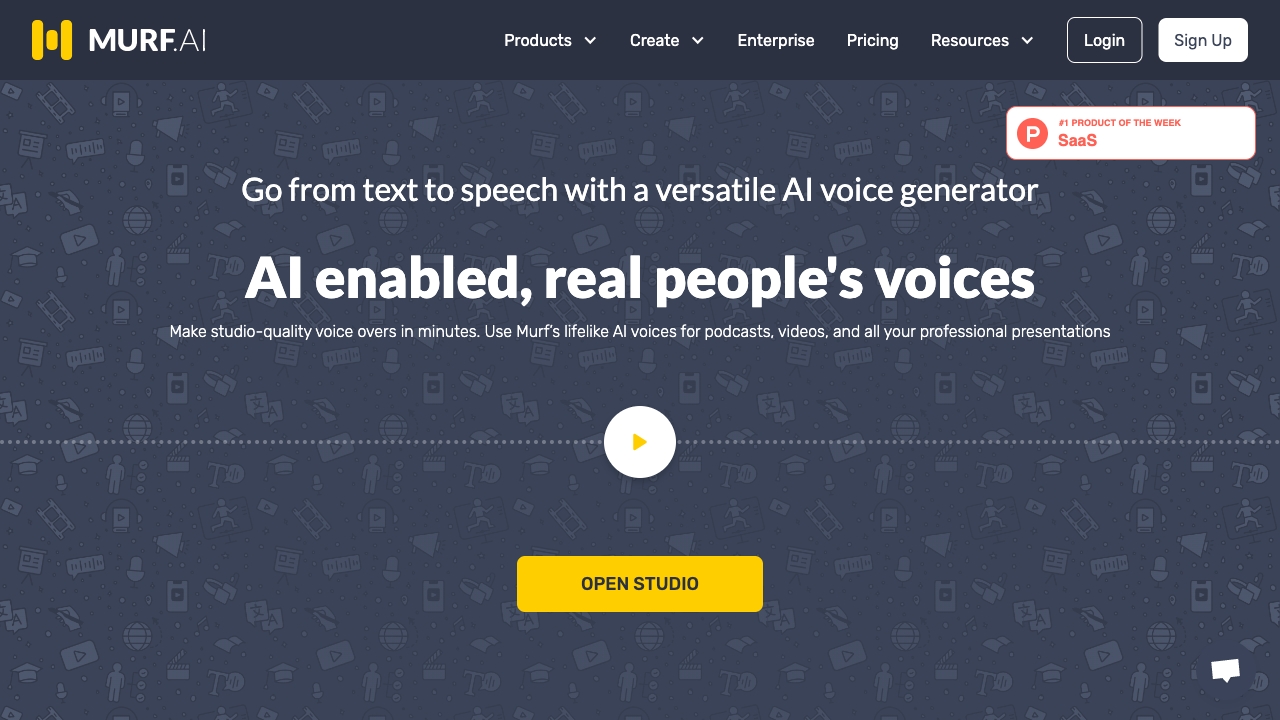
Murf AI
PaidVersatile AI voice generator for text to speech, voiceovers, and translations.
Synthesia ✓
FreemiumCreate AI videos from text in minutes.

Listnr AI ✓
Freemium1000+ voices. 142+ languages. Audio shareable.

Hyperis ✓
FreemiumOrganized task prioritization.

Stockimg AI ✓
PaidGenerated images and text for design ease.