

Camtasia ✓
Turn your knowledge into engaging videos with AI-powered tools.
Free + from $179.88/yr
Verdict
A quick read before you dig into the full page.
- Best if
- Turn your knowledge into engaging videos with AI-powered tools
- Skip if
- Watermark on free version
- Pick this when
- Multitrack recording
Considering CapCut Online Creative Suite instead? Compare side by side
Overview






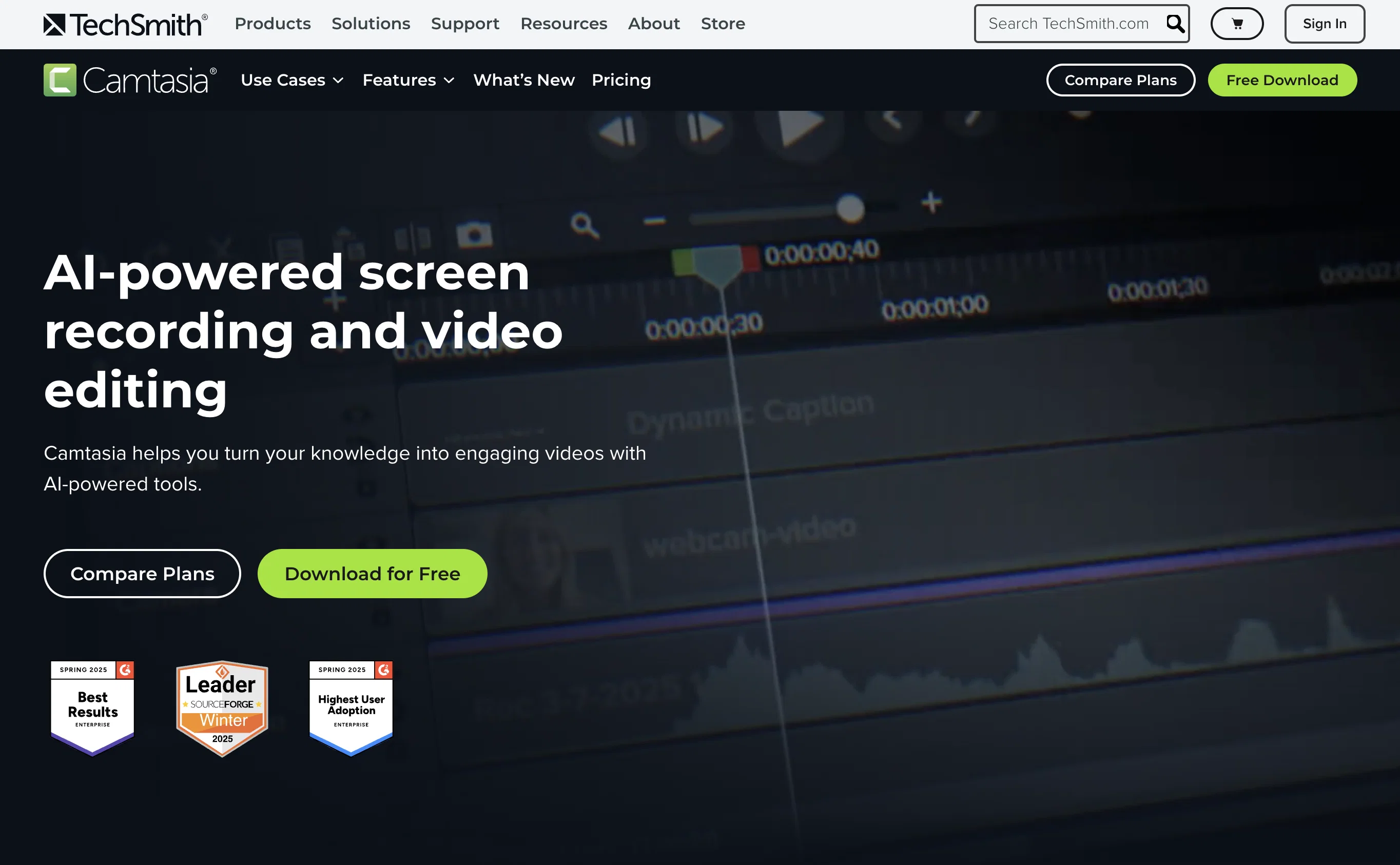
The tool allows for multitrack recording, meaning users can record their screen, camera, system audio, and microphone on separate tracks for granular editing and refining.
Furthermore, it takes away the complexity of video editing, availing simple drag-and-drop functionality for elements like zooms and callouts. Camtasia also has features for creating scripts and generating option-driven narration using AI, thereby significantly shortening the time between ideation and output.
Users can also customize video themes and templates to align with their brands. Notably, the tool has built-in accessibility features which facilitate the creation of captions and translations, broadening the videos' reach to different language speakers.
Moreover, users can highlight important steps in their tutorials using on-screen annotations and cursor effects. Overall, Camtasia is an all-in-one solution for creating polished and professional screen-first videos.
Access & connections
Where you can use Camtasia, and what it plugs into.
Platforms
Integrations
Capabilities
What this tool accepts, produces, and is strongest at.
Input
- Image
- Text
- Video
- Audio
Output
- Audio
- Video
- Text
Pros & cons
Pros
- Multitrack recording
- Drag-and-drop functionality
- Script generation
- Video theme customization
- Accessibility features
- Captions and translations
- On-screen annotations
- Cursor effects
Show 26 more
- Designed for professional tutorials
- Designed for training resources
- Aids in brand alignment
- Ideal for software demos
- Helps with customer education
- Facilitates corporate video creation
- Templating and editing
- Standardizes video output
- Facilitates multi-lingual reach
- Zoom and callout features
- Free version availability
- Nearly identical features on macOS and Windows
- Tech support available
- Volume discounts available
- Student discounts available
- License valid on two devices
- Import and edit video from other sources
- Records audio and video separately
- Webcam and screen simultaneous recording
- Supports collaboration on projects
- Exports subtitles or captions
- Supports green screen editing
- Works offline
- Royalty-free music and assets
- Accommodates reviews and feedbacks
- Automatic key lookup tool
Cons
- High system requirements
- Watermark on free version
- Limited to two devices
- Difficult multi-user collaboration
- Offline use limits features
- No stand-alone subtitle tool
- Costly for multiple licenses
Compare alternatives
Similar tools in the catalog — with a clear reason to open each one.

CapCut Online Creative Suite ✓
FreemiumUnleash creativity with CapCut's all-in-one online suite
Why look Typically cheaper
Full comparison
ClipFinder ✓
FreemiumTurn hours of streams and VODs into viral clips automatically.
Why look Typically cheaper
Full comparison
Gling - AI Video Editing Software for YouTube ✓
FreemiumAI-powered video editing for YouTube creators.
Why look Typically cheaper
Full comparison
Captions ✓
PaidAI-powered creative studio for studio-grade videos.
Why look Typically cheaper
Full comparison
Video to Video AI ✓
PaidTransform videos using simple text commands.
Why look Typically cheaper
Full comparison
Releases 1
FAQ 12
What is Camtasia?
What is multitrack recording on Camtasia?
How does Camtasia simplify the process of video editing?
How does the AI narration feature of Camtasia work?
Is it possible to customize video themes on Camtasia?
What accessibility features does Camtasia offer?
How can I use Camtasia for customer education?
Can I add on-screen annotations on Camtasia?
What are the cursor effects in Camtasia?
Can I create software demos using Camtasia?
What audio sources can Camtasia record?
How can I align my videos with my brand using Camtasia?
Related tools
Recommended

Xavier AI ✓
FreemiumGenerate strategic consulting decks in under 1 minute.

Suno ✓
FreemiumMake music at the speed of your ideas.

Jason AI ✓
PaidAI-powered assistant for B2B sales outreach

HumanTone ✓
Free TrialThe professional AI humanizer. Real rewriting, no tricks

Veo ✓
PaidGenerate high-quality, cinematic videos with AI.

Prismix ✓
Free TrialYour AI Social Media Manager
