

Berrycast Transcripts ✓
One-click screen recording and sharing.
from $16/mo
Verdict
A quick read before you dig into the full page.
- Best if
- One-click screen recording and sharing
- Skip if
- Limited integrations
- Pick this when
- One-click recording
Considering AI Transcriptions by Riverside instead? Compare side by side
Overview
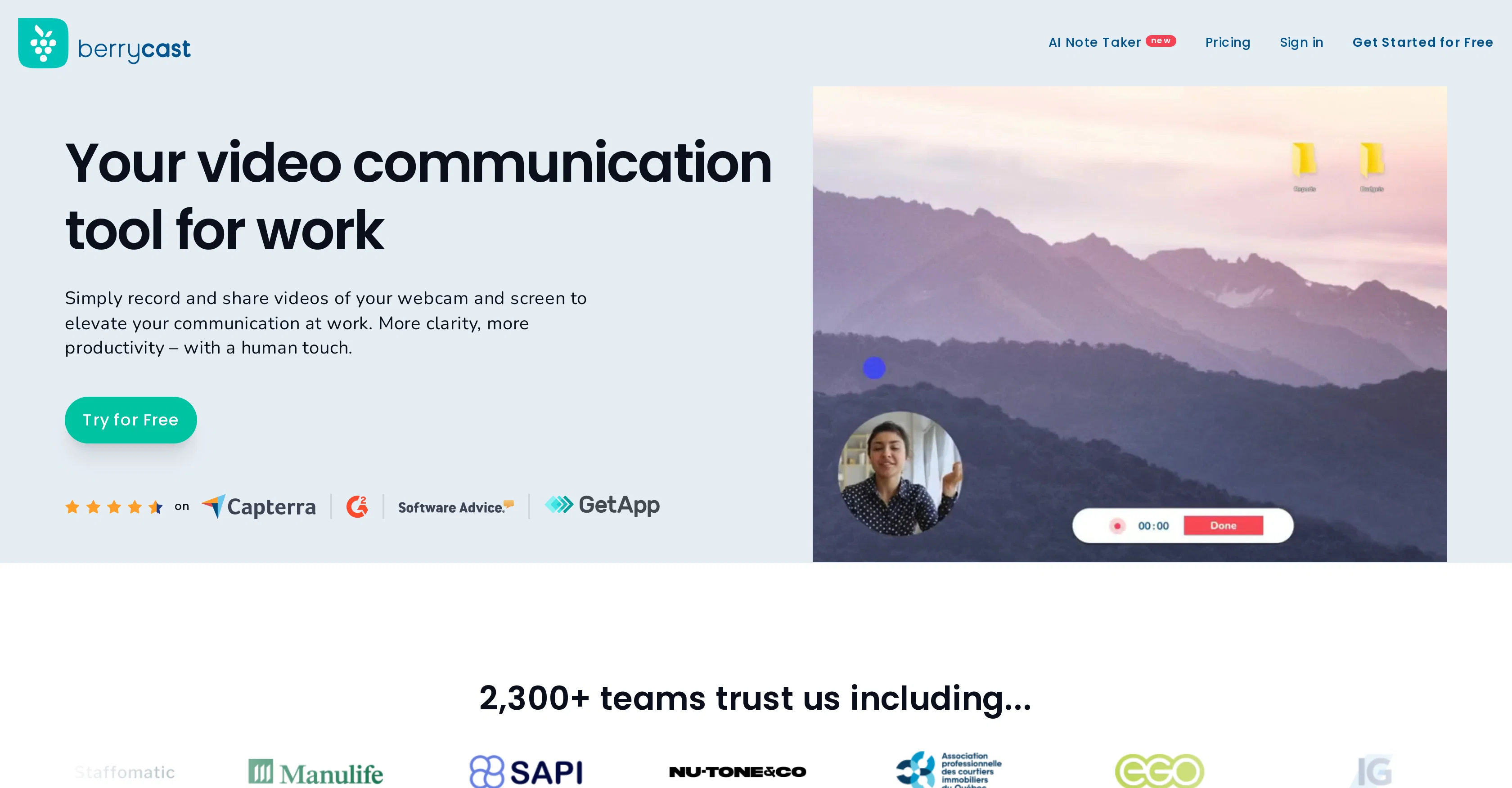
Berrycast is a screen recording tool that is designed to be user-friendly with its simple click-to-record feature. It offers microphone and webcam support, making it suitable for various uses ranging from business presentations to educational tutorials or personal use.
Additionally, Berrycast offers annotation capabilities, allowing users to add notes and highlight important information directly on the screen during recording.
The tool also provides an array of post-recording editing options, including the ability to trim videos for generating short, concise clips from longer recordings.
For privacy and security, Berrycast provides a password protection feature, which is useful for sharing sensitive information. It is important to note that Berrycast requires JavaScript to function properly.
Although extremely beginner-friendly, Berrycast also meets the screen recording needs of advanced users with its suite of comprehensive features.
Access & connections
Where you can use Berrycast Transcripts.
Platforms
Capabilities
What this tool accepts, produces, and is strongest at.
Input
- Video
Output
- Video
Pros & cons
Pros
- One-click recording
- Microphone and webcam support
- Annotations during recording
- Timed comments
- Post-recording editing
- Video trimming
- Password protected videos
- Microsoft Teams integration
Show 22 more
- Gmail integration
- Asana integration
- Figma integration
- Didacte integration
- Custom brand videos
- Embed videos
- Instant video sharing
- Analytics insights
- Downloadable videos
- Recordings request via link
- Chrome extension
- Screen Recorder SDK available
- Video Record SDK/API available
- Notification system
- Beginner friendly
- Advanced features available
- Works for business and education
- Great for onboarding
- Utility for software testing
- Great for UI/UX design
- Video transcription & translation
- Asynchronous communication support
Cons
- Requires JavaScript
- No mobile app
- No offline usage
- Lacks advanced editing
- Limited format export options
- No iOS support
- Dependent on Chrome extension
- Webcam support limitations
Show 2 more
- No multiple-user support
- Limited integrations
Compare alternatives
Similar tools in the catalog — with a clear reason to open each one.

AI Transcriptions by Riverside ✓
FreemiumTranscribe audio and video in 100+ languages effortlessly
Why look Freemium alternative
Full comparison
Exemplary AI ✓
FreemiumTranscribes 120+ languages' audio/video.
Why look Freemium alternative
Full comparison
YouTube Transcript Optimizer ✓
PaidTransform YouTube videos into polished documents and quizzes.
Why look Typically cheaper
Full comparison
Taption ✓
FreemiumConvert audio and video to text in 40+ languages.
Why look Freemium alternative
Full comparison
ScriptMe ✓
Free TrialTranscribe and subtitle media faster than realtime.
Free + from $45/mo
Full comparison
Vid2txt ✓
PaidDrag, drop, done: Effortless video transcription.
Why look Typically cheaper
Full comparisonReleases 1
FAQ 12
What is Berrycast?
What functionalities does Berrycast provide?
Does Berrycast integrate with other platforms?
How does Berrycast support microphone and webcam?
Can I customize videos with Berrycast?
What kind of sharing options does Berrycast provide?
Can I record and share a video instantly with Berrycast?
What is the role of the Berrycast Chrome Extension?
Does Berrycast allow adding annotations to recordings?
What is the use of Berrycast's trimming feature?
How does Berrycast protect my privacy?
Why does Berrycast require JavaScript?
Related tools
Recommended

D-ID ✓
FreemiumCreate AI-generated videos with ease

HeyGen ✓
FreemiumCreate AI spokesperson videos from text

Typpo ✓
FreemiumCreate videos as you speak using AI.

Browse AI ✓
FreemiumExtract and monitor web data without code.

Syllaby ✓
PaidVideo script generator for social media marketing.

Video Highlight ✓
FreemiumSummarize and take notes from videos instantly.