
Browse AI ✓
Extract and monitor web data without code.
Free + from $19/mo
Verdict
A quick read before you dig into the full page.
- Best if
- You are entrepreneurs and need: E-commerce: Extract product data, monitor competitors & vendors
- Skip if
- May not bypass complex captchas
- Pick this when
- Monitored website data extraction
Considering FetchFox instead? Compare side by side
Overview
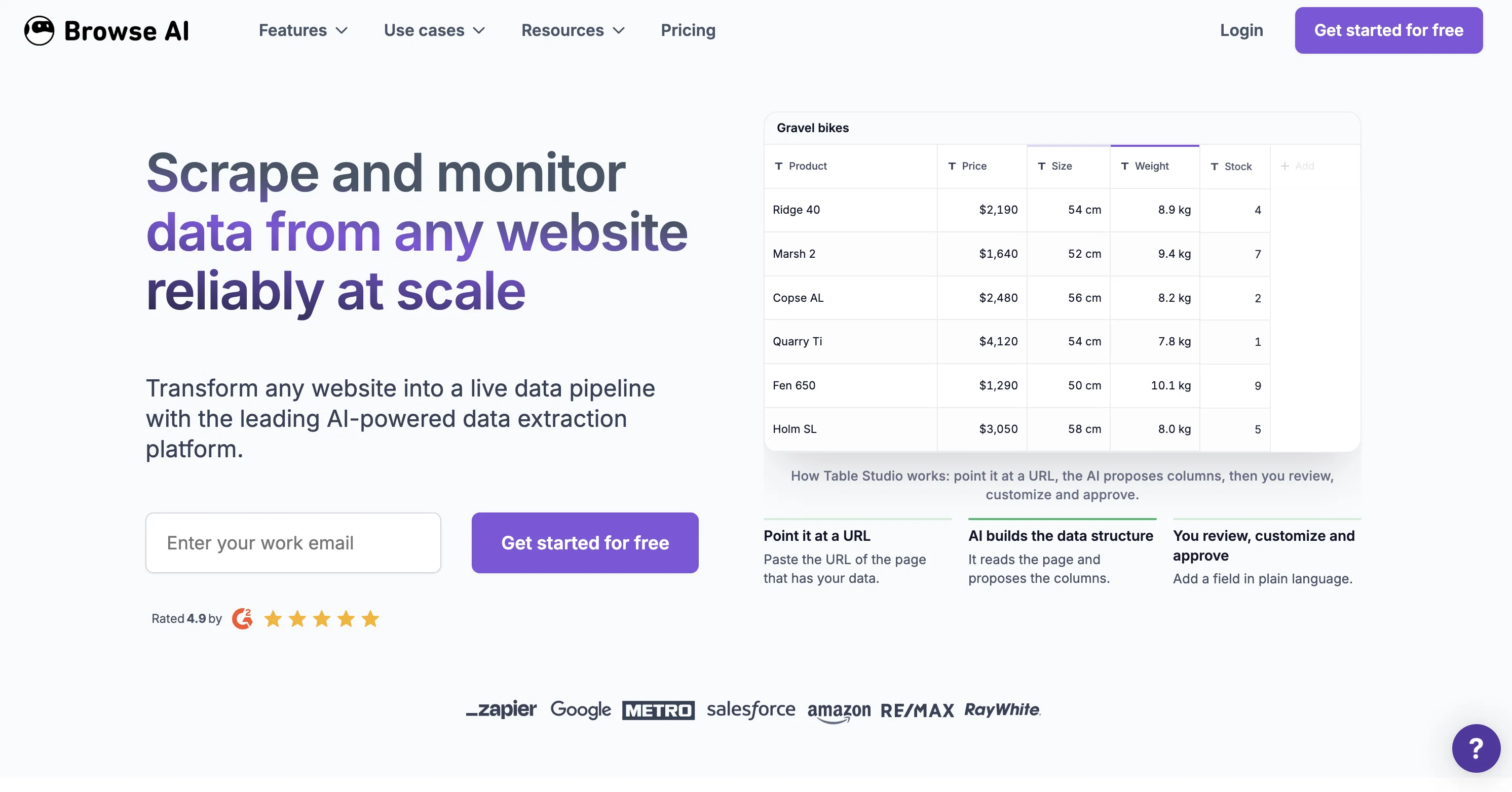
The Scrape and Monitor Data from Any Website with No Code tool allows users to monitor any website for changes and extract specific data from websites as a spreadsheet without the need for coding.
It operates as a robot that can be trained within 2 minutes, making it quick and easy to use. The tool allows users to set up prebuilt robots for popular use cases or create custom APIs for websites that do not have public APIs available.
Users can extract data behind login, handle pagination and scroll, and download files. Additionally, the tool emulates user actions, solves captchas, and provides geolocation-based data.
Users can schedule data extraction and get notified of any changes made to the targeted website. The tool offers flexible pricing plans and has been recommended by over 101,000 individuals and teams, including companies such as Accenture, Hubspot, and Amazon.
Browse AI provides prebuilt robots for popular websites, including LinkedIn, Eventbrite, ProductHunt, Indeed, Google Workspace, Zapier, Realtor, Yelp, Redfin, Monster, Glassdoor, Upwork, FlexJobs, Seek, Remoteok, Clutch, eBay, and TikTok.
The tool can extract job postings, product lists, company details, event details, and other relevant data from these websites. Overall, the tool offers an effective and efficient way to monitor websites and extract data without the need for coding expertise.
Best for
Short scenarios where Browse AI tends to shine.
-
E-commerce: Extract product data, monitor competitors & vendors.
Best for Entrepreneurs
-
Real estate: Extract property listings, pricing, and other details.
Best for Enterprises
-
Recruitment: Track job listings across multiple platforms.
Best for E-commerce businesses
-
Price monitoring: Monitor products & prices on any website.
Best for Real estate investors
-
Scrape reviews: Extract & monitor reviews on any website.
Best for Recruiters
-
Extract data for LLMs: Extract data from any website and sync it with your LLM of choice.
Best for Data analysts
Example outputs 1
Sample generations and before/after results for Browse AI.
Access & connections
Where you can use Browse AI, and what it plugs into.
Platforms
Capabilities
What this tool accepts, produces, and is strongest at.
Input
- API
- Tabular
Output
- Tabular
- API
Supported features
- Crawling & Scrapping
Pros & cons
Pros
- Monitored website data extraction
- No coding required
- Trained within 2 minutes
- Prebuilt robots for use cases
- Creation of custom APIs
- Data extraction behind login
- Pagination and scroll handling
- Emulates user actions
Show 44 more
- Solves captchas
- GeoLocation based data
- Scheduling data extraction
- Flexible pricing
- Prebuilt robots for popular websites
- Job postings extraction from websites
- Product list extraction from websites
- Company details extraction from websites
- Event details extraction from websites
- Data is saved as spreadsheet
- Google Sheets integration
- Zapier integration
- Airtable integration
- File download capability
- Browser-based operation
- Use by non-technical teams
- Setup and maintained by experts
- Use by large corporations
- Recommended by over 101,000 individuals
- Turn any website into API
- Change-monitoring feature
- Extraction of service list from Yelp
- Extraction of App details from Zapier
- Property details extraction from Realtor
- Extraction of LinkedIn job details
- Live inventory data scraping
- Notification for website changes
- Download data as a spreadsheet
- Reliable automatic updating
- Integration with 5000+ apps
- Allows creation of custom workflows
- Handles websites with no public APIs
- Efficient robot training process
- Detailed customer testimonials
- Alerts on website details changes
- Offers free account for limited use
- Website data extraction for non-technical users
- Handles complex scraping tasks
- High volume row extraction capabilities
- Extraction on a scheduled basis
- Offers geolocation based data extraction
- Extracts company info from LinkedIn
- Extracts Google Maps search results
- Extracts Zillow property details
Cons
- Limited website compatibility
- Requires manual robot training
- No direct cloud storage export
- Doesn't support all languages
- Coding still required for customisation
- May not bypass complex captchas
- Potential issues with geolocation data accuracy
- Dependent on website structure
Show 2 more
- Browser-based interaction can be slow
- Doesn't guarantee 100% extraction accuracy
Compare alternatives
Similar tools in the catalog — with a clear reason to open each one.

FetchFox ✓
FreemiumScrape any data from any website, with AI
Why look Typically cheaper
Full comparison
Ultimate Web Scraper ✓
FreemiumExtract data instantly: Grab text, images, emails & links from any website
Free + from $60
Full comparison
Octoparse ✓
FreemiumThe next generation of AI web scraping platform.
Why look Offers a public API
Full comparison
WebscrapeAi ✓
Free TrialAutomate web data collection without coding.
Why look Better fit for coding
Full comparison
BrowserAct ✓
Free TrialExtract web data instantly without coding.
Why look Typically cheaper
Full comparisonPeople also view
Tools that often show up alongside Browse AI in collections and comparisons.
Octoparse ✓
FreemiumThe next generation of AI web scraping platform.
FetchFox ✓
FreemiumScrape any data from any website, with AI
WebscrapeAi ✓
Free TrialAutomate web data collection without coding.
Ultimate Web Scraper ✓
FreemiumExtract data instantly: Grab text, images, emails & links from any website

Kadoa ✓
FreemiumGenerate web scrapers with AI
BrowserAct ✓
Free TrialExtract web data instantly without coding.

WebCrawler API ✓
Free TrialTurn docs and websites into clean markdown for AI agents

ScrapeOps | Scraper Builder ✓
FreemiumGenerate scraper code from URLs with AI.
Releases 1
Imported reviews 1
Very expensive for most common pages, no way you pay that
FAQ 12
What is Browse AI?
What are the main features of Browse AI?
What type of data can Browse AI extract from websites?
How does Browse AI handle data extraction behind login screens?
Can Browse AI create custom APIs for websites?
What websites can Browse AI extract data from?
Does Browse AI require coding expertise?
How are captchas handled by Browse AI?
How can Browse AI extract geolocation-based data?
How does Browse AI notify users of changes on monitored websites?
How quickly can a robot be trained on Browse AI?
What companies trust and recommend Browse AI?
Related tools
Recommended

LearningStudioAI ✓
Free TrialAI-powered authoring tool for effortless online course creation.

GPTExcel ✓
FreemiumGenerate spreadsheet formulas with AI

VenturusAI ✓
FreemiumBusiness idea analysis and reporting.

Agentgpt ✓
FreemiumDeploy autonomous AI Agents effortlessly in your browser.

AI Lawyer ✓
Free TrialInstant legal advice and document creation at your fingertips

MagicSlides.app AI PPT Maker ✓
FreemiumCreate Stunning PPTs in Seconds with the AI PPT Maker