

AUX MACHINA ✓
Create custom visuals in seconds with AI.
Trial; then from $5/mo
Verdict
A quick read before you dig into the full page.
- Best if
- You are social media managers and need: Social media content creation
- Skip if
- Limited resources for tight deadlines
- Pick this when
- Efficient creation of visuals
Considering Photo AI instead? Compare side by side
Overview
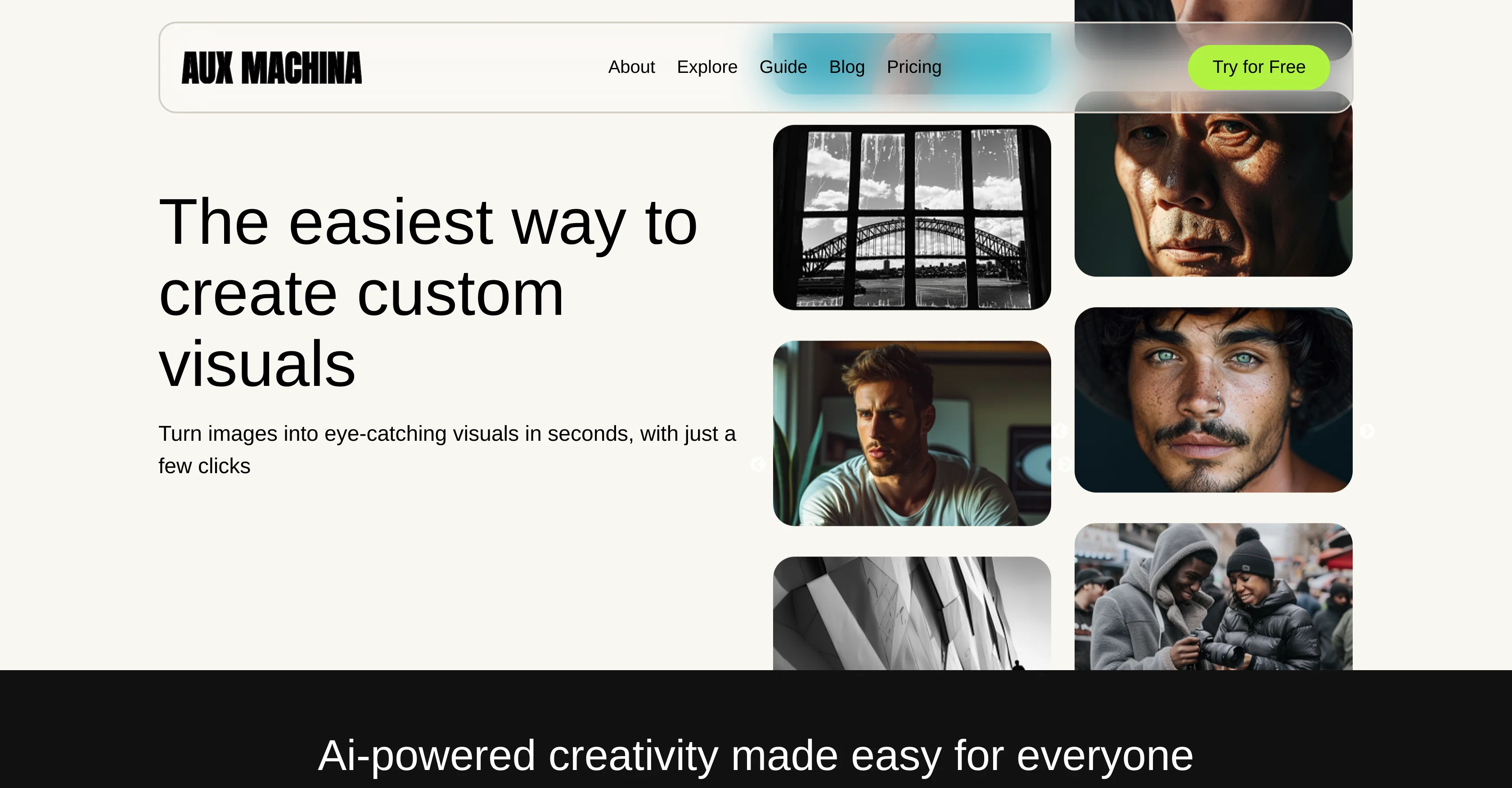
AUX MACHINA is an AI-powered tool that makes the creation and customization of visuals remarkably easy and efficient. It gives users the ability to transform basic images into captivating, high-quality visuals with just a few clicks.
Whether you're creating stunning landscapes or tailor-made portraits, AUX MACHINA brings your ideas to life with minimal effort.Moreover, it offers high-quality images at an affordable price and guarantees full ownership, with no licensing fees or restrictions.
Irrespective of your imagination, the tool is designed to materialize it instantly, offering unique freedom to users. An indispensable asset for businesses and individual users, AUX MACHINA is praised for its quick, effortless, and efficient generation of stunning photos.
Its intuitive design and AI-driven capabilities facilitate easy adoption, enabling teams to regularly create high-quality images that align with their creative vision.
With AUX MACHINA, the visual content creation approach takes an innovative turn. It empowers users to swiftly transform basic ideas into detailed images, a feature crucial to many industries.
The tool is also an ideal solution for finding cost-effective and efficient marketing solutions, allowing users to generate custom images that appeal to their target audience, even with limited resources and tight deadlines.
AUX MACHINA also plays a significant role in rapidly prototyping and refining ad concepts with vibrant, client-appealing visuals.
Best for
Short scenarios where AUX MACHINA tends to shine.
-
Social media content creation
Best for Social media managers
-
Marketing material generation
Best for Marketing professionals
-
Product design visualization
Best for Product designers
-
Ad concept prototyping
Best for Small business owners
Example outputs 1
Sample generations and before/after results for AUX MACHINA.
Access & connections
Where you can use AUX MACHINA.
Platforms
Capabilities
What this tool accepts, produces, and is strongest at.
Input
- Image
Output
- Image
Pros & cons
Pros
- Efficient creation of visuals
- Transforms basic images
- Affordable price
- Full ownership of images
- No licensing fees or restrictions
- Materializes imagination instantly
- Useful for businesses and individuals
- Quick generation of stunning photos
Show 30 more
- Intuitive Design
- Cost-effective marketing solutions
- Rapid prototyping of ad concepts
- Design customization
- Design efficiency
- Creative freedom
- High resolution
- Visual marketing
- Individual creative solution
- Transform images in seconds
- Broad appeal to target audiences
- Refines vibrant ad concepts
- Effortless image transformations
- Royalty-free image creation
- Quick and easy operation
- Generates image variations
- Enhances image resolution
- Background removing
- Sketch to image feature
- Object removal
- Automatic image variations
- Transforms images into scalable vector graphics
- Transparent pricing
- No lock-in contracts
- No surprise fees
- Free trial access
- Use of diverse image engines
- Online image storage
- Fast generation speed
- Transforms your sketches to detailed renders
Cons
- Limited styling options
- Potential lack of uniqueness
- No offline capabilities
- Fed only with basic images
- Limited resources for tight deadlines
- No text editing features
- No image correction tools
- Pricing transparency issues
Show 2 more
- No security details provided
- Inadequate customer support info
Compare alternatives
Similar tools in the catalog — with a clear reason to open each one.

Stockimg AI ✓
PaidGenerated images and text for design ease.
Why look Stronger for image work
Full comparisonPeople also view
Tools that often show up alongside AUX MACHINA in collections and comparisons.
Stockimg AI ✓
PaidGenerated images and text for design ease.

Photo AI ✓
PaidCreate beautiful AI photos and videos of real people

Midjourney ✓
PaidExpand human imagination through AI-powered visuals.

CreativePixel ✓
FreemiumOut-create Your Competition in Minutes

BestPhotoAI ✓
FreemiumCreate amazing AI photos instantly

Nathan Tailors AI Suit Generator ✓
FreeDescribe your dream suit. We draw it, then build it.

LineArt ✓
Free TrialTurn one photo into a whole coloring book.

Line Drawing Converter ✓
Free TrialConvert photos into clean line drawings online.
Releases 1
Imported reviews 2
I run a small online store and used to rely on stock photos for product mockups and promotional images. The problem was that they never quite fit what I needed. Either the lighting was off, the setting felt too generic, or I’d see the same image pop up on a dozen other websites. Editing them to match my brand took more time than it was worth.
I started using Aux Machina a few weeks ago, and it’s completely changed my workflow. Instead of searching endlessly for something that’s *close enough*, I can just describe what I want—like a product sitting on a clean, minimalist desk with soft natural lighting, and get an image that actually fits. What’s even better is that I can refine the results instead of starting over from scratch.
It’s been especially useful for seasonal promotions. For example, I needed holiday-themed images with a specific color palette to match my brand, and instead of settling for whatever stock sites had available, I generated exactly what I had in mind. The images look high-quality and professional, and I don’t have to worry about my competitors using the same ones.
It’s saved me a ton of time, and the results feel a lot more unique and custom. I still use some stock images here and there, but for anything that needs to stand out, this has been a much better solution.
I used to rely on stock photos for my business, but it was always a frustrating process. Either the images felt too staged, overused and generic, or I’d spend ages searching and still not find exactly what I needed. Even when I found something close, I’d have to tweak it in Adobe Photoshop just to make it fit my brand guidelines.
I came across Aux Machina while looking for an alternative, and it’s been a huge upgrade. Unlike other AI tools I’ve tried, it doesn’t require long, complicated prompts to get a decent result. I just describe what I need in plain language, and within seconds, I get a set of images that actually work. What surprised me most was how natural and realistic the results look, there’s none of that artificial, over-processed look that some AI-generated images have.
I’ve mainly used it for social media and marketing materials, and it’s been a massive time saver. Instead of settling for whatever stock photo comes closest, I can generate exactly what I need. If I want to tweak something, I don’t have to start over—I can refine the image and keep adjusting it until it’s right.
It’s made a noticeable difference in how my content looks. The images feel unique instead of recycled, and they actually match the tone I’m going for. I wouldn’t go back to stock photos after using this.
FAQ 12
What is AUX MACHINA?
How does AUX MACHINA combine AI and design?
What industries can benefit from using AUX MACHINA?
How can AUX MACHINA assist in marketing and advertising?
Can I use AUX MACHINA to create custom visuals?
How efficient is AUX MACHINA in turning basic ideas into images?
What level of image quality does AUX MACHINA provide?
What is the cost of using AUX MACHINA?
Are there any licensing fees or restrictions with AUX MACHINA?
How easy is it to adopt AUX MACHINA for regular use?
Can AUX MACHINA help with prototyping ad concepts?
Can AUX MACHINA help with designing high-resolution images?
Related tools
Recommended

FetchFox ✓
FreemiumScrape any data from any website, with AI

TurboScribe ✓
Freemium🎯 3 free transcripts every day. 🔥 Unlimited transcription starting at $10/mo.

Kin - Personal AI Advisors ✓
FreePrivacy-first & designed your for mind, and life at work

freebeat AI ✓
FreemiumTurn Music & Ideas into Viral Videos In One Click

IllustrateAI ✓
Free TrialUnlock your creativity with AI-powered illustrations.

Business Idea Generator AI ✓
FreeGenerate innovative business ideas with AI