

Automated Bulk Image Upscaler ✓
Upscale multiple images instantly with AI power
Free + from $49/mo
Verdict
A quick read before you dig into the full page.
- Best if
- Upscale multiple images instantly with AI power
- Skip if
- Limited to browser-based use
- Pick this when
- Bulk image processing
Considering Deep Image instead? Compare side by side
Overview
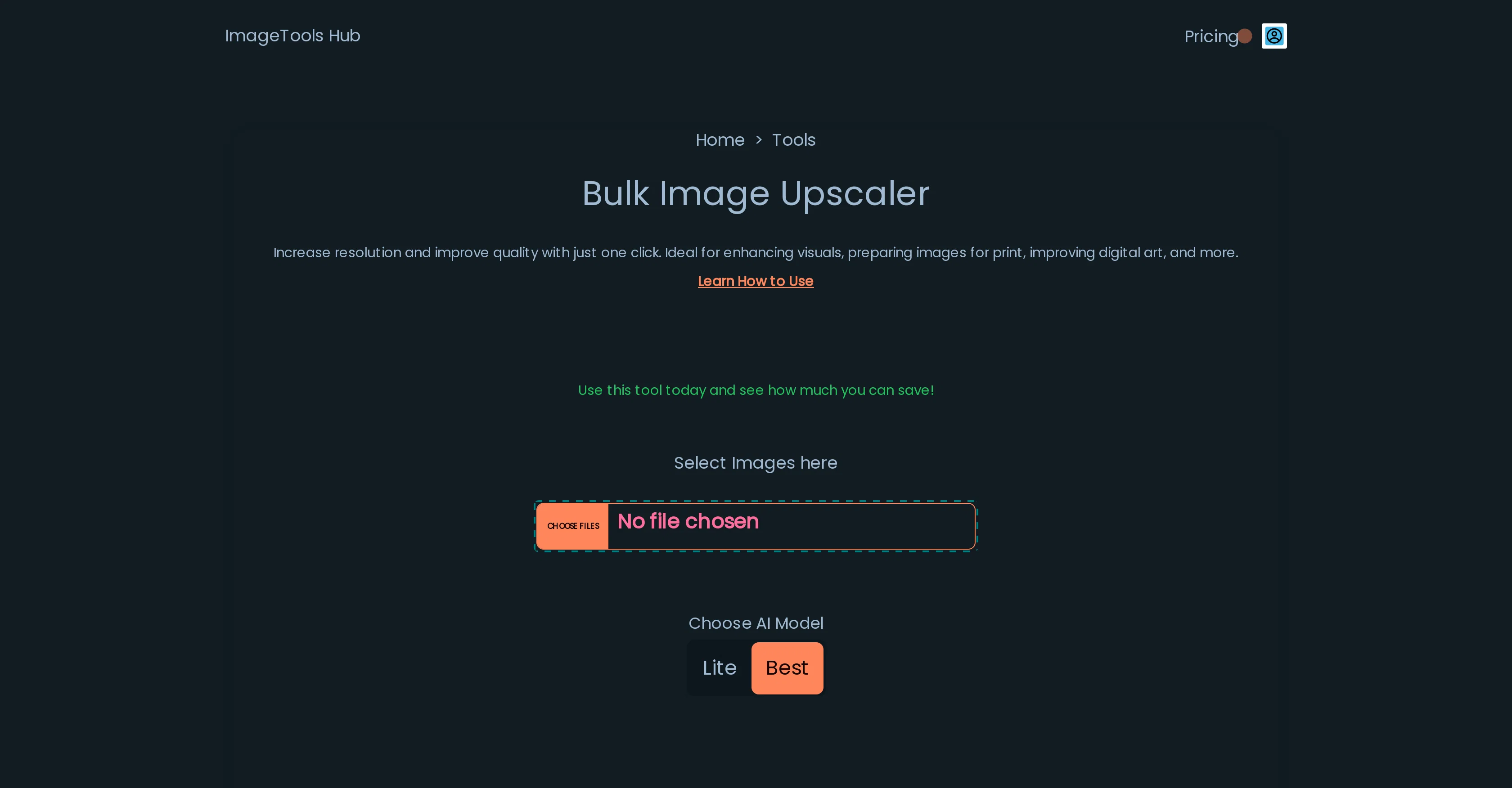
The Automated Bulk Image Upscaler is an AI-powered, browser-based tool designed to enhance multiple images simultaneously. This free tool is ideal for improving the resolution and overall quality of various types of images, making it perfect for tasks such as enhancing visuals, preparing images for print, and improving digital artwork, among others.
It provides a user-friendly solution to those who require better image quality without the need for advanced technical skills or expensive professional software.
Privacy is a paramount feature of this tool as it does not send images to any server for processing. Instead, all operations occur locally on the user's device ensuring that the images remain secure and never leave the user's computer.
This unique privacy-friendly characteristic makes it an ideal tool for those concerned about their image data's safety. The tool also includes options to select AI model modes to further enhance user experience and customization.
Access & connections
Where you can use Automated Bulk Image Upscaler.
Platforms
Capabilities
What this tool accepts, produces, and is strongest at.
Input
- Image
Output
- Image
Supported features
- Upscaling
Pros & cons
Pros
- Free tool
- Bulk image processing
- Enhances image resolution
- Improves image quality
- User-friendly interface
- No technical skills required
- No professional software required
- Privacy-focused
Show 33 more
- Local processing
- Data Safety
- Ideal for print preparation
- Enhances digital artwork
- Doesn't require login
- 100% privacy-friendly warranty
- Excellent user testimonials
- No image data stored
- Advanced image upscaling
- Browser-based tool
- No installation required
- Ideal for visual enhancement
- Data stays on user's device
- Work on local device resources
- Images do not leave the browser
- Images do not leave user's computer
- Processing runs within the browser
- High-quality visual results
- Compatible with mobile devices
- Usage does not require an account
- Able to process large images
- Processes multiple images simultaneously
- No need to download any app
- Private image upscaling
- Local processing ensures security
- No server-side processing
- Ideal for high-resolution printing
- User testimonies are positive
- Focus on data privacy
- Doesn't store user's images
- Agent not required for operation
- Enhances low-resolution images
- Improves print media visuals
Cons
- Limited to browser-based use
- Potential browser limitations
- No mobile device compatibility
- Difficult for bulk upscaling
- Lacks advanced editing features
- Optimization challenges on inactive tabs
- Processing speed depends on hardware
- No information on output formats
Compare alternatives
Similar tools in the catalog — with a clear reason to open each one.

Deep Image ✓
Free TrialEnhance photos with advanced editing features.
Why look Typically cheaper
Full comparison
Upscayl ✓
Free TrialEnhance images with free, open-source AI upscaling.
Why look Typically cheaper
Full comparison
AI Upscaler ✓
FreemiumSmarter AI 4K Upscaler for Images & Videos
Why look Typically cheaper
Full comparison
SciFig ✓
FreemiumTurn text into publication-ready scientific figures.
Why look Typically cheaper
Full comparison
Kyukoma ✓
Free TrialTurn your stories into manga pages with AI.
Why look Typically cheaper
Full comparison
Neurohelper AI ✓
PaidEvery leading AI model. One workspace.
Why look Typically cheaper
Full comparisonReleases 1
FAQ 12
What is the Automated Bulk Image Upscaler?
How does the Automated Bulk Image Upscaler improve image resolution?
Does the Automated Bulk Image Upscaler require any special technical skills?
Is it necessary to purchase any software to use the Automated Bulk Image Upscaler?
Where does image processing occur in the Automated Bulk Image Upscaler?
Does the Automated Bulk Image Upscaler keep user images private?
What are the AI model modes in the Automated Bulk Image Upscaler?
Can the Automated Bulk Image Upscaler work with multiple images at once?
Is it free to use the Automated Bulk Image Upscaler?
Can the Automated Bulk Image Upscaler be used to prepare images for print?
How does the Automated Bulk Image Upscaler enhance digital artwork?
Does the Automated Bulk Image Upscaler improve the quality of visuals?
Related tools
Recommended

Freepik Upscaler ✓
FreemiumImprove image quality with AI upscaling.

ImageUpscaling.net ✓
FreeUpscale images by 400% with AI, for free.

Viesus enhancing PDFs and images ✓
Free TrialEnhancing and Upscaling for images and PDFs

BigJpg AI ✓
FreemiumSupersize images with crystal-clear AI upscaling

Stockimg AI ✓
PaidGenerated images and text for design ease.

Fine Pixel ✓
FreemiumEnhance images 10X with AI upscaling