

Auris AI ✓
AI-powered transcription, translation, and subtitling made easy.
Free + from $5.5/mo
Verdict
A quick read before you dig into the full page.
- Best if
- AI-powered transcription, translation, and subtitling made easy
- Skip if
- Expensive premium features
- Pick this when
- Multifunctional tool
Considering AI Transcriptions by Riverside instead? Compare side by side
Overview
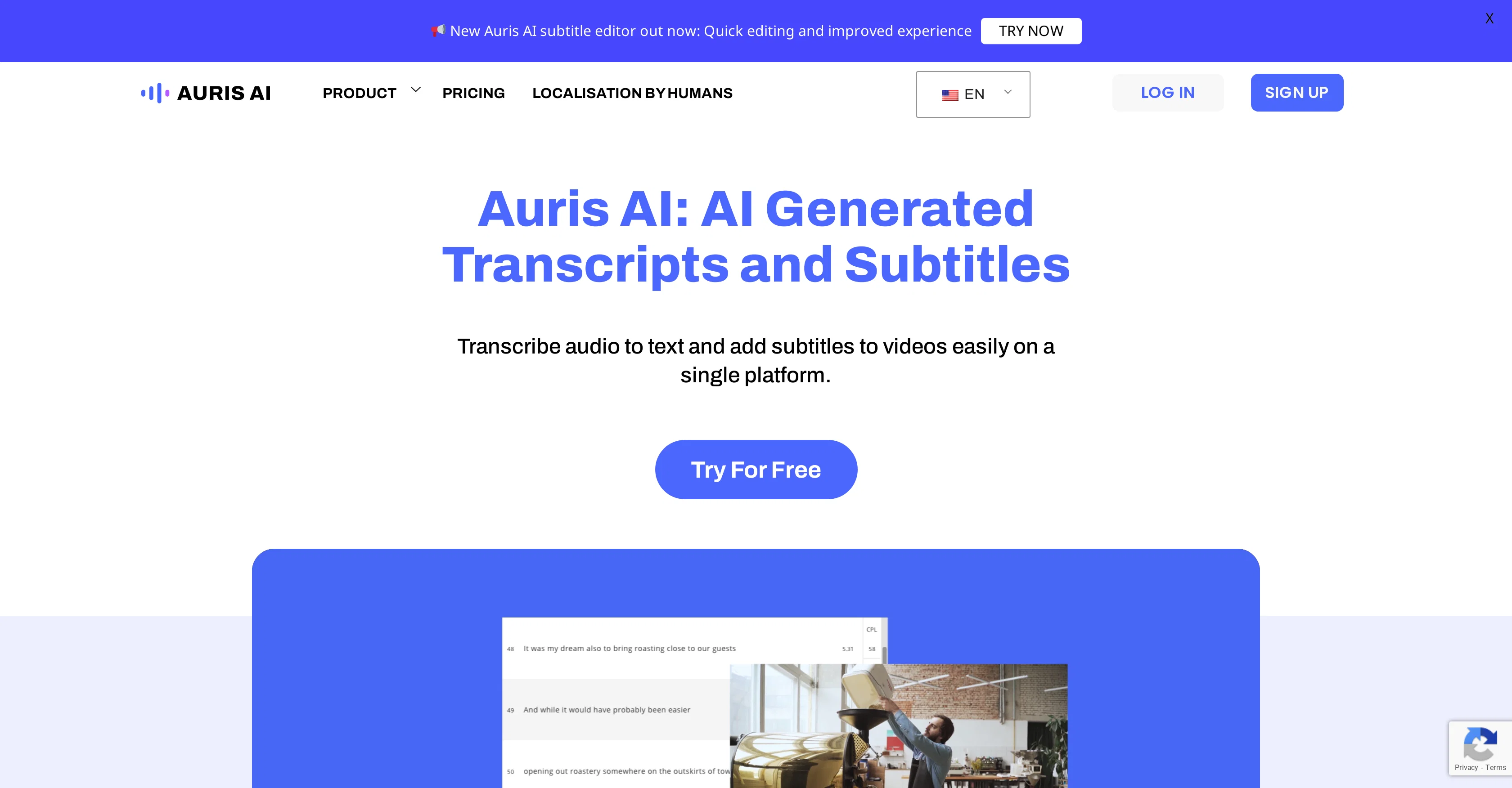
Auris AI is a multifunctional tool designed to assist with transcription, translation, and subtitling. It has applications in various areas such as for enterprises, creators, and the education sector.
The tool's primary functions include the ability to transcribe audio and videos allowing users to convert spoken content into written format. It also allows the addition of subtitles to videos, aiding in reaching a wider audience including non-native speakers and the hard-of-hearing community.
Auris AI offers an array of other features like exporting captions, customizing subtitle fonts, and adding dual language subtitles. It supports numerous languages, paving the way for global reach.
This tool is beneficial for various users, from professionals to students, who wish to create readable transcripts, add subtitles to videos, or carry out translations.
Users' feedback for Auris AI highlight its simplicity, user-friendly design, and efficiency in editing transcripts and time-saving video transcription extraction.
Auris AI is available for free.
Access & connections
Where you can use Auris AI.
Platforms
Capabilities
What this tool accepts, produces, and is strongest at.
Input
- Video
- Audio
Output
- Video
- Text
Pros & cons
Pros
- Multifunctional tool
- Assists transcription
- Aids translation
- Subtitles addition
- Usage in various sectors
- Supports numerous languages
- Dual language subtitles
- Video transcription
Show 38 more
- Video subtitling
- Audio transcription
- Customizable subtitle fonts
- Exports captions
- Content localization
- Transparent subtitles
- User-friendly design
- Efficiency in editing transcripts
- Time-saving video extraction
- Free to use
- Enterprise adaptable
- Creator oriented
- Educational uses
- Beneficial for professionals
- Useful for students
- Enhanced accessibility
- Quick editing
- Improved experiences
- Export video to YouTube
- Transcribe and translate videos
- Generate subtitles online
- Platform simplicity
- Supported languages across Asia
- Wide-reaching language transcription
- Audio to text conversion
- Wide audience reach with subtitles
- Help in creating readable transcripts
- Tools for educational sector
- Tools for creators
- Tools for enterprises
- Subtitles in preferred language
- Speech to text]
- Automated transcription]
- Good user feedback
- Customize subtitle font
- Add subtitles to video
- Transcribe Video
- Transcribe Audio
Cons
- No offline access
- Limited customization options
- No integration with other tools
- No mobile application
- Not open source
- Limited format support
- Expensive premium features
- Poor transcription accuracy
Show 2 more
- Limited language functionality
- No live customer support
Compare alternatives
Similar tools in the catalog.

AI Transcriptions by Riverside ✓
FreemiumTranscribe audio and video in 100+ languages effortlessly
Free + from $15/mo
Full comparison
Exemplary AI ✓
FreemiumTranscribes 120+ languages' audio/video.
Free + from S$12 / month
Full comparison
YouTube Transcript Optimizer ✓
PaidTransform YouTube videos into polished documents and quizzes.
from $10
Full comparison
Taption ✓
FreemiumConvert audio and video to text in 40+ languages.
Free + from $12.00/mo
Full comparison

Releases 1
FAQ 12
What languages does Auris AI support for transcription?
How can I use Auris AI to add subtitles to my videos?
Is Auris AI really free to use?
Can Auris AI transcribe video content as well as audio?
Can Auris AI export captions?
What is the process to edit transcripts in Auris AI?
Can Auris AI add dual language subtitles to a video?
How does Auris AI help the hard-of-hearing community?
What is the process of translating videos using Auris AI?
How can Auris AI assist creators in their work?
How do students benefit from using Auris AI?
Can I customize subtitle fonts on Auris AI?
Related tools
Recommended

VideoToPage ✓
PaidInstantly summarize and repurpose any video or audio

Vscoped ✓
FreemiumEffortlessly transcribe videos to boost engagement.

VideoToTextAI ✓
FreemiumTranscribe any audio effortlessly with AI.

VideoDubber ✓
FreemiumTranslate and dub videos, audios and subtitles with voice cloning and lipsync

2short ✓
FreemiumAI-powered YouTube Shorts generator for 10X faster growth.

Durable AI Website Builder ✓
PaidCreate a professional website in seconds with AI.