

AnythingLLM ✓
An AI Agent that lives at your mouse cursor. Fully local.
Verdict
A quick read before you dig into the full page.
- Best if
- You are developers and need: Chatting with documents
- Skip if
- Limited Linux support
- Pick this when
- Runs on specialized silicon like the NPU
Considering TheLibrarian.io instead? Compare side by side
Overview





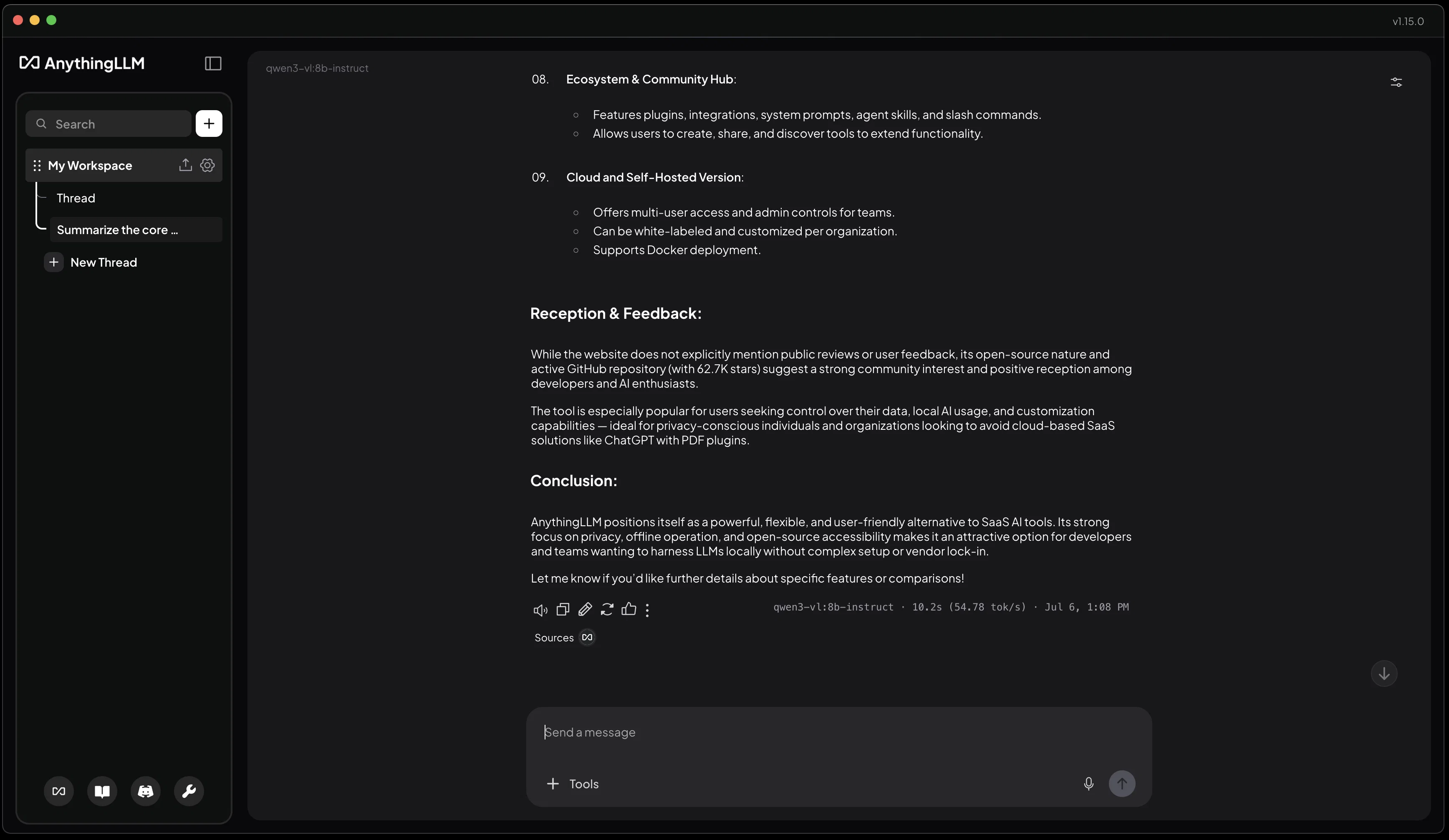
AnythingLLM is built specifically for productivity use cases and general work and comes pre-packaged with all the tools to make that happen with zero setup or API keys.
With AnythingLLM, every feature is local-first and built specifically for small models so everything runs on as little resources as possible so you can use your PC while your agents work alongside you.
Features
Document chat: Full on-device chat + RAG and vector db entirely on your computer.
Practical Agents by default: Search the web, do deep research, connect to Gmail/Outlook, and even generate PDFs, powerpoints, and more all from a single chat.
Smart Dictation: Speak and get work done. Cleanup your spoken words or take actions. Magic Echo can see your open windows so you can even do more than dictate - you can actually execute work from just your voice.
Text Completion: AnythingLLM enables you to type faster than ever with your voice. A contextually aware tool that can fill out empty fields from just clicking on them or generate typeahead suggestions based on what you type **and** see on screen.
Highlight -> Act: AnythingLLM's Magic Beacon allows you to highlight text anywhere and kick of a deeper workflow without leaving your window. Intelligence at your mouse pointer.
Meeting Assistant: AnythingLLM ships with a full Granola-like meeting assistant. No bot joins your meetings and at the end of every call get a custom summary of the notes along with action items and a full speaker transcript.
Background Jobs: AnythingLLM allows you to schedule prompts or tasks on a recurring basis that can hum along in the background to do repetitive or engaging work for you without prompting the agent each time.
Model Routing: Build a dynamic rule-base model router that allows you seamlessly hop between cloud and local models for cost, privacy, or intelligence based on your rules.
Desktop Assistant: With a single keypress you can pull up a floating widget anywhere across your OS that can see what you can see so you can do deeper work without context switching.
- Document Summarization
- Deep Research
- Smart Dictation
- Ai Meeting Notes
- Intelligent Model Routing: For Users Seeking The Optimal Balance Between Quality And Cost, This Feature Automatically Selects The Most Suitable Model Based On The Request's Content And Task Characteristics. The System Continuously Learns From Historical Data And Provides Transparent, Controllable Routing Decisions.
Best for
Short scenarios where AnythingLLM tends to shine.
-
Chatting with documents
Best for Developers
-
Enhancing productivity with AI Agents
Best for Researchers
-
Running LLMs privately
Best for Data Scientists
-
Custom development using the built-in API
Best for Businesses
-
Automating tasks with Agent Skills
Best for Teams
Example outputs 1
Sample generations and before/after results for AnythingLLM.
Access & connections
Where you can use AnythingLLM, and what it plugs into.
Platforms
Capabilities
What this tool accepts, produces, and is strongest at.
Input
- API
- Code
- Tabular
- Image
- Text
- Audio
Output
- Code
- API
- Text
Highlights
- Local
- Agents
- API
- MCP
- No Signup
- Open Source
Supported features
- Runs Locally
- Agents
- API
- MCP
- No Signup
- Open Source
- Instant file search
Pros & cons
Pros
- Runs on specialized silicon like the NPU
- Supports multiple languages
- Built in agents and tools
- OS Native expierence
- On device tooling built in
- Privacy-focused design
- Operable without internet
- Compatible with various LLM
Show 8 more
- Chat with any document
- Advanced developer API
- Installable on any desktop
- Compatible with MacOS and Windows
- Supports open-source models
- Standalone application capability
- Plug-in-free operation
- One-click installation
Cons
- Can require mid-tier PC for best performance
- Limited Linux support
- Over-reliance on personal customization
- No automatic updates indicated
Compare alternatives
Similar tools in the catalog — with a clear reason to open each one.

TheLibrarian.io ✓
Free TrialYour WhatsApp AI assistant for instant productivity.
Why look Typically cheaper
Full comparison
Supernormal App ✓
FreemiumThe AI assistant app that turns meetings into completed work
Free + from $25.90/mo
Full comparison
Saidar ✓
FreemiumYour AI Secretary for Admin Tasks, now on SMS
Why look Typically cheaper
Full comparison
MiroAI ✓
FreemiumUnlock creative power with AI-driven collaboration.
Why look Typically cheaper
Full comparison
Collate ✓
FreeUnlimited free and private summaries and chat with PDF
Why look Fully free option
Full comparison
People also view
Tools that often show up alongside AnythingLLM in collections and comparisons.
Supernormal App ✓
FreemiumThe AI assistant app that turns meetings into completed work

Text to Infographic ✓
FreemiumTurn your text into visuals in minutes.

Taplio ✓
FreemiumThe LinkedIn growth tool to turn content into pipeline

Sana AI ✓
PaidChat with your knowledge, including meetings.

OpenRouter ✓
UnknownA unified interface for LLMs

letterpal ✓
Free TrialAI-powered assistant for industry newsletters on auto-pilot

AI Software Cost Estimator ✓
FreeNo more guesswork: get AI-powered software cost estimates in minutes

Guidejar ✓
FreemiumThe smartest way to create shareable how-to guides
Releases 1
In the news
Launch coverage and community mentions for AnythingLLM.
Imported reviews 3
So much easy and efficient. I've used LMStudio but this is seamless.
One of the easiest tools I've worked with.
AnythingLLM is easy to use, and allows us to build private databases using several (any) kinds of media (text, pdf, audio, etc) and use it as a source of knowledge for any LLM you might wonder to experiment!
FAQ 12
What is AnythingLLM?
What is a Language Learning Model and how does AnythingLLM utilize it?
How does AnythingLLM function without the internet?
What kind of models does AnythingLLM support?
What document formats does AnythingLLM handle besides PDFs?
Is AnythingLLM compatible with both MacOS and Windows operating systems?
How does AnythingLLM ensure privacy?
Can AnythingLLM be customized according to user preference?
Can AnythingLLM be used as a standalone desktop application?
Why would I use AnythingLLM over other business intelligence tools?
Which LLM providers can I use with AnythingLLM?
What is the purpose of the advanced developer API in AnythingLLM?
Related tools
Recommended

Agentgpt ✓
FreemiumDeploy autonomous AI Agents effortlessly in your browser.

VenturusAI ✓
FreemiumBusiness idea analysis and reporting.

Scisummary ✓
Free TrialCutting-edge scientific articles summarization.

docAnalyzer ✓
FreemiumTurn document overload into work worth putting your name on

GPTExcel ✓
FreemiumGenerate spreadsheet formulas with AI

Recall ✓
FreemiumSummarize Anything, Forget Nothing!