

letterpal ✓
AI-powered assistant for industry newsletters on auto-pilot
Trial; then from $14/mo
Verdict
A quick read before you dig into the full page.
- Best if
- You are agencies and need: Creating weekly SEO industry newsletters for leads and clients
- Skip if
- Limited category coverage
- Pick this when
- Industry-focused newsletters automation
Considering Neural Newsletters instead? Compare side by side
Overview
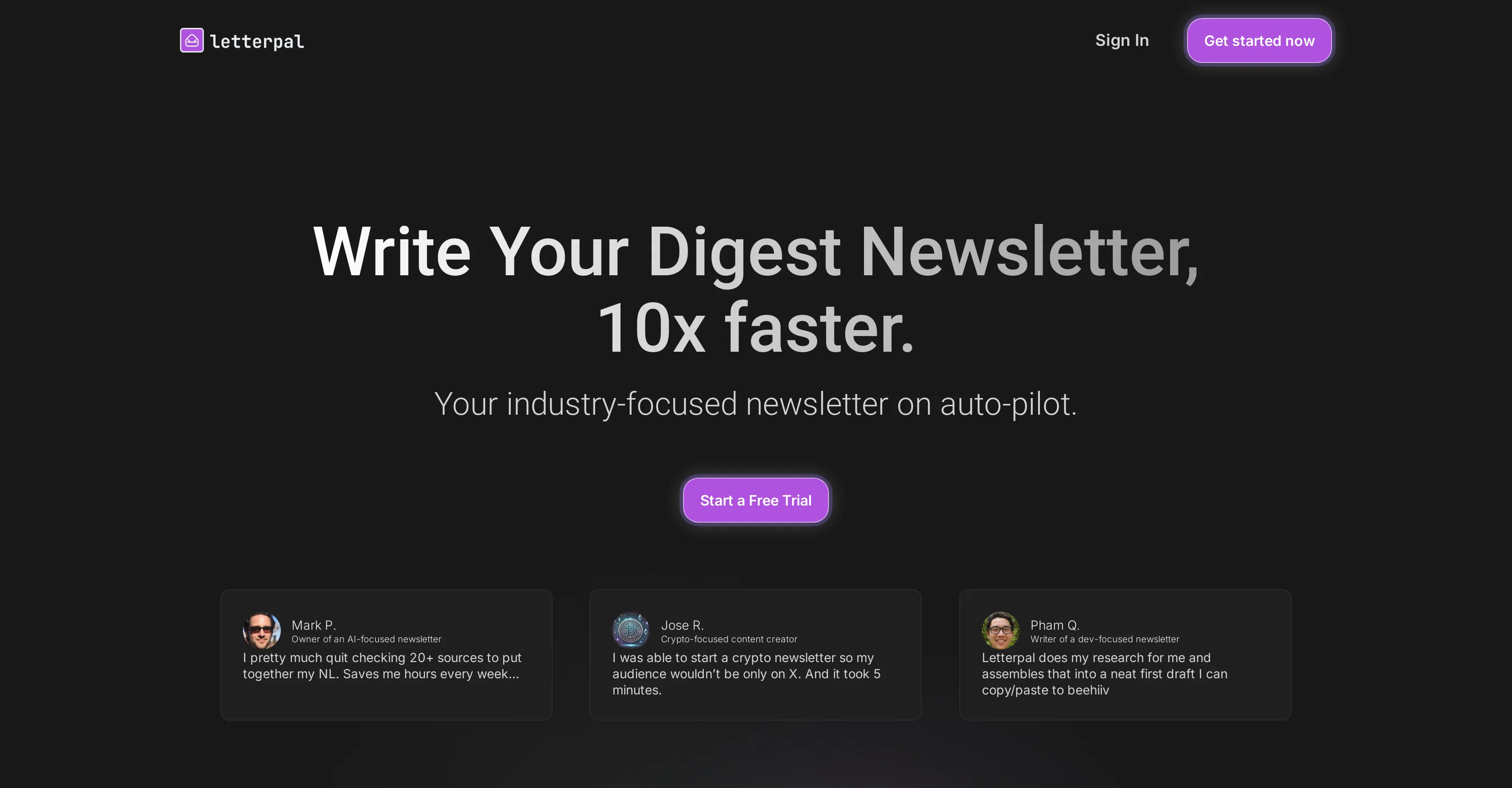
Letterpal is an AI-powered platform designed to automate the process of creating industry-focused newsletters, thereby helping to streamline content creation for users.
The tool conducts web research to gather the most relevant news stories from a user's selected niche. This comprehensive news search covers a range of categories, including AI, crypto, business, finance, stock market, real estate, gaming, programming, startups, and economy.
The selected news stories can then be customized and assembled in a user-friendly newsletter template for further editing and formatting. One of the key features of Letterpal is the one-click generation option.
This feature uses AI to transform the user-tailored content into a comprehensive, ready-to-edit newsletter. Although not currently featuring direct integration with email sending platforms, the content generated by Letterpal can be easily copied and pasted into popular newsletter platforms such as Beehiiv and Substack.
Current subscription options cater to casual, professional, and power users - each with varying levels of newsletter generation capabilities. The interface aims to be intuitive, providing a simplified onboarding process and Notion-like editor.
Users can also expect upcoming developments, such as the functionality to customize newsletter templates.
Best for
Short scenarios where letterpal tends to shine.
-
Creating weekly SEO industry newsletters for leads and clients.
Best for Agencies
-
Sending meaningful content consistently to lead lists to stay top of mind.
Best for Freelancers
Example outputs 1
Sample generations and before/after results for letterpal.
Access & connections
Where you can use letterpal, and what it plugs into.
Platforms
Integrations
Capabilities
What this tool accepts, produces, and is strongest at.
Supported features
- Newsletter
Pros & cons
Pros
- Industry-focused newsletters automation
- Comprehensive web research for content
- Broad range of news categories
- Customizable newsletters
- One-click newsletter generation
- Compatible with popular newsletter platforms
- Caters to all user levels
- Intuitive user interface
Show 39 more
- Provision for upcoming template customization
- Newsletter drafting efficiency
- Helps reduce manual research
- Automated content assembly
- Quick content to newsletter conversion
- Simplified onboarding process
- Notion-like editor interface
- Offering future functionalities
- Ability to copy/paste content
- News customization for audience relevance
- Powered by effective news engine
- Drag & drop content selection
- Ready-to-edit newsletters
- Automated content generation
- Clean and user-friendly design
- Variety of subscription plans
- Supportive help center and team
- Promises fast newsletter creation
- Saves significant time on content creation
- Support for multiple industry niches
- Automated news identification
- Allows user control over content
- Easy transfer to newsletter platforms
- Free trial with subscription plans
- Flexible pricing for different user needs
- Eligible for refund within 14 days
- Efficient for frequent newsletter writers
- Helps secure audience aside social media
- Content reorganization post generation
- Preserves formatting on copy/paste
- Daily uncovering of fresh topics
- Targets and benefits content creators
- Secure and private tool
- Supports user convenience on features
- Automates niche news identification
- Curation of best news stories
- Ease of starting an industry-focused newsletter
- Offered in a familiar Notion-like interface
- Content directly pasted without formatting issues
Cons
- No direct email platform integration
- Limited newsletter generation credits
- No custom templates yet
- Lack of variety in subscription options
- One-size-fits-all newsletter structure
- Copy and paste content transfer
- Limited category coverage
- Dependent on upcoming developments
Show 1 more
- Not directly optimized for mobile
Compare alternatives
Similar tools in the catalog — with a clear reason to open each one.

Neural Newsletters ✓
Free TrialCraft compelling newsletters instantly with AI - no typing required.
Free + from $49/mo
Full comparison
Hana Newsletters ✓
FreemiumUse AI to build sector-specific newsletters in seconds with editing suite
Why look Higher community rating
Full comparison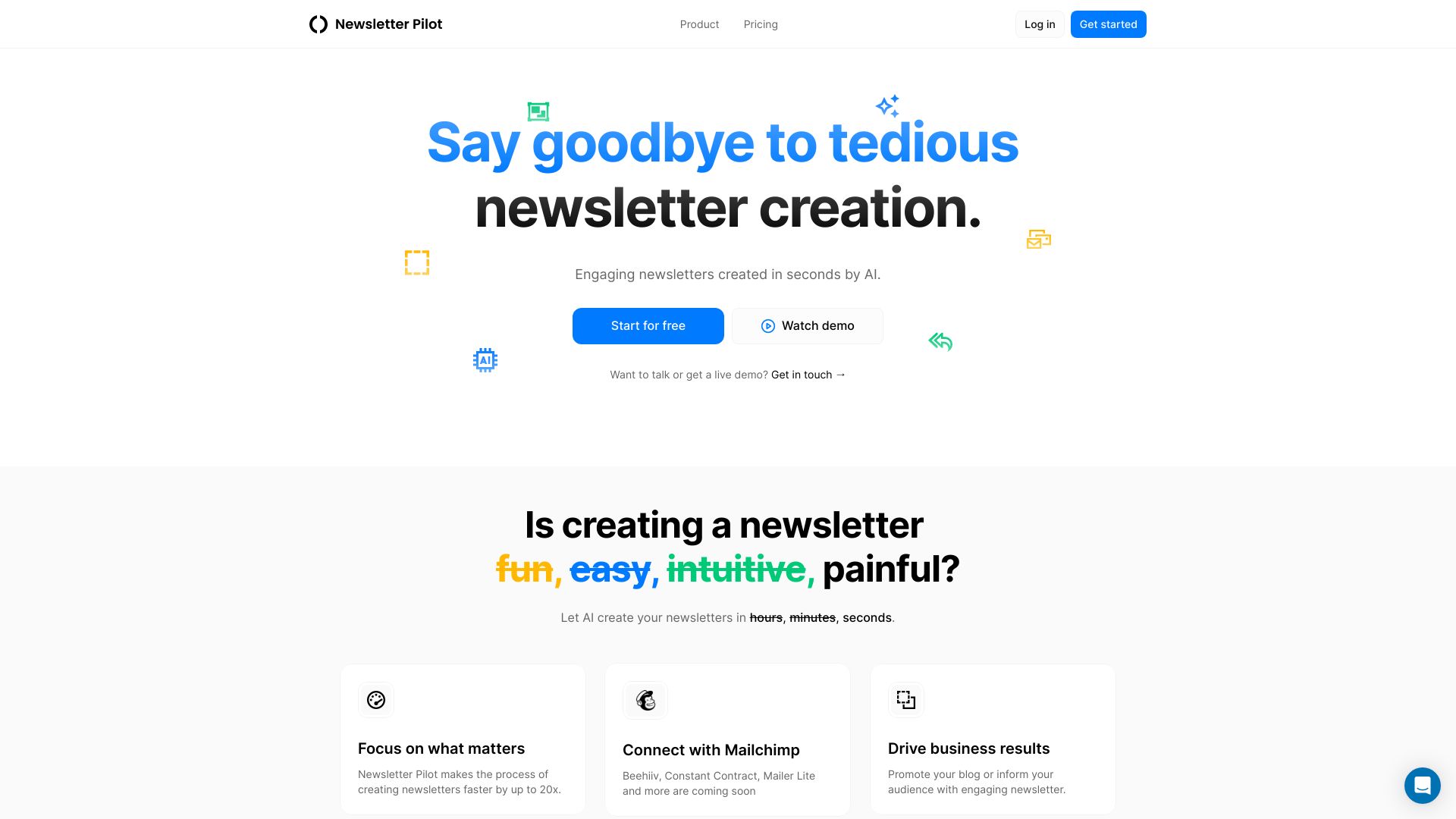
Newsletter Pilot
UnknownAI-powered platform to automate newsletter creation and sending.
Free + from $19/mo
Full comparison
Digest ✓
Free TrialCreate a personalized newsletter of your favorite content.
Why look Typically cheaper
Full comparison
Beehiiv ✓
FreemiumAI-powered tools for smarter newsletter creation.
Why look Higher community rating
Full comparisonPeople also view
Tools that often show up alongside letterpal in collections and comparisons.

rasa.io ✓
PaidPersonalized newsletters for every subscriber.
Hana Newsletters ✓
FreemiumUse AI to build sector-specific newsletters in seconds with editing suite
Digest ✓
Free TrialCreate a personalized newsletter of your favorite content.
Beehiiv ✓
FreemiumAI-powered tools for smarter newsletter creation.

Taplio ✓
FreemiumThe LinkedIn growth tool to turn content into pipeline

Sana AI ✓
PaidChat with your knowledge, including meetings.

OpenRouter ✓
UnknownA unified interface for LLMs

Google Learn About ✓
UnknownYour adaptive AI learning companion for any topic
Releases 1
Imported reviews 2
I cancelled after trying the software for around half an hour.
After trying to create a newsletter from the sources provided, it would delete the drafts I created every time I returned to the dashboard.
The news sourced during a search was also from last year rather than being recent. And to put the nail in the coffin for now, the app wouldn't ever generate a newsletter which defeats the entire purpose of it.
It's a great idea, but still a long way from production-ready.
Just the most usefull tool to write newsletters !
FAQ 12
What is Letterpal?
How does Letterpal conduct web research?
What categories does Letterpal's news search cover?
Can you customize the selected news stories on Letterpal?
What is the one-click generation option in Letterpal?
Does Letterpal integrate directly with email sending platforms?
How can I use the content generated by Letterpal on other newsletter platforms?
What are the subscription options available for Letterpal?
What kind of editor does Letterpal provide?
Are there plans for future developments in Letterpal?
What does it mean that Letterpal has a Notion-like editor?
How does the Letterpal interface work?
Related tools
Recommended

Automateed ✓
Free TrialCreate eBooks effortlessly with Automateed, the AI-powered writing tool.

Recall ✓
FreemiumSummarize Anything, Forget Nothing!

Robot Lawyer ✓
Free TrialGenerate legal documents in seconds. Verified by professionals.

Mindsmith ✓
FreemiumPlatform for building and sharing eLearning content

KeywordSearch ✓
FreemiumDiscover and target YouTube audiences.

RightBlogger ✓
FreemiumAutomate blogging, SEO, and publishing in one simple platform