

AIVector ✓
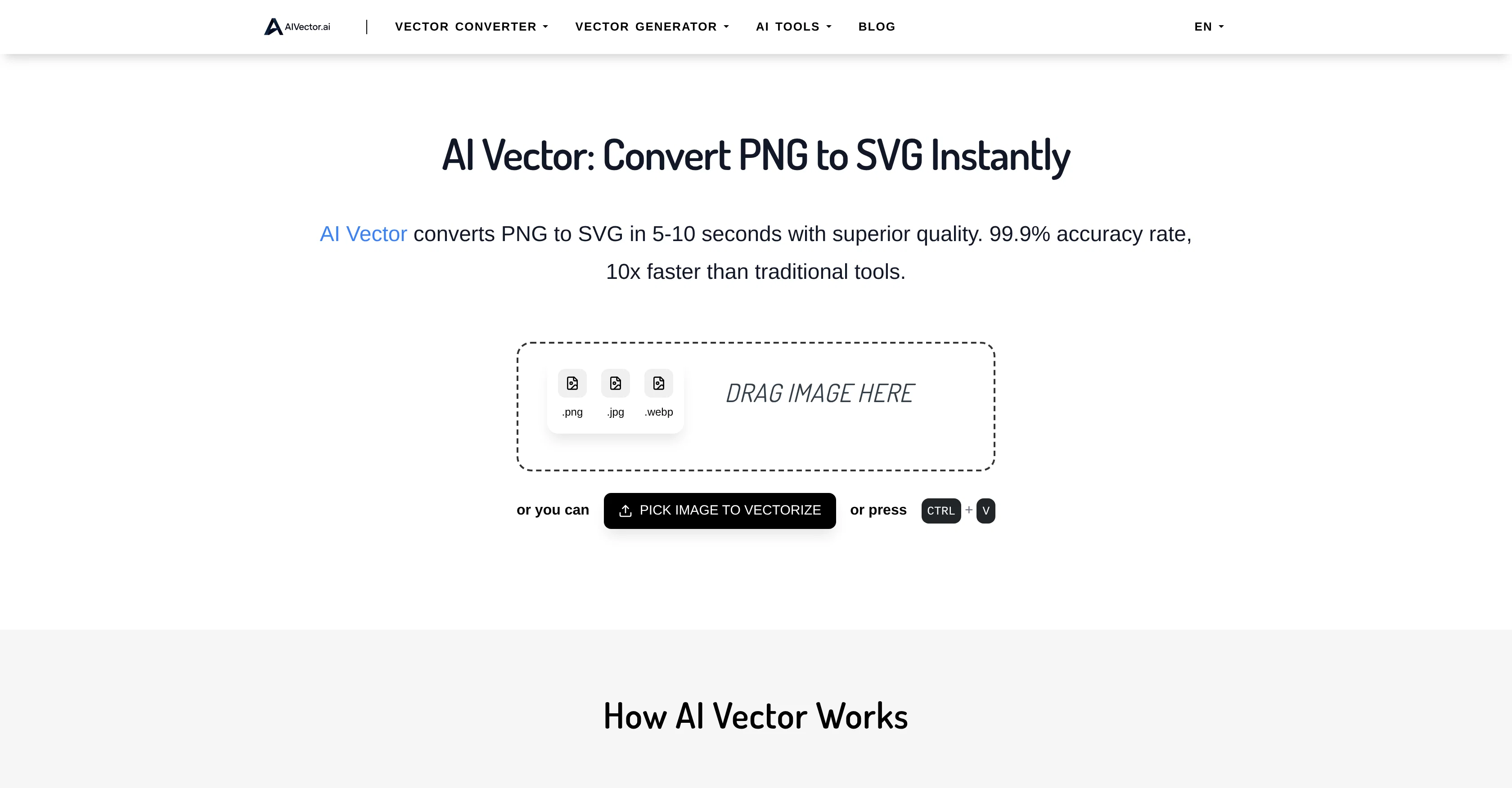
Convert Images and Text to High-Quality Vectors in Seconds
Verdict
A quick read before you dig into the full page.
- Best if
- Convert Images and Text to High-Quality Vectors in Seconds
- Skip if
- Complex photos may be simplified
- Pick this when
- Lightning fast conversion
Considering VectorMind instead? Compare side by side
Overview



With features like unlimited free conversions, no registration, and privacy-first local processing, AIVector is designed for creators, marketers, developers, and businesses who need professional results instantly. Whether you are vectorizing a logo, creating marketing materials, or producing web-ready graphics, the AI ensures smooth curves, clean lines, and precise color reproduction every time.
The platform also includes specialized tools like AI Bitmap to Vector Converter, HTML to SVG Converter, and an AI Image Editor with Prompt for editing photos directly with natural language. AIVector enables high-speed creative workflows for branding, design, digital art, web development, and print, all without software installations or technical complexity.
Access & connections
Where you can use AIVector.
Platforms
Capabilities
What this tool accepts, produces, and is strongest at.
Input
- Image
Output
- Image
Highlights
- No Signup
Supported features
- No Signup
- SVG
Pros & cons
Pros
- Lightning fast conversion
- High quality vector output
- No signup required
- Unlimited conversions
- Free to use
- Commercial use allowed
- Supports PNG JPG WEBP HTML
- Handles logos icons and illustrations well
Show 6 more
- Generates vectors from text prompts
- Privacy-focused processing
- Works for branding marketing and web graphics
- Clean lines and smooth curves
- Includes AI image editing with prompts
- Multiple specialized converters
Cons
- File size limited to 5MB
- Best results with clear shapes and high contrast images
- Complex photos may be simplified
- No built-in vector editing after export
- Requires internet connection
Compare alternatives
Similar tools in the catalog.

VectorMind ✓
FreemiumCreate stunning vector graphics in seconds with AI.
from $19.99
Full comparison
Adobe Illustrator ✓
PaidCreate scalable vector graphics with precision and AI-powered speed.
from $22.99/mo
Full comparison
Editable Figure ✓
Free TrialConvert AI figures into editable vector graphics.
Free + from $29.9
Full comparison

FigPad ✓
Free TrialTurn your idea into a polished scientific figure
Free + from $9/mo
Full comparison
PaperClaw ✓
Free TrialMake publication-ready scientific figures with AI.
Free + from $13.5/mo
Full comparisonReleases 1
Imported reviews 1
poor tool doesn't take your prompts correctly i asked for specific colors and still gave me colors i didn't want even when asked not to.. waste of time
FAQ 5
What makes vector graphics special?
How does this AI vector generator work?
Can I use these vectors for my business?
Do I need design skills to use this?
What file types can I download?
Related tools
Recommended

PixPal - Free AI Chat with Image Editor & Video Gener... ✓
FreeAI chat with images – Create, edit, innovate for free!

VDraw - AI Carousel Generator ✓
FreeFrom Any Content to Carousel Post in 30 Seconds.

Unblur Image by Uluch ✓
FreeTransform blurry photos into crystal-clear images instantly.

Refont ✓
FreemiumCreate Unique Fonts, Signatures, and Calligraphy Instantly with AI

DeepSeek ✓
FreeUnravel the mystery of AGI with curiosity

Amical ✓
FreeOpen Source AI App for Dictation, Meetings and Note-taking